S bike mode: Call Filtering for Riders
S bike mode is a free auto and vehicles app by Samsung R&D Institute India Noida that lets two wheeler riders filter incoming calls while driving.
Get APKS bike mode is a free Samsung feature for two wheeler motorists that answers calls automatically and only alerts the rider when a caller marks the call as urgent. It includes a motion lock that prevents phone use until the vehicle stops, plus smart reply messages with an estimated arrival time.
- Size
- 15 MB
- Requires Android
- 9
- Updated
- Jan 10, 2020
- Installs
- 100M+
- Rating
- ★ 4.09 (12,201)
- Category
- Auto & Vehicles
- Developer
- Samsung R&D Institute India Noida
- Content rating
- Everyone
- Package
- com.samsung.android.app.bikemode
- Free
- ✓
App screenshots
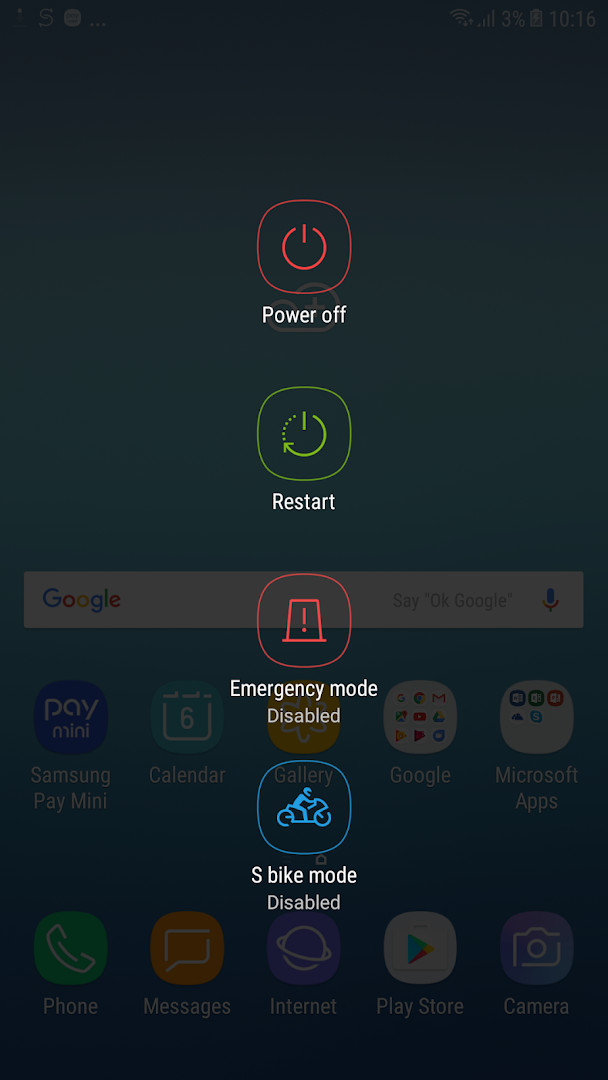
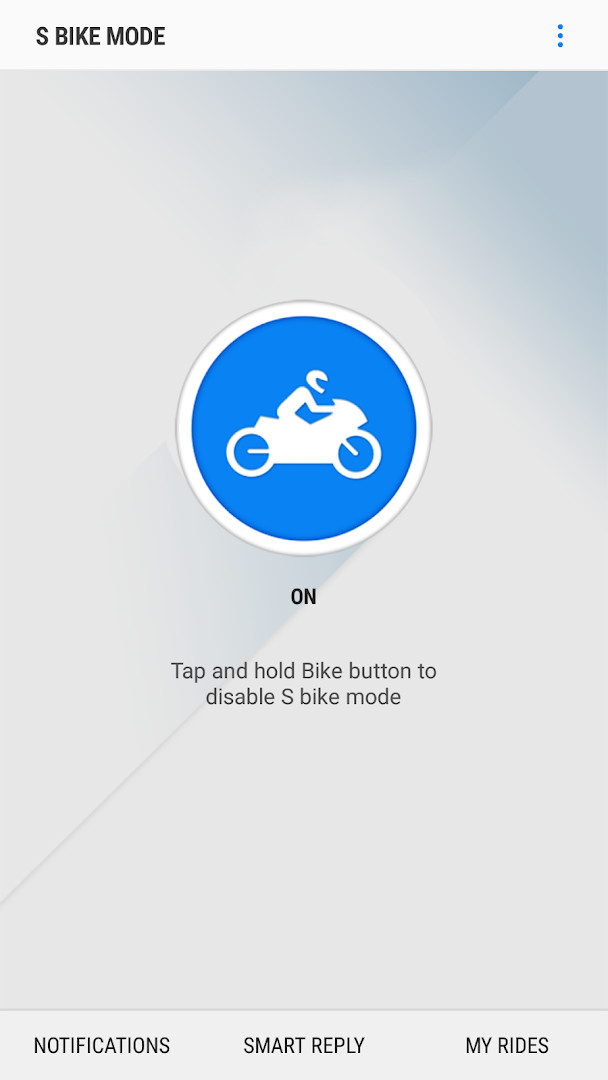
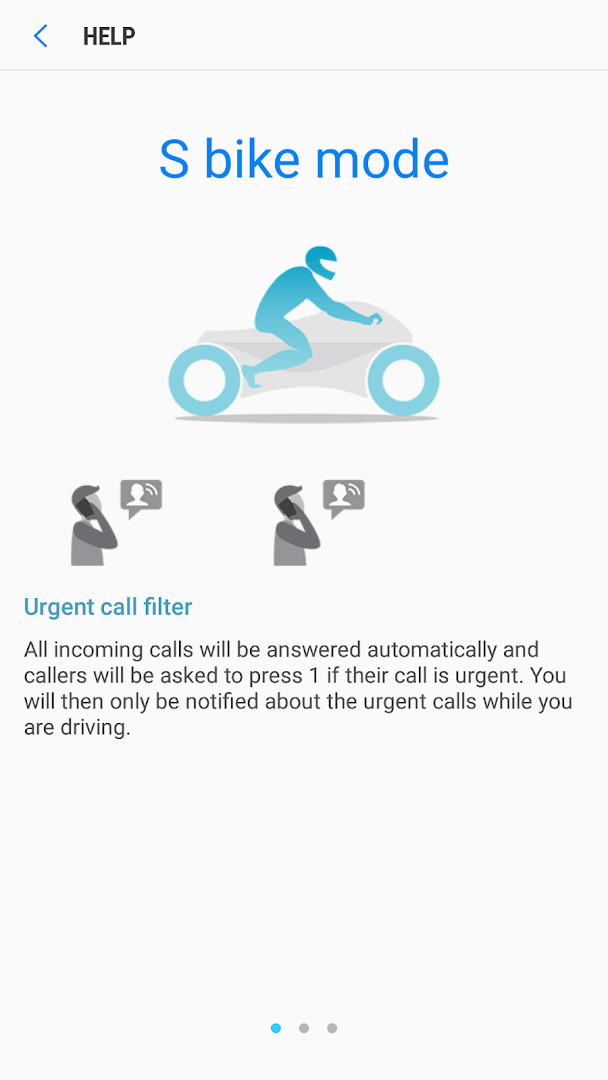
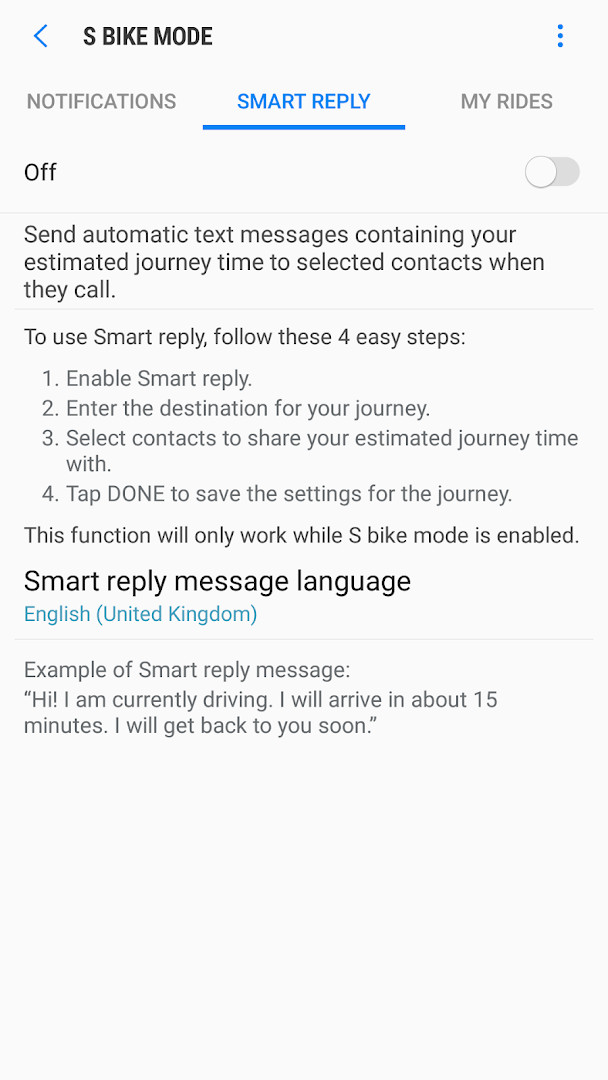
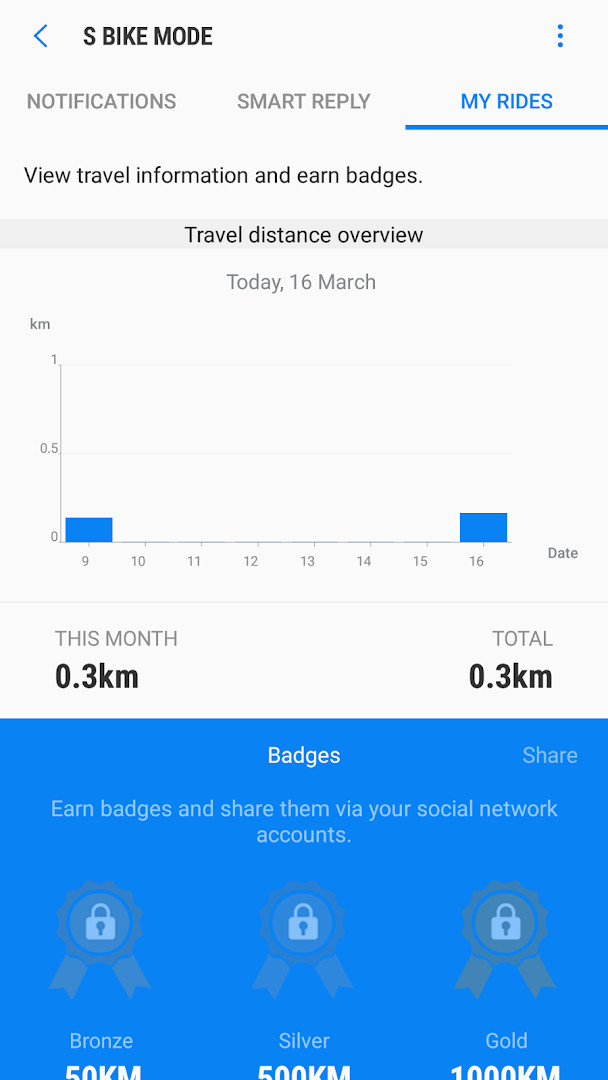
S bike mode is a communications management tool by Samsung R&D Institute India Noida that filters incoming calls and limits device use while a two-wheeler rider is on the road. The problem it addresses is familiar to anyone who rides: constant notifications and spam calls pull attention away from traffic, yet ignoring the phone entirely risks missing something genuinely urgent. The app resolves this conflict by handling calls on the rider's behalf. When the mode is active, incoming calls are answered automatically and the caller hears a message in a language the rider has chosen, asking them to press 1 if the matter is urgent. Only calls that pass that test reach the rider, announced by a ringtone engineered to cut through traffic noise. A motion-based safety mechanism, Motion lock, keeps the device unusable while the vehicle is moving, so the rider must come to a full stop before interacting with the screen. Additional tools cover journey sharing and ride statistics, giving the app a broader role than simple call screening.
Key features
- Urgent call filter that screens incoming calls and surfaces only those the caller flags as urgent
- Automatic answering message played in the rider's chosen language, prompting callers to press 1 for urgent matters
- Motion lock, which blocks device use while the vehicle is in motion and requires a complete halt to unlock
- Priority notifications of missed calls, sorted by urgency and by time
- Smart reply, which sends selected contacts an automatic text message with the estimated journey time when they call
- My rides, showing travel time information and awarding badges for continued use
- Distinctive ringtone tuned to remain audible in noisy traffic conditions
How to install
- Tap the download button on this page to get the APK file.
- When Android prompts you, allow your browser or file manager to install apps by enabling the Install unknown apps setting for that app.
- Open the downloaded APK file from your notifications or file manager.
- Tap Install and wait for the process to finish; the download is about 15 MB.
- Open the app once installation completes. It requires Android 9 or later.
Pros
- Automatic call screening removes the need to decide, mid-ride, whether a call matters
- Motion lock enforces a real break from the screen rather than relying on self-control
- No advertising and no in-app purchases
- Free to use, with a large existing install base and a rating of 4.09 from 12,203 ratings
- Journey-time replies reduce the pressure of repeated calls from people waiting for you
Cons
- Requests a wide set of permissions, including SMS, Phone, Contacts, Location, Microphone, Photos/Media/Files, Storage, Identity and device and call information
- Smart reply messages are sent as standard texts, so carrier message and mobile data charges apply
- Motion lock may frustrate riders who want quick access at a stop
- Tied to the Samsung feature set, so behavior can vary between devices
Latest changes
The update adds support for the Q OS (Android 10) operating system version.
Version history
| Version | Size | Requires Android | Updated |
|---|---|---|---|
| 3.0.19 | 15 MB | 9 | Feb 10, 2025 |
| 1.4.75 | 10 MB | 5.0 | Nov 23, 2016 |
This app suits two-wheeler riders who carry a phone but want to keep their attention on the road, especially those who receive frequent spam or unimportant calls during commutes. It also fits riders whose family or colleagues regularly ask for an arrival time, since Smart reply answers those queries automatically. Experienced users comparing call-management options should weigh the broad permission list against the convenience of automatic screening and the motion-based lock.
Set the answering message language before your first ride and test Smart reply on a short trip to confirm your contacts receive the estimated time as expected. Remember that journey-time texts are billed as ordinary messages. Start a ride only after the mode is fully enabled, since Motion lock will not let you adjust settings once you are moving.
Permissions
FAQ
Is S bike mode free to use?
Yes, the app is free. Its listed price is 0.00 USD, and it includes no ads and no in-app purchases.
Which Android version is required?
S bike mode requires Android 9 (API level 9) as the minimum operating system version.
How large is the app file?
The download size of S bike mode is 15 MB.
What permissions does S bike mode request?
The app requests access to device and app history, identity, contacts, location, SMS, phone, photos/media/files, storage, microphone, Wi-Fi connection information, and device ID and call information.
How do I update S bike mode?
You can update the app by downloading the newest version from this page. The latest available version is 3.0.19, dated 2025-02-10.
S bike mode tackles distraction with a clear rule set: calls are screened automatically, the screen stays locked while moving, and only urgent matters get through. For riders who want fewer decisions on the road, it is a practical and free option worth comparing against simpler do-not-disturb setups.
Similar apps



Updated: Oct 24, 2026