Magazine Lockscreen XOS: Lock Screen Service Tool
Magazine Lockscreen XOS is a lock screen service tool by Transsion Holdings that provides HD pictures and related articles on your lock screen.
Download Now · v15.1.2.26115Magazine Lockscreen XOS serves as a window to wonderful life, offering high-definition images and articles whenever the screen locks. It is designed for Infinix mobile phone users, is free to use, and requires Android 10 or higher. The app has a download size of 100,000,000 installs and includes ads.
- Version
- 15.1.2.26115
- Requires Android
- 10
- Updated
- Sep 10, 2026
- Installs
- 100M+
- Rating
- ★ 3.82 (31,950)
- Category
- News & Magazines
- Developer
- Transsion Holdings
- Content rating
- Everyone
- Package
- com.transsion.magazineservice.xos
- Free
- ✓ · Contains ads
App screenshots
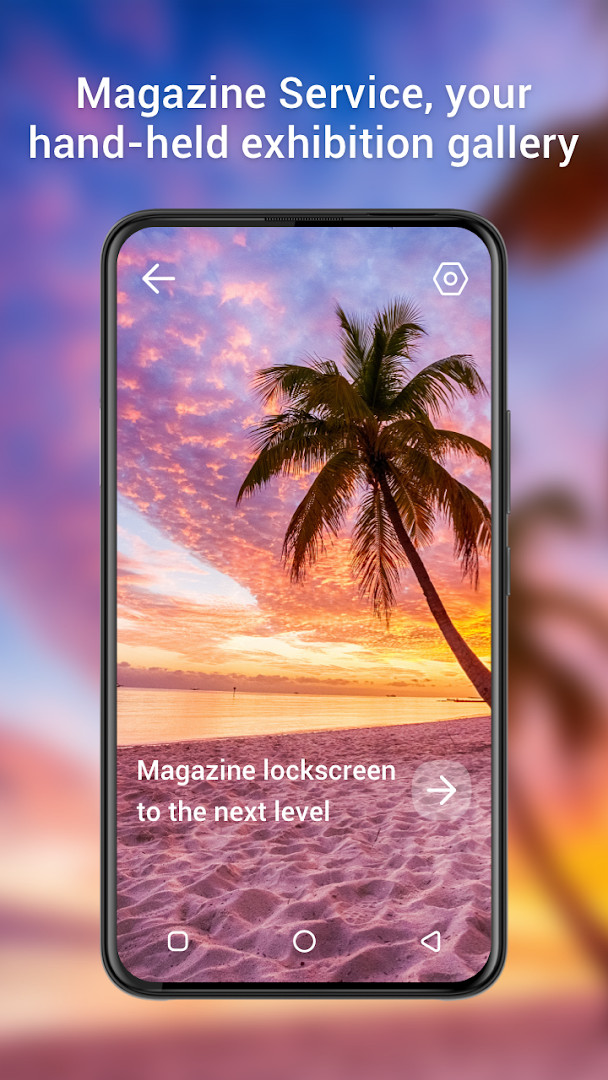
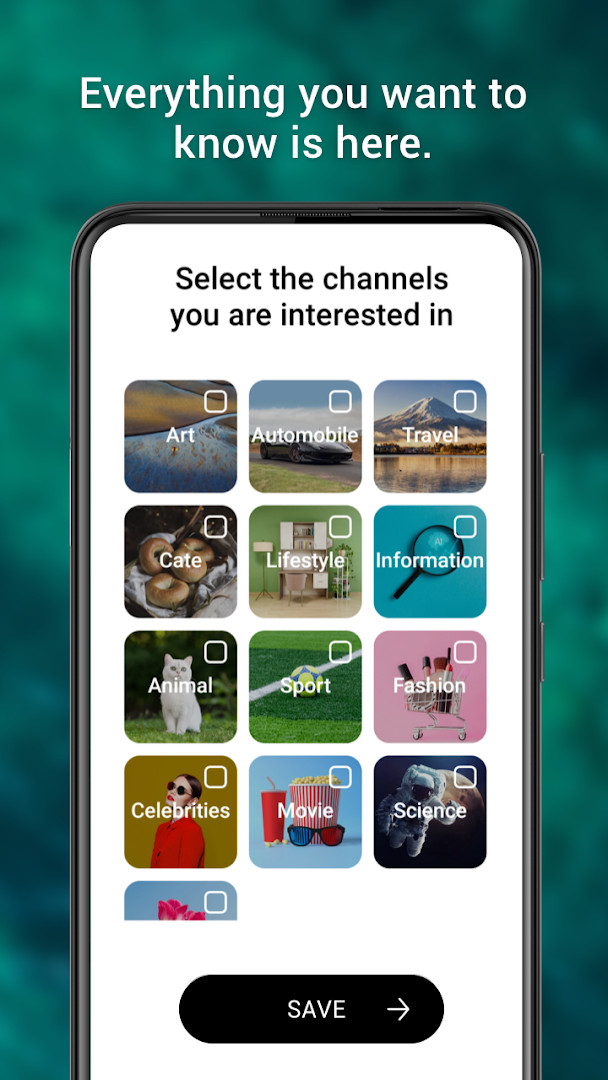
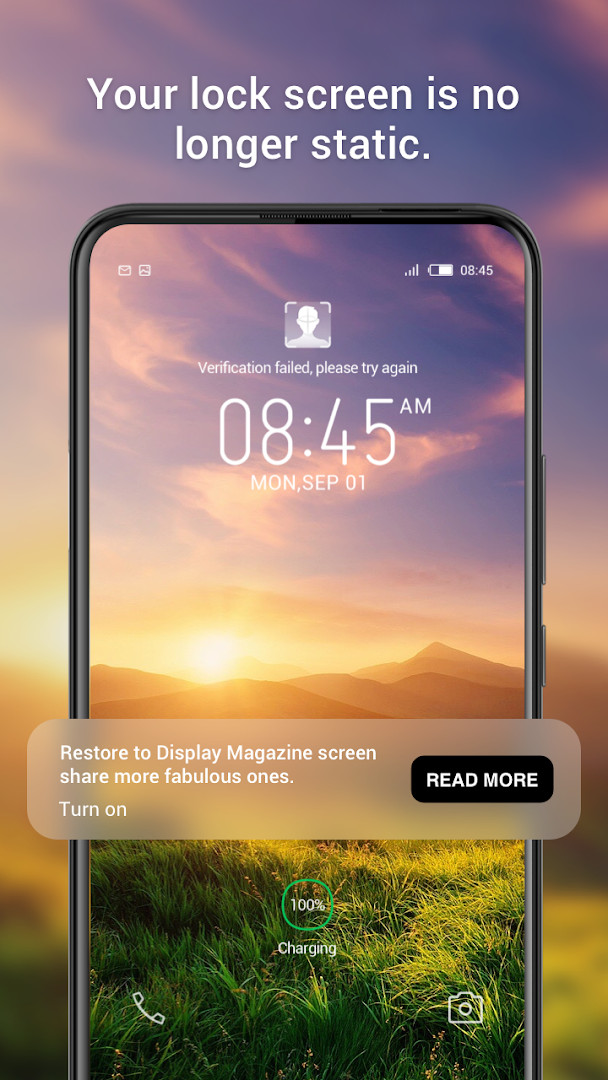
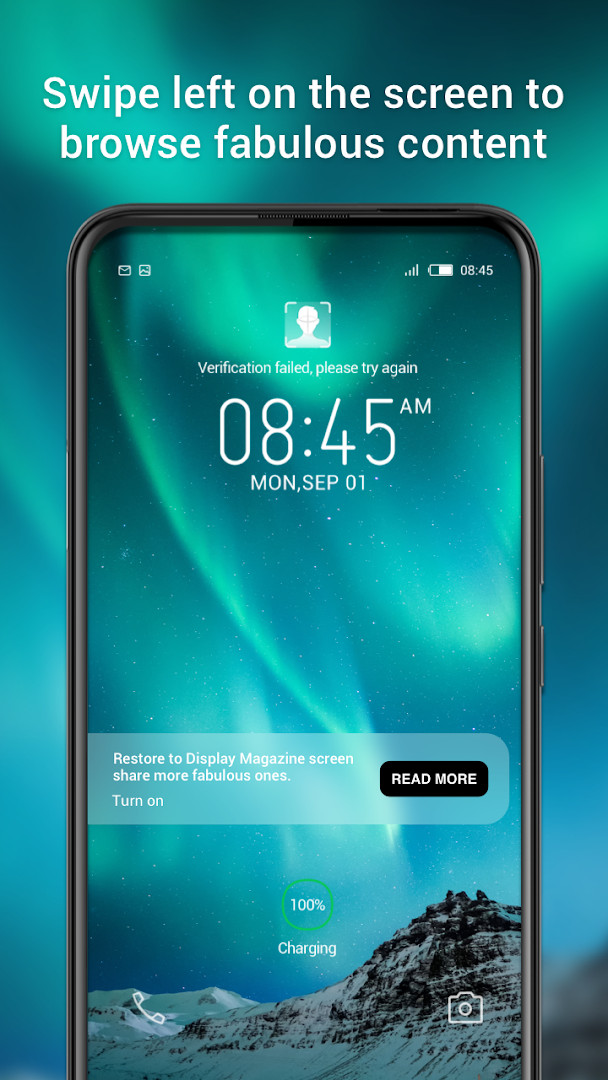
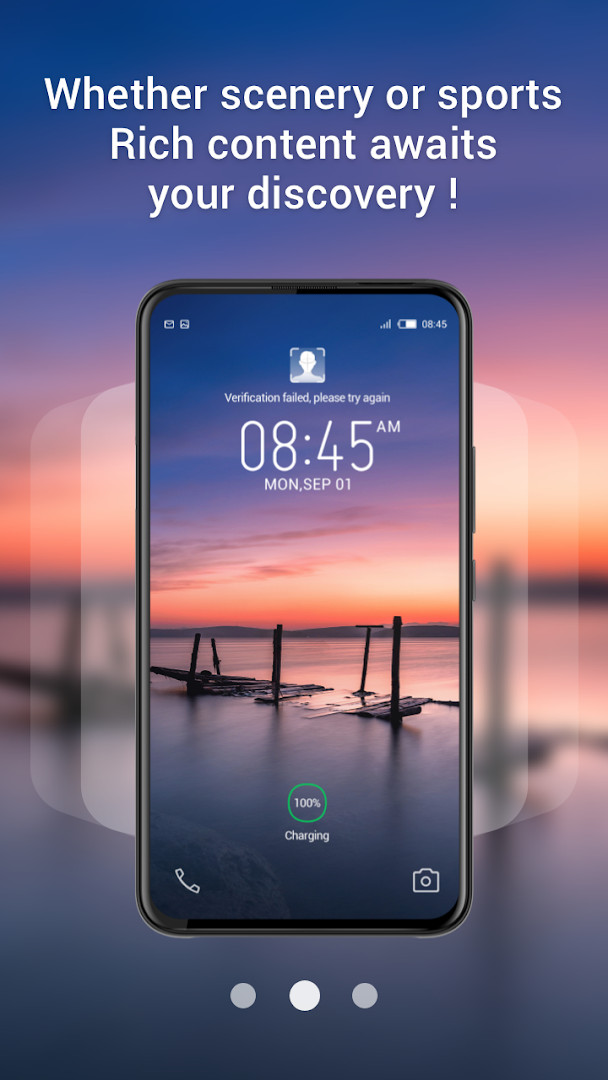
Magazine Lockscreen XOS is a lock screen service tool by Transsion Holdings that brings curated HD images and related articles to the lock screen of Infinix mobile phones. It solves the problem of a static, uninformative lock screen by transforming it into a dynamic window to interesting content. When the device is locked, the app presents high-quality pictures alongside short reads, turning an otherwise idle moment into a brief discovery session. The app is designed specifically for Infinix users and integrates with the system to refresh the lock screen automatically, offering a simple way to encounter new visuals and stories without opening a separate app.
Key features
- Displays high-definition images on the lock screen whenever the device is locked
- Pairs each image with a related article for a combined visual and reading experience
- Designed specifically for Infinix mobile phones to integrate with the system lock screen
- Refreshes lock screen content automatically to provide a new window each time
- Optimized user experience in the latest update to improve overall interaction
- Requires only Wi-Fi connection information permission to manage content updates
How to install
- Tap the download button on this page to get the APK file.
- When Android prompts, allow your browser or file manager to install apps by enabling the 'Install unknown apps' setting.
- Open the downloaded APK file from your notifications or file manager.
- Tap Install and wait for the process to complete; the app size is not specified in the available data.
- Open the app from your app drawer or home screen.
- Ensure your device runs Android 10 or higher to meet the minimum system requirement.
Pros
- Transforms a static lock screen into a source of fresh content
- Offers both visual and textual material in one place
- Requires only minimal permissions (Wi-Fi connection information)
- Free to use with no in-app purchases
- Backed by a large user base, indicating widespread adoption
Cons
- Includes ads, which may interrupt the experience
- Limited to Infinix devices, excluding other Android users
- Relies on the lock screen, which may not suit those who prefer minimal notifications
- Content curation may not match every user's taste
Latest changes · 15.1.2.26115
Version 15.1.2.26115 focuses on improving the overall user experience. The update refines how the lock screen service operates, aiming for smoother interaction. No new features or content categories are mentioned. This release is a refinement pass rather than a major overhaul, keeping the core functionality of delivering HD pictures and articles intact for Infinix device owners.
Version history
| Version | Size | Requires Android | Updated |
|---|---|---|---|
| 15.1.2.26115 | — | 10 | Sep 10, 2026 |
This app is for Infinix smartphone owners who want to make their lock screen more engaging and informative. It appeals to people who enjoy flipping through high-quality photography and short articles during idle moments, such as when picking up the phone or waiting for a notification. If you find a plain lock screen dull and appreciate a bit of visual variety with a reading component, this tool offers a convenient way to add that without extra effort. It is also suitable for users who like a passive content feed that requires no active searching, as the app automatically presents new material each time the screen locks.
To get the most out of the lock screen content, ensure your device has a stable Wi-Fi connection so images and articles load smoothly. You can adjust how often the content refreshes in the app settings if available, to match how frequently you check your phone.
Permissions
FAQ
Is Magazine Lockscreen XOS free to use?
Yes, the app is free and costs $0.00. It does include ads, but there are no in-app purchases.
What Android version is required?
The app requires Android 10 or higher as its minimum operating system version.
What permissions does the app request?
The only permission listed is access to Wi-Fi connection information.
How do I update the app?
The current version is 15.1.2.26115, released on 2026-09-10. When a newer version becomes available, you can download it from this page.
Do I need to create an account to use it?
The available information does not mention any account requirement for using the app.
Magazine Lockscreen XOS delivers a straightforward way to personalize the lock screen with curated images and articles, tailored for Infinix users. It is a practical tool for those who enjoy a bit of visual and textual variety, though the presence of ads and device limitation should be kept in mind.
Similar apps




More from this developer
Updated: Oct 25, 2026