Weather: Local Forecasts and Alerts
Weather is a free weather app by ColorOS that provides current conditions and forecasts for locations worldwide.
Get Weather · v16.46.2Weather is a free app from ColorOS that requires Android 9 or newer and shows ads. It covers current conditions and forecasts for more than 700,000 cities, along with hour-by-hour and 15-day outlooks, precipitation, air quality, clothing advice, and severe weather warnings.
- Version
- 16.46.2
- Requires Android
- 9
- Updated
- 21.09.2026
- Installs
- 1B+
- Rating
- ★ 3.85 (74 553)
- Category
- Weather
- Developer
- ColorOS
- Content rating
- Everyone
- Package
- com.coloros.weather2
- Free
- ✓ · Contains ads
Screenshots
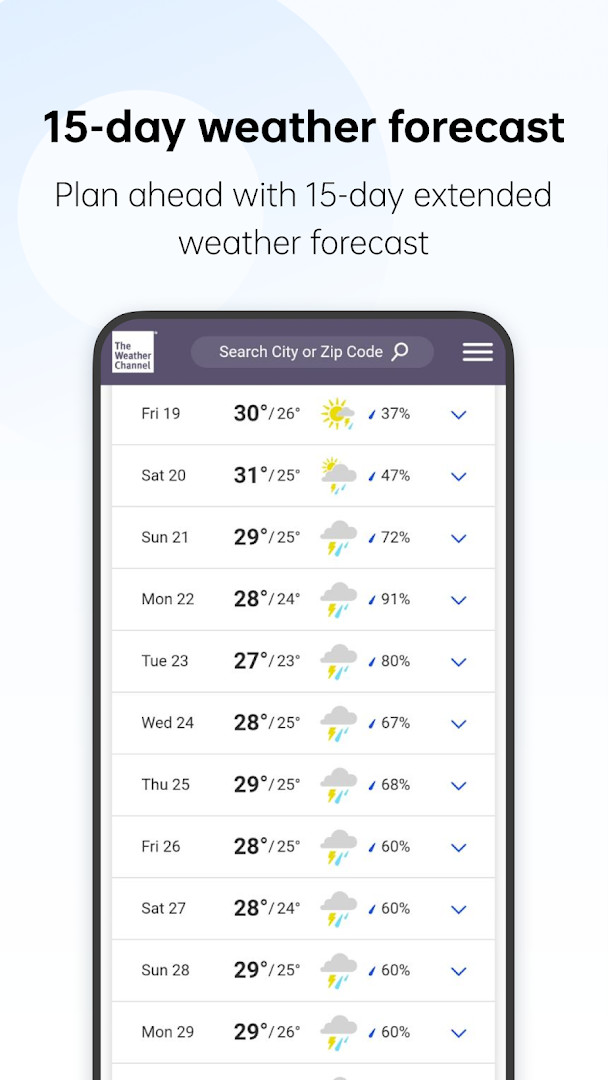
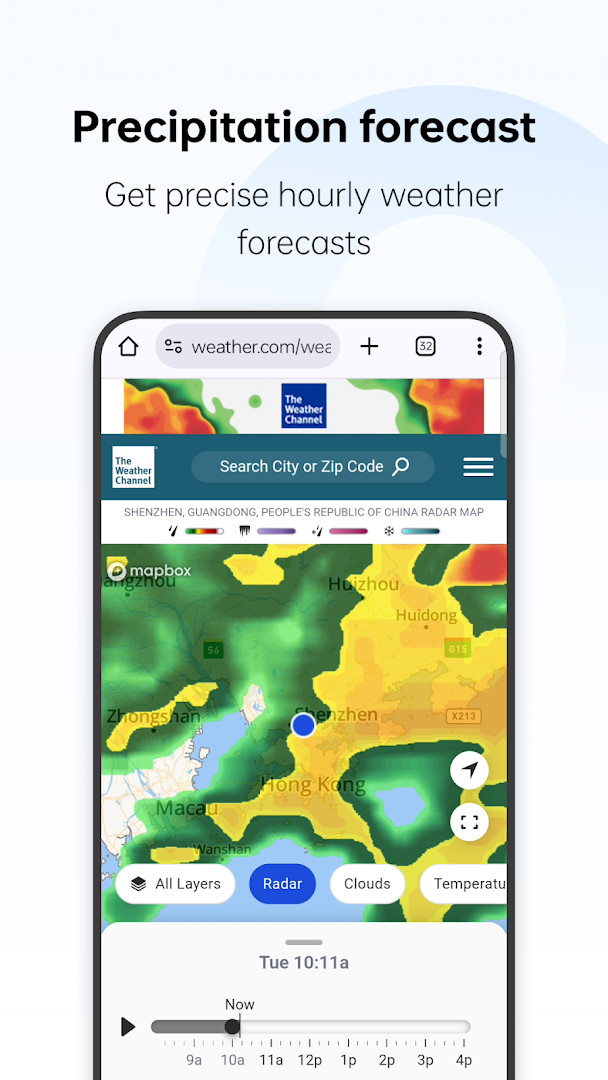
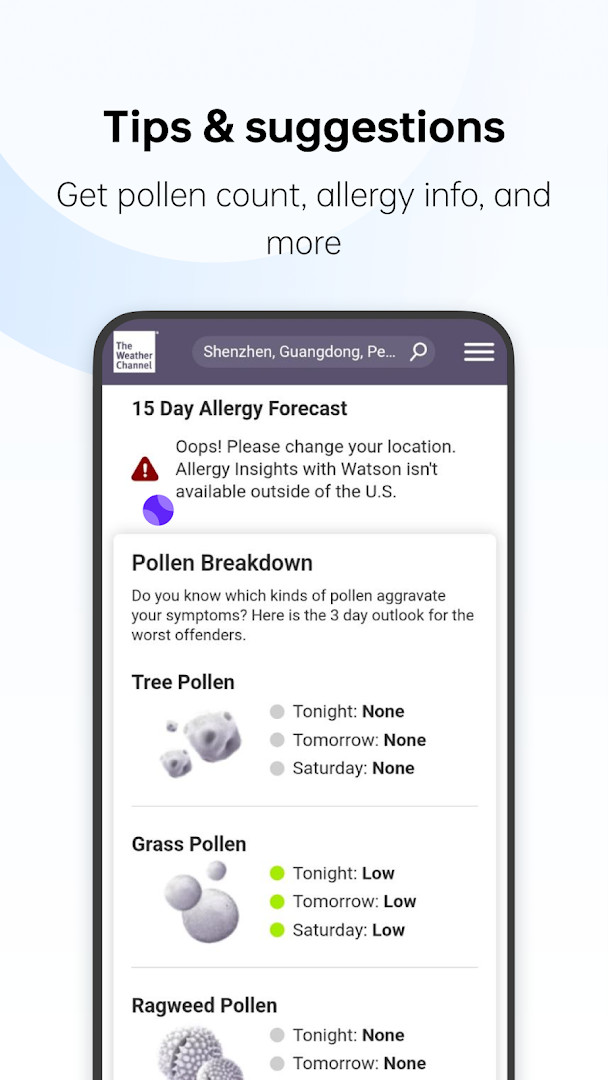
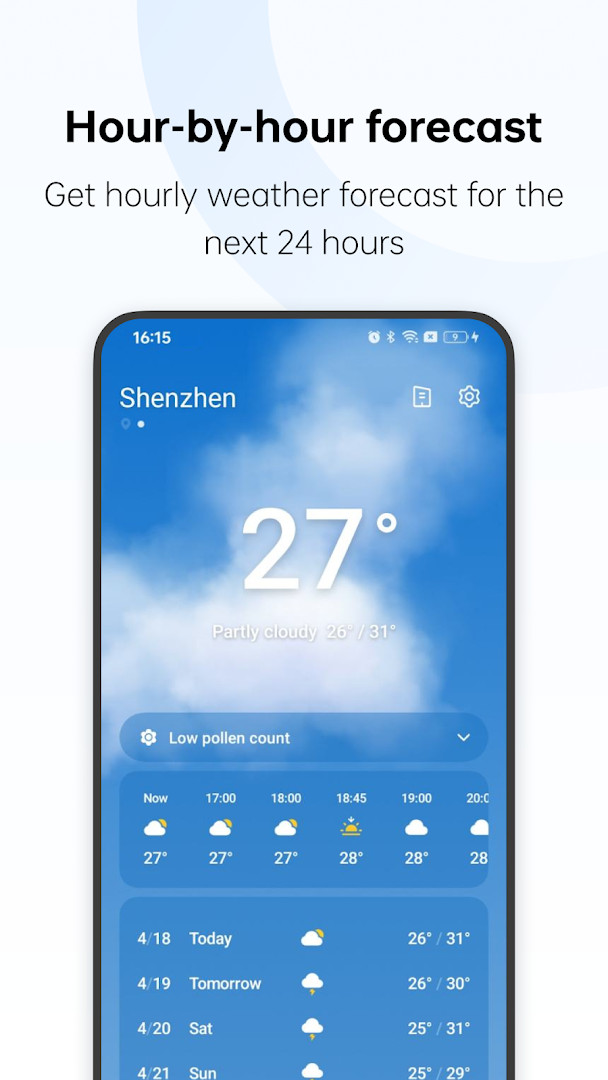
Weather is a free, ad-supported weather app by ColorOS that provides current conditions and forecasts for locations around the world. It was first released in May 2023 and most recently updated in September 2026; the current version is 16.45.2. The app runs on Android 9 and newer, has a content rating of Everyone, and has been installed more than a billion times.
The app covers more than 700,000 cities and includes hour-by-hour and 15-day forecasts, precipitation data, air quality readings, and clothing suggestions based on weather conditions. Severe weather warnings are built in to help users prepare in advance, and the service is free with advertisements and no in-app purchases. It holds a community rating of 3.85 from roughly 74,000 ratings, reflecting generally positive but mixed experiences.
From a privacy perspective, the permission list is notably short: the app requests access to your location and Wi-Fi connection information. Location is used to show current weather for your area, while Wi-Fi details can help the app estimate a general position even when precise GPS is off. You can review and deny these permissions during install or later in Android settings, keeping in mind that local forecasts depend on location access. Overall, this is a straightforward tool for daily weather checks and trip planning.
Key features
- Current weather and forecasts for more than 700,000 cities around the world.
- Hour-by-hour and 15-day forecast views with precipitation details.
- Air quality information for a more complete picture of outdoor conditions.
- Weather-based clothing advice to help you dress appropriately.
- Severe weather warnings to help you stay prepared for storms or other hazards.
- Free to use with advertisements and no in-app purchases.
- Compatible with devices running Android 9 or later (current version 16.45.2).
How to install
- Tap the download button on this page to begin saving the app package to your device.
- If Android prompts you, allow your browser or file manager to install unknown apps by enabling the 'Install unknown apps' setting for that app.
- Open the downloaded APK file from your notifications or from your file manager.
- Tap Install and wait for the installation to complete.
- Once installed, open the app and optionally grant location permission when asked.
- Note that the app requires Android 9 or higher; the file size is not specified, so be sure your device has enough free storage.
Pros
- Only two permissions are requested, keeping the privacy footprint small.
- Global coverage with forecasts for over 700,000 cities.
- Includes air quality data and clothing advice beyond standard weather info.
- Severe weather warnings help with safety planning.
- Free to use with no in-app purchases.
- Hour-by-hour and 15-day time horizons cover both immediate and longer-term planning.
Cons
- Contains advertisements, which may interrupt the experience.
- Location access is required for localized conditions, which some users may be reluctant to grant.
- Does not support devices running Android 8 or older.
- Community rating is 3.85 out of 5, indicating mixed feedback from users.
What's New · 16.46.2
Version 16.45.2 of Weather brings a handful of fixes for known issues, aimed at smoothing out the overall experience. If you've encountered any glitches or slow behavior in the app, this update should help make things run more reliably.
Other Versions
| Version | Size | Requires Android | Updated |
|---|---|---|---|
| 16.46.2 | — | — | 21.09.2026 |
| 16.45.2 | — | — | 21.09.2026 |
| 15.16.19 | 27 MB | 9 | 22.05.2026 |
| 15.16.10 | 41 MB | 9 | 09.06.2025 |
| 14.4.2 | 28 MB | 10 | 25.12.2023 |
| 13.10.6 | 32 MB | 11 | 18.07.2023 |
Weather is for anyone who wants a free, all-in-one forecast app with global city coverage, detailed short-term and 15-day outlooks, air quality information, and severe weather alerts. It suits frequent travelers who check conditions across many locations, as well as everyday users who prefer an app with a minimal set of permissions and do not mind seeing ads.
Before installing, think about whether you are comfortable granting location access; if you proceed, choose 'While using the app' to limit background tracking rather than allowing access all the time. The Wi-Fi connection information is generally used to estimate your approximate area, so forecasts can still work when precise GPS is disabled. Enable notifications in the app if you want to receive severe weather warnings promptly.
Permissions
Frequently Asked Questions
Is Weather free to download and use?
Yes, the app is completely free. There are no in-app purchases, though it does display ads.
What Android version do I need to install Weather?
Weather requires Android 9 (API level 28) or newer to run.
How large is the APK file for Weather?
The file size is not specified in the available data. You can download it directly from this page.
Do I need to create an account to use Weather?
No, Weather does not require an account. You can download and start using the app without signing up.
What permissions does Weather request?
Weather asks for access to your location and Wi-Fi connection information to provide local forecasts and updates.
How do I update Weather to the latest version?
The current version is 16.45.2, released on September 21, 2026. To update, simply download the new version from this page when it becomes available.
Weather by ColorOS is a free, ad-supported forecast app that pairs worldwide city coverage with handy extras such as air quality data, clothing advice, and severe weather alerts, all while keeping its requested permissions to location and Wi-Fi connection information.
Similar Apps

Updated: 26.10.2026