Ludo King®: Classic Board Game
Ludo King® is a board game by Gametion that lets you play the classic dice game of Ludo with friends, family, and kids.
Download Ludo KingLudo King® is a casual board game for Android that combines the traditional Ludo experience with Snakes and Ladders and various game themes. It supports 2 to 6 players in online multiplayer, local pass-and-play, and offline play against a computer, making it suitable for families and friends.
- Requires Android
- 7.0
- Updated
- Nov 6, 2026
- Installs
- 1B+
- Rating
- ★ 4.13 (10,339,971)
- Category
- Casual
- Developer
- Gametion
- Content rating
- Everyone
- Package
- com.ludo.king
- Free
- ✓ · Contains ads · In-app purchases
App screenshots
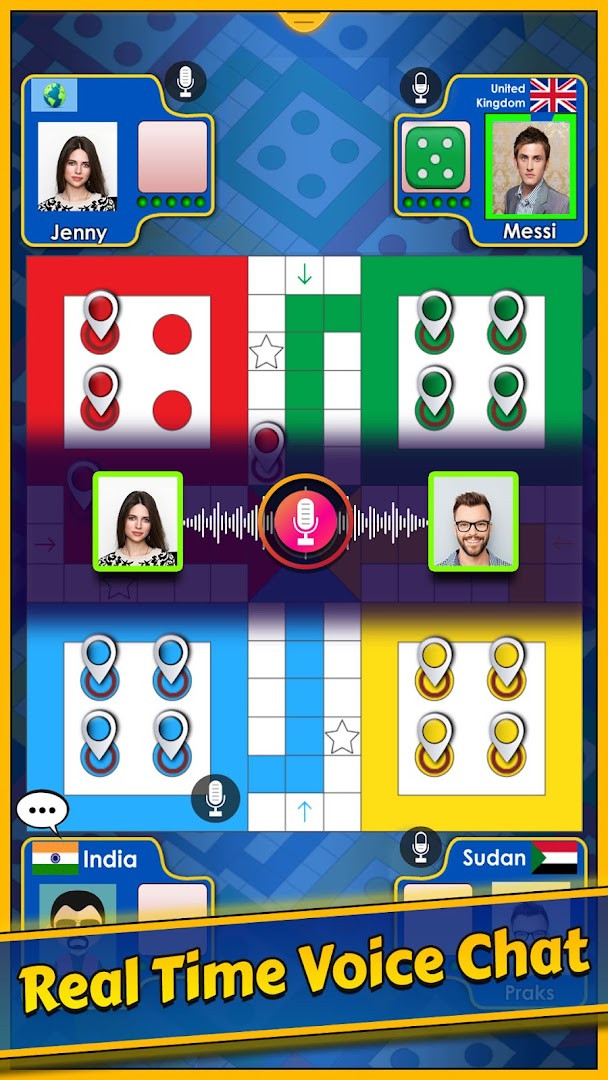




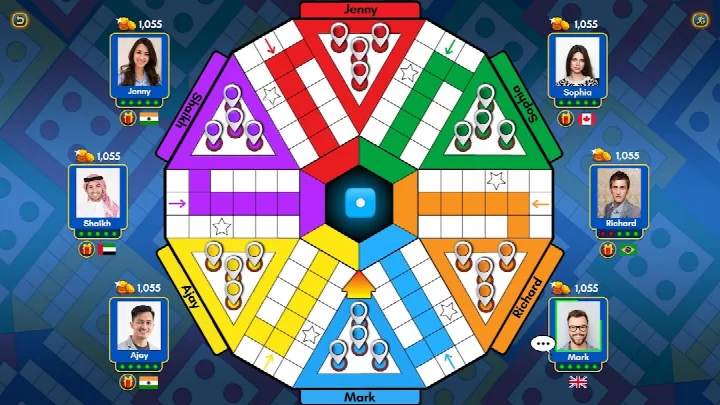

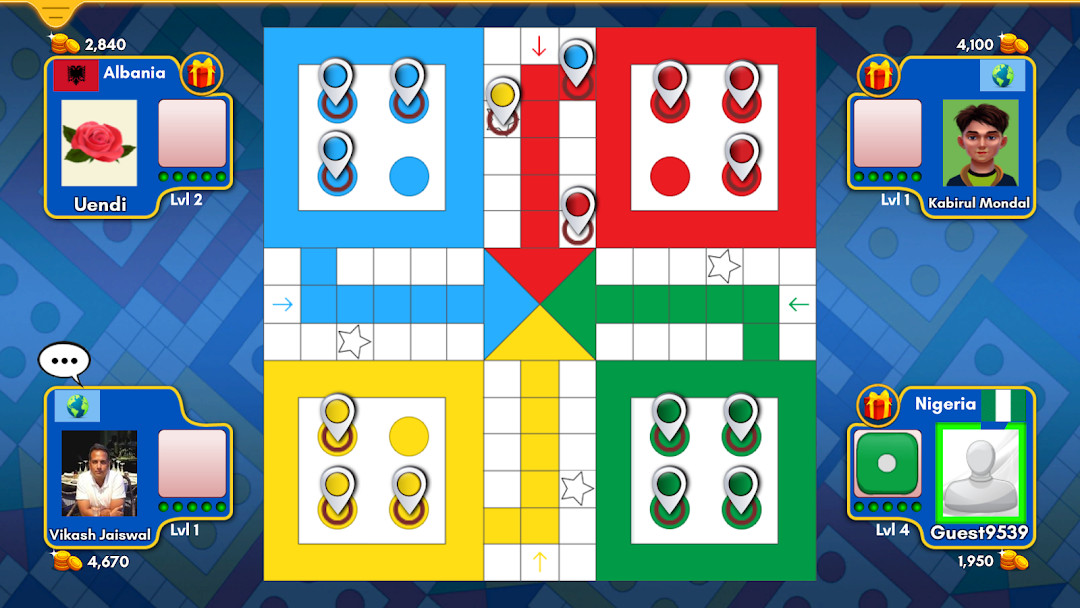
Ludo King® is a casual board game by Gametion that brings the classic dice-and-tokens game of Ludo to mobile devices. It recreates the traditional gameplay where players roll dice and move their pieces around the board, aiming to reach the center before opponents. The app also includes a version of Snakes and Ladders, making it a two-in-one package for fans of classic board games. Since its release in December 2016, it has grown into one of the most popular casual games, with over a billion installs and more than ten million ratings. The game supports both offline and online play, so you can enjoy it solo against the computer, with friends on the same device, or with players from around the world. Recent updates have introduced a social chat feature with text and voice, a quick mode for faster matches, and monthly seasons that add fresh goals and rewards. The developer has also added many themed boards, such as Nature, Egypt, and Christmas, to keep the visual experience varied. The interface has been made more user-friendly, and the game now runs better on low-end devices, broadening its appeal.
Key features
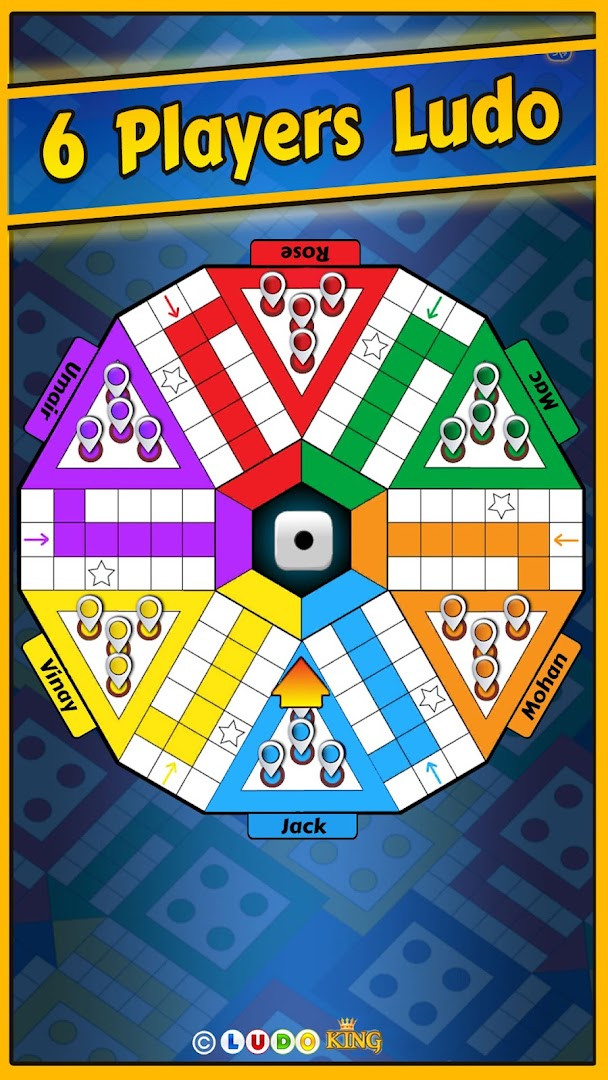
- Supports 2, 3, 4, 5, and 6 players in online Ludo mode
- Offers 2, 3, and 4 player modes for Snakes and Ladders
- Includes an 8-player tournament option
- New Ludo season released each month with fresh content
- Daily goals reward free dice, coins, and diamonds
- Offline play against the computer without needing an internet connection
- Local multiplayer pass-and-play mode for family and friends
- Social chat with text and voice for connecting with other players
- Worldwide player search to find opponents easily
- Save and load game option to continue matches later
How to install
- Tap the download button on this page to get the APK file for Ludo King®.
- When your Android device asks for permission, allow your browser or file manager to install apps by enabling the 'Install unknown apps' setting.
- Open the downloaded APK file from your notifications or downloads folder.
- Tap Install and wait for the installation to complete; the app requires Android version 7.0 or higher.
- Once installed, open the app from your home screen or app drawer and start playing.
Pros
- Free to download and play
- Works offline against the computer
- Supports up to six players in local multiplayer
- Includes Snakes and Ladders as a bonus game
- Regular updates with new themes and modes
- Large active player base for online matches
Cons
- Contains ads that may interrupt gameplay
- Offers in-app purchases for coins, diamonds, and other items
- Requires microphone permission for voice chat features
- Some features may need a stable internet connection to work fully
Latest changes
This update introduces a new game mode for Ludo King, giving players another way to enjoy the classic board game. Along with the new mode, the latest release also includes general bug fixes to improve overall performance and stability. If you're looking for fresh gameplay options or smoother sessions, this version is worth checking out.
This game is ideal for casual players who enjoy classic board games, families looking for a fun activity to share together, and anyone who wants a quick, nostalgic pastime on their phone or tablet.
Start with offline mode against the computer to learn the rules and practice your strategy before jumping into online matches with other players.
Permissions
FAQ
Is Ludo King free to download and play?
Yes, the app is free to download and play, with optional in-app purchases available. It also contains ads.
What Android version do I need to install Ludo King?
The app requires Android 7.0 or higher to run. Make sure your device meets this minimum system requirement before installing.
Do I need an account to play Ludo King?
No, you can play without an account, including offline mode against the computer or local multiplayer with friends. However, some online features may encourage you to connect with social accounts.
What permissions does Ludo King request?
The app requests access to your microphone. This is used for voice chat features, such as talking with friends in the Adda club or during multiplayer games.
How do I update Ludo King to the latest version?
To update, simply download the newest version of the app from this page and install it over your current installation. Your game progress and settings are typically preserved during the update.
Does Ludo King require an internet connection?
No, an internet connection is not required. You can play offline against the computer or in local pass-and-play mode with family and friends.
Ludo King® is a solid choice for anyone who loves traditional board games and wants a reliable mobile version. It combines the classic Ludo experience with Snakes and Ladders, offers both offline and online play, and keeps things fresh with regular updates and themes. While ads and in-app purchases are present, the core game is free and enjoyable for casual sessions with friends or family.
Similar apps




Updated: Nov 17, 2026