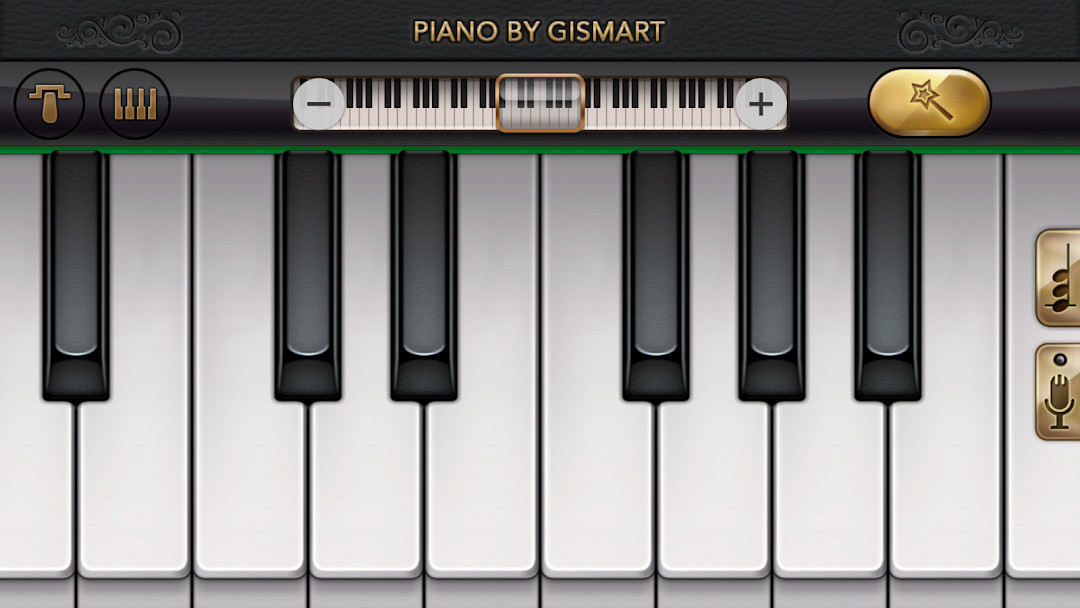

Piano - Music Keyboard & Tiles: Music Simulator
Piano - Music Keyboard & Tiles is a music simulator by Gismart that lets you learn chords and notes through virtual instruments and mini-games.
Download Piano · v1.75Piano - Music Keyboard & Tiles offers a full 88-key keyboard, multiple instrument sounds, and two mini-games, Magic Tiles and Magic Keys, to help you practice timing and tempo. It is suitable for beginners and casual players who want to learn piano without formal lessons.
- Version
- 1.75
- Requires Android
- 10
- Updated
- Dec 24, 2025
- Installs
- 100M+
- Rating
- ★ 4.12 (1,333,123)
- Category
- Music
- Developer
- Gismart
- Content rating
- Everyone
- Package
- com.gismart.realpianofree
- Free
- ✓ · Contains ads · In-app purchases
App screenshots
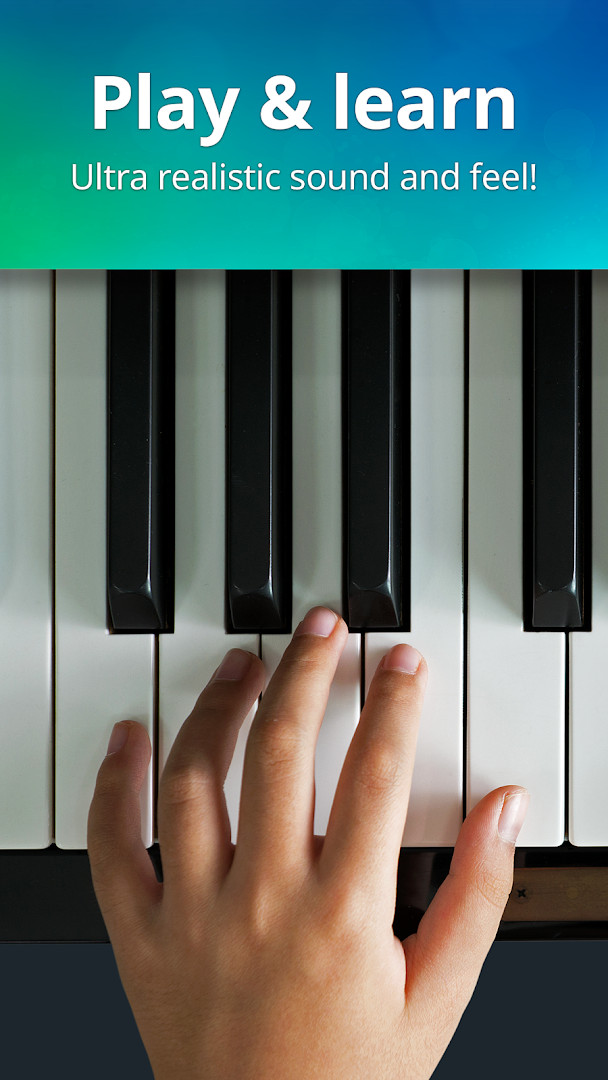
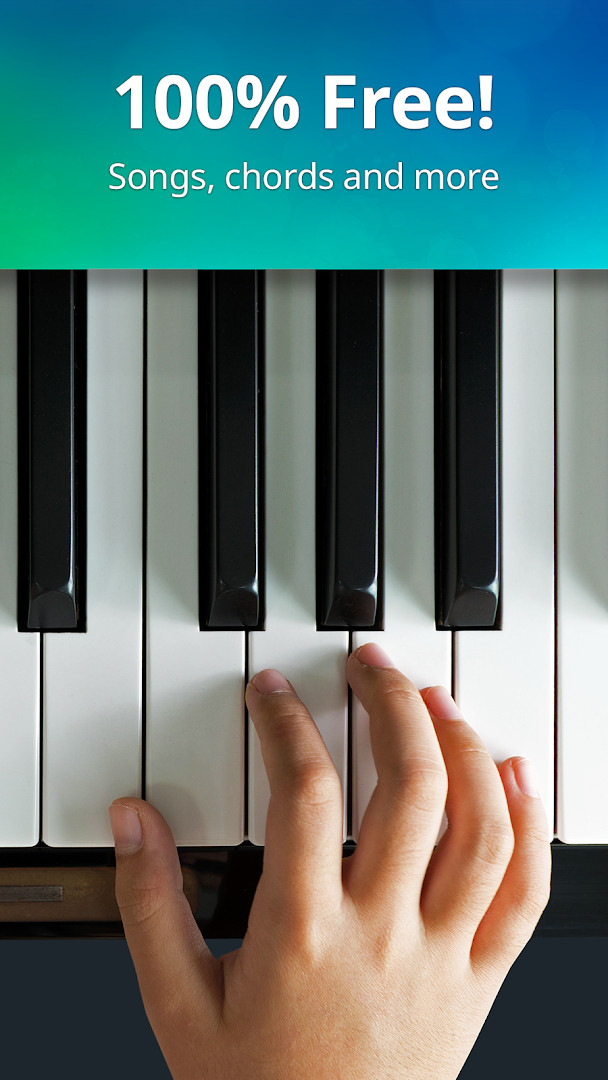
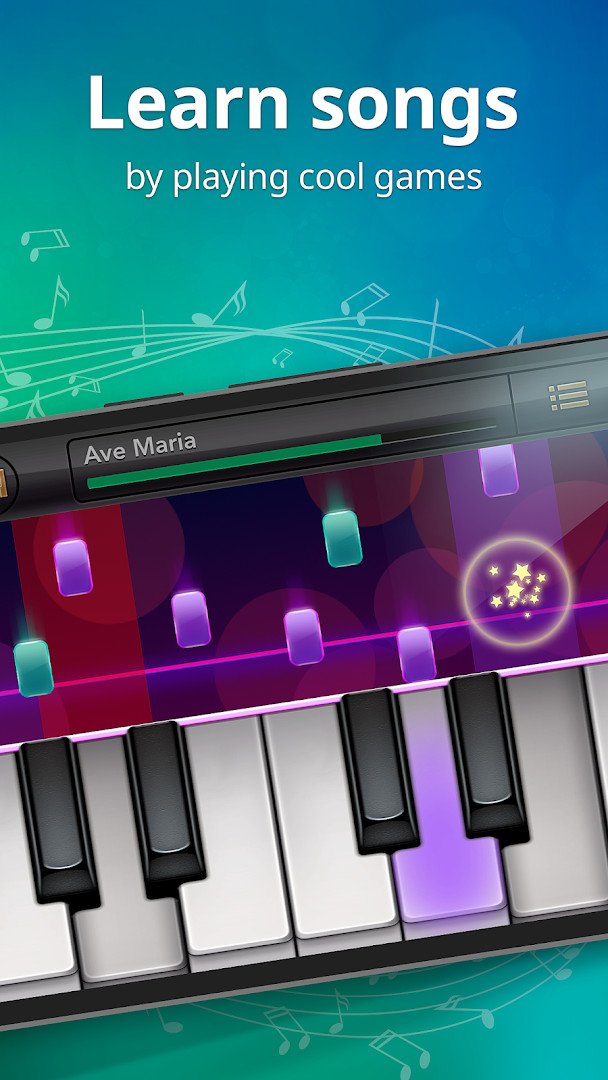
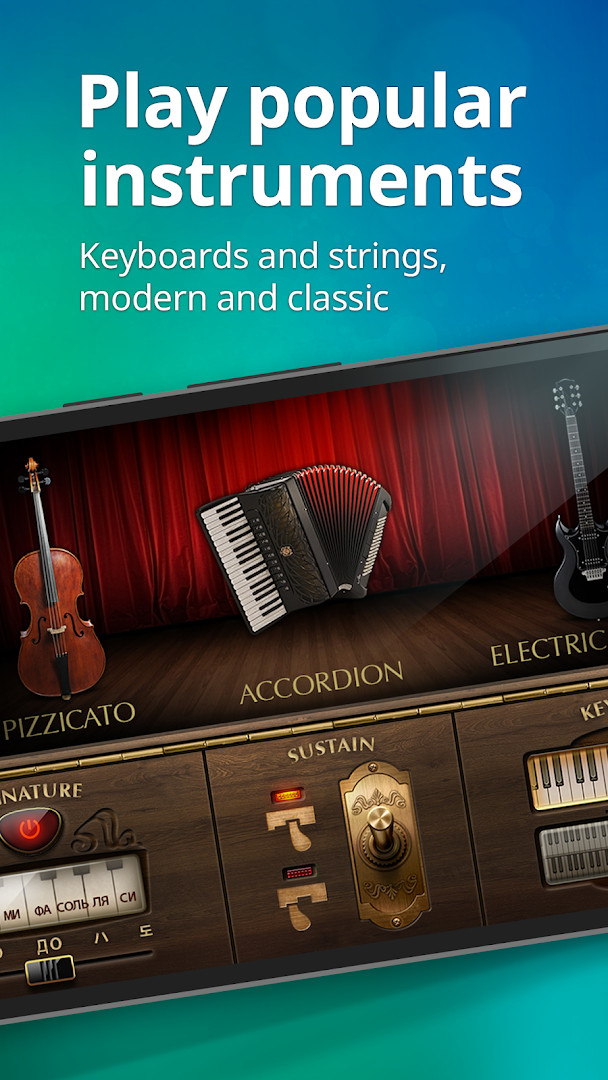
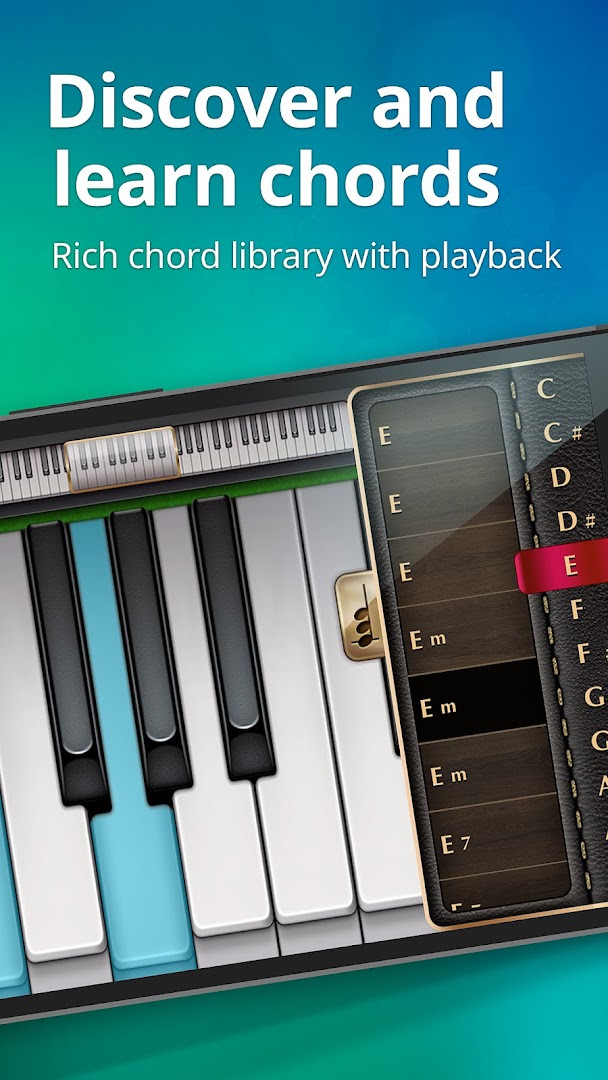
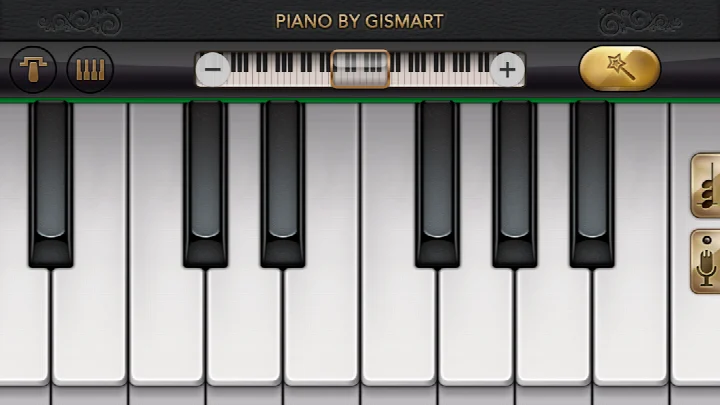
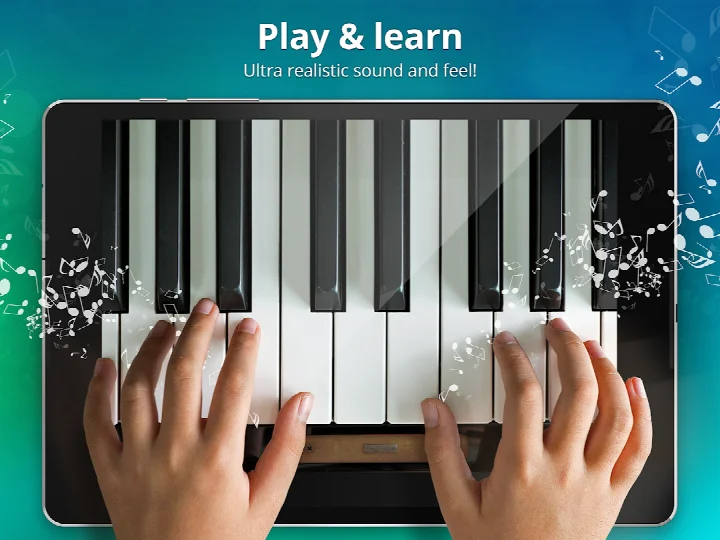
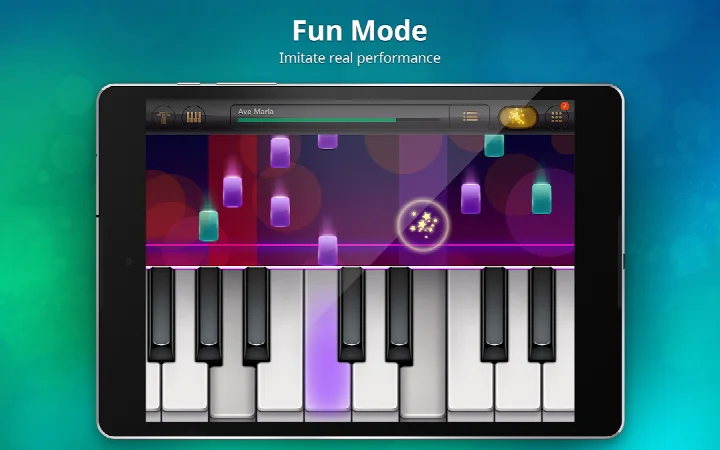
Piano - Music Keyboard & Tiles is a virtual instrument simulator by Gismart that turns your Android device into a playable piano keyboard, complete with multiple instrument sounds and game-like learning modes. It addresses the lack of time or access to a physical piano by offering a full 88-key keyboard and structured lessons directly on your phone or tablet. The app solves the challenge of learning chords and reading sheet music through interactive mini-games, including Magic Tiles and Magic Keys, which guide you through popular and classic songs. It also provides a recording feature so you can capture your performances and share them on social platforms, making it a portable practice tool for beginners and casual players.
Key features
- Full 88-key keyboard with single or dual scrollable layouts
- 9 different keyboard and instrument sounds, including Grand Piano, Organ, Harpsichord, Accordion, Electric Guitar, Harp, Cello Pizzicato, and Vintage Piano
- Magic Tiles and Magic Keys mini-games for learning timing and tempo
- Built-in library of free popular and classic songs
- Record your performances and play them back through different instruments
- Share your recordings on social media, including a safe space for children and adults
How to install
- Tap the download button on this page to get the APK file.
- When Android prompts, allow your browser or file manager to install apps by enabling the 'Install unknown apps' setting.
- Open the downloaded APK file from your notification bar or file manager.
- Tap Install and wait for the installation to complete (file size is not specified).
- Open the app from your app drawer and start playing.
Pros
- Free to download and play
- Wide selection of instrument sounds
- Interactive mini-games make learning engaging
- Recording and sharing features add creative value
- Suitable for all ages with a content rating of Everyone
Cons
- Contains ads, which may interrupt the experience
- In-app purchases are present, potentially limiting some features
- Requires access to device history, storage, and Wi-Fi information
- Some users may find the ad-supported model intrusive
Latest changes · 1.75
Version 1.75 of Piano - Music Keyboard & Tiles focuses on behind-the-scenes reliability work. The developers addressed bugs that were reported by users and applied general stability improvements. They also recommend keeping the app updated so you always have access to the latest features.
Version history
| Version | Size | Requires Android | Updated |
|---|---|---|---|
| 1.75 | — | 10 | Dec 24, 2025 |
This app is ideal for beginners who want to learn piano basics without formal lessons, as well as for casual musicians who enjoy experimenting with different instrument sounds. It's also a good fit for children and adults looking for a safe, gamified way to practice timing and melody recognition. If you're an experienced player, the 88-key keyboard and recording features offer a convenient way to practice on the go, though the mini-games may feel too basic for advanced use.
For the best experience, use headphones to hear the instrument sounds clearly and practice in a quiet environment. Try the Magic Keys mode first if you're new, as it helps you build rhythm before moving to full songs.
Permissions
FAQ
Is the app free to download and use?
Yes, the app itself is free to download and use. It offers optional in-app purchases and displays ads.
What Android version is required?
The app requires Android 10 or a newer version.
What permissions does the app request?
The app asks for access to device and app history, photos/media/files, storage, and Wi-Fi connection information.
Do I need to create an account to use the app?
No, the app can be used without an account. However, some features like sharing your recordings may require a separate social media account.
How do I update the app?
To update, simply download the new version from this page and install it over the current one. This will keep your settings and progress.
Is the app free of ads?
No, the app contains ads. It is free to use but supported through advertising and optional in-app purchases.
Piano - Music Keyboard & Tiles offers a solid, feature-rich way to learn and play piano on your Android device, with a variety of sounds and game modes to keep you engaged. While ads and in-app purchases are present, the core functionality remains free and accessible for most users.
Similar apps


Updated: Oct 25, 2026