

eFootball™ for Android
eFootball™ is a sports game from KONAMI for online soccer matches.
Download eFootball™ · v11.1.1eFootball™ is for fans who want a soccer game that connects players worldwide. The app costs nothing to download, requires Android 7.0 or higher, and needs about 3.1 GB of free storage to install.
- Version
- 11.1.1
- Requires Android
- 7.0
- Updated
- Oct 13, 2026
- Installs
- 100M+
- Rating
- ★ 4.13 (19,229,819)
- Category
- Sports
- Developer
- KONAMI
- Content rating
- Everyone
- Package
- jp.konami.pesam
- Free
- ✓ · Contains ads · In-app purchases
App screenshots

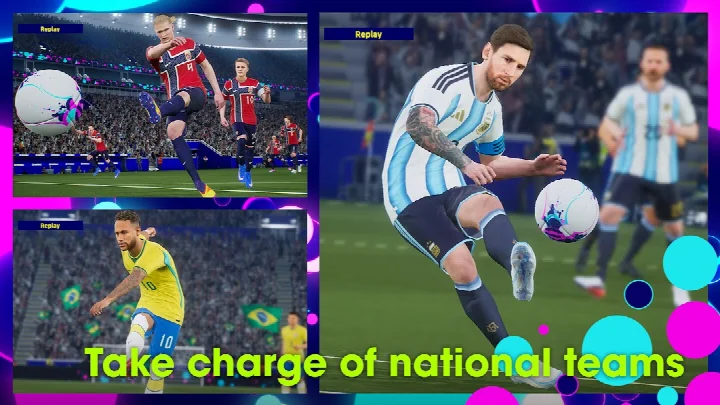


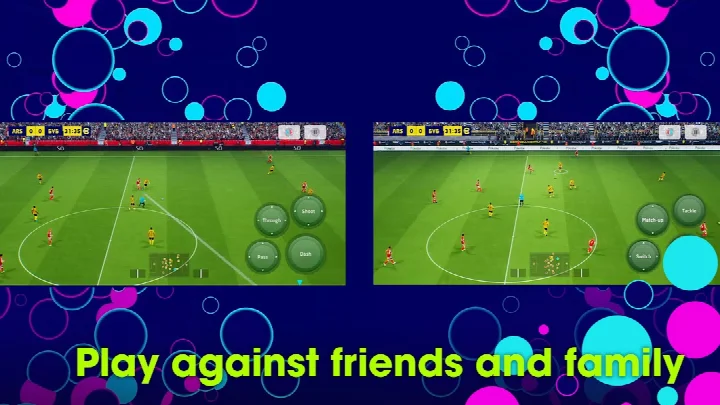
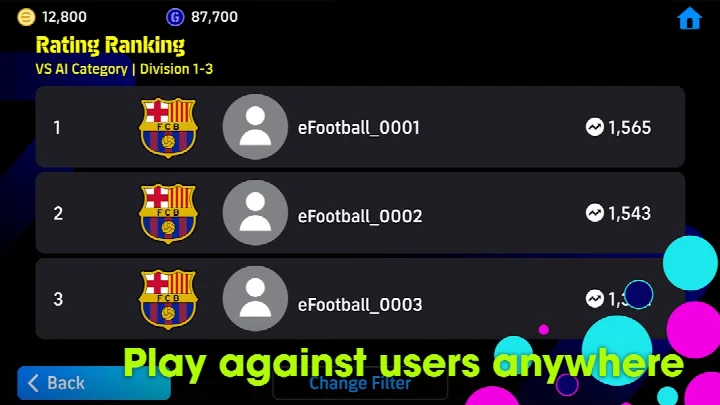
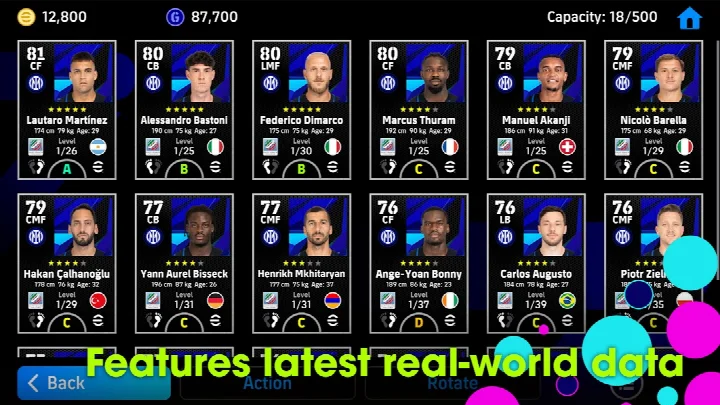
eFootballTM is a sports simulation app by KONAMI that brings the classic Pro Evolution Soccer experience to mobile devices with a focus on online multiplayer matches. Originally released in 2017, the game has evolved significantly, shifting from the PES brand to a free-to-play model that emphasizes live-service content, weekly real-world data updates, and cross-platform competition. Version 11.1.1, updated in October 2026, addresses a number of stability issues and encourages players to check the in-game News section for details, ensuring a smoother experience for the millions of users worldwide. The core loop revolves around building a squad, developing players through matches and special items, and competing in friend matches, co-op matches with up to three players per side, or ranked online contests. Newcomers are welcomed with a step-by-step tutorial that includes practical demonstrations, and completing it rewards them with Lionel Messi, a strong incentive to learn the basics. The Smart Assist setting further lowers the barrier to entry by simplifying dribbling, passing, and shooting commands, making it possible for casual players to enjoy the excitement of scoring goals without mastering complex inputs. Beyond the pitch, the game offers stadium customization with elements like Tifos and Giant Props, allowing users to personalize their home ground. Weekly data downloads reflect real player transfers and match performances, keeping team rosters current and adding a layer of authenticity for fans who follow the sport closely. The game requires approximately 3.1 GB of free storage space and a stable internet connection, as online connectivity is essential for most modes. It includes advertisements and in-app purchases, with loot boxes paid via eFootballTM Coins subject to regional restrictions: users in Belgium, and minors in Brazil, cannot access them, while younger users in Germany, Denmark, and the United States need parental consent. This transparency around monetization and regional rules is a notable aspect of the app's design, aiming to balance revenue with player protection.
Key features
- Step-by-step tutorial with practical demonstrations, rewarding Lionel Messi upon completion
- Smart Assist setting that simplifies dribbling, passing, and shooting for newcomers
- Friend Matches and Co-op Matches supporting up to three players per side
- Player development system using matches and special items, with an Auto Select option
- Weekly real-world data updates reflecting player transfers and match achievements
- Stadium customization with Tifos, Giant Props, and other elements
- Online multiplayer requiring an internet connection for most modes
- In-app purchases and advertisements, with regional restrictions on loot boxes
- Free-to-play model with optional paid content
- Requires approximately 3.1 GB of free storage space and Android 7.0 or higher
How to install
- Tap the download button on this page to obtain the APK file, which is approximately 3.1 GB in size.
- When Android prompts you, allow your browser or file manager to install apps by enabling the 'Install unknown apps' setting for that source.
- Open the downloaded APK file from your notifications or file manager.
- Tap 'Install' on the installation screen and wait for the process to complete.
- Open the eFootballTM app from your app drawer and follow the initial setup, including any required data downloads.
- Ensure you have at least 3.1 GB of free space and a stable Wi-Fi connection before starting the download.
Pros
- Free-to-play with a generous welcome reward of Lionel Messi
- Tutorial and Smart Assist make it accessible to casual players
- Regular weekly data updates keep teams and transfers current
- Co-op and friend matches offer social gameplay options
- Stadium customization adds a creative element beyond matches
- Large user base of over 100 million installs indicates a active community
Cons
- Requires a constant internet connection, limiting offline play
- Large storage footprint of 3.1 GB may be prohibitive for some devices
- In-app purchases and ads can be intrusive, especially for free players
- Loot boxes are subject to regional restrictions, which may confuse some users
- Version 11.1.1 primarily contains bug fixes, with no major new features announced
Latest changes · 11.1.1
Version 11.1.1 of eFootball includes a number of fixes to improve overall stability. For full details on the changes, players can check the in-game News section.
Version history
| Version | Size | Requires Android | Updated |
|---|---|---|---|
| 11.1.1 | — | 7.0 | Oct 13, 2026 |
| 11.1.0 | — | 7.0 | Oct 6, 2026 |
This app is for soccer fans who enjoy online multiplayer competition, casual players looking for an accessible mobile sports game with a low learning curve, and those who like to follow real-world football updates and manage their own team roster over time.
To minimize data usage and avoid interruptions, download the base game and all updates over a Wi-Fi connection, and consider enabling the Auto Select feature for player development if you prefer a more hands-off approach to squad building.
Permissions
FAQ
Is eFootballTM free to download and play?
Yes, eFootballTM is free to download and play, with a price of $0.00. The game does offer in-app purchases and contains ads.
What Android version do I need to run eFootballTM?
eFootballTM requires Android 7.0 or higher. Make sure your device meets this minimum operating system version before downloading.
How much storage space does eFootballTM need?
You will need approximately 3.1 GB of free storage space to download and install eFootballTM. It is recommended to use a Wi-Fi connection for the download.
Do I need an account to play eFootballTM?
An internet connection is required to play eFootballTM, and you will need to be online. The game description does not specify whether an account is mandatory, but online connectivity is essential.
What permissions does eFootballTM request?
eFootballTM requests access to Photos/Media/Files, Storage, and Wi-Fi connection information. These permissions are typically used for saving game data and managing network connectivity.
How do I update eFootballTM to the latest version?
To update eFootballTM, download the newest version available on this page. The latest version is 11.1.1, released on 2026-10-13, and you can also check the in-game News section for update details.
eFootballTM delivers a solid, feature-rich soccer experience that is generous to newcomers and rewarding for dedicated players, though its heavy reliance on online play and sizable storage requirement may not suit everyone. The free-to-play model with ads and purchases is balanced by the absence of a paywall for core gameplay, making it a worthwhile download for mobile sports enthusiasts.
Similar apps




Updated: Nov 23, 2026