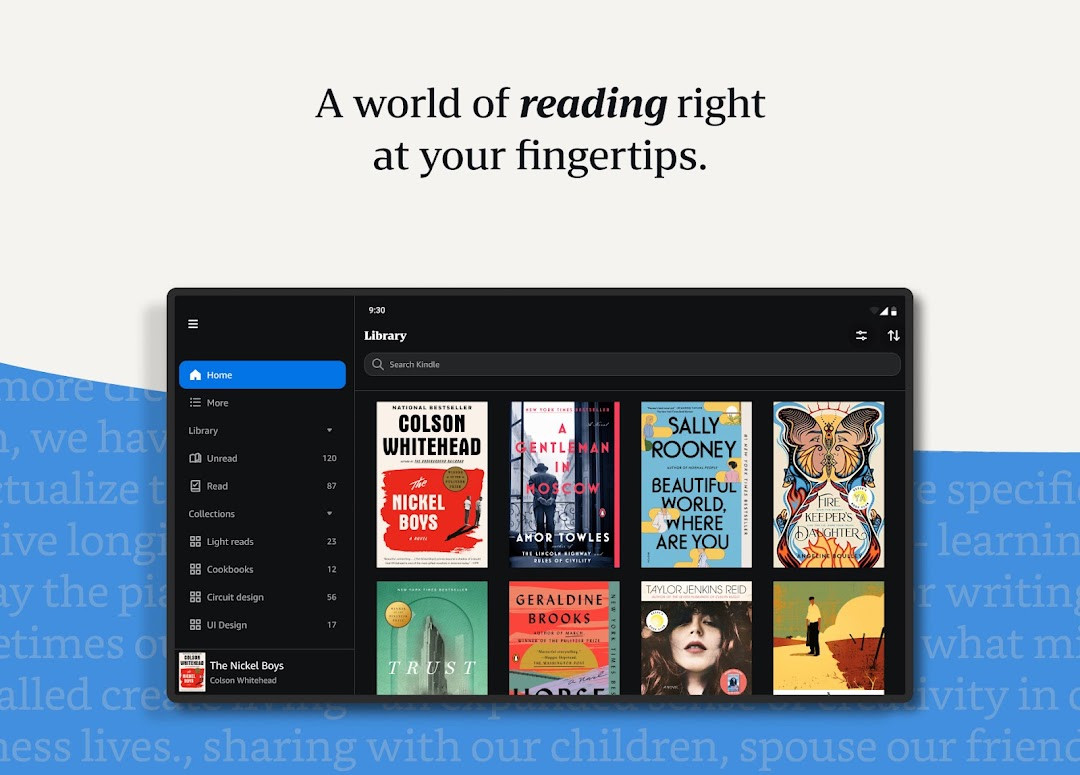

Amazon Kindle: Reading App for Android
Amazon Kindle: Reading App is a books and reference app from Amazon Mobile LLC for reading ebooks, magazines, comics, and manga.
Get Kindle AppAmazon Kindle: Reading App is for readers who want access to millions of ebooks and other titles on their phone or tablet. It is free to download, requires Android 9 or higher, and takes up 147 MB of storage. The app includes a built-in dictionary, word lookup, translations, and reading progress tracking, and it can sync your place across devices.
- Size
- 147 MB
- Requires Android
- 9
- Updated
- Nov 16, 2026
- Installs
- 100M+
- Rating
- ★ 4.77 (4,885,954)
- Category
- Education
- Developer
- Amazon Mobile LLC
- Content rating
- Teen
- Package
- com.amazon.kindle
- Free
- ✓ · Contains ads · In-app purchases
App screenshots
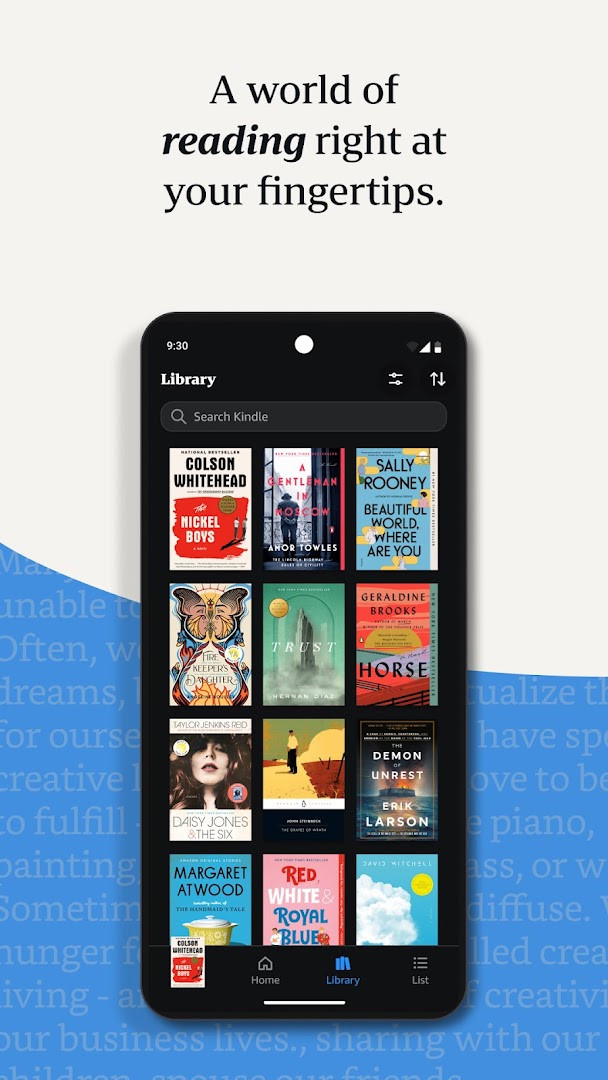
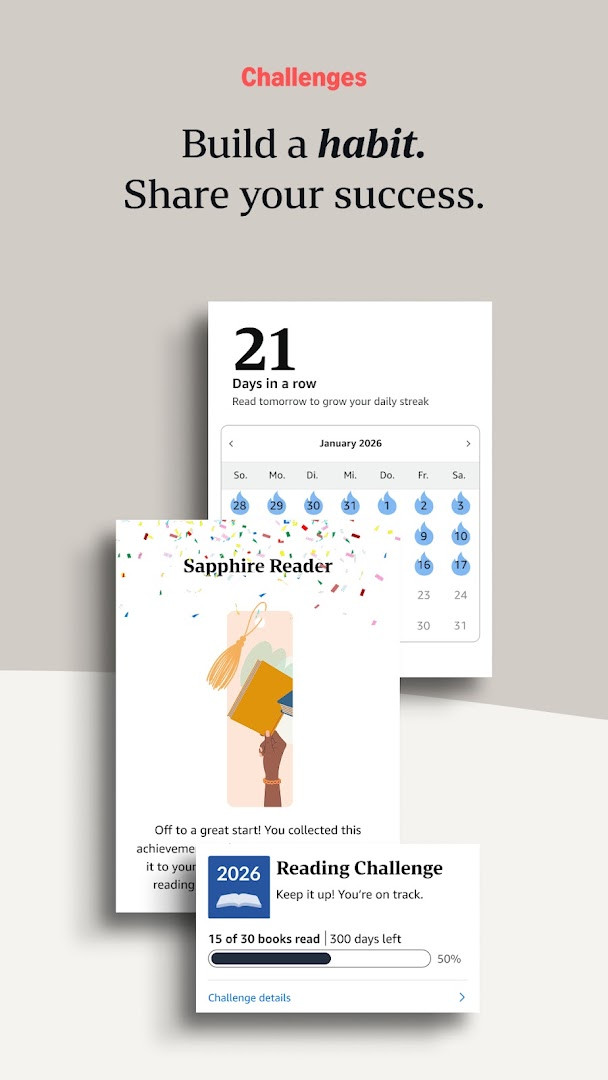
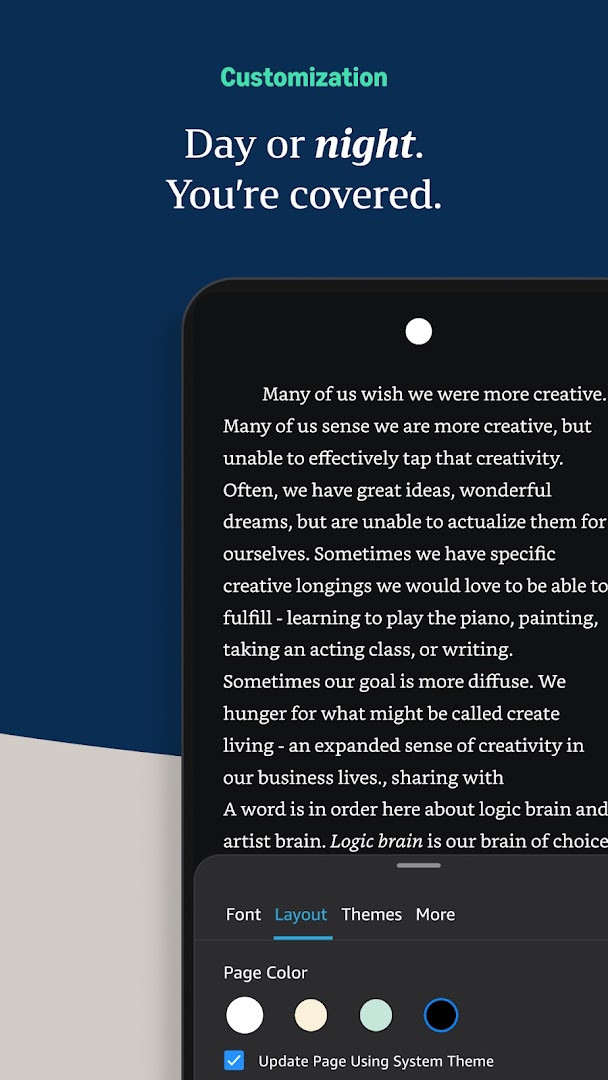
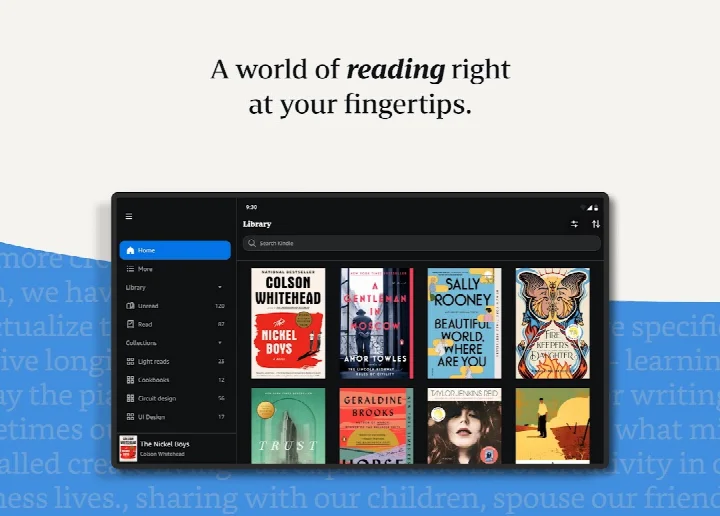
Amazon Kindle: Reading App is an e-reading application by Amazon Mobile LLC that lets users read ebooks, magazines, comics, and manga on their Android devices. It addresses the challenge of always having reading material available by providing access to millions of titles, including books with Audible narration, in a single portable library. The app solves this by offering a comprehensive reading experience with customizable display options, built-in reference tools, and seamless synchronization across devices, so readers can start on one device and continue on another without losing their place. It also supports sampling books before purchase, tracking reading progress, and switching between reading and listening modes, making it a versatile tool for casual and dedicated readers alike.
Key features
- Customizable reading experience with adjustable text size, font type, margins, alignment, orientation, and continuous scrolling or page-turn modes
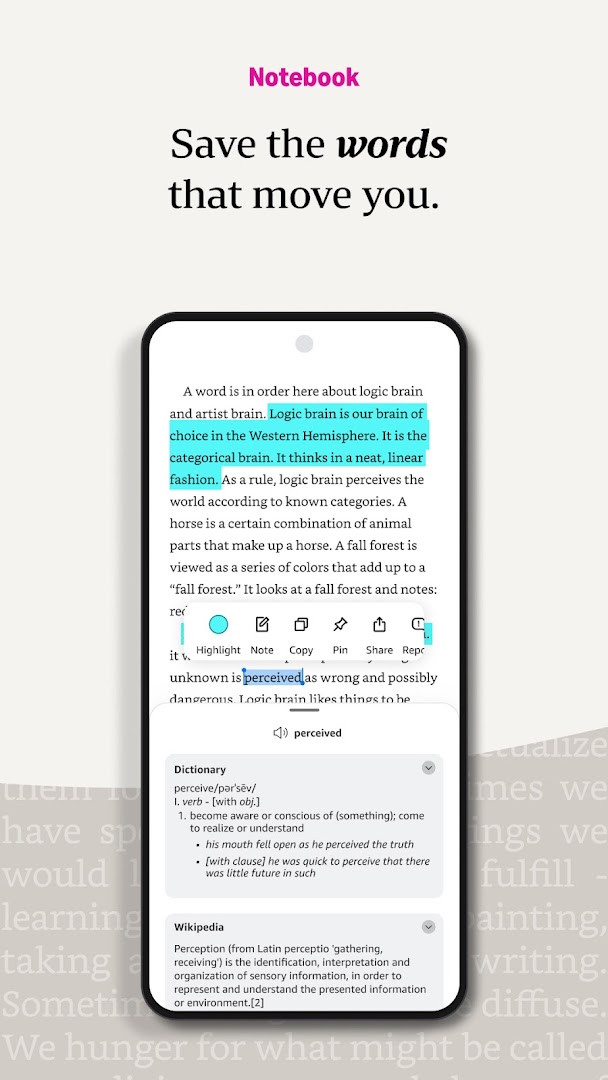
- Built-in dictionary, X-Ray, Wikipedia lookup, instant translations, and search within a book by tapping and holding a word
- Reading progress tracking showing percentage read, real page numbers for most top titles, and estimated time left in chapter or book based on reading speed
- Bookmarking, highlighting, note-taking, and a My Notebook view to consolidate all annotations
- Page Flip feature for quick skimming, jumping, and a bird's-eye view of the book while saving your place
- Zoom on high-definition color images in books, magazines, comics, and manga
- Automatic syncing of reading position, bookmarks, highlights, and notes across devices
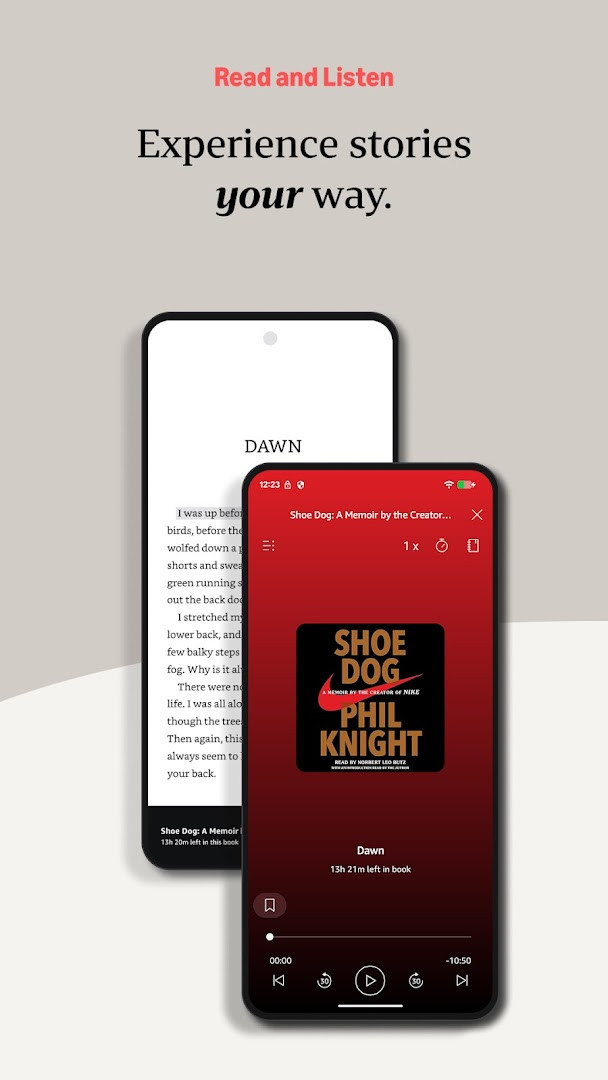
- Seamless switching between reading a Kindle book and listening to the Audible version within the app
How to install
- Tap the download button on this page to get the APK file, which is 147 MB in size
- When Android prompts, allow your browser or file manager to install apps by enabling the 'Install unknown apps' setting
- Open the downloaded APK file from your notifications or file manager
- Tap Install and wait for the installation to complete
- Open the app from your app drawer or home screen
- Note that the app requires Android version 9 or higher to run
Pros
- Large library with millions of ebooks, magazines, comics, and manga
- Free to download and use, with optional in-app purchases for content
- Customizable reading settings for comfort and accessibility
- Built-in reference tools like dictionary, X-Ray, and Wikipedia lookup
- Cross-device syncing of reading progress and annotations
- Ability to switch between reading and listening with Audible narration
Cons
- Includes ads within the app
- Offers in-app purchases for books, subscriptions, and other content
- Requests access to sensitive data including location, device ID, call information, and storage
- Requires several permissions such as identity, phone, and Wi-Fi connection information, which may raise privacy concerns
- Content rating is Teen, which may not be suitable for younger children without parental guidance
Latest changes
The latest update to the Amazon Kindle: Reading App, released on 2026-11-16, introduces a new Writing Toolbar for devices that recognize a stylus as a pen. You can enable this toolbar from the 3-dot menu in the top navigation bar to access enhanced annotation features. In books that support adjustable font sizes or text layout, you can now create highlights and underlines, circle words to form outlines that snap neatly to the text, and add handwritten notes. Additionally, for print replica books and imported PDF personal documents, you can make direct markups. This update enhances the reading experience for users who prefer to annotate their books digitally.
Version history
| Version | Size | Requires Android | Updated |
|---|---|---|---|
| 8.159.0.100(2.0.115180.0) | 129 MB | 11 | Nov 12, 2026 |
| 8.158.0.100(2.0.109808.0) | 127 MB | 11 | Oct 9, 2026 |
| 8.51.1.0(1.3.272119.0) | 62 MB | 5.0 | Oct 9, 2026 |
| 8.157.0.100(2.0.104818.0) | 128 MB | 11 | Oct 8, 2026 |
| 8.154.0.100(2.0.95887.0) | 125 MB | 10 | Sep 22, 2026 |
| 7.8.1.5 | 53 MB | 4.1 | Nov 12, 2025 |
| 14.122.100(2.0.41248.0) | 147 MB | 9 | May 30, 2025 |
| 14.121.100(2.0.40027.0) | 146 MB | 9 | May 11, 2025 |
| 14.113.100(2.0.29451.0) | 168 MB | 9 | Jan 30, 2025 |
| 14.34.100(1.3.228187.0) | 43 MB | 5.0 | Oct 28, 2020 |
This app is designed for anyone who enjoys reading on their phone or tablet, from casual readers who want a convenient way to access books on the go to avid readers who value a rich set of annotation and customization tools. It suits users who want to sample titles before buying, track their reading progress, or switch between reading and listening modes. Students, professionals, and book club members may find the dictionary, X-Ray, and note-taking features particularly useful. It also appeals to users who read across multiple devices and want their library and place in a book to stay synchronized. However, because it requests access to location, device information, and storage, it is best suited for users who are comfortable with granting those permissions to an Amazon app.
Before installing, review the requested permissions carefully and consider whether you are comfortable sharing location and device information. You can manage some permissions after installation through your device settings. To minimize data usage, download books for offline reading when you have a Wi-Fi connection. Use the sample feature to try books before committing to a purchase, and explore the Aa menu to adjust brightness and background colors for comfortable reading in different lighting conditions.
Permissions
FAQ
What new annotation tools does the latest version add for stylus users?
If your device recognizes a stylus as a pen, you can turn on the Writing Toolbar from the 3-dot menu in the top navigation bar. It adds annotation features such as creating highlights and underlines, circling words to form outlines that snap to the text, and writing handwritten notes in books that let you adjust font size or layout. In print replica books and imported PDF personal documents, you can also make direct markups.
Can I read part of a book before deciding to buy it?
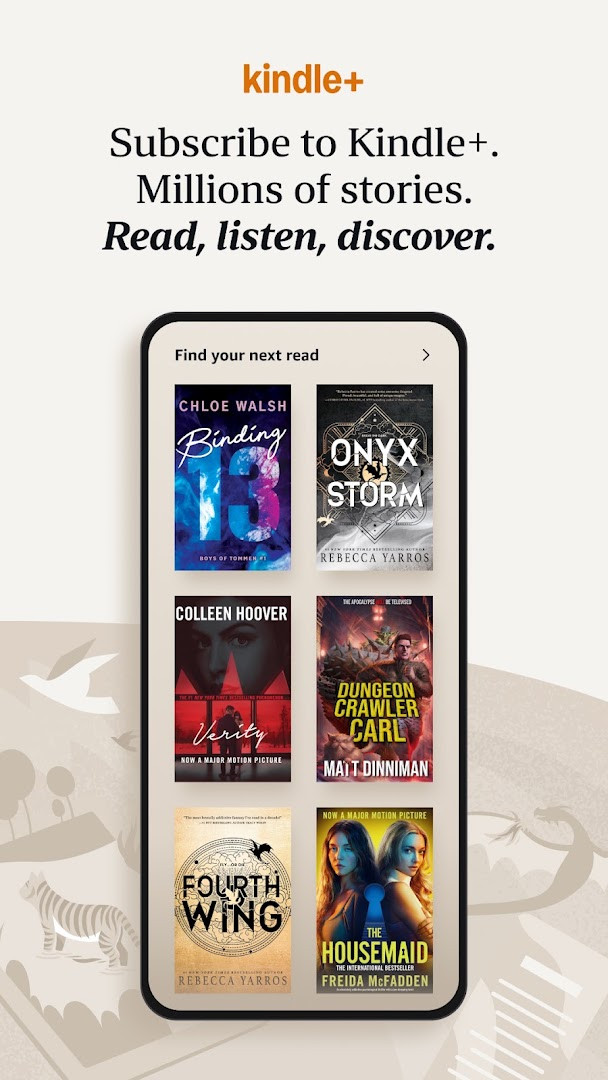
Yes. You can try any book with a sample inside the app before making a purchase. Beyond books, you can explore millions of Kindle titles, magazines, newspapers, comics, and manga, including books that come with Audible narration, as well as new releases and Amazon Charts best sellers.
How does the app help me track my reading progress?
The app shows what percentage of the book you have read, real page numbers for most top titles, and how much time you have left in the chapter or book, calculated from your actual reading speed.
What reading layout options can I customize?
From the Aa menu, you can adjust text size, font type, margins, text alignment, and orientation between portrait and landscape. You can also choose to turn pages from left to right or use continuous scrolling, and you can change brightness and background colors for comfortable day or night reading.
Does my reading position stay in sync if I move between devices?
Yes. The app automatically syncs where you left off along with bookmarks, highlights, and notes, so you can start reading on one device and continue on another. When reading is not an option, you can also switch from the Kindle book to the Audible version and keep listening within the same app.
Amazon Kindle: Reading App is a functional and feature-rich e-reader that offers a vast library and solid reading tools, though it comes with ads and in-app purchases. Its extensive permissions and data access mean it is best used by those who trust Amazon's handling of their information.
Similar apps





More from this developer
Updated: Nov 28, 2026