Samsung Global Goals: Donate via Ads
Samsung Global Goals is a free education app by Samsung Electronics Co., Ltd. that lets you learn about UN goals and donate through ads.
Get AppSamsung Global Goals has a 103 MB file size and requires Android 12 or higher. The app includes ads and does not offer in-app purchases. It is designed for people who want to support the UN's 17 Sustainable Development Goals by engaging with sponsored content.
- Size
- 103 MB
- Requires Android
- 12
- Updated
- Sep 15, 2026
- Installs
- 500M+
- Rating
- ★ 3.73 (259,070)
- Category
- Education
- Developer
- Samsung Electronics Co., Ltd.
- Content rating
- Everyone
- Package
- com.samsung.sree
- Free
- ✓ · Contains ads
App screenshots
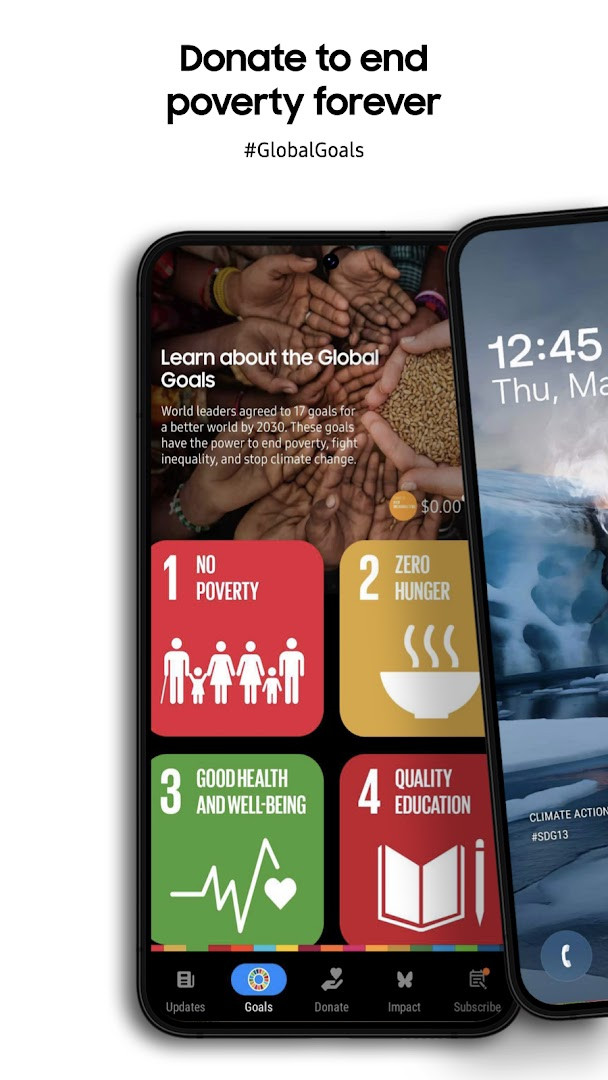
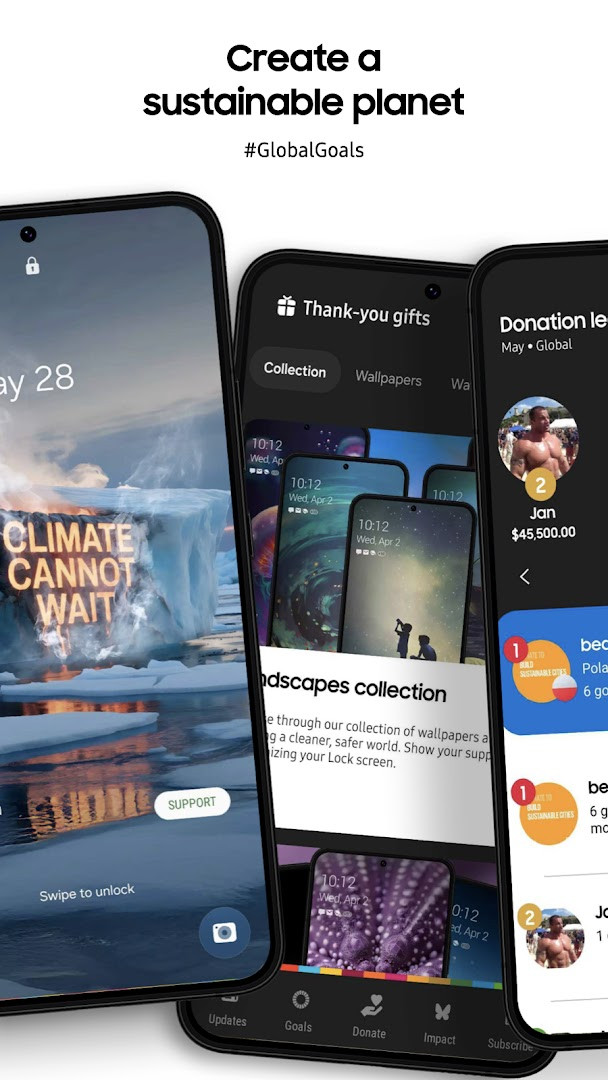
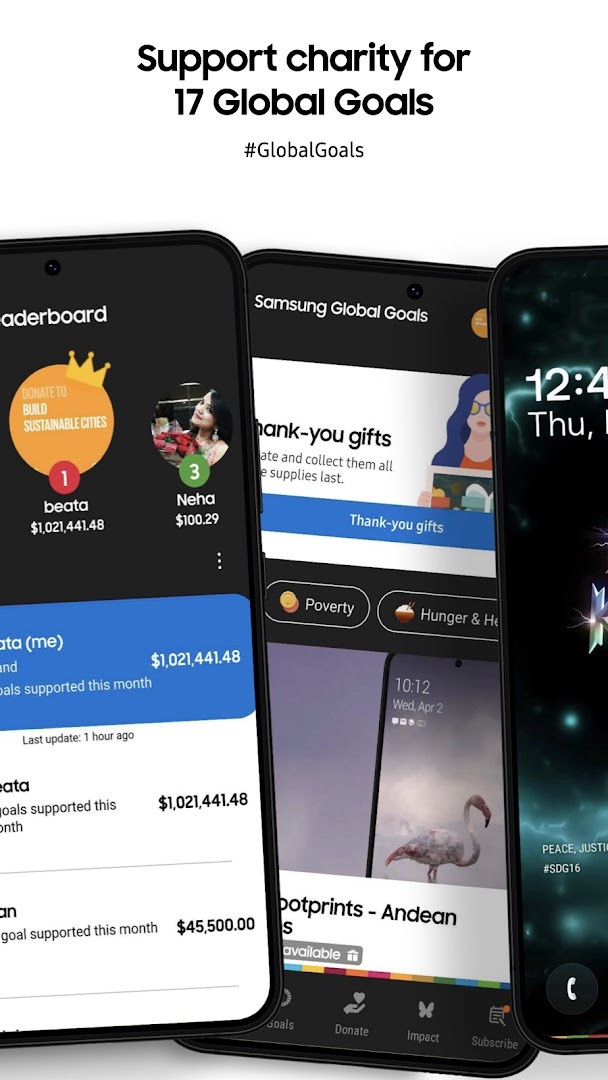
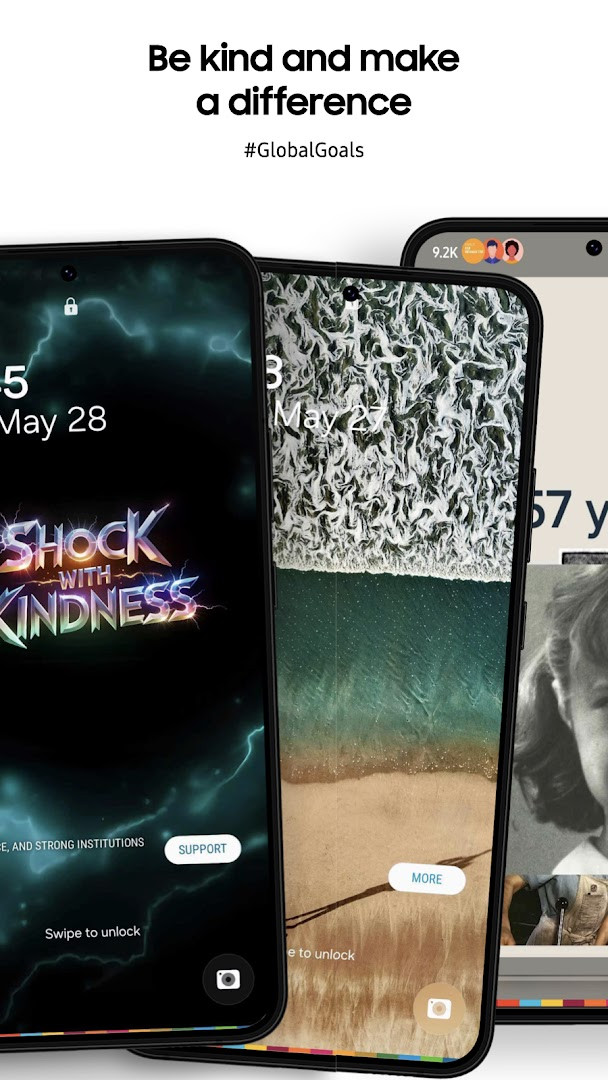
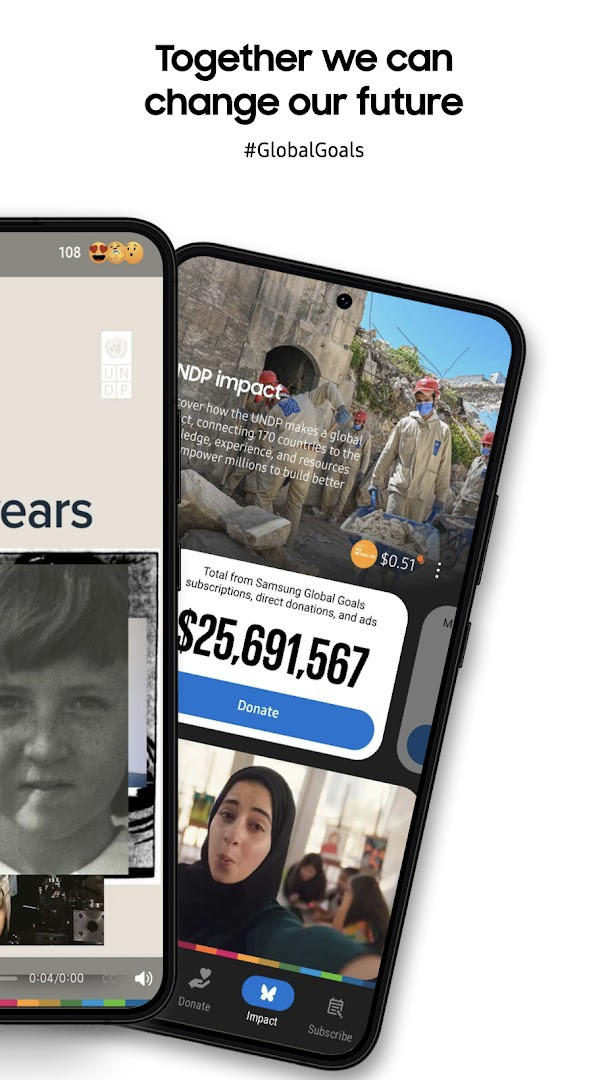
Samsung Global Goals is an education app by Samsung Electronics Co., Ltd. that lets users learn about the United Nations' Sustainable Development Goals and turn their screen time into donations. It was released on 2019-08-19 and has been updated as recently as 2026-09-15, with version 3.7.00.7 dated 2026-09-26.
The app presents the 17 Global Goals through interactive content, wallpapers, articles, videos and stories that can be filtered by the causes you care about most. As you use your phone or paired watch normally, ads appear and the revenue they generate is collected; Samsung then makes the corresponding donations to the United Nations Development Program. Users can direct accumulated earnings toward whichever Goals they prefer and follow their own totals alongside the wider community's impact.
Beyond reading material, the app offers campaigns, challenges and initiatives tied to global issues, plus educational resources, inspiring stories and expert advice. It also extends to Wear OS through watch faces, a watch app and complication features. The optional notification permission delivers reminders about key calendar dates related to the Goals, and basic functions remain usable if it is declined. The only listed permission is access to Wi-Fi connection information.
With a 3.73 rating from 258,676 ratings and 500,000,000 installs, it is free, shows ads, and contains no in-app purchases. It requires Android 12 or newer and a 103 MB download. For an experienced user weighing similar awareness or donation apps, its differentiator is the ad-funded donation model tied to an established corporate sponsorship rather than direct giving.
Key features
- Explore the 17 Sustainable Development Goals through interactive content, wallpapers and informative articles
- Filter articles and videos by the Goals you care about to surface more relevant stories and inspiration
- Join campaigns, challenges and initiatives that address global issues and contribute to real-world change
- Monitor personal contributions, track progress and view the collective impact of the community
- Access educational resources, inspiring stories and expert advice to deepen understanding
- Extend the experience with Galaxy watch faces, a watch app and complication features on Wear OS
- Improved Home screen widget, accessibility and experience on larger Galaxy screens, plus stability and performance enhancements
- Optional notifications provide timely information and reminders of important calendar dates related to the Goals
How to install
- Tap the download button on this page to get the APK file.
- When Android prompts you, allow your browser or file manager to install apps by enabling the "Install unknown apps" setting for that source.
- Open the downloaded APK file from your notifications or file manager.
- Tap Install and wait while the 103 MB package is written to your device.
- Confirm that your device runs Android 12 or newer before installing, then open the app once setup finishes.
Pros
- Free to download with no in-app purchases
- Large user base of 500,000,000 installs and 258,676 ratings
- Donations are funded by ads rather than out of your own pocket
- Only one listed permission, Wi-Fi connection information
- Optional notifications can be declined without losing basic functions
- Wear OS support through watch faces, a watch app and complications
Cons
- Displays ads, which is the mechanism behind the donations
- Rating of 3.73 suggests mixed user sentiment
- Requires Android 12 or newer, so older devices are excluded
- 103 MB download is sizeable for a primarily educational app
Latest changes
This update lets you filter articles and videos by the Global Goals you care about, so you can find more relevant stories and inspiration. It also enhances the Home screen widget, improves accessibility, and optimizes the experience on larger Galaxy screens, along with overall stability and performance improvements.
Version history
| Version | Size | Requires Android | Updated |
|---|---|---|---|
| 3.7.00.7 | 103 MB | 12 | Sep 26, 2026 |
| 3.6.01.2 | 111 MB | 10 | Sep 22, 2026 |
| 3.4.01.3 | 91 MB | 9 | Apr 8, 2026 |
| 3.6.00.7 | 111 MB | 10 | Feb 6, 2026 |
Experienced Android users who want a low-effort way to support the UN's Sustainable Development Goals, are comfortable with an ad-supported model where revenue becomes donations, and may already use a Galaxy watch they want to include. It also suits readers who prefer browsing curated articles and videos by cause rather than making direct payments.
Filter content by the specific Goals you follow so the home feed stays relevant. Pair the phone app with the watch app if you own a Wear OS device, since watch faces and complications keep the Goals visible without opening the phone. Keep notifications on if you want reminders of important calendar dates, and check your accumulated earnings before choosing which Goal to direct them to. Update regularly to pick up the accessibility and large-screen improvements.
Permissions
FAQ
How do I install Samsung Global Goals on my Android device?
Use the download button on this page to get the app package, then allow installation from your browser or file manager if Android asks. The app requires Android 12 or newer and takes up about 103 MB.
What is the latest version of Samsung Global Goals?
The most recent release listed is version 3.7.00.7, dated September 26, 2026. Other recent builds include 3.6.01.2 and 3.6.00.7.
Does Samsung Global Goals show ads or charge for anything?
The app is free to use and shows ads, which is central to how it works: the ads displayed generate earnings that Samsung donates to the United Nations Development Program. There are no in-app purchases.
Can I use Samsung Global Goals without an internet connection?
A Wi-Fi connection permission is listed, and ad viewing is the main way earnings are generated, so a connection is generally needed for that core function. Some reading material and your tracked progress may still be viewable offline.
How popular is Samsung Global Goals?
It has been installed more than 500 million times and holds an average rating of 3.73 from over 258,000 ratings, with an Everyone content rating.
When was Samsung Global Goals first released?
The app was originally released on August 19, 2019, and its most recent update was September 15, 2026.
Are there other apps like Samsung Global Goals in the Education category?
Yes. The Education category includes many apps focused on sustainability, philanthropy, and global issues, so you can compare features and choose what fits your interests best.
Samsung Global Goals combines education about the 17 SDGs with an ad-funded donation mechanism, wrapped in a free package that requires Android 12 or newer and a 103 MB download. If the ad-supported model and the corporate-backed donation flow suit you, it is a straightforward way to make routine phone use count toward causes you pick.
Similar apps




More from this developer

Updated: Oct 24, 2026