
Invitation Maker: Cards & RSVP - Design Invitations & Cards
Invitation Maker: Cards & RSVP is a free events app by Greetings Island that lets you create personalized invitations, cards, and RSVPs.
Get App · v3.12.0Invitation Maker: Cards & RSVP has a 4.86 rating from 191803 ratings and 10 million installs. The app requires Android 7.0 or higher, contains ads, and offers in-app purchases for premium features. It is designed for anyone planning events such as weddings, birthdays, and baby showers.
- Version
- 3.12.0
- Requires Android
- 7.0
- Updated
- 21.10.2026
- Installs
- 10M+
- Rating
- ★ 4.86 (191 968)
- Category
- Events
- Developer
- Greetings Island
- Content rating
- Everyone
- Package
- com.greetingsisland.sam
- Free
- ✓ · Contains ads · In-app purchases
Screenshots
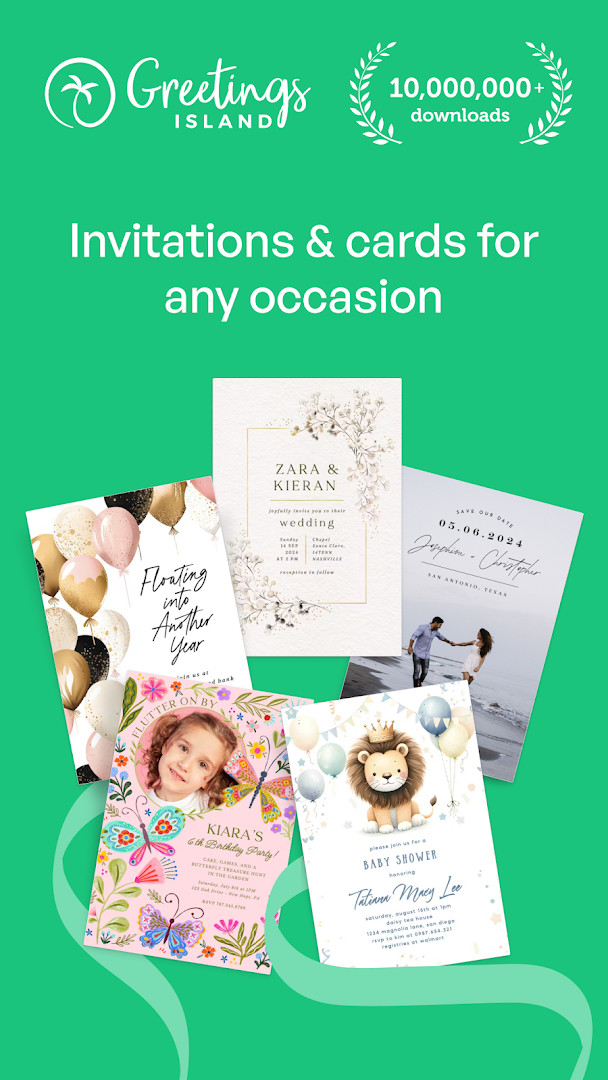
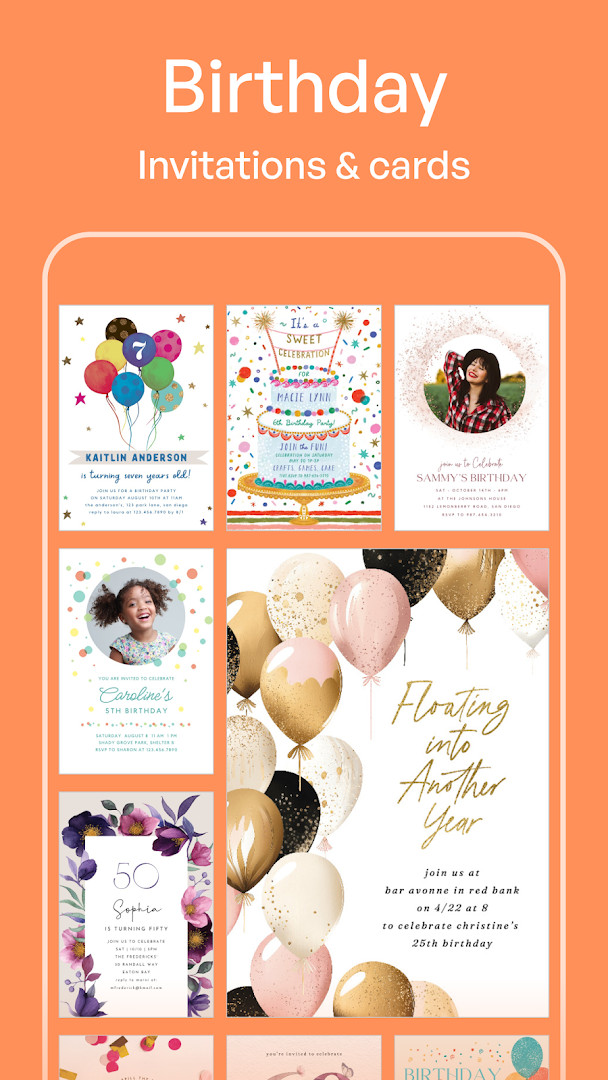
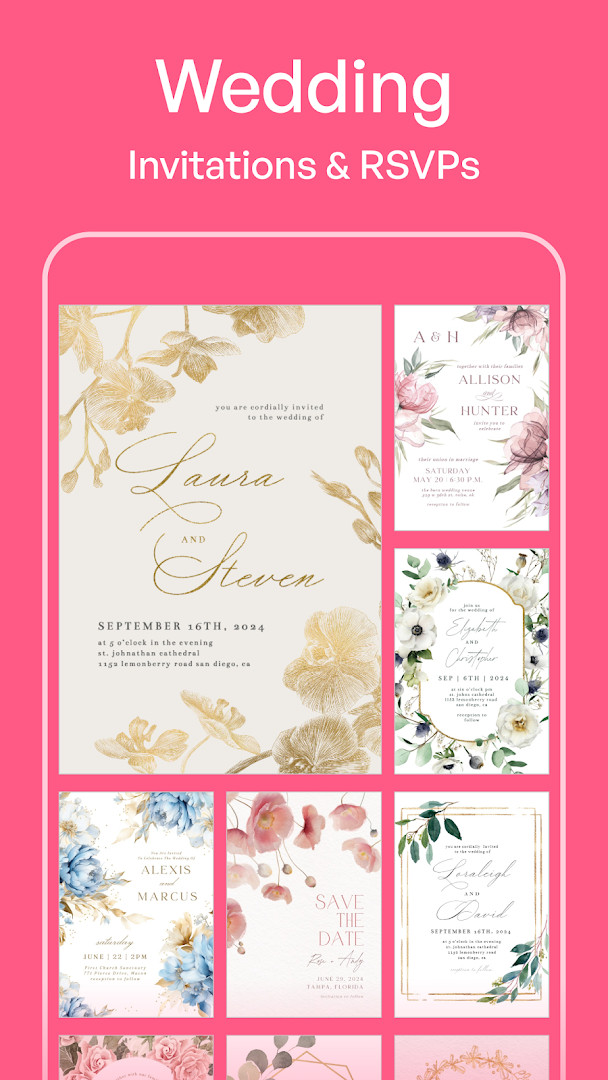
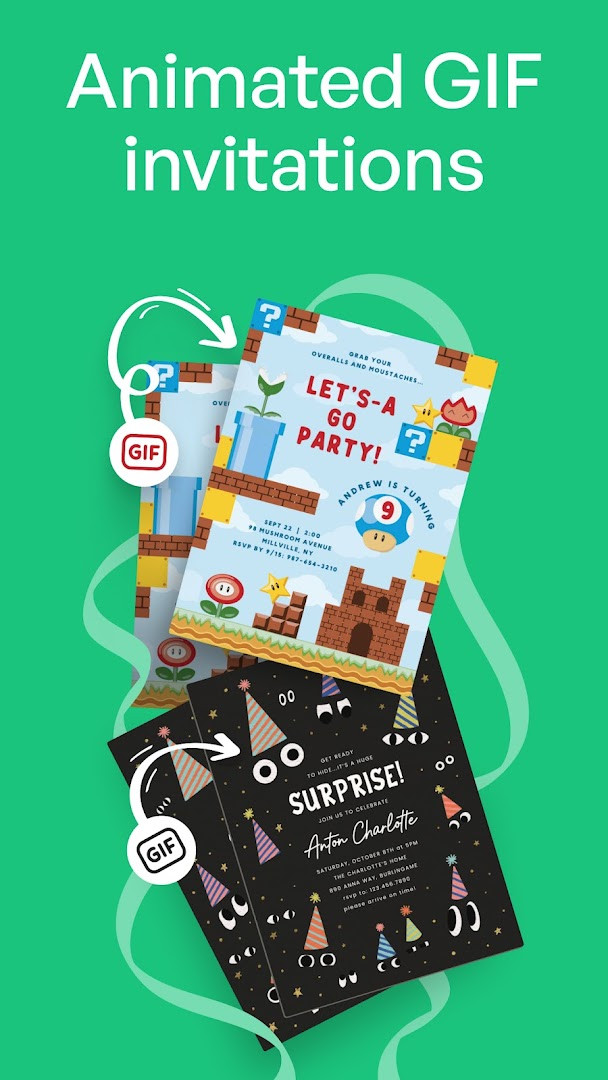
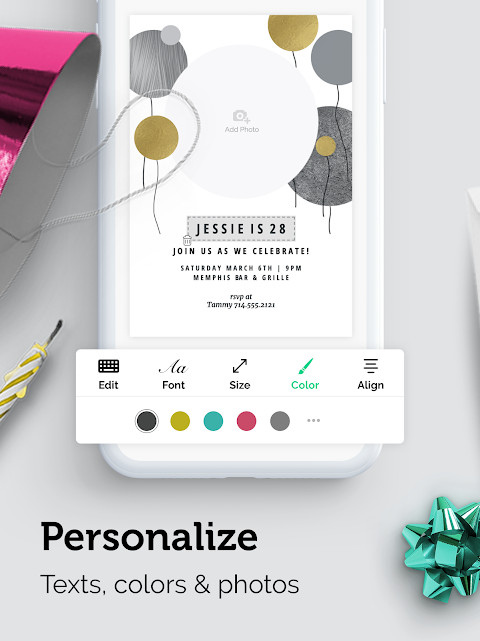
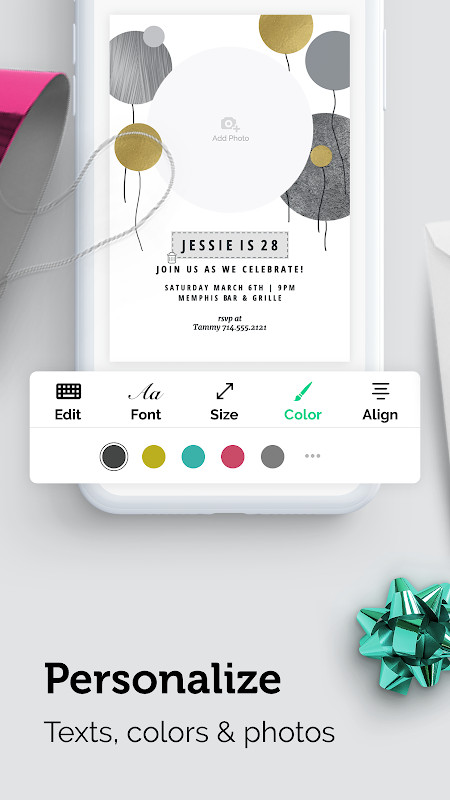
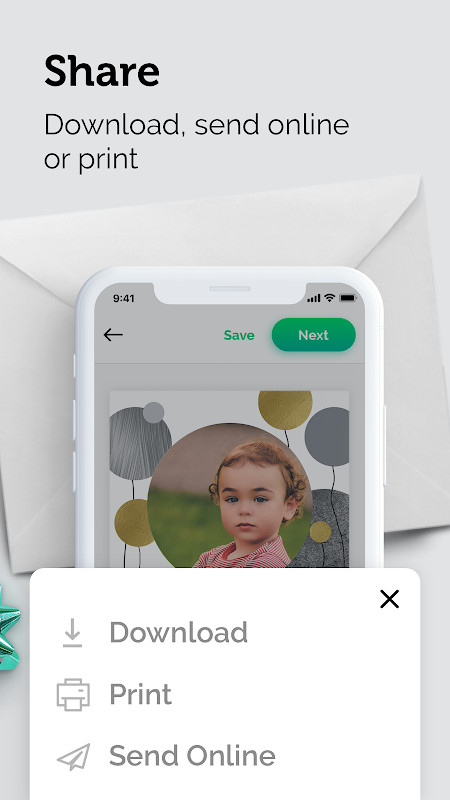
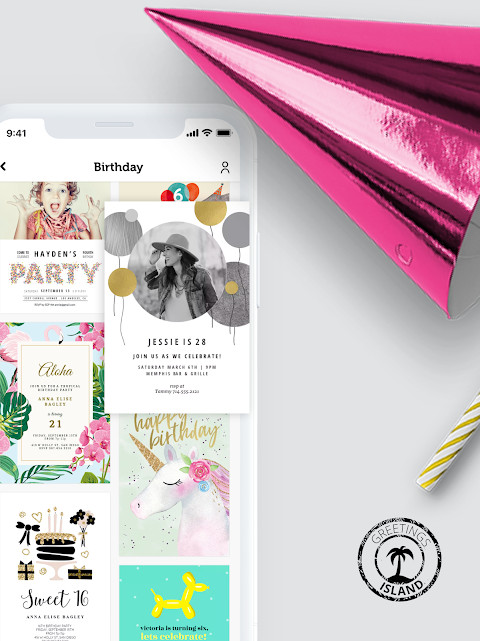
Invitation Maker: Cards & RSVP is an events utility by Greetings Island that lets you design digital invitations, greeting cards, and RSVP pages for a wide range of occasions. The app addresses the common hassle of creating polished, personalized stationery from scratch, which traditionally required graphic design skills or expensive print services. It solves this by offering a large library of professionally designed templates that you can customize with your own text, colors, and photos, then share digitally via email or social media. The workflow is streamlined for quick results—choose a template, personalize the details, and send it out, all from your phone or tablet. The app also includes RSVP management tools, letting you add event specifics like dress code or parking info and even let guests leave messages on a comment wall. Version 3.11.0, released on October 6, 2026, introduces the ability to upload your own artwork without cropping, plus refinements to the RSVP features and overall performance.
Key features
- Choose from thousands of professionally designed templates for weddings, birthdays, baby showers, and more
- Customize text, colors, and photos to match your event's theme
- Upload your own design and use any shape or ratio—no cropping required
- Create invitations, RSVPs, save-the-dates, flyers, and greeting cards in one app
- Add extra event details like dress code, parking, and gift information to your RSVP
- Guests can leave messages and good wishes on a comment wall attached to your invitation
- Share digital cards instantly via email or social media
- Upgrade to premium for access to over 5,000 additional designs, an ad-free experience, and no watermarks
How to install
- Tap the download button on this page to get the APK file.
- When Android asks, allow your browser or file manager to install apps by enabling the 'Install unknown apps' setting.
- Open the downloaded APK file from your notification bar or file manager.
- Tap Install and wait for the process to finish.
- Open the app from your app drawer. The file size is not specified; it requires Android 7.0 or higher.
Pros
- Wide selection of templates for many event types
- Flexible customization including your own uploaded artwork
- Integrated RSVP features with comment wall for guest interaction
- Paperless sharing via email and social media
- High user rating of 4.86 based on over 191,000 ratings
- Free to download and use, with optional premium upgrade
Cons
- Contains ads, which can interrupt the design process
- In-app purchases are required for premium features like ad-free experience and watermark removal
- Requires access to photos, media, and storage for uploading images
- Some advanced features are locked behind a premium subscription
What's New · 3.12.0
Version 3.11.0 lets you upload your own artwork and build invitations around it, using any shape or ratio without cropping or fixed templates. RSVP features have been improved with extra event details like dress code, parking, and gift information, plus a new comment wall where guests can leave messages and well-wishes right on your invitation. Bug fixes are also included for a smoother, faster experience.
Other Versions
| Version | Size | Requires Android | Updated |
|---|---|---|---|
| 3.12.0 | — | 7.0 | 21.10.2026 |
| 3.11.0 | — | 7.0 | 06.10.2026 |
| 1.1.40 | 27 MB | 4.4 | 25.06.2026 |
This app is ideal for anyone planning an event—whether it's a wedding, birthday party, baby shower, graduation, or casual gathering—and wants to create professional-looking invitations without hiring a designer. It's also useful for people who prefer to send digital invites rather than paper ones, and for those who want to manage RSVPs and guest messages in one place. The simplicity of the template-based approach makes it accessible to users with no design experience, while the customization options and artwork upload feature appeal to those who want a more personal touch.
To get the most out of the free version, explore the template library thoroughly before customizing—many designs look different once you change colors and fonts. If you plan to share your invitation on social media, check the preview at various sizes to ensure text is legible. For events with complex details, use the extra event fields to communicate dress code or parking info, reducing guest questions. Consider upgrading to premium if you create invitations frequently and want to avoid watermarks and ads.
Permissions
Frequently Asked Questions
Can I send invitations without using paper?
Yes, the app is designed for paperless invites. You can share your digital cards instantly via email or social media.
What can I customize on an invitation?
You can personalize every detail, including text, colors, and photos, to match your event's theme.
Does the premium version remove watermarks?
Yes, upgrading to premium unlocks benefits such as access to over 5,000 designs, an ad-free experience, and the removal of watermarks from your creations.
Can I add extra event details to my RSVP?
Yes, the app's recent update allows you to add details like dress code, parking, gift information, and more. There's also a comment wall where guests can leave messages and good wishes.
Can I use my own artwork for an invitation?
Yes, the latest version lets you upload your own design. You can use any shape or ratio, and the app will build the invitation around your artwork without cropping or forcing a template.
Invitation Maker: Cards & RSVP offers a practical, all-in-one solution for creating and managing digital event invitations. Its combination of templates, customization, and RSVP tools makes it a solid choice for personal event planning.
Similar Apps

Updated: 26.10.2026