
Invitation Maker: Cards + RSVP
Invitation Maker: Cards + RSVP is an events app from Photo Studio & Picture Editor Lab for creating and managing digital invitations.
Get Invitation Maker · v175.0Invitation Maker: Cards + RSVP helps anyone planning birthdays, weddings, baby showers, or corporate events design invitations without graphic design skills. It includes RSVP tracking, PDF export, and Google Maps links, and works with ads and in-app purchases. The app requires Android 8.0 or higher, is free to download, and its latest version is 175.0.
- Version
- 175.0
- Requires Android
- 8.0
- Updated
- Oct 12, 2026
- Installs
- 5M+
- Rating
- ★ 4.91 (149,423)
- Category
- Events
- Developer
- Photo Studio & Picture Editor Lab
- Content rating
- Everyone
- Package
- com.optimumbrewlab.invitationcardmaker
- Free
- ✓ · Contains ads · In-app purchases
App screenshots
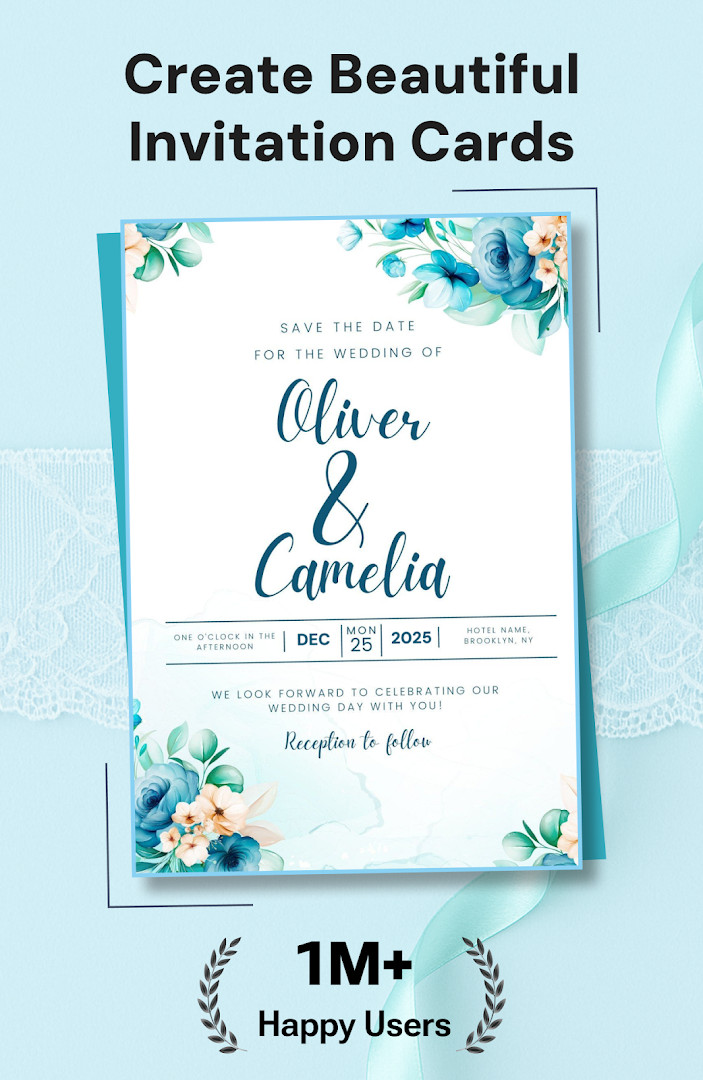
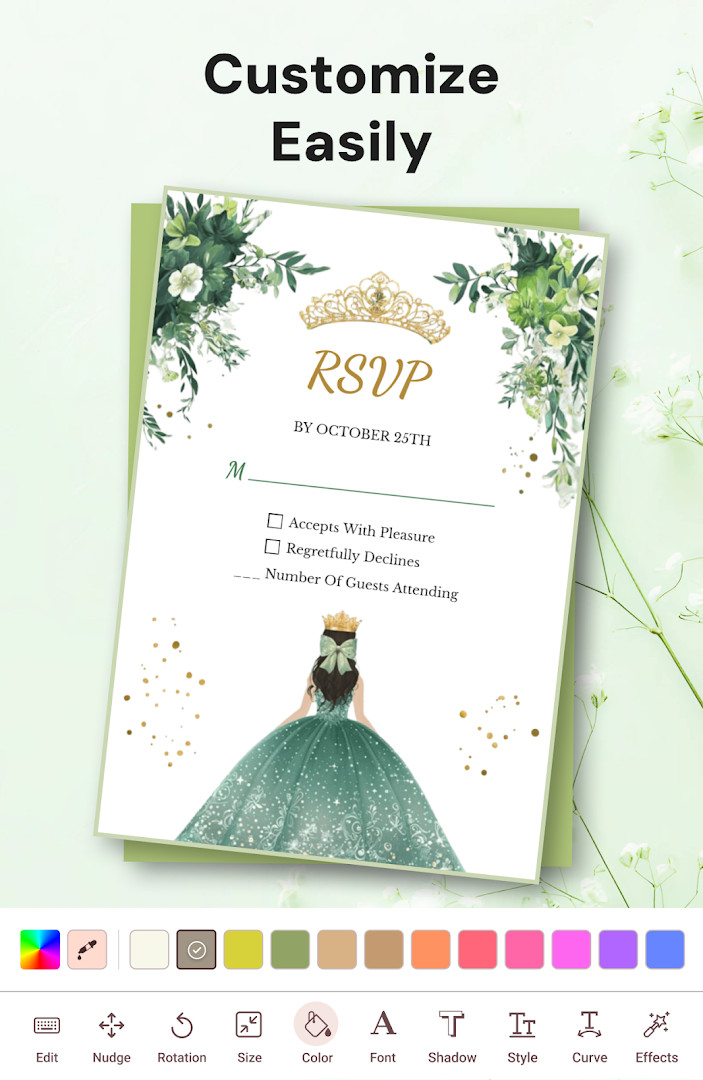
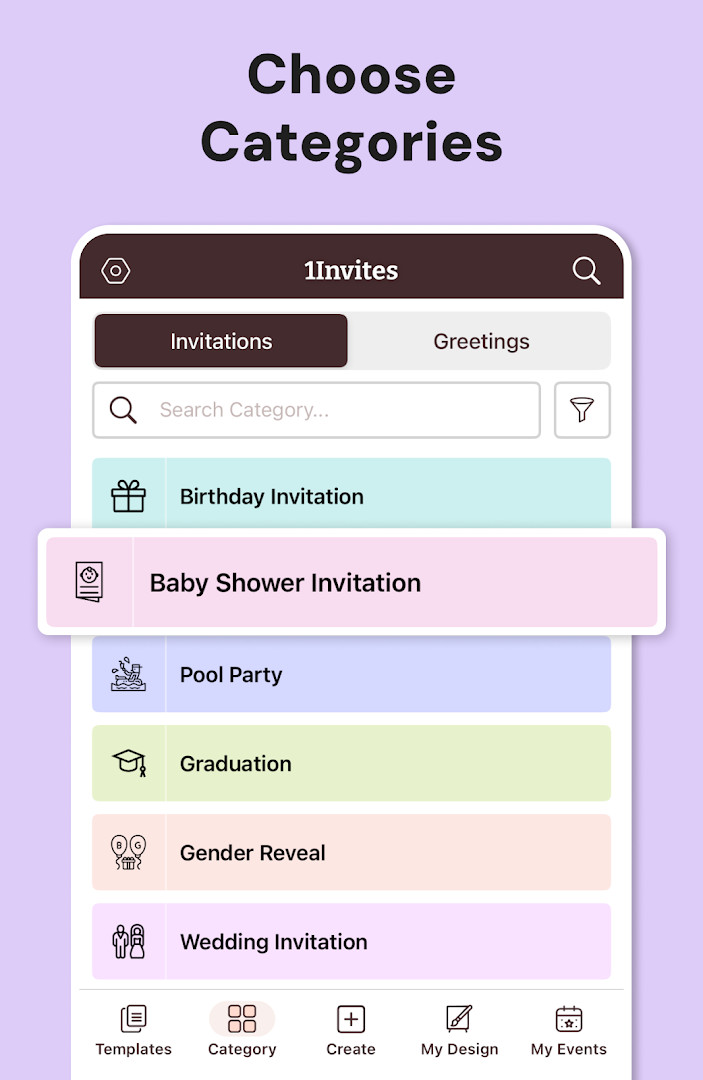
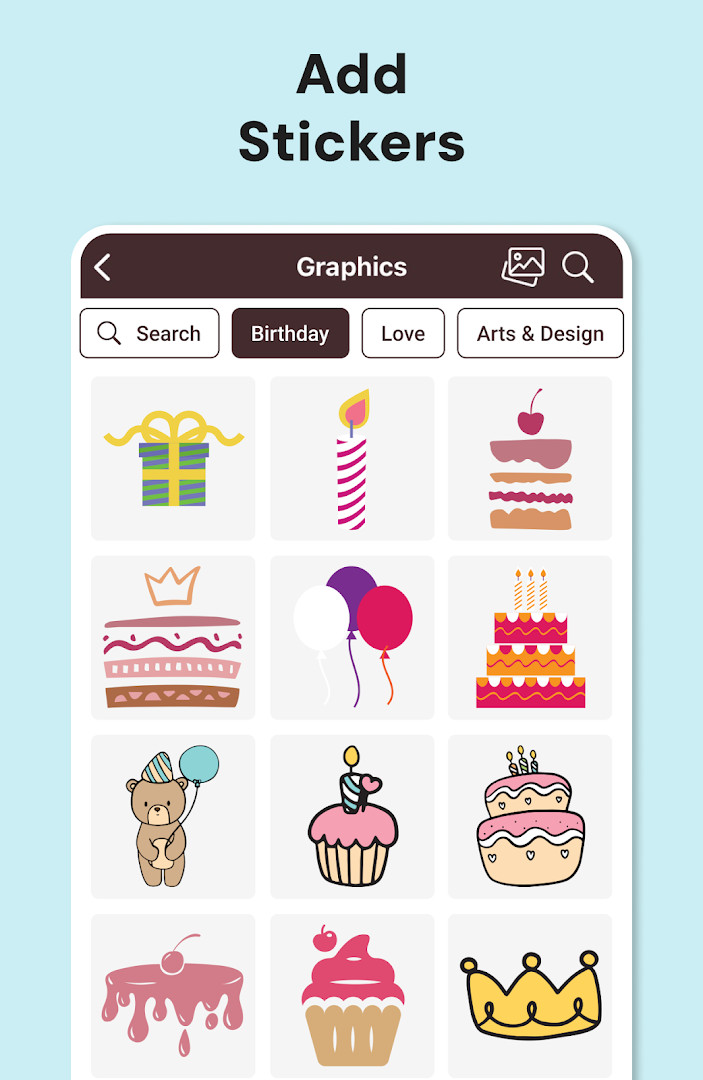
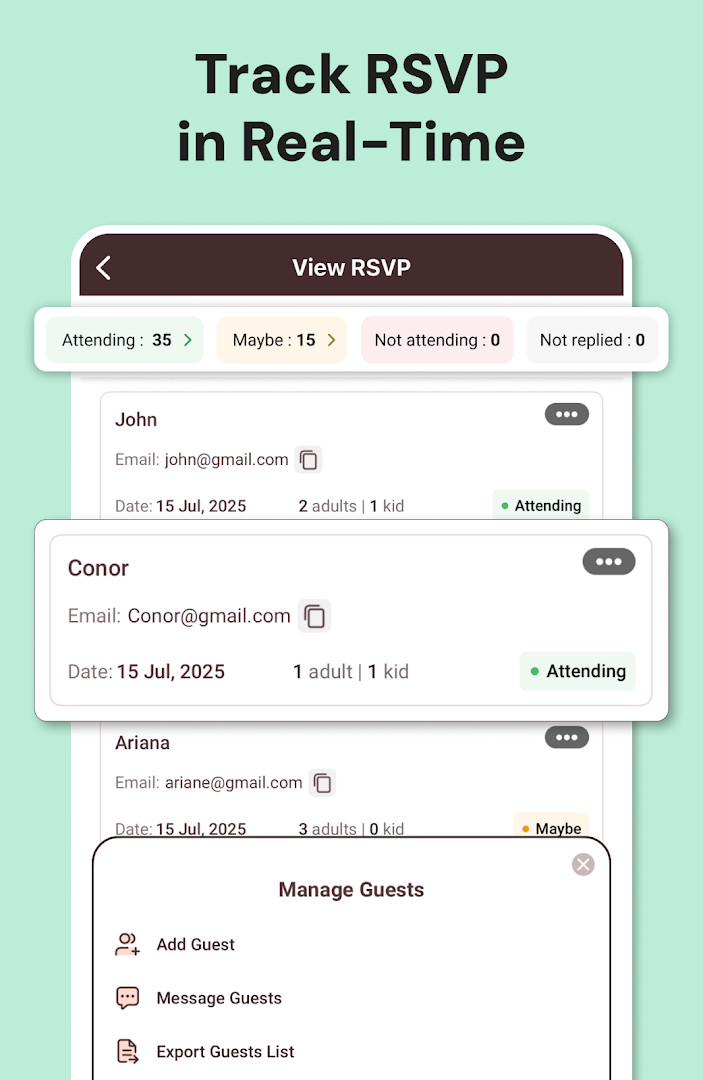
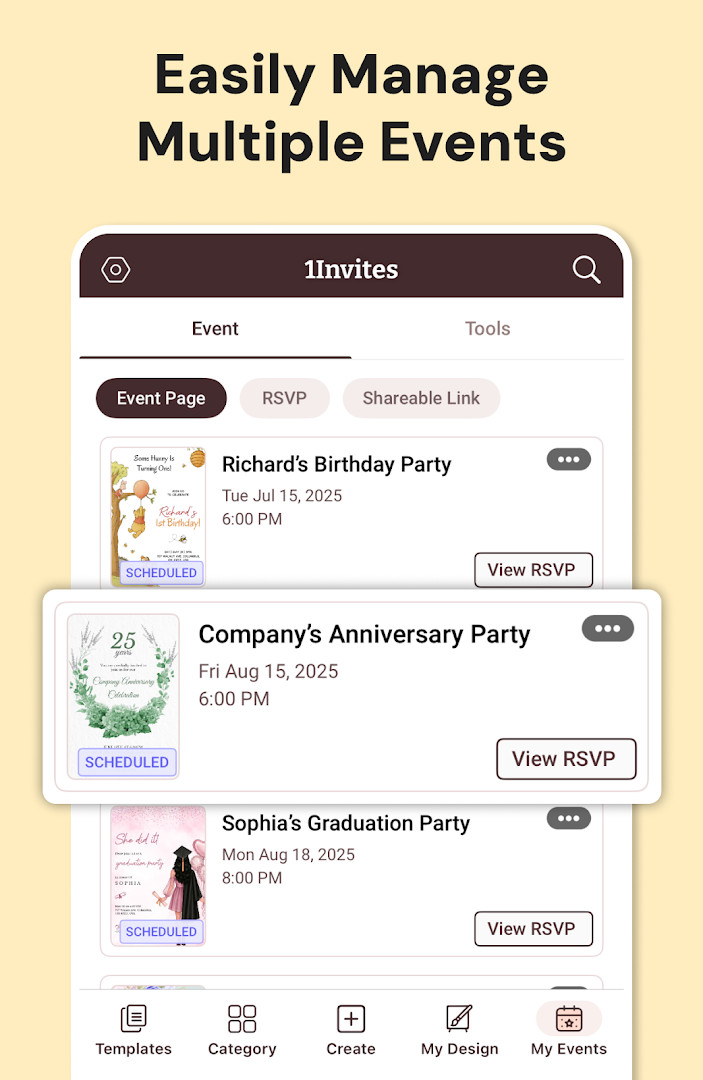
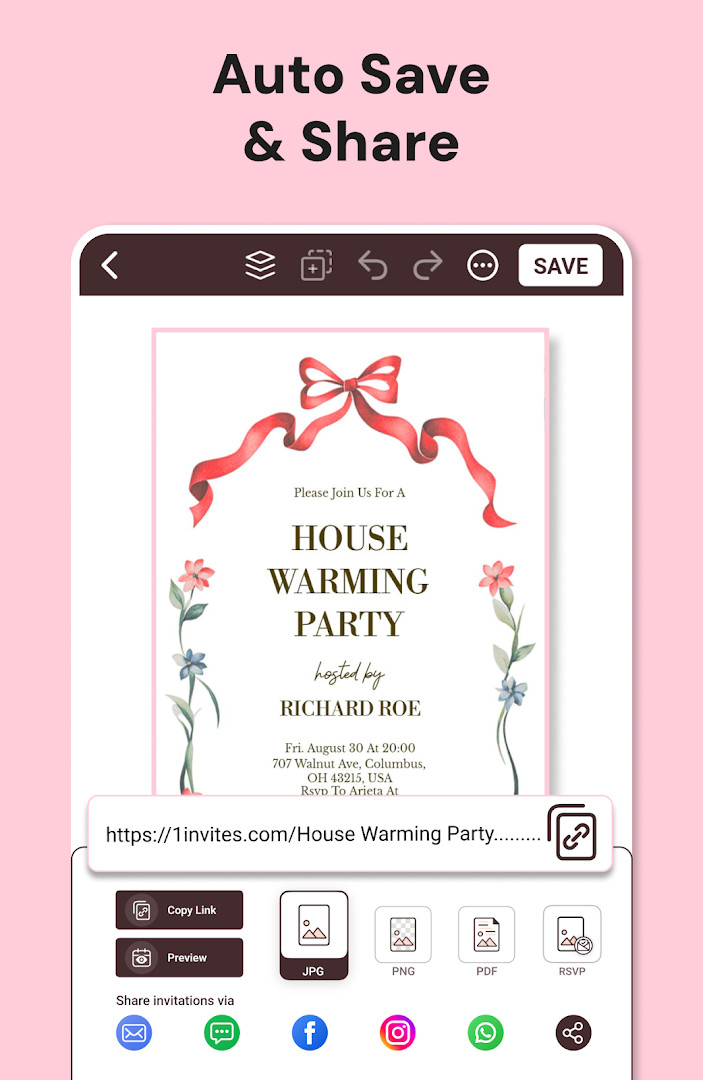
Invitation Maker: Cards + RSVP is a digital invitation and event management app by Photo Studio & Picture Editor Lab that lets users create, send, and track responses to invitations for a wide range of occasions. The app offers thousands of professionally designed templates covering birthdays, weddings, engagements, baby showers, anniversaries, graduations, housewarmings, retirement parties, corporate events, holiday celebrations, and more. Users can personalize text, fonts, colors, and backgrounds, add their own photos and graphics, and adjust layouts with simple editing tools, so no graphic design experience is needed. Version 175.0 requires Android 8.0 or later and is free to download, with optional in-app purchases and advertising.
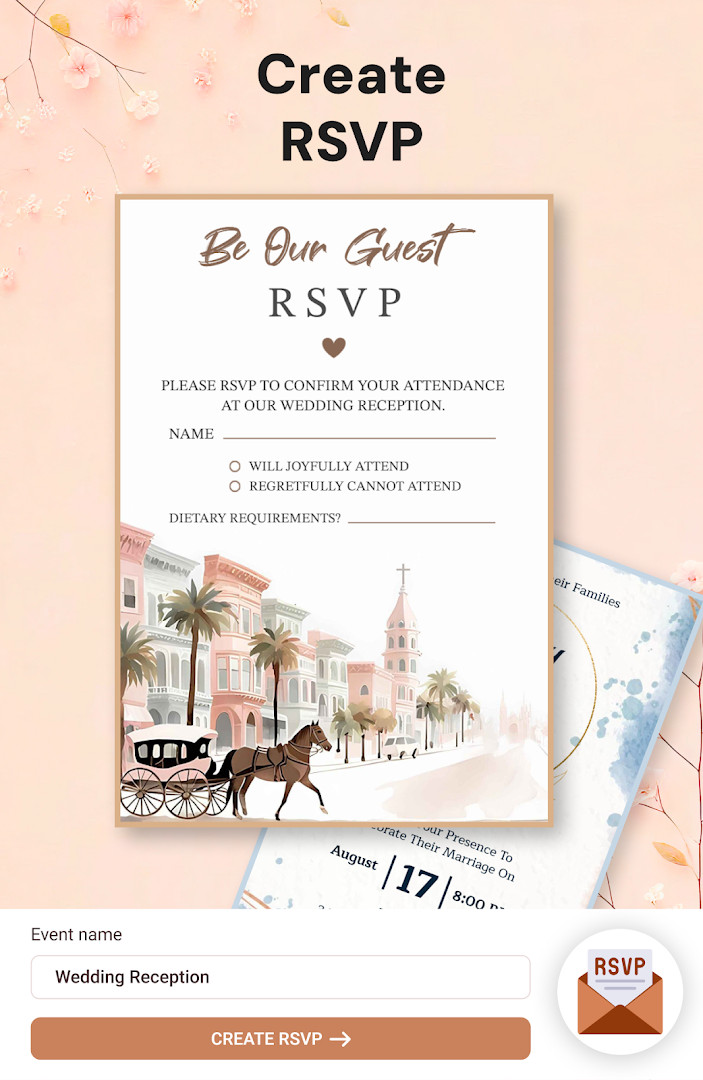
Beyond design, the app doubles as an RSVP manager: invitations can be sent instantly, guests can confirm attendance, and responses are tracked in one place. Event details such as date, time, venue, a Google Maps location, and a website link can be included so guests have everything they need at a tap. Cards can be exported as PDFs or downloaded in high resolution for home or professional printing, or shared digitally through messaging apps and social media.
The app, updated in October 2026, carries a 4.91 rating from more than 149,000 reviews and over 5 million installs, making it a popular choice for people who want a quick, low-cost alternative to printed stationery or custom design services.
Key features
- Thousands of professionally designed templates for birthdays, weddings, baby showers, graduations, and many other occasions
- One-tap editing tools to customize text, fonts, colors, backgrounds, photos, and graphics
- Built-in RSVP collection and guest confirmation tracking in one place
- Instant sharing via messaging apps, email, and social media
- PDF export and high-resolution download for home or professional printing
- Add event date, time, venue, Google Maps location, and website links
- Beginner-friendly workflow that requires no graphic design skills
How to install
- Tap the download button on this page to get the APK file; the file size is not listed.
- When Android asks, allow your browser or file manager to install apps by enabling the Install unknown apps setting.
- Open the downloaded APK file from your notifications or file manager.
- Tap Install and wait for the installation to finish.
- Open the app. It requires Android 8.0 or higher.
Pros
- Free to download with no upfront cost
- High user rating of 4.91 based on over 149,000 reviews
- Wide variety of templates for many event types
- Integrated RSVP tracking reduces the need for separate tools
- PDF and high-resolution export for both digital sharing and printing
- Simple editing suitable for users without design skills
Cons
- Contains ads
- Premium templates, fonts, graphics, and PDF export require a paid subscription after the free trial
- Requests broad permissions, including contacts, calendar, location, camera, phone, storage, and device information
- Subscription renews automatically unless canceled manually
Latest changes · 175.0
Version 175.0 is here with a refreshed experience for creating and managing your event invitations. Send beautifully designed invites anywhere in seconds, while built-in RSVP tracking helps you keep tabs on who's coming. It's a handy all-in-one tool for planning your next celebration.
Version history
| Version | Size | Requires Android | Updated |
|---|---|---|---|
| 175.0 | — | 8.0 | Oct 12, 2026 |
People planning personal, family, or community events such as birthdays, weddings, baby showers, graduations, and corporate gatherings who want to create attractive digital invitations quickly without design software, and who value built-in RSVP tracking and printable exports.
Use the free trial to explore premium templates and PDF export before committing to a subscription. Before sending invitations, add the venue and Google Maps link so guests can find the event easily, and rely on the built-in RSVP tracking to keep guest confirmations organized from one place.
Permissions
FAQ
What is Invitation Maker: Cards + RSVP used for?
It is an events app for creating digital invitation cards and handling guest replies in one place. You can design cards for occasions such as birthdays, weddings, baby showers, engagements, anniversaries, graduations, housewarmings, retirement parties, corporate events, holidays, family gatherings, and community festivals. Along with the design tools, it includes RSVP collection and guest confirmation tracking.
Can I create invitations without any graphic design background?
Yes. The app is built around ready-to-use templates that can be personalized in a few taps, including text, fonts, colors, and backgrounds, plus your own photos and graphics. Layouts can be adjusted with simple editing tools, so no graphic design skills are needed, and a card can be put together in minutes.
How does the RSVP feature work in this app?
Invitations can be sent out and guest responses collected from within the app. You can track confirmations, attach the event date and time, and include venue details, then share the invitation through WhatsApp, email, or social media. This keeps responses organized in one place rather than scattered across separate messages.
Does the app support printed invitations as well as digital sharing?
It does. Invitation cards can be exported as PDF files and downloaded at high resolution, which allows printing at home or through a professional print service. The same design can be used both for online sharing and for physical printed cards.
Is Invitation Maker free, and what does the premium option add?
The app is free to download and is supported by ads, with in-app purchases available. Premium features include premium invitation templates, advanced editing tools, premium fonts, graphics, and PDF export. A free trial is offered to unlock these features, and the subscription renews automatically unless it is canceled before the renewal date.
What are the app's technical details and current version?
The latest version is 175.0, released on 2026-10-12, and it requires Android 8.0 or later. The app falls under the Events category and was originally released on 2018-02-10. It has a content rating of Everyone and is developed by Photo Studio & Picture Editor Lab.
For users who want a straightforward way to design, share, and track invitations from a single app, Invitation Maker: Cards + RSVP is a well-rated option that balances ease of use with practical event-planning tools.
Similar apps



Updated: Oct 25, 2026