Launcher OSTM for Android
Launcher OSTM is a personalization app from Apps Genz for making your phone simple and pretty.
Get Launcher OSTM · v6.3.15Launcher OSTM is for Android users who want a cleaner and more attractive home screen experience. It is free to download, requires Android 8.0 or higher, and its size is not specified in the data. The app can show notifications, calls, and camera access on the lock screen, and includes a universal file search feature, some of which work without an account or offline.
- Version
- 6.3.15
- Requires Android
- 8.0
- Updated
- Sep 3, 2026
- Installs
- 100M+
- Rating
- ★ 4.39 (1,820,374)
- Category
- Personalization
- Developer
- Apps Genz
- Content rating
- Everyone
- Package
- com.babydola.launcherios
- Free
- ✓ · Contains ads · In-app purchases
App screenshots
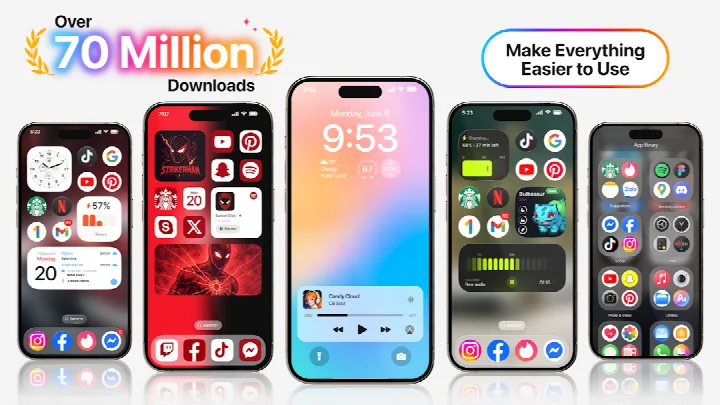
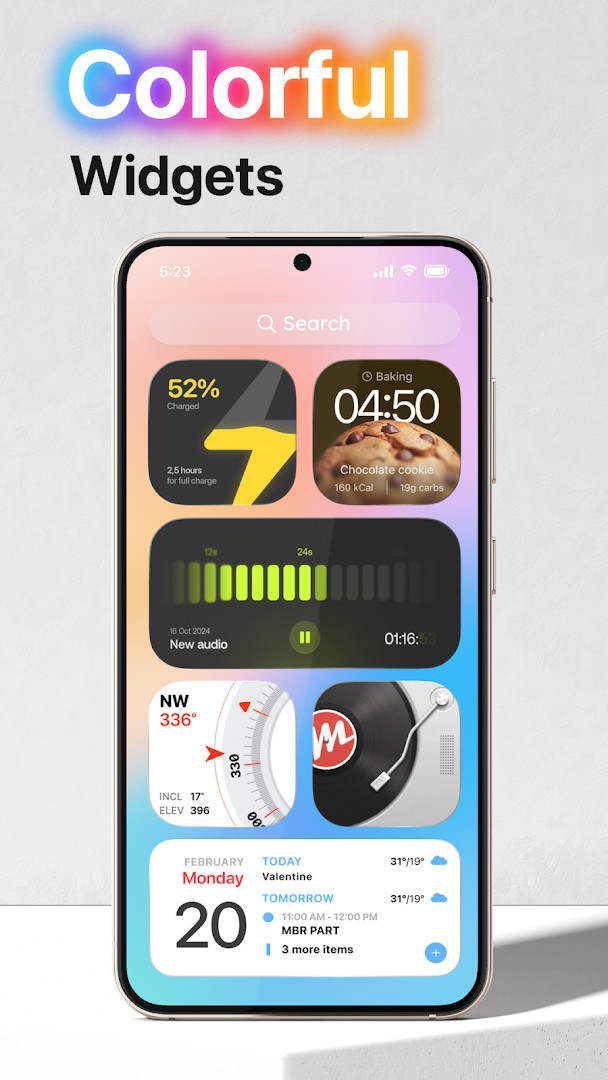
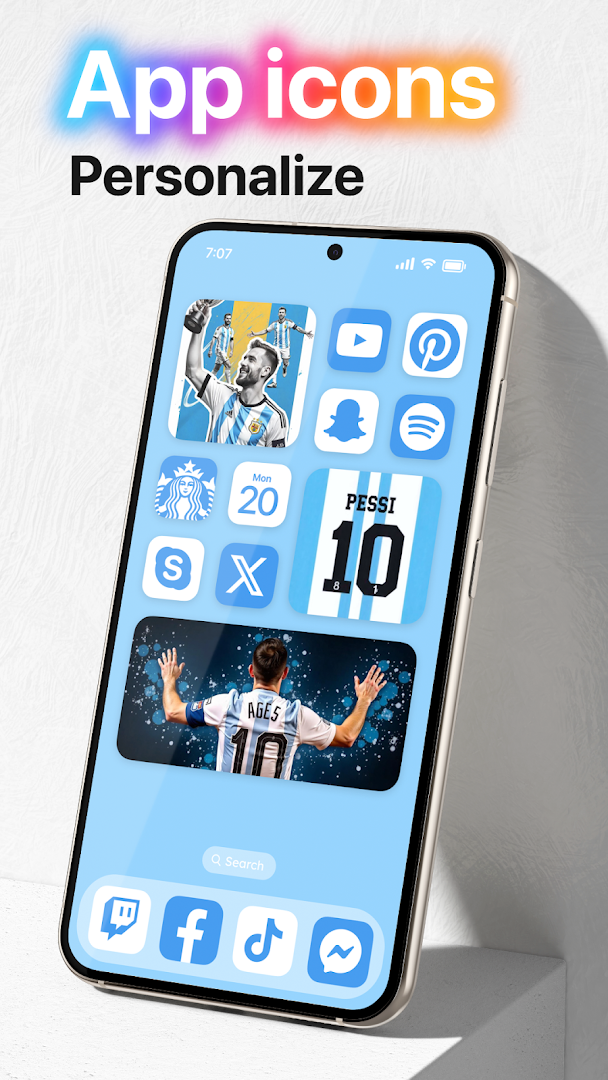
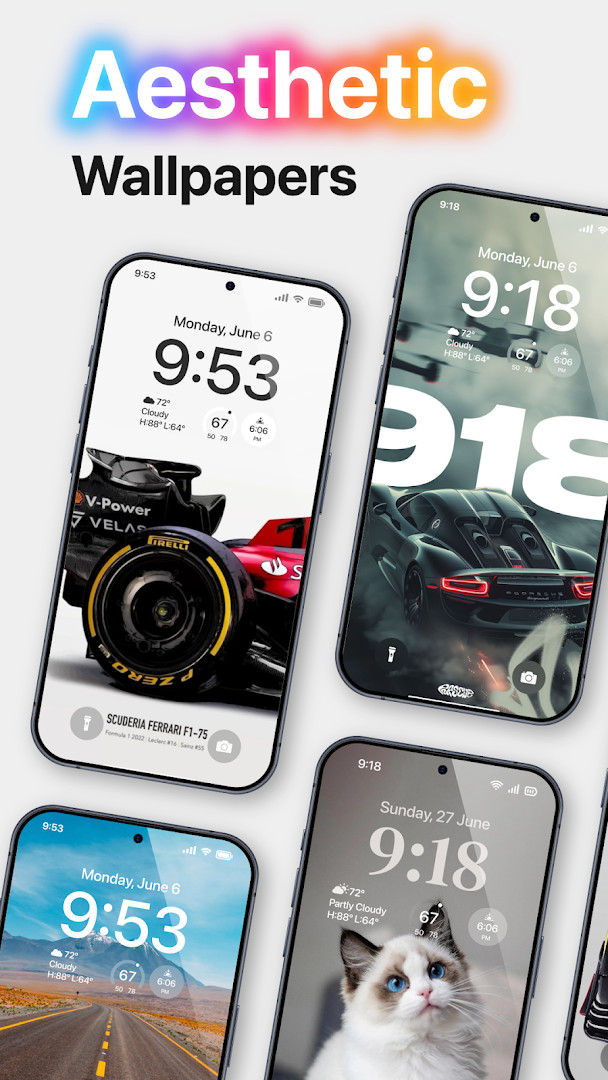
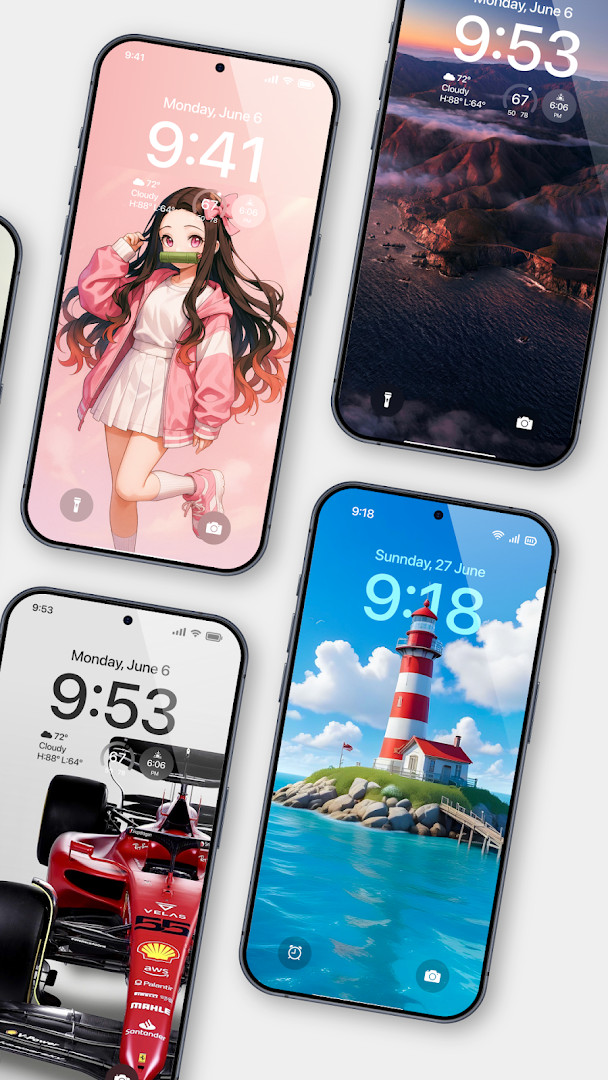
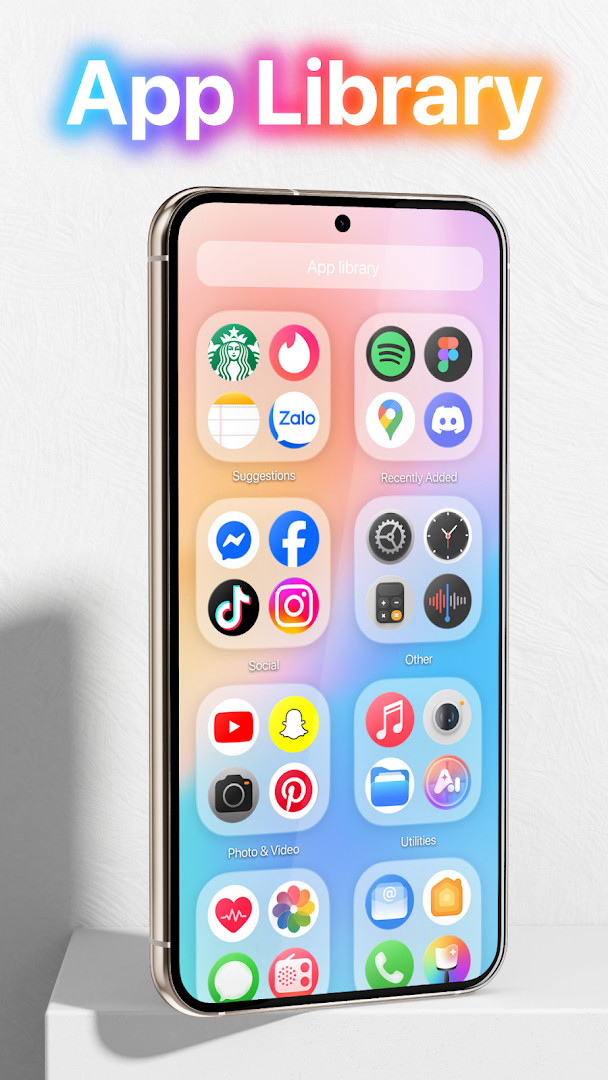
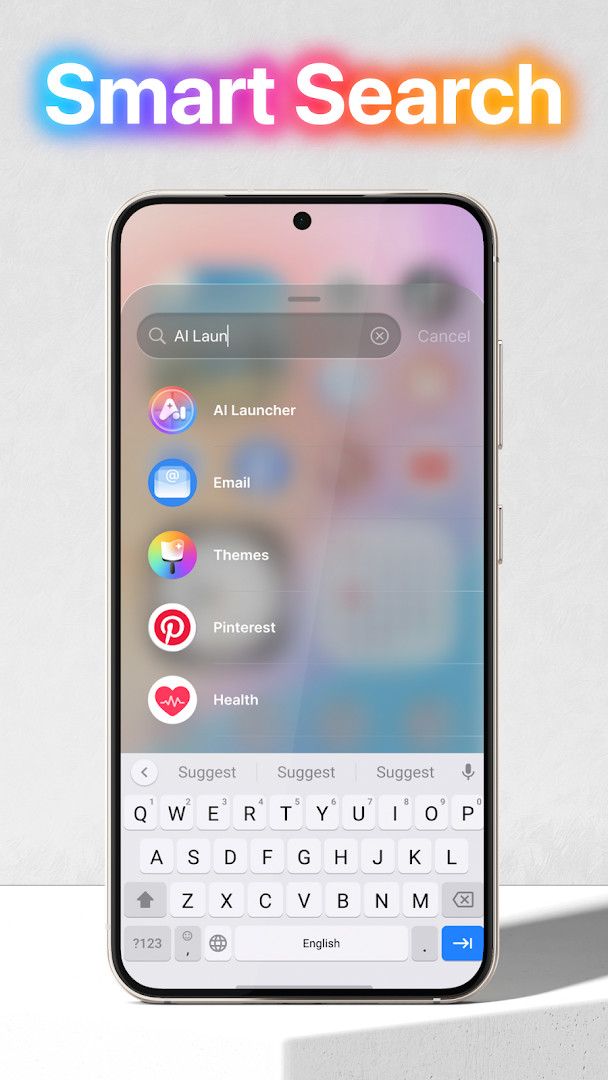
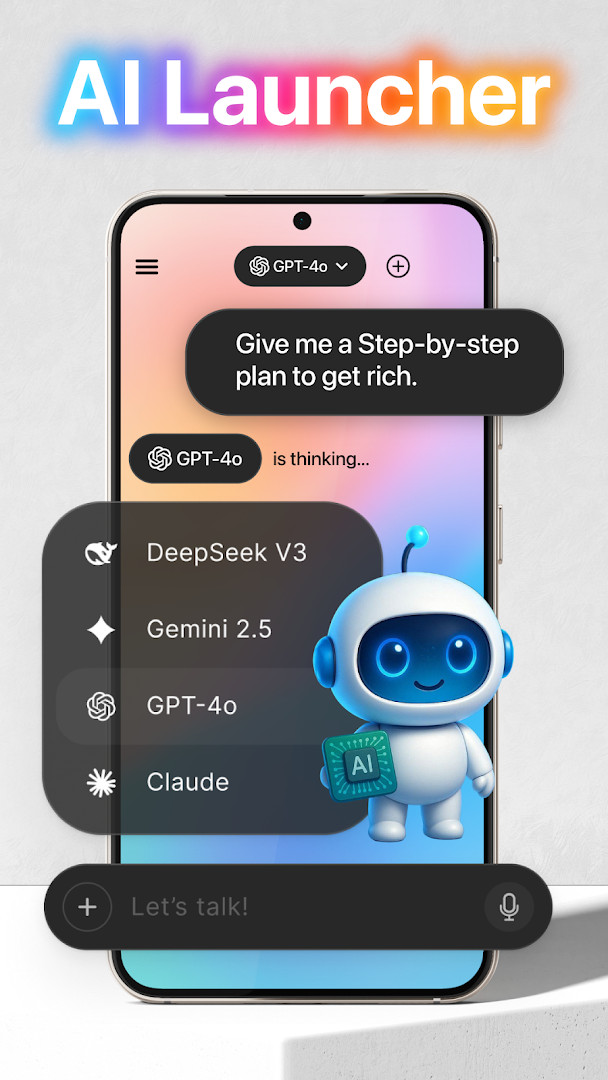
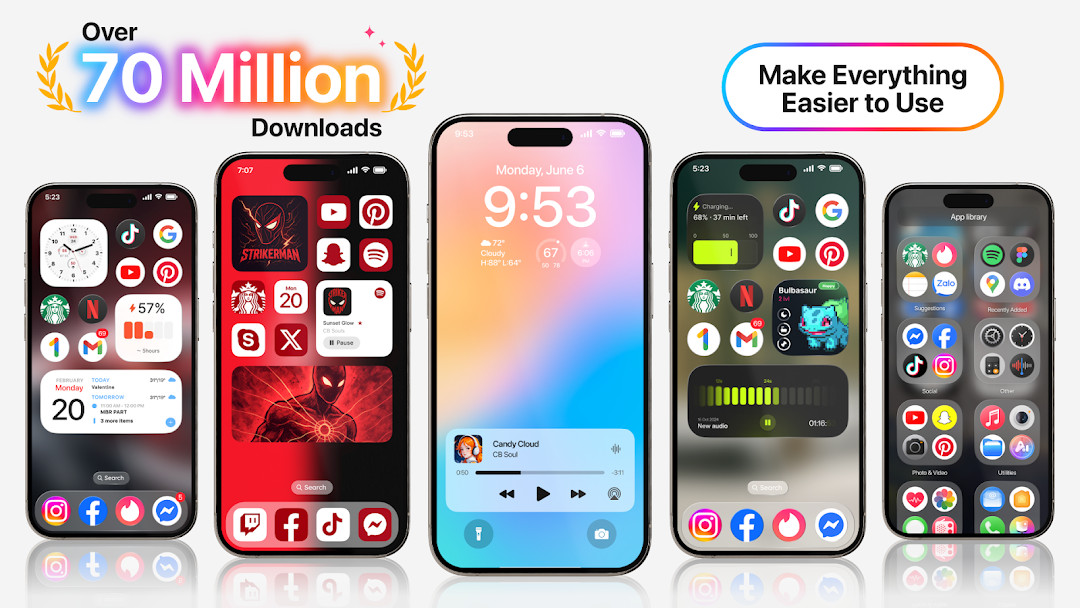
Launcher OSTM is a personalization app by Apps Genz that replaces the standard Android home screen with a customizable, feature-rich interface. It aims to make your phone simpler and more visually appealing by offering a fresh take on the launcher experience, with a focus on intelligent features and deep integration with the system. For an experienced user, this is not just a cosmetic reskin; it's a tool that can fundamentally change how you interact with your device, from the lock screen to the app drawer.
Key features
- Customizable home screen with themes and layouts
- Lock screen enhancements showing camera, calls, and notifications
- Gesture-based navigation and quick actions
- Built-in universal file search to locate files across storage
- AI chat with voice-to-text input using the microphone
- Wallpaper support from your storage or the app's server
- Draw-over-screen capability for a persistent lock screen overlay
- Notification access to display alerts on the lock screen
- Phone state permission to show incoming calls on the lock screen
- Camera shortcut accessible from the lock screen
How to install
- Tap the download button on this page to get the APK file.
- When Android prompts, allow your browser or file manager to install apps by enabling the 'Install unknown apps' setting.
- Open the downloaded APK file from your notification bar or file manager.
- Tap 'Install' on the installation screen.
- After installation, tap 'Open' to launch Launcher OSTM.
- The app requires Android 8.0 or higher; the file size is not specified, so ensure sufficient storage.
Pros
- Highly customizable for a personalized experience
- Combines launcher and lock screen features in one app
- Universal file search adds practical utility
- AI chat with voice input is a standout feature
- Wide range of permissions for deep integration
- Large user base indicates stability and popularity
Cons
- Requires extensive permissions, including camera, microphone, and storage
- Contains ads and in-app purchases
- Potential privacy concerns due to data access
- Heavy customization may be overwhelming for some
- File size not specified, could be large
Latest changes · 6.3.15
The latest update brings Launcher OSTM to version 6.3.15, with build number 380. This new release continues the launcher's goal of keeping your phone simple and visually clean. The developer did not provide additional details about specific changes in this version.
Version history
| Version | Size | Requires Android | Updated |
|---|---|---|---|
| 6.3.15 | — | 8.0 | Sep 3, 2026 |
This app suits power users who want to fully customize their Android experience, enthusiasts who appreciate integrated lock screen and AI features, and anyone who values advanced file search and gesture controls. It's not ideal for those who prefer minimal permissions or stock Android simplicity.
Review the permission prompts carefully during setup; you can deny some permissions (like microphone or location) if you don't plan to use AI chat or location-based features, but note that core lock screen functions may require notification access and draw-over-screen permission.
Permissions
FAQ
Why does Launcher OSTM request access to my camera?
The camera permission allows the launcher to open the camera directly when your screen is locked, providing quick access without unlocking the device.
What does the notification access permission do in Launcher OSTM?
With notification access, Launcher OSTM can display notifications on the lock screen, allowing you to see alerts without unlocking your phone.
How does Launcher OSTM use the microphone permission?
The microphone access is used to convert your voice to text within the AI chat feature, enabling hands-free text input.
What is the purpose of the file management permissions in Launcher OSTM?
The read/write external storage and manage external storage permissions allow Launcher OSTM to set wallpapers from your storage and include a built-in universal file search to help you quickly find any file on your device.
What does the 'draw over screen' permission enable in Launcher OSTM?
This permission allows the lock screen to appear on top of other applications, ensuring the lock screen is visible regardless of the app you are using.
Launcher OSTM is a feature-packed personalization tool that offers more than just a home screen replacement. Its combination of lock screen widgets, AI chat, and universal search makes it a compelling choice for experienced users, but the heavy permission requirements and ad support are trade-offs. If you value deep customization and are comfortable managing permissions, it's worth trying; otherwise, a lighter launcher may be more suitable.
Similar apps




Updated: Oct 25, 2026