Microsoft SwiftKey AI Keyboard for Typing
Microsoft SwiftKey AI Keyboard is a free personalization app by SwiftKey that lets you type with swipe or tap input, predictions, emoji and GIFs.
Get the keyboard · v9.13.17.6Microsoft SwiftKey AI Keyboard is a free keyboard app from SwiftKey that runs on Android 8.0 and up and shows ads, with no in-app purchases. It has been installed more than 1 billion times and holds 4.29 stars from 4.6 million ratings. The current version is 9.13.17.6, updated on October 13, 2026, and it supports over 700 languages with up to five enabled at once.
- Version
- 9.13.17.6
- Requires Android
- 8.0
- Updated
- 13.10.2026
- Installs
- 1B+
- Rating
- ★ 4.29 (4 598 250)
- Category
- Personalization
- Developer
- SwiftKey
- Content rating
- Everyone
- Package
- com.touchtype.swiftkey
- Free
- ✓ · Contains ads
Screenshots
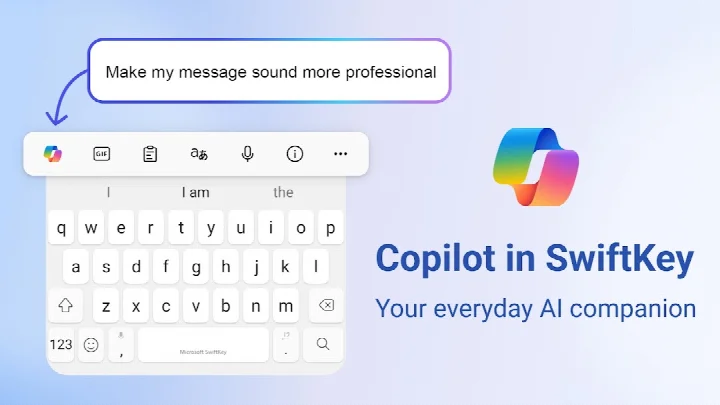
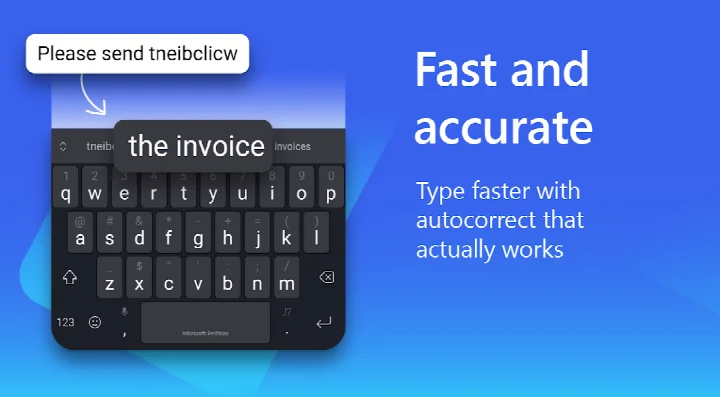
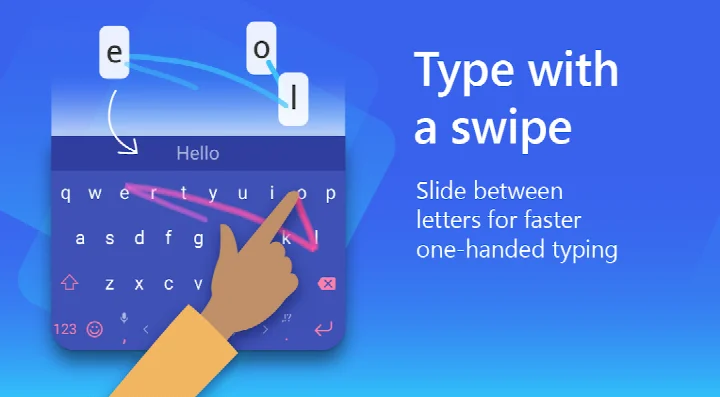
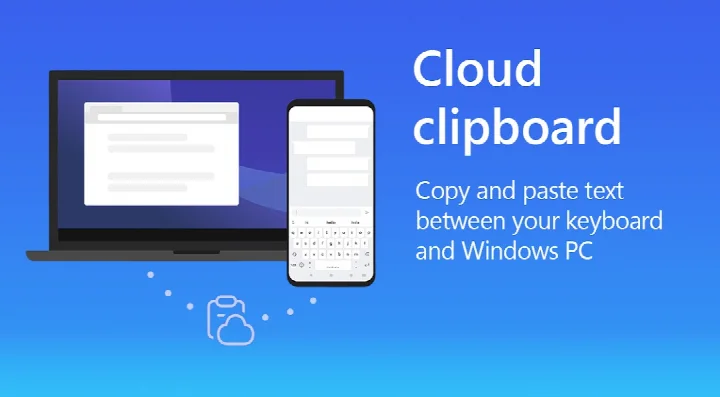
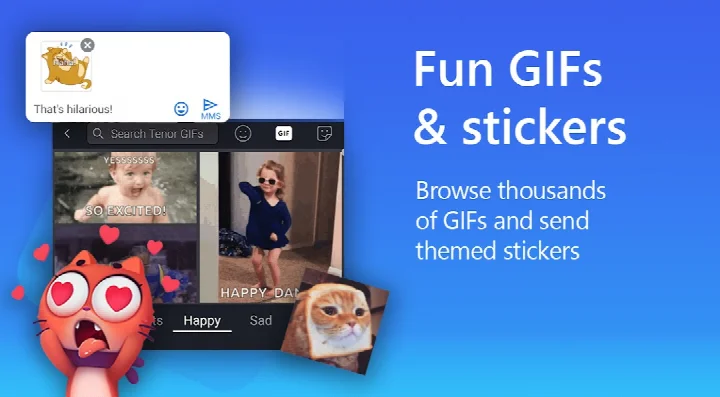
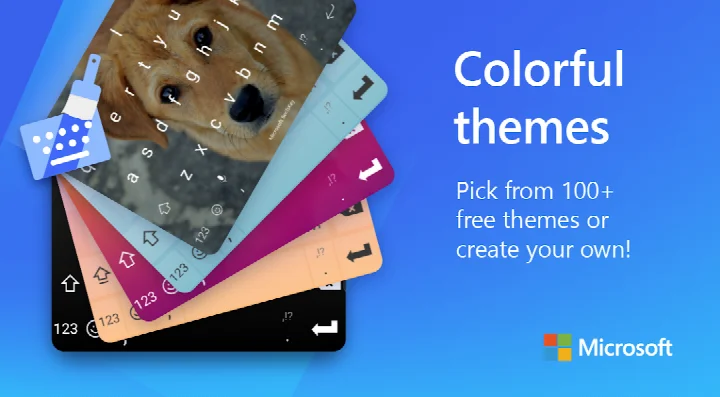
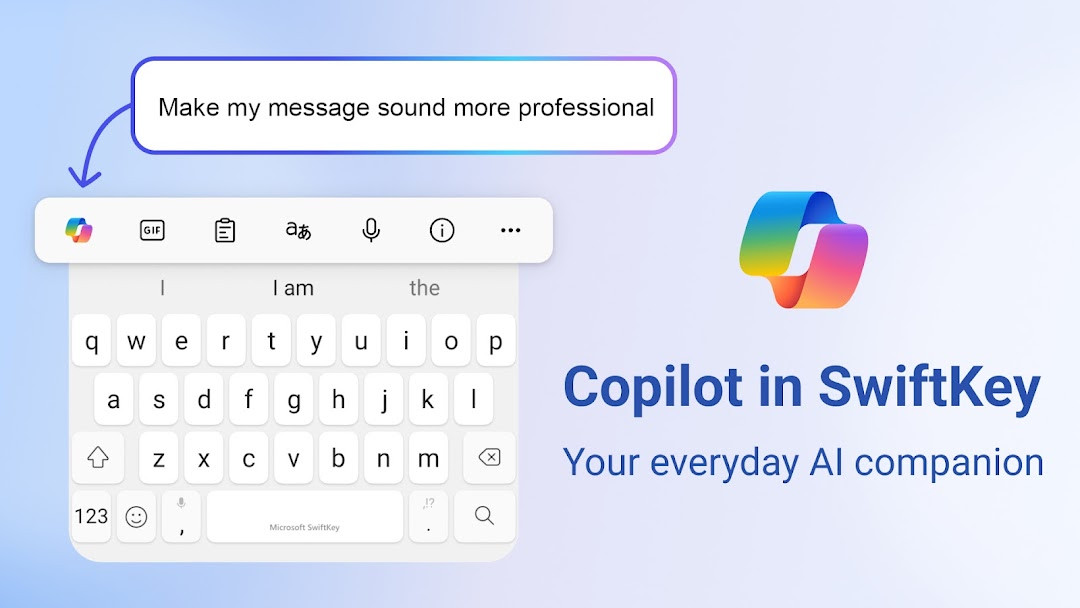
Microsoft SwiftKey AI Keyboard is a personalization app by SwiftKey that provides an adaptive, AI-enhanced typing experience for Android devices. It learns your unique writing style over time, including slang, nicknames, and frequently used emoji, to deliver faster and more accurate text input. The app integrates Microsoft's Copilot AI assistant, enabling users to compose, rewrite, and generate content directly within their keyboard.
Key features
- Swipe-to-type and tap-to-type input methods
- AI-powered autocorrect and next-word predictions that adapt to your vocabulary
- Built-in Copilot AI for composing text, rewriting in different tones, and answering questions
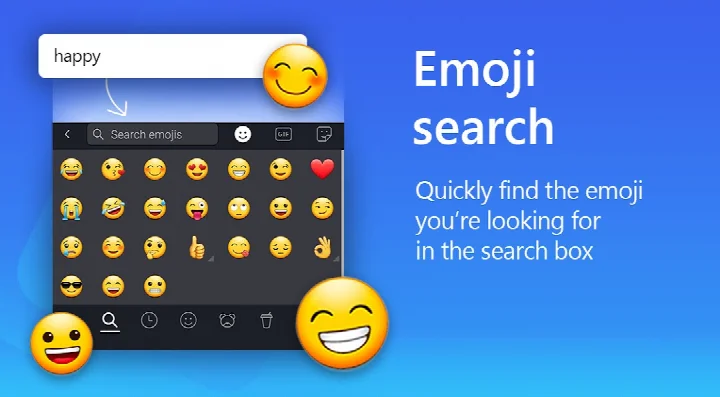
- Expressive content tools: searchable emoji, GIFs, stickers, and AI-generated images and memes
- Over 100 colorful themes, plus the ability to create custom themes using your own photos
- Customizable keyboard size and layout to fit your preferences
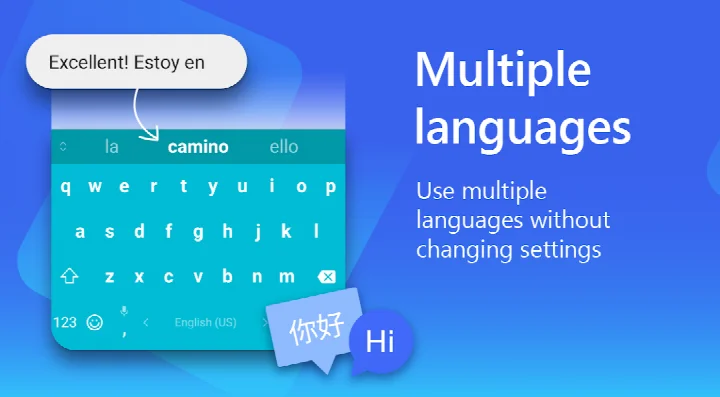
- Multilingual support: enable up to five languages simultaneously, with over 700 language options
How to install
- Tap the download button on this page to get the APK file (file size is not specified).
- When Android prompts, allow your browser or file manager to install apps by enabling the 'Install unknown apps' setting.
- Open the downloaded APK file from your notification bar or file manager.
- Tap 'Install' and wait for the installation to complete.
- Open the app from your app drawer and follow the on-screen setup to enable the keyboard.
- Note: The app requires Android 8.0 or higher to run.
Pros
- Highly adaptive learning engine that personalizes predictions
- Integrated AI Copilot for writing assistance
- Extensive customization options for themes and layout
- Supports a vast number of languages
- Free to use with no in-app purchases
Cons
- Contains ads
- Requires optional permissions for microphone, camera, and contacts to use certain features
- AI features may require an internet connection
What's New · 9.13.17.6
This update brings general improvements to keep Microsoft SwiftKey Keyboard running smoothly. No new features are highlighted, but stability and performance refinements are included.
Other Versions
| Version | Size | Requires Android | Updated |
|---|---|---|---|
| 9.13.17.6 | — | 8.0 | 13.10.2026 |
| 9.13.14.5 | 229 MB | 8.0 | 24.08.2026 |
| 7.0.7.28 | 42 MB | 6.0 | 11.11.2025 |
| 9.10.61.36 | 73 MB | 7.0 | 17.06.2025 |
| 6.7.7.17 | 37 MB | 4.1 | 28.02.2018 |
| 6.6.6.26 | 39 MB | 4.0.3 | 11.09.2017 |
| 6.0.0.162 | 31 MB | 4.0 | 16.11.2015 |
This keyboard is ideal for heavy texters who want faster input, multilingual users who switch between languages frequently, and anyone who wants AI-powered writing assistance directly in their keyboard.
To get the most accurate predictions, allow the keyboard to learn from your typing habits over time—it will adapt to your unique vocabulary and style.
Permissions
Frequently Asked Questions
How do I install the Microsoft SwiftKey AI Keyboard APK on my Android device?
To install the APK, download the Microsoft SwiftKey AI Keyboard APK file from a trusted source and open it. You may need to enable 'Install unknown apps' in your device settings. After installation, follow the on-screen instructions to enable the keyboard and set it as your default input method.
What is the current version of Microsoft SwiftKey AI Keyboard?
The current version is 9.13.17.6, which was updated on October 13, 2026. This version includes general improvements to ensure the keyboard runs smoothly.
Does Microsoft SwiftKey AI Keyboard contain ads or require in-app purchases?
Microsoft SwiftKey AI Keyboard is free to download and use. It does contain ads, but it does not offer in-app purchases. You can use the keyboard without paying any money.
Can I use Microsoft SwiftKey AI Keyboard offline?
Yes, the core typing features like swipe-to-type, tap-to-type, autocorrect, and predictions work offline. However, AI-powered features like Copilot and AI image generation require an internet connection to function.
What are some alternatives to Microsoft SwiftKey AI Keyboard in the personalization category?
There are other keyboard apps available that offer personalization features such as themes, emoji, and swipe typing. You can explore other keyboard apps on the Android platform that provide similar customization options and typing assistance.
Does Microsoft SwiftKey AI Keyboard support multiple languages?
Yes, Microsoft SwiftKey AI Keyboard supports over 700 languages and allows you to enable up to five languages at once. This makes it a versatile choice for multilingual users.
What permissions does Microsoft SwiftKey AI Keyboard require?
Microsoft SwiftKey AI Keyboard may request optional permissions like microphone access for voice typing, access to photos and videos to insert media, contacts for easy entry, and camera to take photos. You can use the keyboard without granting these permissions, but some features may be limited.
Microsoft SwiftKey AI Keyboard combines proven typing intelligence with modern AI capabilities, offering a versatile and personalized input experience. While it includes ads and requests optional permissions, its extensive features and free model make it a strong choice for most Android users.
Updated: 24.10.2026