
Facemoji AI Emoji Keyboard: Emojis and Themes
Facemoji AI Emoji Keyboard is a free personalization keyboard by Nexileap that lets you type with emojis, fonts, and themes.
Get Facemoji · v3.6.8.3Facemoji AI Emoji Keyboard requires Android 6.0 or higher and includes ads and in-app purchases. It offers over 6000 emojis, 1500+ themes, and AI features for creating custom emojis and stickers. The app suits users who want expressive typing options for chats and social media.
- Version
- 3.6.8.3
- Requires Android
- 6.0
- Updated
- Sep 23, 2026
- Installs
- 100M+
- Rating
- ★ 4.68 (1,512,891)
- Category
- Personalization
- Developer
- Nexileap
- Content rating
- Teen
- Package
- com.simejikeyboard
- Free
- ✓ · Contains ads · In-app purchases
App screenshots
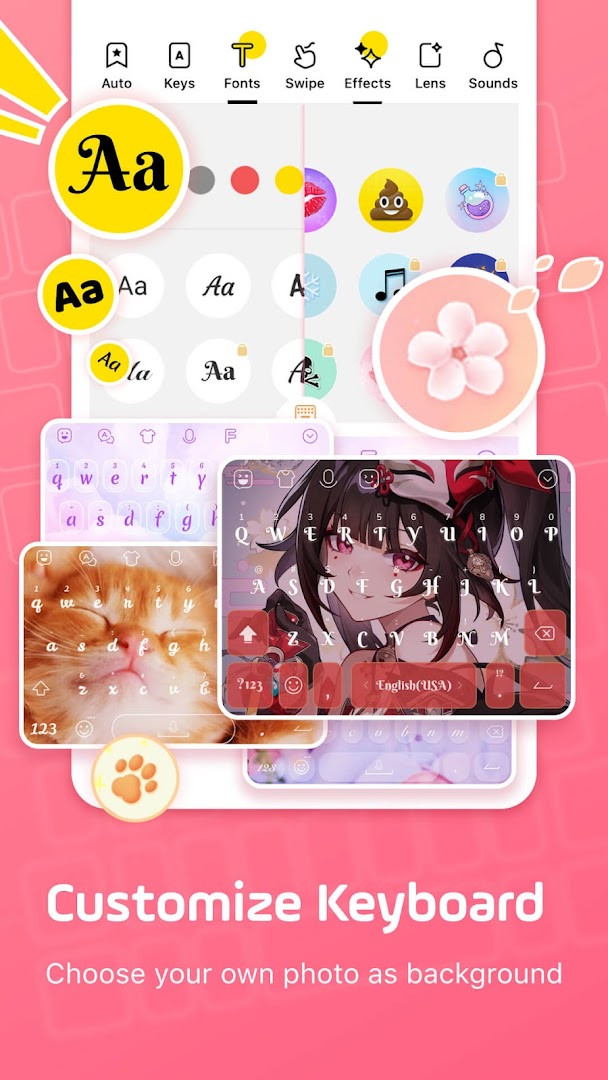
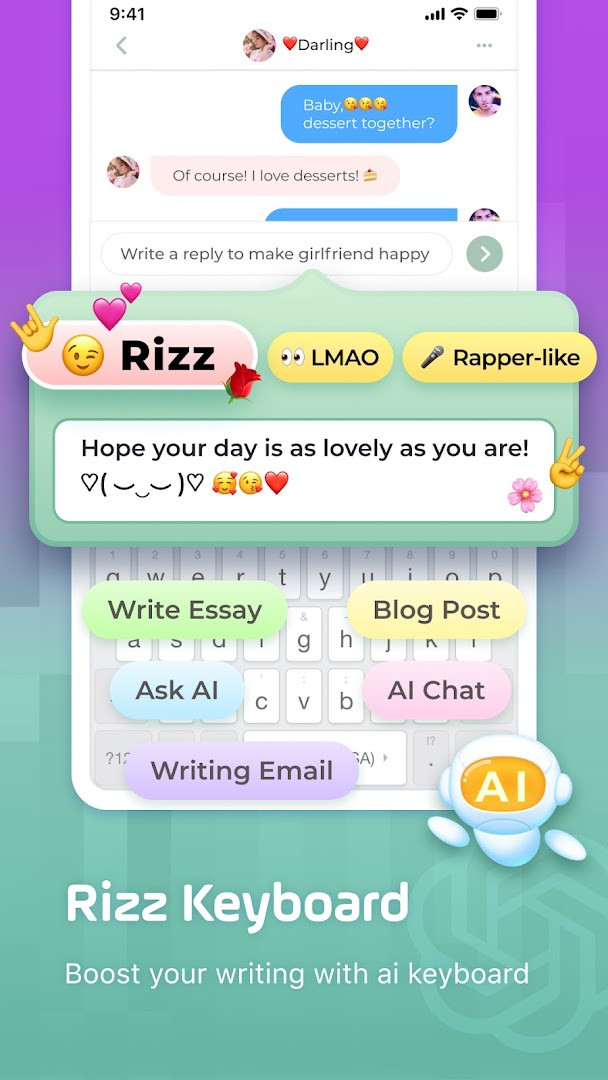
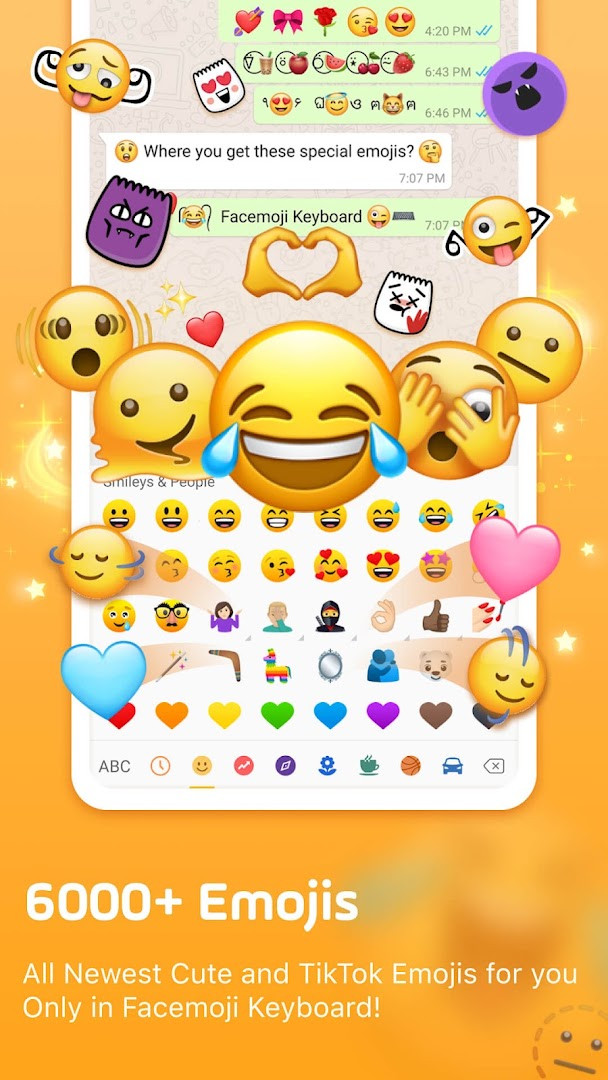
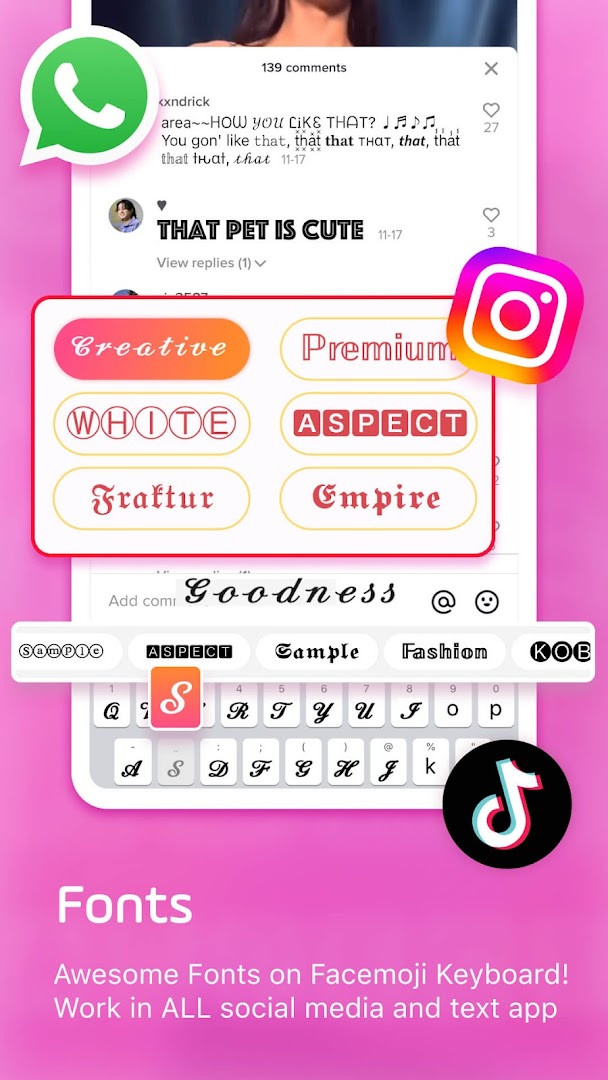
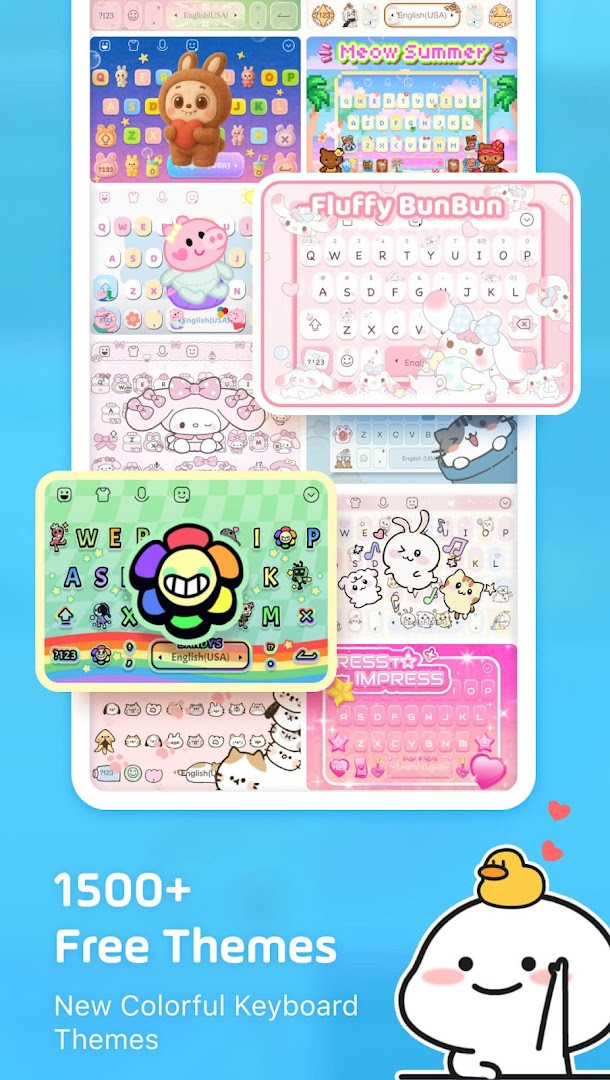
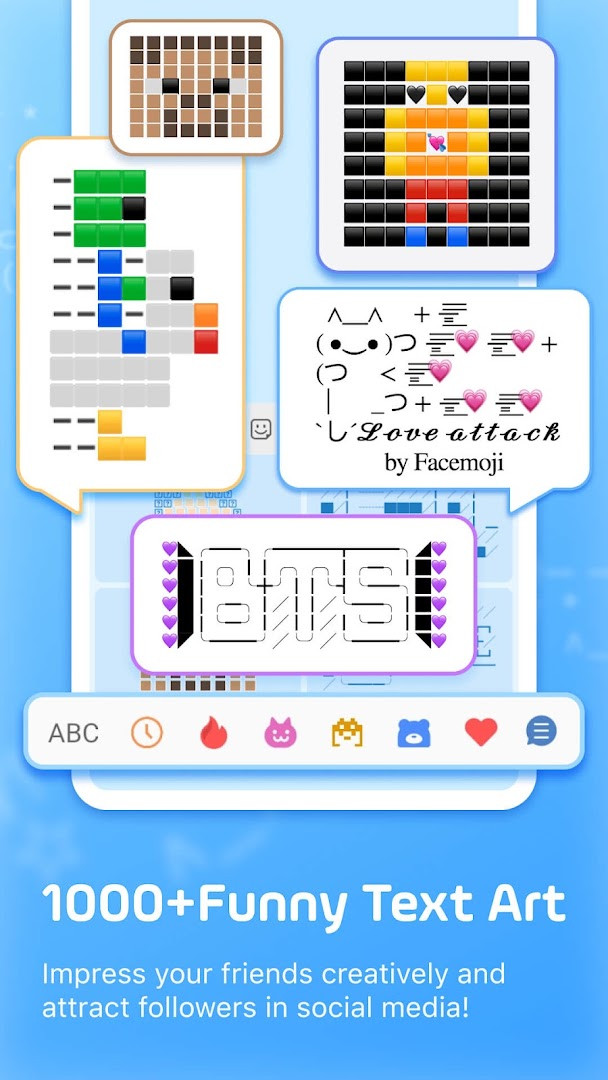
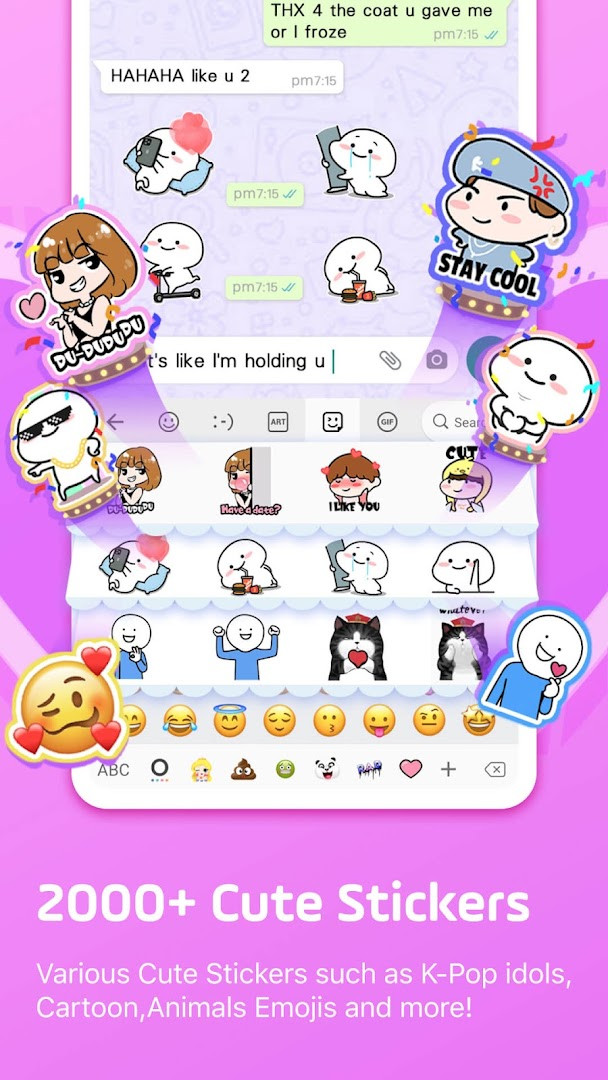
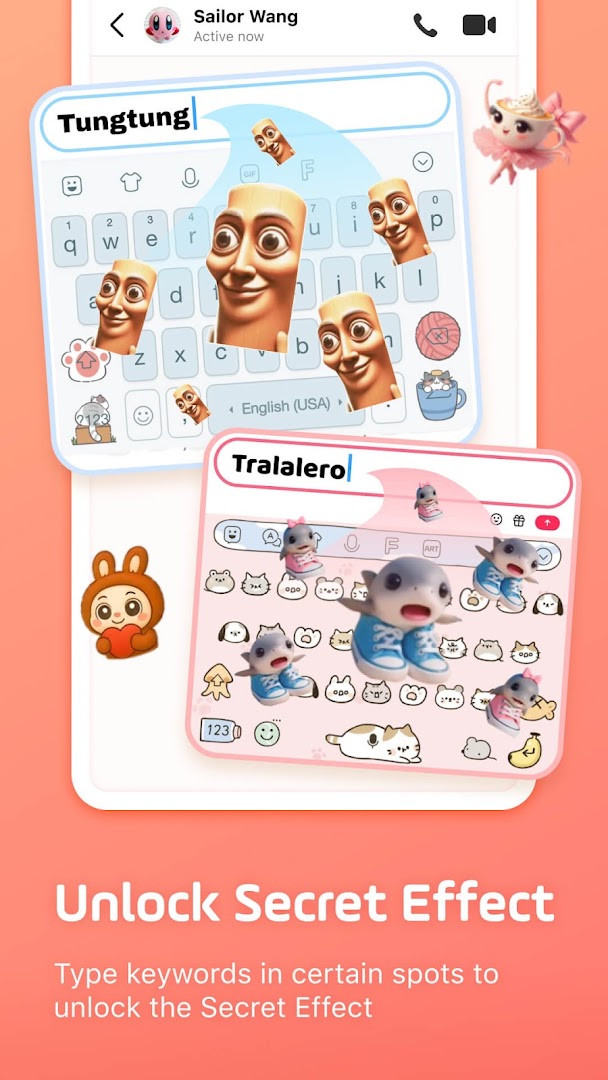
Facemoji AI Emoji Keyboard is a personalization app by Nexileap that provides an AI-powered custom keyboard for Android. The app is designed to address the problem of plain and repetitive texting by offering a broad range of expressive tools, including over 6000 emojis, 100+ fonts, 1500+ themes, stickers, and GIFs, all integrated into a single keyboard interface. It solves this by combining traditional keyboard functions like swipe typing, autocorrect, and smart suggestions with unique features such as a custom emoji maker, AI-generated responses, and DIY avatar stickers. The keyboard also includes specialized modes for gaming, K-Pop content, and quick messaging, making it a versatile tool for users who want to personalize their communication across various platforms. It supports over 100 languages and includes a built-in translator, enhancing its utility for a diverse user base. The app is free to download, contains ads, and offers in-app purchases, and it requests permissions for storage, microphone, and Wi-Fi connection information. With a rating of 4.68 from over 1.5 million ratings and more than 100 million installs, it is a widely adopted solution for those seeking a feature-rich and customizable typing experience on Android devices running version 6.0 or higher.
Key features
- Access over 6000 emojis, stickers, symbols, and GIFs, including trending and exclusive options not found in standard keyboards
- Create personalized emojis and stickers with the AI-powered Genmoji-style emoji maker, including look-alike stickers based on your face
- Customize keyboard appearance with 1500+ free themes, DIY wallpapers, button colors, fonts, and tapping effects or sounds
- Utilize cool fonts and over 1000 unicode symbols for stylish messages on social media platforms
- Enjoy fast typing with swipe gesture support, smart autocorrect, emoji predictions, and sticker predictions in messaging apps
- Use the auto-paste keyboard and clipboard for quick repeated messages and one-click sending of copied notes
- Generate DIY avatar stickers from your text input and share them across WhatsApp, Facebook, TikTok, and other apps
- Explore K-Pop content with exclusive emojis and stickers for groups like BTS and Blackpink, plus special game keyboards for Among Us, Roblox, and Minecraft
How to install
- Tap the download button on this page to get the APK file for Facemoji AI Emoji Keyboard
- When Android prompts, allow your browser or file manager to install apps by enabling the 'Install unknown apps' setting
- Open the downloaded APK file from your device's notification bar or file manager
- Tap Install and wait for the installation to complete
- Open the app and follow the setup instructions to enable the keyboard and grant necessary permissions
Pros
- Wide variety of customization options including themes, fonts, and emojis
- AI-powered features for generating unique emojis and stickers
- Supports over 100 languages with a built-in translator
- Includes game-specific keyboards for popular titles
- Free to download with a high user rating
Cons
- Contains ads which may interrupt the user experience
- Offers in-app purchases for additional content
- Requests permissions for storage, microphone, and Wi-Fi connection information
- Large number of features may feel overwhelming for some users
Latest changes · 3.6.8.3
Version 3.6.8.3 introduces Facemoji AI, an integrated assistant that generates text responses on demand. It also adds Magic Avatar creation and face-based emoji generation, expanding the app's customization options beyond the existing emoji maker and sticker tools.
Version history
| Version | Size | Requires Android | Updated |
|---|---|---|---|
| 3.6.8.3 | — | 6.0 | Sep 23, 2026 |
| 1.5 | 15 MB | 4.0.3 | Jun 21, 2026 |
Facemoji AI Emoji Keyboard is ideal for Android users who enjoy personalizing their messaging experience and want to stand out in conversations. It suits individuals who frequently use emojis, stickers, and GIFs across social media platforms like WhatsApp, TikTok, and Instagram, as well as those interested in creating custom avatars or AI-generated content. Gamers who play titles like Among Us or Roblox may also find the specialized keyboards useful. The app appeals to a broad demographic, including K-Pop fans looking for exclusive stickers and users who want a keyboard that supports multiple languages with translation capabilities. However, it may be less suitable for those who prefer a minimalist typing experience or are concerned about the permissions required for full functionality.
To get the most out of Facemoji AI Emoji Keyboard, spend time exploring the theme gallery and custom emoji maker to personalize your keyboard. For quicker messaging, set up the auto-paste keyboard for frequently used phrases, and enable swipe typing for faster input. Be aware that the app includes ads and in-app purchases, so you may want to adjust settings to minimize interruptions.
Permissions
FAQ
How do I install the Facemoji AI Emoji Keyboard APK on my Android device?
To install the APK, first allow installation from unknown sources in your device settings, then open the downloaded APK file and follow the on-screen prompts. After installation, enable the keyboard in your system settings and select it as your default input method.
What is the current version of Facemoji AI Emoji Keyboard?
The current version is 3.6.8.3, released on September 23, 2026. This version introduces Facemoji AI features, including Magic Avatar and Face Emoji creation.
Does Facemoji AI Emoji Keyboard contain ads or in-app purchases?
Yes, the app is free to download and use, but it includes ads and offers in-app purchases. The base download price is $0.00, and optional purchases are available for additional content.
Can I use Facemoji AI Emoji Keyboard offline?
The app requires an active connection for AI-powered features and some content, but basic keyboard functions, emojis, themes, and stickers can be used offline once downloaded. Some features may need internet access to work fully.
What alternatives exist in the same personalization category?
There are several other emoji keyboards available for Android that offer similar features like emoji collections, stickers, GIFs, and customizable themes. These alternatives vary in design, language support, and available customization options.
What Android version is required to run Facemoji AI Emoji Keyboard?
The app requires Android 6.0 or higher to run. It supports over 100 languages and includes features like gesture typing, smart autocorrect, and a built-in translator.
What permissions does Facemoji AI Emoji Keyboard request?
The app requests permissions for Photos/Media/Files, Storage, Microphone, and Wi-Fi connection information. These are used for features like custom keyboard backgrounds and certain input functions, and the developer states it never collects personal information without explicit permission.
Facemoji AI Emoji Keyboard offers a comprehensive and highly customizable typing solution with a vast array of emojis, themes, and AI-powered features. It is a solid choice for users seeking to enhance their messaging with creative tools, though the ads and permissions may require consideration.
Similar apps



Updated: Nov 8, 2026