Google Street View: Virtual Explorer and Creator
Google Street View is a travel and maps app by Google Inc. that lets you explore the world and create your own 360-degree imagery.
Download Google Street View · v2.0.0.484371618Google Street View lets you virtually visit landmarks and everyday places around the globe, and also enables you to contribute your own Photo Spheres, Photo Paths, and Street View recordings for others to see. The app is free, requires Android 7.0 or newer, and has a download size of 42 MB.
- Version
- 2.0.0.484371618
- Size
- 42 MB
- Requires Android
- 7.0
- Updated
- Mar 6, 2025
- Installs
- 1B+
- Rating
- ★ 4.36 (234)
- Category
- Travel & Maps
- Developer
- Google Inc.
- Content rating
- Everyone
- Package
- com.google.android.street
- Free
- ✓
App screenshots
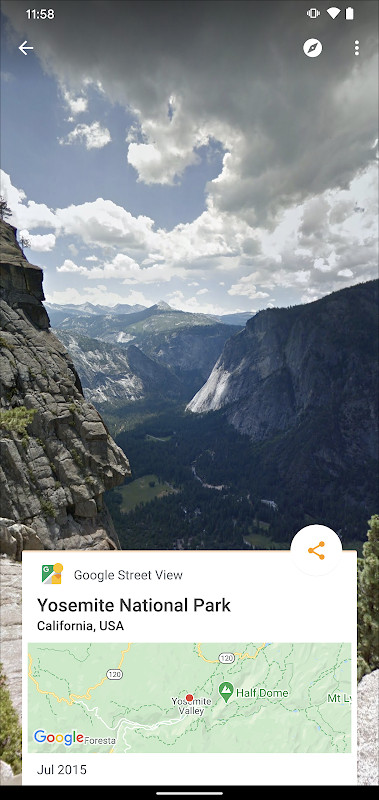
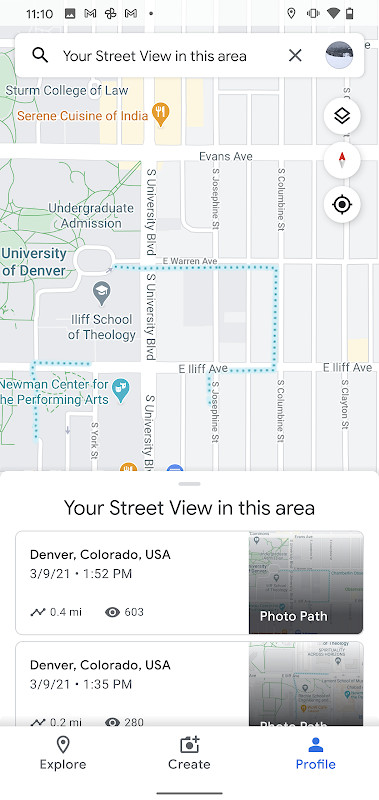
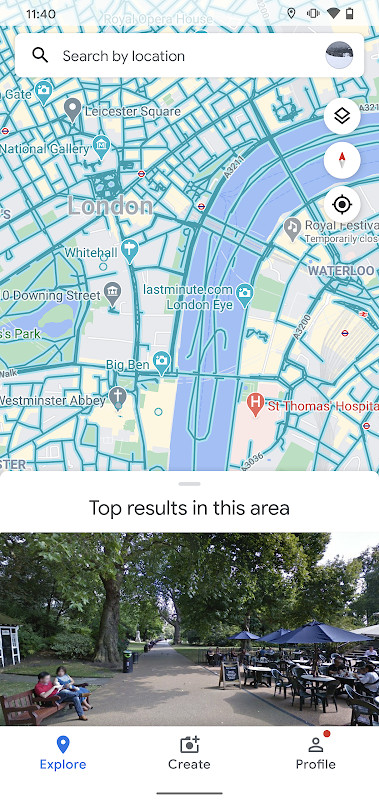
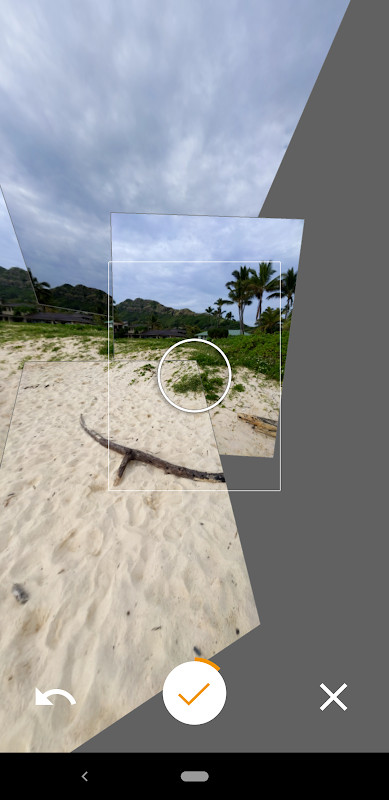
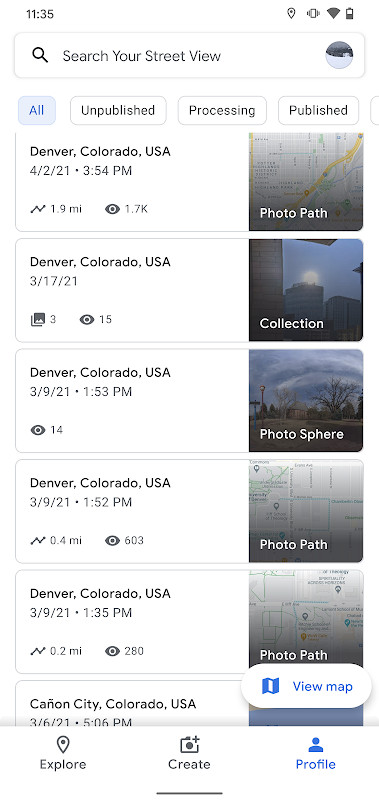
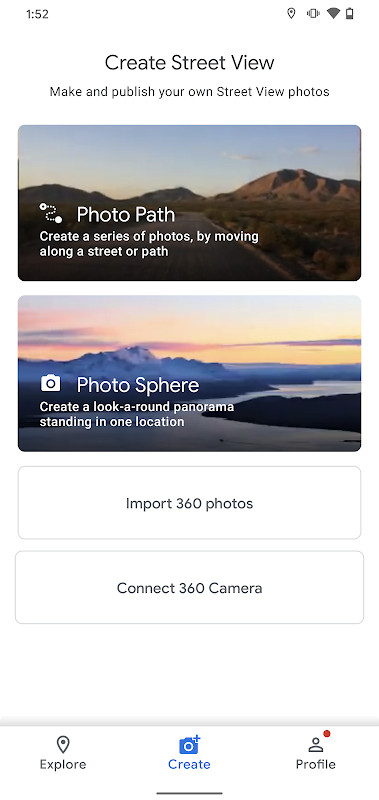
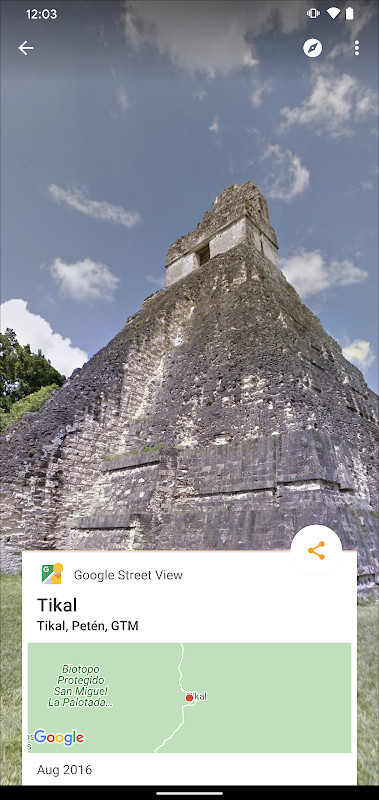
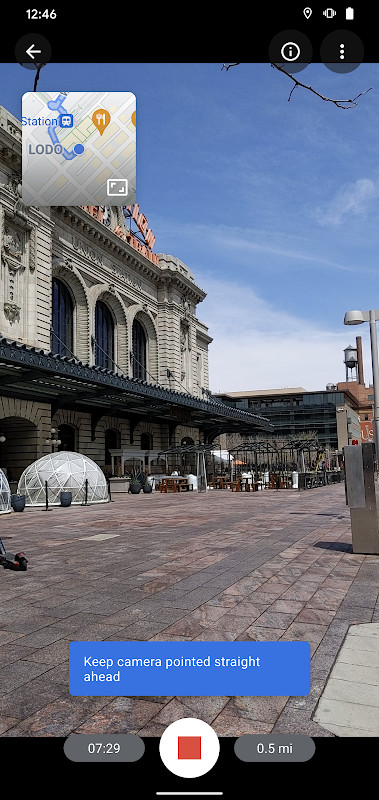
Google Street View is a travel and local discovery app by Google Inc. that lets you explore immersive 360-degree imagery from around the world and also create and publish your own Street View content. The app solves the problem of virtually visiting places you can't physically reach, offering a way to step inside landmarks, museums, restaurants, and small businesses from your phone. It also solves the problem of contributing to global mapping by providing tools to capture and upload your own Photo Spheres, Photo Paths, and connected panoramas, making the world's map more complete and personal.
Key features
- Create and publish Photo Spheres (360° panoramas) directly from your phone.
- Capture Photo Paths along streets or trails, requiring an ARCore-compatible device.
- Record Street View imagery using a compatible 360° camera.
- Explore immersive Street View imagery from Google and other users, covering nearly every country.
- Step inside places like museums, arenas, restaurants, and small businesses.
- Track your contribution progress with the Street View badge.
- Fresh UI makes creating, organizing, and publishing imagery simpler.
- Version 2.0.0.484371618 includes several bug fixes and improvements.
How to install
- Tap the download button on this page to get the APK file (42 MB).
- When Android prompts, allow your browser or file manager to install apps by enabling the 'Install unknown apps' setting.
- Open the downloaded APK file from your notifications or file manager.
- Tap 'Install' and wait for the installation to complete.
- Once installed, open the app. It requires Android 7.0 or newer.
Pros
- Free to use with no in-app purchases listed.
- Allows you to contribute to Street View, not just view.
- Wide range of immersive content from around the world.
- Compatible with devices running Android 7.0 and above.
Cons
- Requires access to your location (coarse and fine) for capturing and viewing nearby imagery.
- Uses camera access to create Photo Spheres and Photo Paths.
- Needs internet and network state permissions for uploading and downloading content.
- May access your accounts, potentially raising privacy considerations.
- Can read and write external storage, which might concern some users.
Latest changes · 2.0.0.484371618
Version 2.0.0.484371618 lets you record a Photo Path while moving along a street or trail and then publish it. The interface has been redesigned to make creating, organizing and publishing imagery simpler. A Street View badge shows your contribution progress. The release also includes a number of bug fixes and general improvements. The app requires Android 7.0 or newer, and Photo Paths need an ARCore-compatible device.
Version history
| Version | Size | Requires Android | Updated |
|---|---|---|---|
| 2.0.0.484371618 | 42 MB | 7.0 | Mar 6, 2025 |
This app is ideal for travelers who want to preview destinations, curious explorers who enjoy virtual tours of landmarks and interiors, and hobbyists or professionals who want to contribute their own 360-degree imagery to the global map. It's also useful for small business owners who want to showcase their venues with virtual tours, and for anyone who enjoys documenting streets, trails, or panoramas for others to explore.
To get the most out of Photo Paths, ensure your device is ARCore-compatible. When capturing, hold your phone steadily and follow the on-screen guides to create smooth, well-aligned imagery. Regularly check the badge to track your contributions and stay motivated.
Permissions
FAQ
Is Google Street View free to download and use?
Yes, the app is free. The download page lists no purchase price, and the content rating is set to Everyone.
What Android version do I need to run Google Street View?
Google Street View requires Android 7.0 or newer. The app's minimum OS requirement is listed as 7.0.
How large is the Google Street View APK file?
The APK file size is 42 MB. This is the size you can expect when downloading the app.
Do I need a Google account to use Google Street View?
While the app does request account-related permissions such as GET_ACCOUNTS and MANAGE_ACCOUNTS, a Google account is not explicitly required for basic viewing. However, an account may be needed for certain features like publishing your own imagery.
What permissions does Google Street View request?
The app requests permissions for location (coarse and fine), camera, network and Wi-Fi state, notifications, storage (reading media images and videos), and account management, among others. These are used for capturing and uploading Street View photos and for core app functionality.
How do I update Google Street View to the latest version?
To update, simply download the latest version from this page. The most recent version is 2.0.0.484371618, released on March 6, 2025.
Google Street View offers a practical way to explore the world and contribute your own imagery. It's a solid choice for both virtual travelers and active contributors.
Similar apps



Updated: Oct 24, 2026