
Uber: Rides, eats, hotels - Get rides and food delivery
Uber is a free navigation and ridesharing app by Uber Technologies, Inc. that lets you request rides, order food, and book hotels.
Get UberUber has been downloaded over 1 billion times and holds a 4.74 rating from more than 20 million users. The app is free to use, contains no ads, and does not offer in-app purchases. It requires Android and is suitable for everyone, helping commuters, travelers, and groups find rides, reserve trips, and access delivery services.
- Updated
- 10.10.2026
- Installs
- 1B+
- Rating
- ★ 4.74 (20 121 439)
- Category
- Travel & Maps
- Developer
- Uber Technologies, Inc.
- Content rating
- Everyone
- Package
- com.ubercab
- Free
- ✓
Screenshots
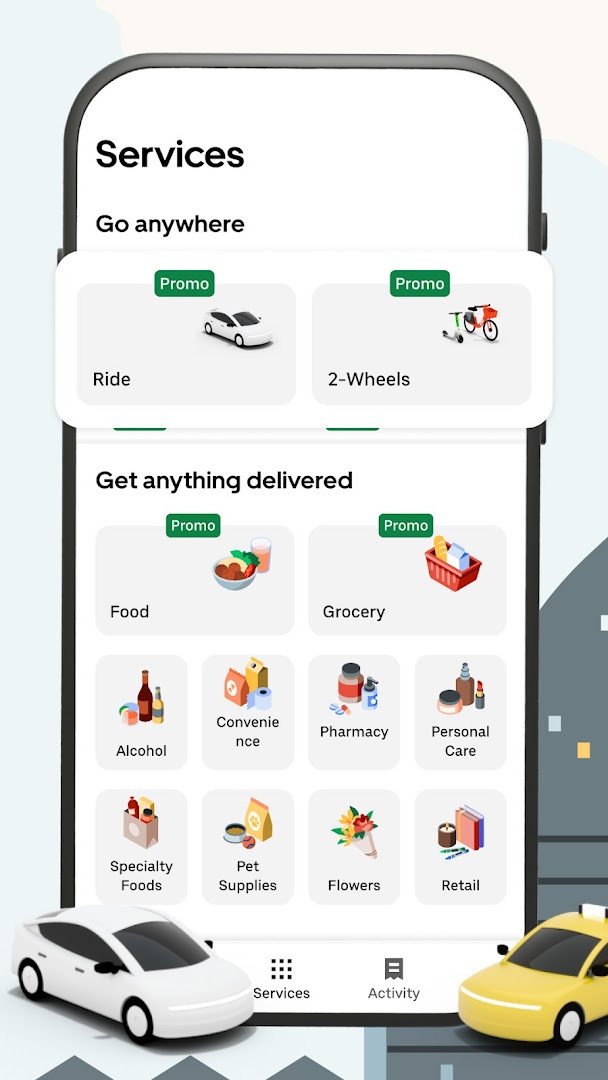
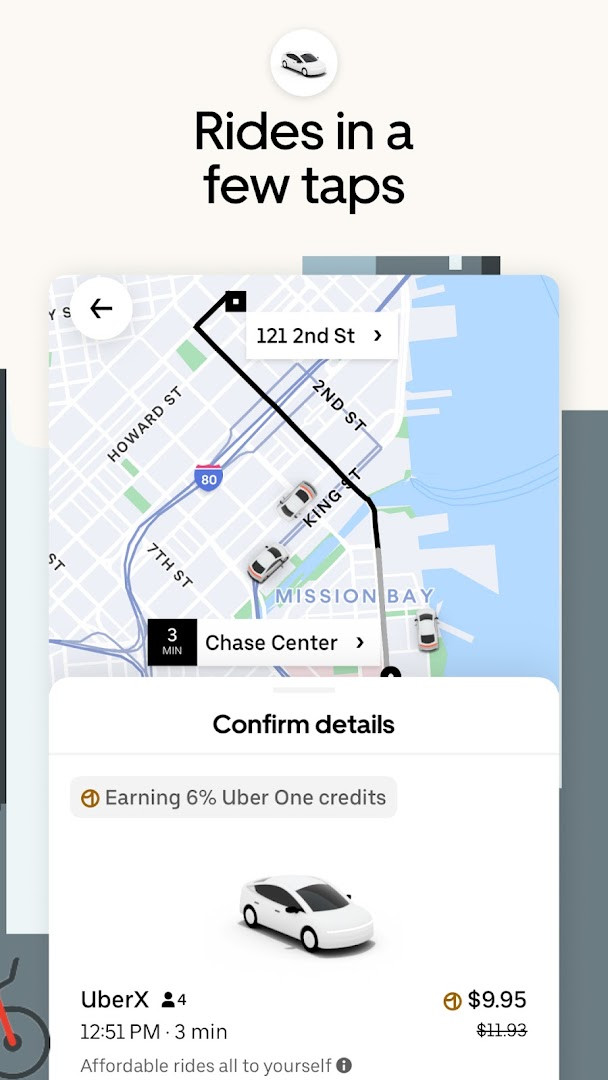
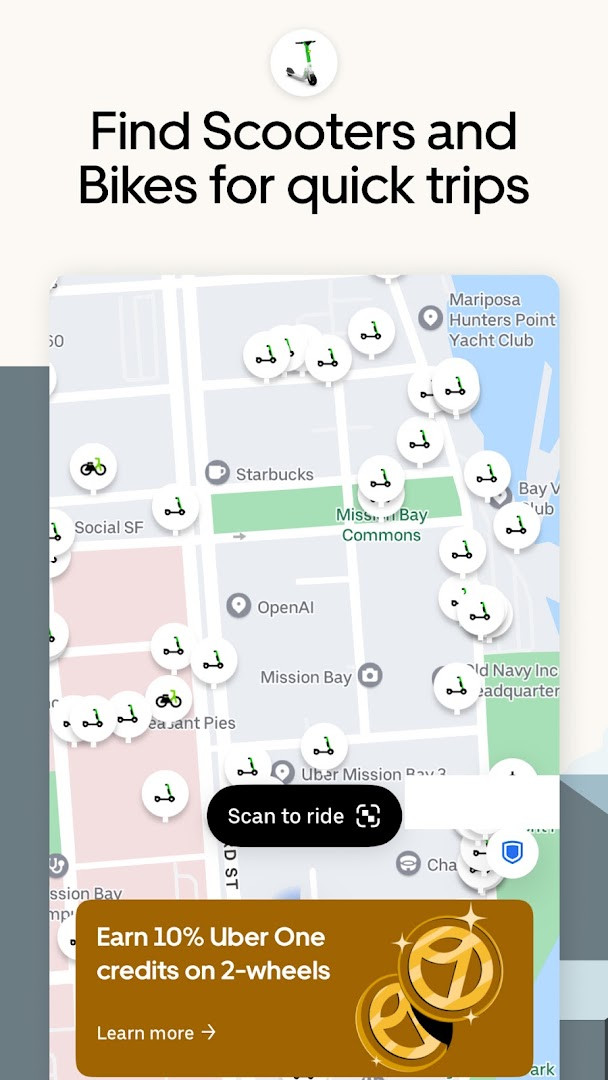
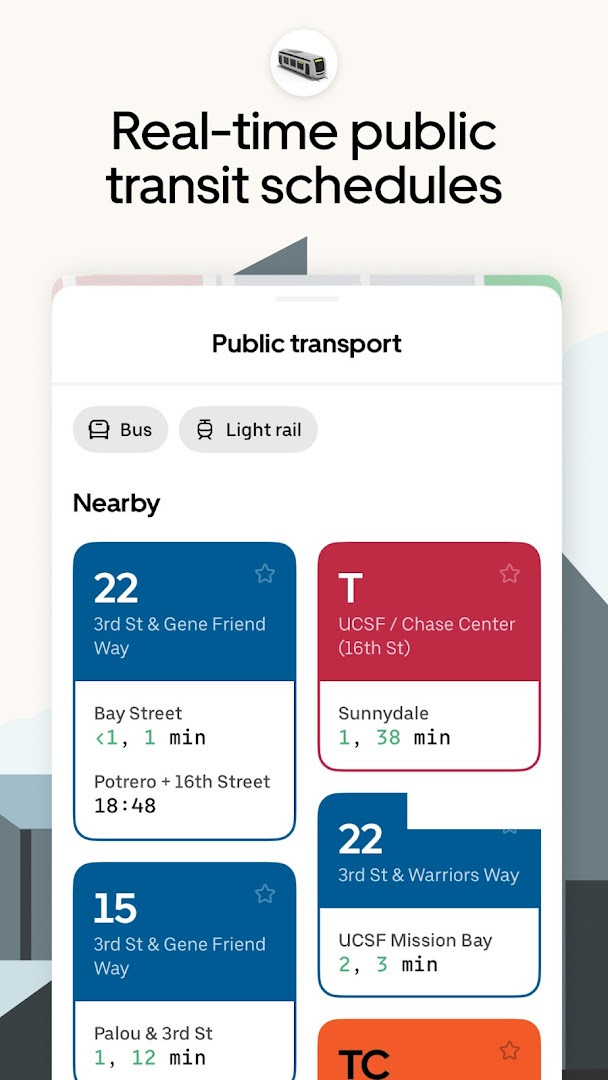
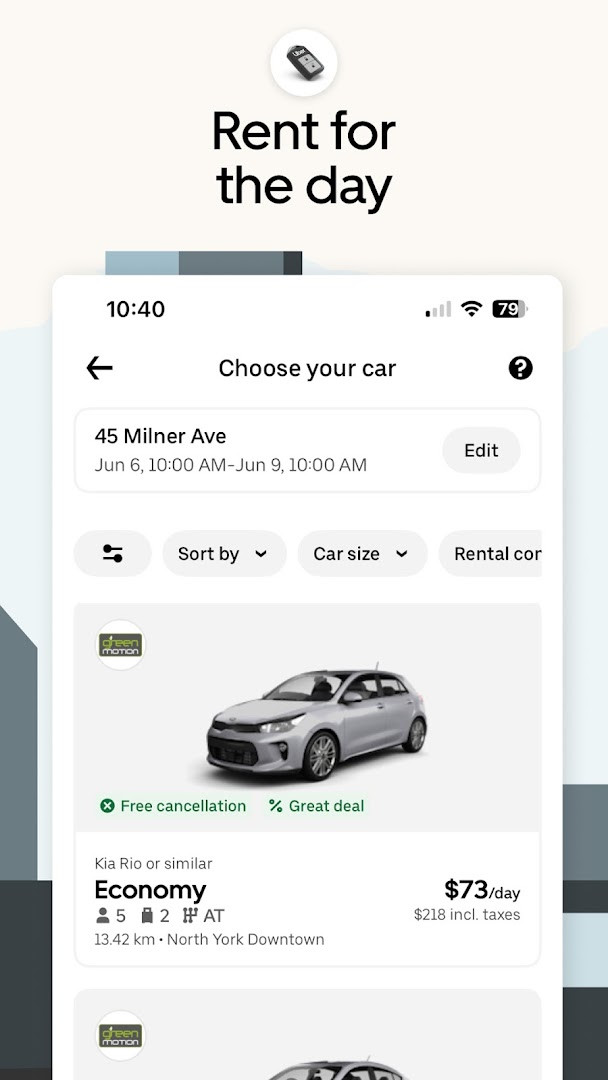
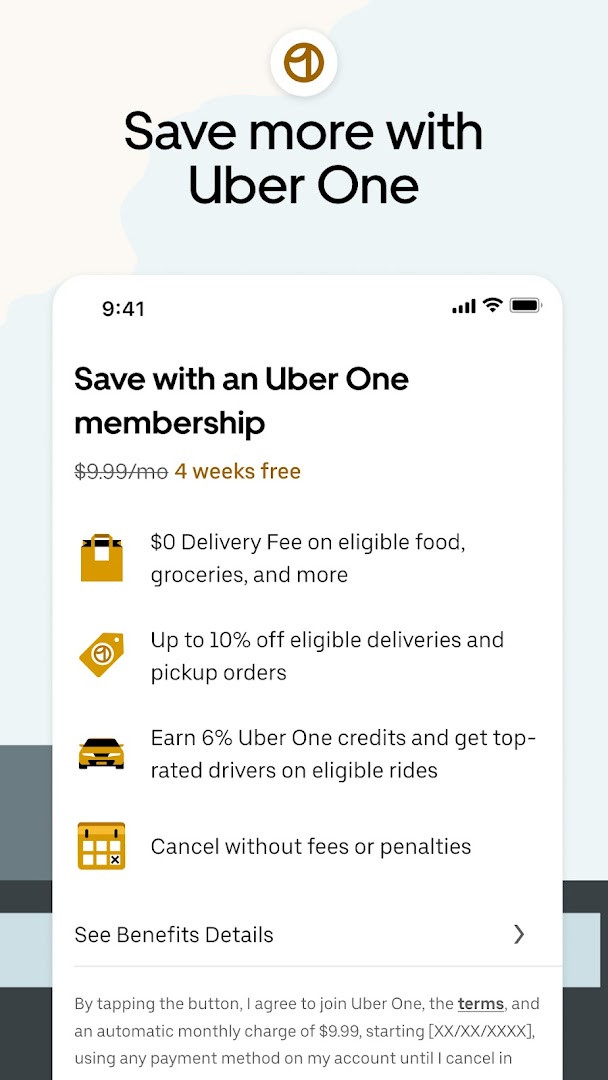
Uber: Rides, eats, hotels is a maps and navigation app by Uber Technologies, Inc. that connects users with rideshare, taxi, food delivery, and other mobility services. The app solves the problem of arranging everyday transportation and errands by bringing ride options, upfront fare estimates, and delivery features into one interface. It also adds safety tools, reservation scheduling, and vehicle rental, so both airport travel and daily trips can be handled from a single place.
Key features
- Wide ride selection: UberX, UberXL, Comfort, Black, Taxi, Premier, 2-wheels, and electric options.
- Upfront pricing and estimated time of arrival shown before you book.
- Advance ride reservations and hourly car-and-driver rental.
- Car rental booking for vacations, weekends, airport trips, and errands.
- Food, grocery, pharmacy, and convenience delivery plus same-day Uber Connect sending.
- Group rides, split fare, UberX Share, Uber Charter for 14–55 passengers, and Uber Car Seat.
How to install
- Tap the download button on this page to obtain the APK file.
- When Android asks, enable the 'Install unknown apps' setting for your browser or file manager.
- Open the downloaded APK file from your notifications or file manager.
- Tap Install and wait for the process to finish.
- Open the app and sign in or create an account.
- Note: the available data lists no file size (n/a) and no minimum Android version.
Pros
- No ads and no in-app purchases.
- Broad selection of ride types and delivery services.
- Transparent upfront pricing with arrival estimates.
- Safety features and advance reservations included.
- No subscription needed for basic booking.
Cons
- Requests extensive permissions: identity, contacts, location, phone, photos/media/files, storage, camera, microphone, Wi-Fi information, and device ID.
- Location access is central to ride matching, which privacy-conscious users may find intrusive.
- VoIP calling relies on phone and microphone permissions.
- Storage and media permissions may exceed what users expect for a ride-hailing app.
What's New
This update focuses on making the app faster and more reliable, with several bug fixes and performance improvements included. The developer continues to refine the overall experience so rides, deliveries, and other services run more smoothly.
This app is for people who frequently need rides, taxis, food delivery, or car rentals and prefer handling all of it in one place. It also fits travelers and commuters who value upfront pricing and advance reservations. Those concerned about data sharing should accept that location and communication permissions are essential to the service's core functions.
Review the permission list before installing. Consider restricting location access to only when the app is in use, and grant microphone or camera permissions only when you need VoIP calling or photo uploads.
Permissions
Frequently Asked Questions
Is the Uber app free to download?
Yes, the Uber app is free to download. There are no in-app purchases required for the basic ride-hailing and delivery features.
What Android version do I need to install Uber?
The minimum Android version required is not specified in the available information. It is best to check compatibility with your device before downloading.
What is the file size of the Uber APK?
The file size of the Uber APK is not provided in the available details. You can download it directly from this page.
Do I need an account to use Uber?
Yes, you need to create an account to request rides and use other features. The app requires you to sign up with your phone number and payment method.
What permissions does the Uber app request?
The app requests permissions such as identity, contacts, location, phone, photos/media/files, storage, camera, microphone, Wi-Fi connection information, and device ID & call information. These are used for features like ride matching, navigation, and communication.
How do I update the Uber app?
To update the app, download the latest version from this page and install it over your current version. The app is updated regularly with fixes and improvements.
Overall, Uber offers a comprehensive transportation and delivery platform, but the wide permission set is a key trade-off. It is best suited to users who prioritize convenience and are comfortable with the privacy implications.
Updated: 24.10.2026