Google Maps Go: Lightweight Travel and Navigation App
Google Maps Go is a travel and local app by Google LLC that provides real-time traffic, directions, and place search.
Get Google Maps GoGoogle Maps Go is a lightweight Progressive Web App that takes up 100 times less space than the full Google Maps app, making it ideal for devices with limited memory or unreliable networks. It offers real-time traffic, directions, and public transport information for over 20,000 cities. The app is free, requires Android 10 or later, and has a download size of 1.7 MB.
- Size
- 1.7 MB
- Requires Android
- 10
- Updated
- 29.06.2026
- Installs
- 1B+
- Rating
- ★ 4.14 (358 933)
- Category
- Travel & Maps
- Developer
- Google LLC
- Content rating
- Everyone
- Package
- com.google.android.apps.mapslite
- Free
- ✓ · Contains ads
Screenshots
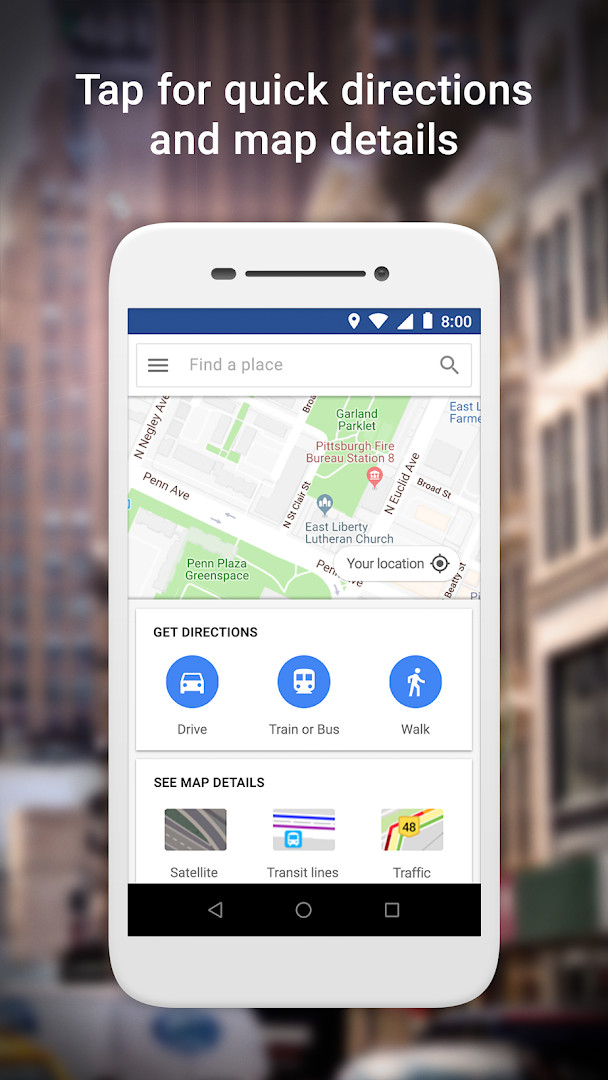
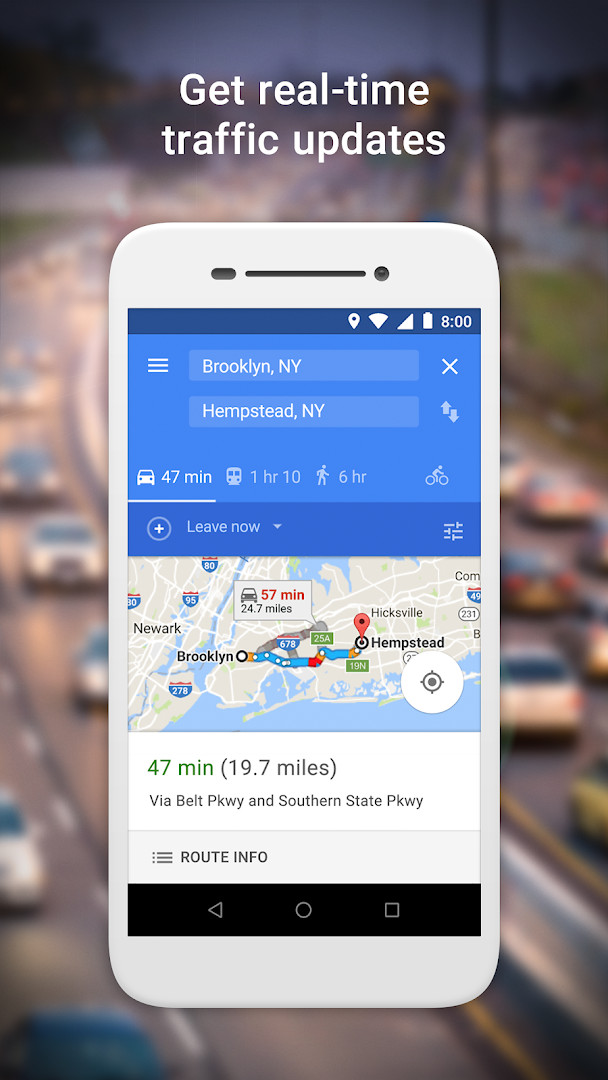
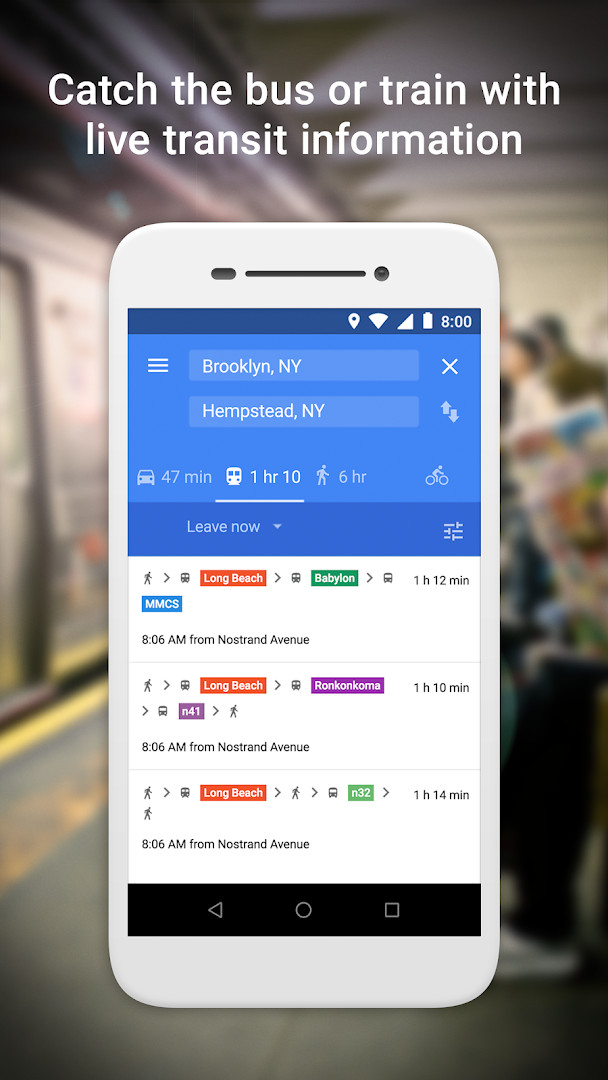
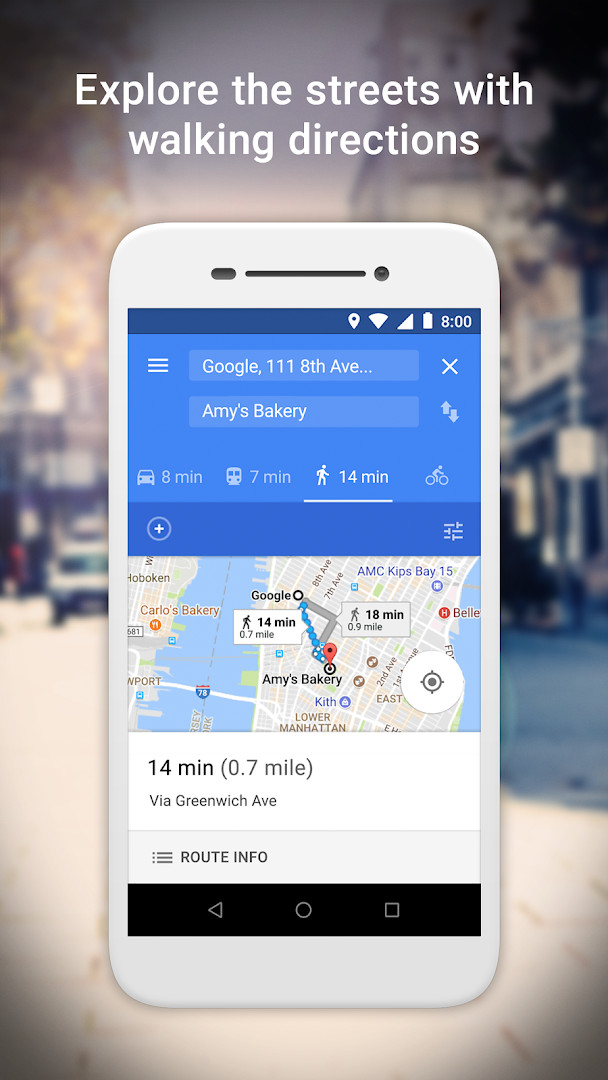
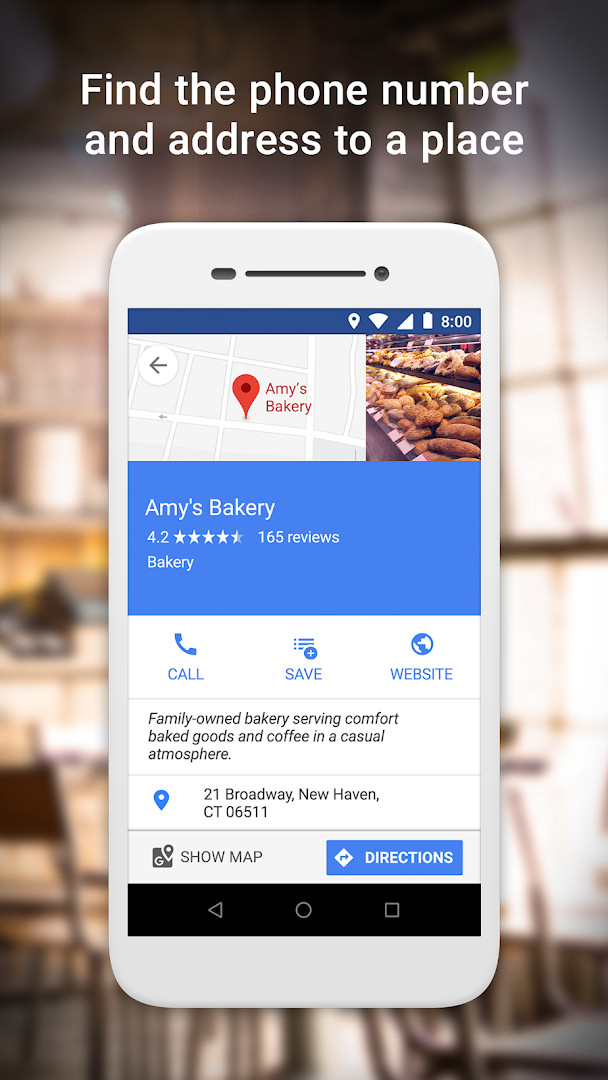
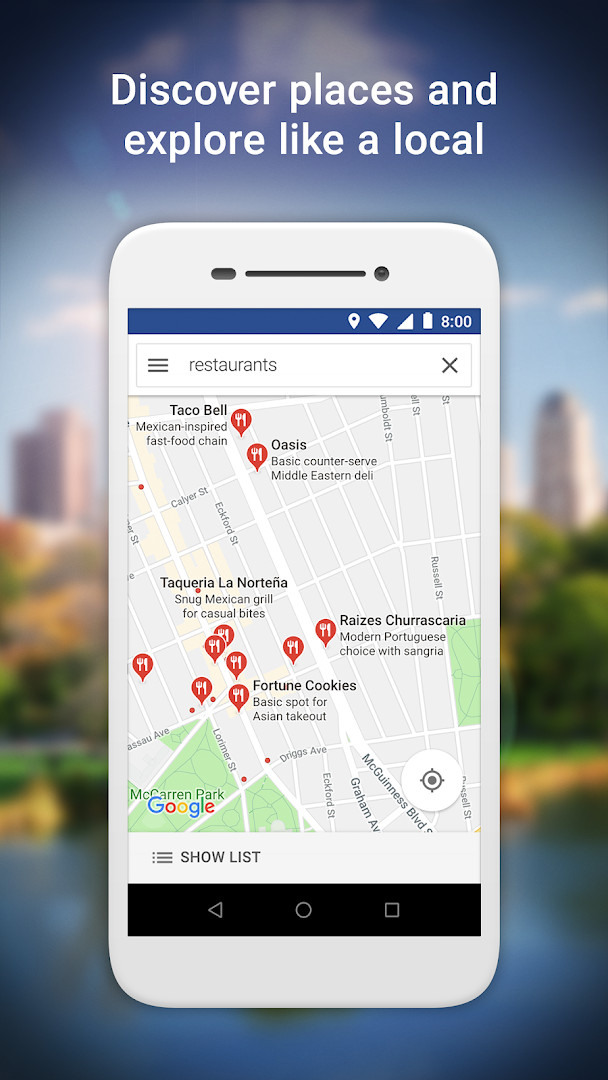
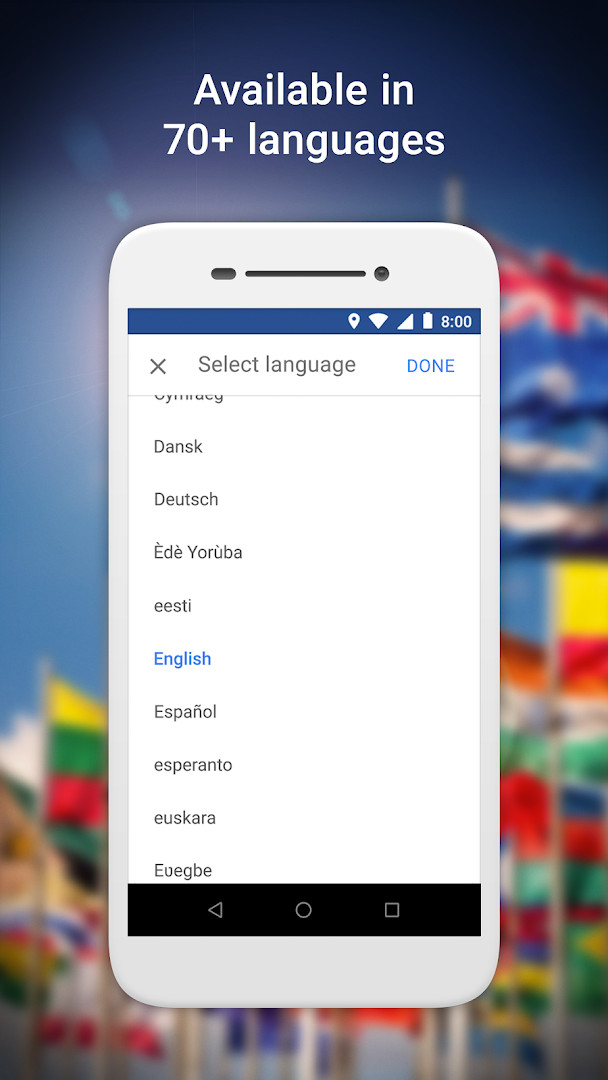
Google Maps Go is a lightweight Progressive Web App by Google LLC that provides navigation, real-time traffic, and place discovery on devices with limited resources. The full Google Maps experience can be heavy for low-end Android phones, and it tends to struggle on slow or unstable connections. Google Maps Go addresses this by using about 100 times less space than the full app and by keeping the core features intact: location lookup, live traffic updates, turn-by-turn directions, public transport schedules, and searchable business details for millions of places. It delivers these functions without sacrificing speed, making it a practical choice for budget devices, older hardware, and areas with poor connectivity. The app is small at 1.7 MB and requires Android 10 or higher, and it is designed to run inside Chrome, so that browser should be available for the best experience. There is also an option to use the regular Google Maps website in a browser if Chrome is not installed. The app is free, contains ads, and does not offer in-app purchases, with location being the only declared permission.
Key features
- Step-by-step directions with route preview so you can plan trips ahead of time
- Fastest-route calculation that combines two-wheelers, metro, buses, taxi, walking, and ferries
- Live public transport schedules for metro, bus, and train services across more than 20,000 cities
- Real-time traffic information and traffic maps to help you pick quicker roads
- Search for local restaurants, businesses, and other nearby places, including phone numbers and addresses
- Customer reviews and photos of food and venues to help decide where to go
- Save places you want to visit or frequent and quickly find them later from your device
- Satellite and terrain maps covering over 200 countries and territories, with support for 70+ languages
How to install
- Tap the download button on this page to get the APK file (about 1.7 MB) and wait for it to finish downloading.
- When Android asks, allow your browser or file manager to install apps by enabling the 'Install unknown apps' setting for that app.
- Open the downloaded APK file from your notifications or file manager.
- Tap Install, then confirm the prompt to complete the installation.
- Open Google Maps Go from your app drawer. The app requires Android 10 or newer, and Chrome is needed for full functionality.
Pros
- Extremely small footprint of 1.7 MB, taking up roughly 100 times less space than the full Google Maps app
- Runs smoothly on devices with limited memory and on unreliable networks
- Real-time traffic updates and traffic maps for faster route decisions
- Broad public transport coverage with live schedules for over 20,000 cities
- Detailed business information for over 100 million places, including reviews and photos
- Free to use with no in-app purchases
Cons
- Contains ads, which can interrupt the experience
- Requires Google Chrome to be installed for the intended functionality
- Only requests location permission, which may limit some advanced device integration
What's New
The latest update, released on June 29, 2026, focuses on bug fixes and stability improvements to ensure a smoother experience. This lightweight navigation tool continues to deliver real-time traffic, directions, and place discovery while using minimal device storage. The update helps maintain reliable performance, especially on devices with limited memory or slower connections.
Other Versions
| Version | Size | Requires Android | Updated |
|---|---|---|---|
| 165.0 | 2 MB | 10 | 12.08.2026 |
| 167.0 | 1.7 MB | 10 | 04.07.2026 |
This app is suited for people using entry-level or older Android phones with limited storage and RAM, as well as anyone on slow or unstable mobile connections who still needs reliable maps and transit information. Travelers who rely on bus, metro, and train schedules across many cities will benefit from the live public transport data, and users who simply want a fast, lightweight way to look up addresses, phone numbers, reviews, and nearby businesses will find it practical. It is also a sensible option for those who prefer a minimal permission footprint, since location is the only permission it asks for.
Keep Chrome up to date, because Google Maps Go runs through it and performance depends on the browser version. If you plan to use navigation in areas with weak signal, consider saving places you visit often so they are easier to recall later. If you do not want to install Chrome, you can open the regular Google Maps website in any browser instead.
Permissions
Frequently Asked Questions
Is Google Maps Go free to use?
Yes, Google Maps Go is free and costs nothing to download. It also has no in-app purchases, so you won’t encounter any paid add-ons.
Which Android version do I need?
Google Maps Go requires Android 10 or higher. If your device runs Android 10 or a newer version, you should be able to install and run it.
How much storage space does the app take?
The app has a file size of about 1.7 MB, making it a very lightweight option that takes up little space on your device.
What permissions does Google Maps Go request?
Google Maps Go asks for access to your location. This permission is used to provide directions, real-time traffic updates, and information about nearby places.
How do I update Google Maps Go?
You can update the app by downloading the newest version available on this page. Just install the latest release over your current version to get the newest features and fixes.
Google Maps Go delivers the essential mapping and navigation features in a very small package, making it a reliable option for low-end devices and unstable connections. It is not a replacement for every advanced tool in the full app, but it covers the basics well at no cost.
Similar Apps



More From This Developer





Updated: 24.10.2026