
AccuWeather: Weather Radar: Weather Forecast App
AccuWeather: Weather Radar is a weather forecast app by AccuWeather that provides live radar, storm tracking, and hyperlocal alerts.
Download AppAccuWeather: Weather Radar delivers live radar maps, storm tracking, and hyperlocal forecasts with alerts for severe weather events. It is free to download, includes ads and in-app purchases for Premium+ upgrades, and requires Android 8.0 or higher. The app has a download size of 15 MB and was last updated on October 23, 2026.
- Size
- 15 MB
- Requires Android
- 8.0
- Updated
- Oct 23, 2026
- Installs
- 100M+
- Rating
- ★ 3.63 (2,571,660)
- Category
- Weather
- Developer
- AccuWeather
- Content rating
- Everyone
- Package
- com.accuweather.android
- Free
- ✓ · Contains ads · In-app purchases
App screenshots
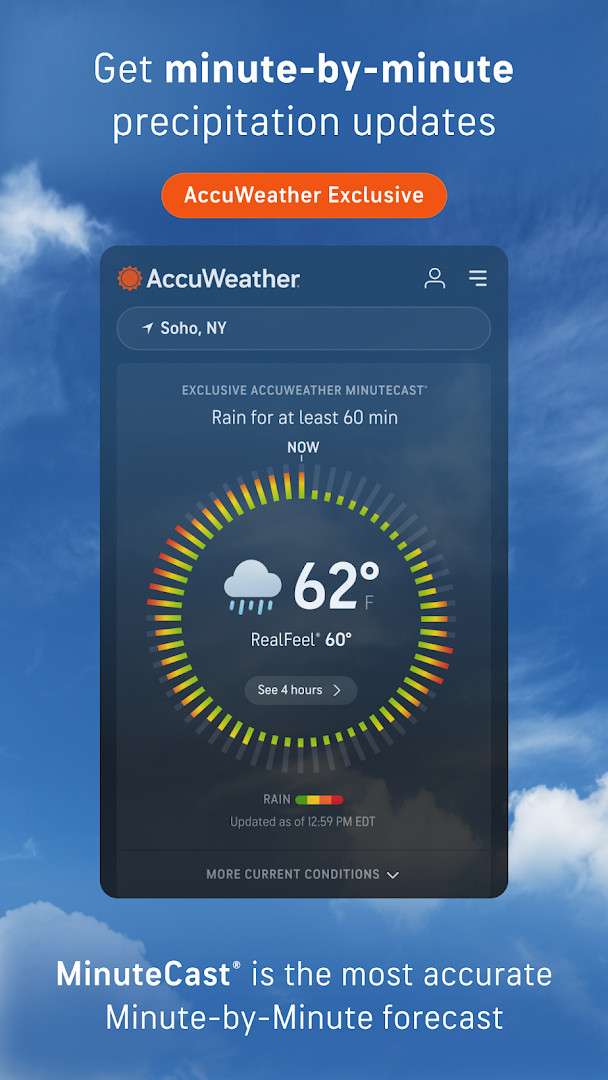
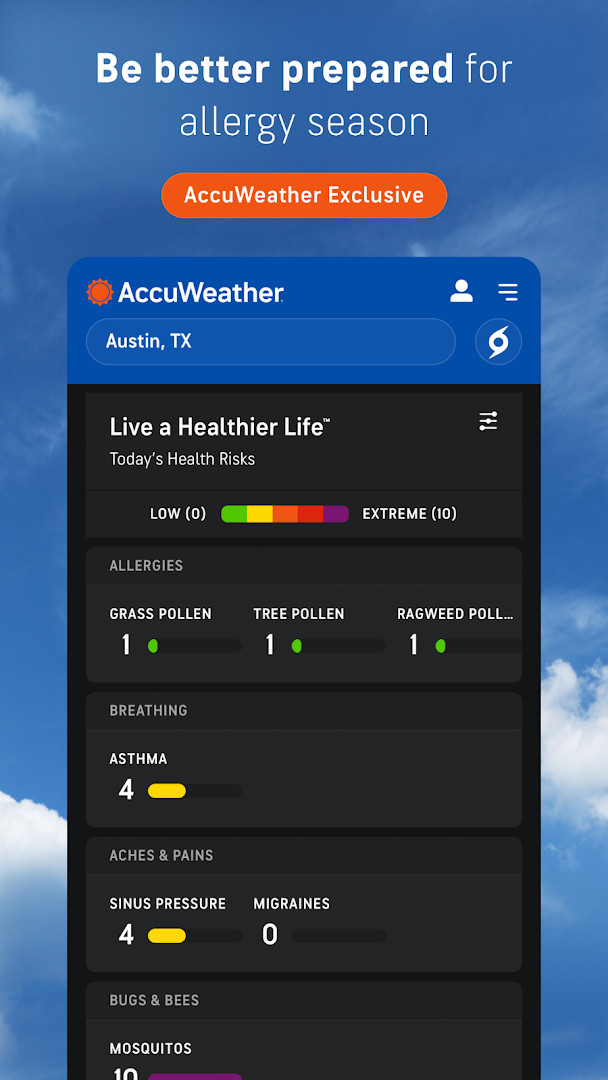
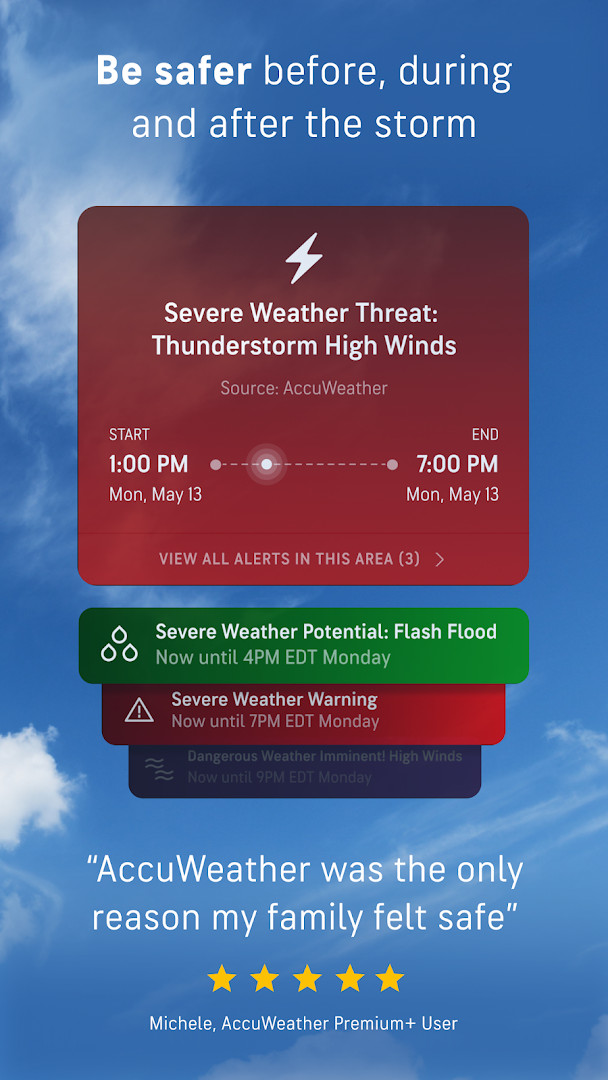
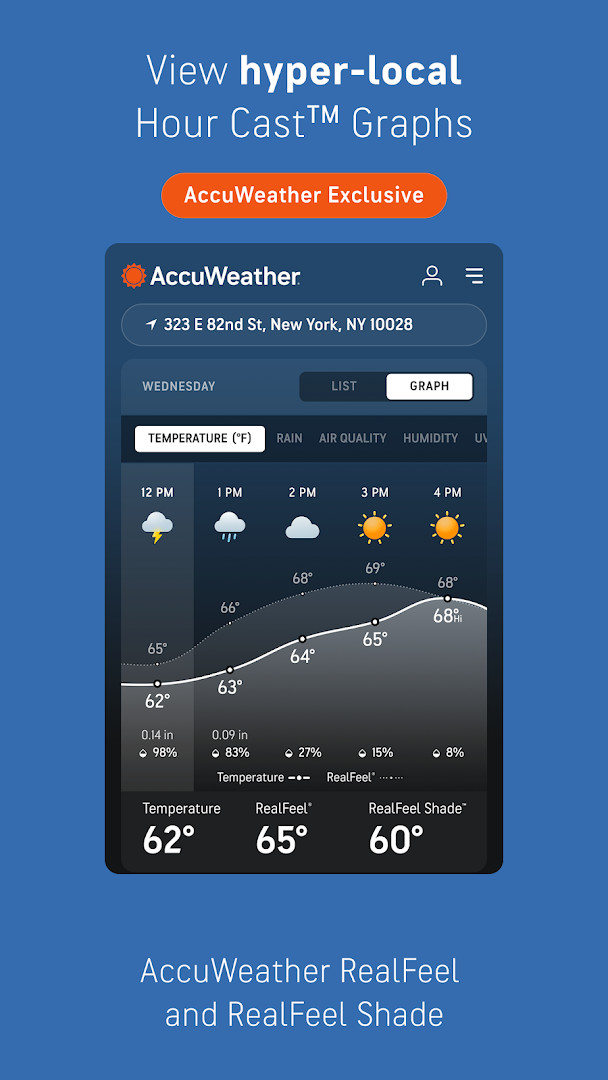
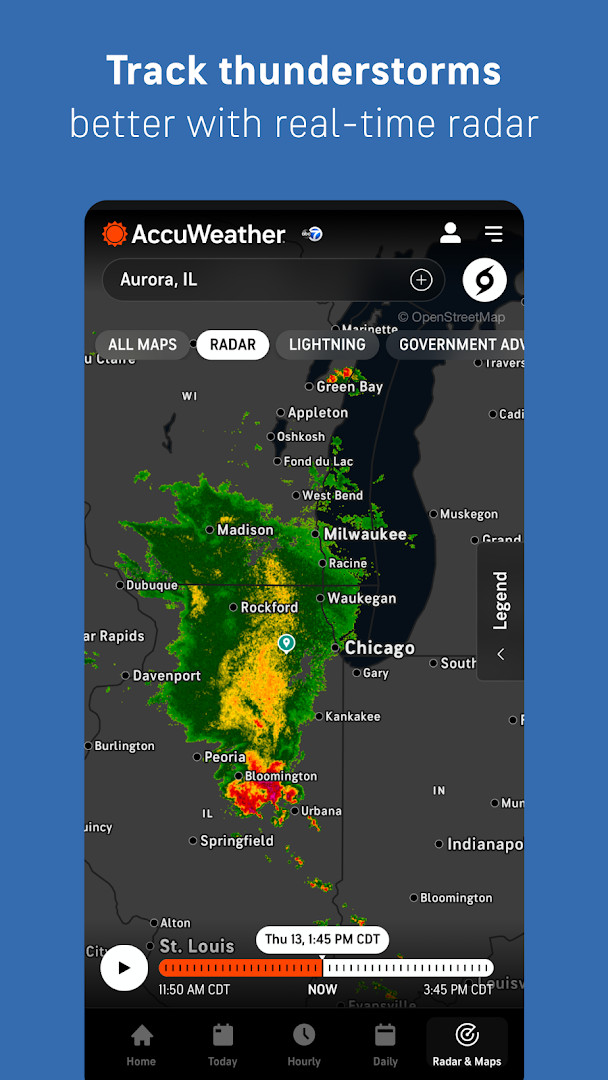
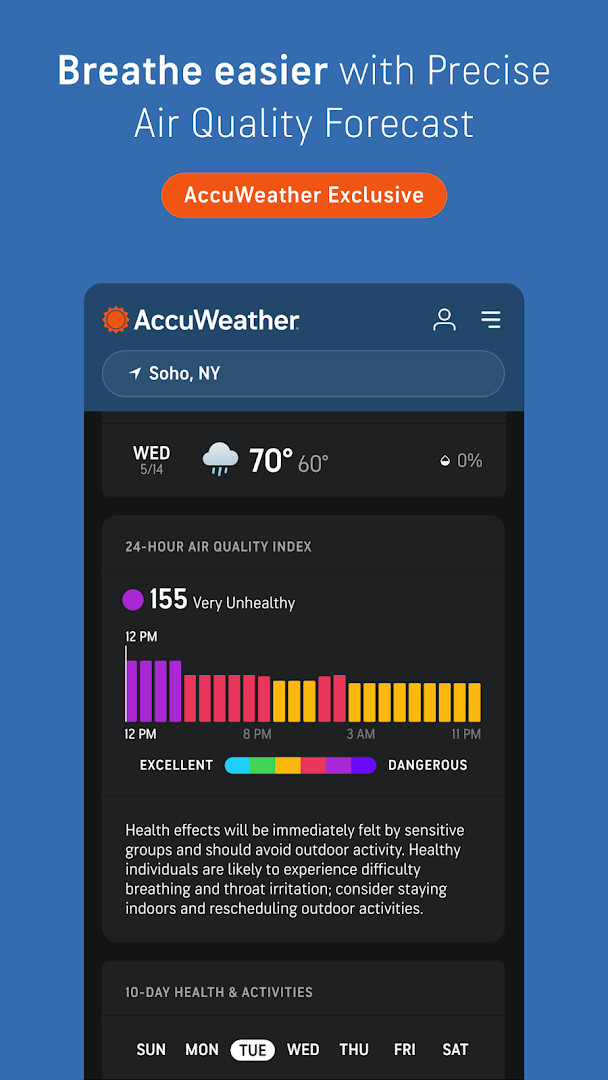
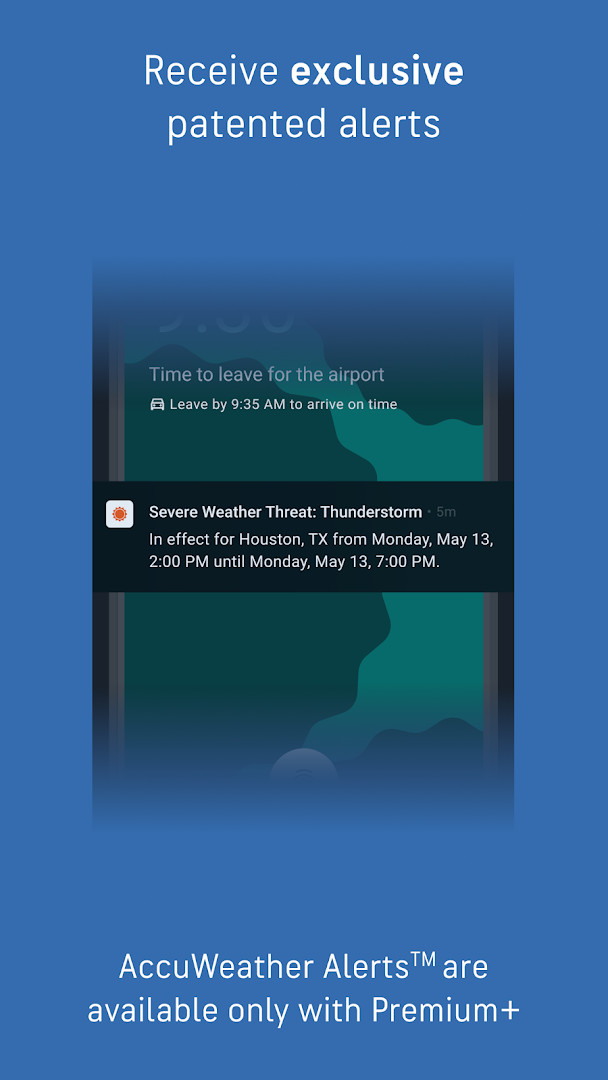
AccuWeather: Weather Radar is a weather app by AccuWeather that provides local forecasts, storm tracking, radar maps, and weather news. It addresses the challenge of staying informed about rapidly changing weather conditions by offering real-time alerts, hyperlocal forecasts, and detailed radar imagery. The app uses live radar, lightning detection, and exclusive metrics like MinuteCast and RealFeel Temperature to help users plan around precipitation, temperature, and severe events. Forecasts can be localized to a specific street address or GPS location across many countries, and the app includes maps for air quality and wildfire smoke. It also offers personalized experiences based on lifestyle interests, such as school schedules, pets, and UV exposure, making it a practical tool for daily decisions and safety preparation.
Key features
- Real-time live radar and severe weather alerts for hurricanes, tornadoes, snow, ice, flooding, high winds, and other major events
- MinuteCast hyperlocal precipitation forecasts with start and end times for rain or snow, pinpointed to street address or GPS in 210 countries or territories
- RealFeel Temperature and RealFeel Shade metrics that describe how the weather actually feels based on factors like sunshine, wind, humidity, and air density
- WinterCast detailed snow and ice storm radar with minimum and maximum snowfall in inches per storm
- AccuLightning for precise, real-time lightning strike tracking and AccuLumen Brightness Index for outdoor planning and UV protection
- Personalized experiences curated around lifestyle interests such as school, fall foliage, pets, and UV and sun
- Maps for visualizing wildfire smoke impact areas and localized air quality index (AQI) tracking
- Premium+ upgrade with extended forecasts, advanced alerts, ad-free experience, and Family Plan supporting up to six profiles
How to install
- Tap the download button on this page to get the APK file, which is about 15 MB in size.
- When Android prompts you, allow your browser or file manager to install apps by enabling the 'Install unknown apps' setting.
- Open the downloaded APK file from your notifications or file manager.
- Tap Install on the installation screen and wait for the process to complete.
- Open the app from your home screen or app drawer. The app requires Android 8.0 or higher.
Pros
- Highly detailed and accurate weather data with exclusive metrics like MinuteCast and RealFeel
- Comprehensive severe weather alerts with advanced notice for many event types
- Personalized content and lifestyle-based experiences help tailor information to your needs
- Includes air quality and wildfire smoke maps for health and outdoor planning
- Family Plan option allows up to six profiles for localized alerts and preferences
Cons
- Contains ads, which can be intrusive during use
- In-app purchases are required to remove ads and access premium features like extended forecasts
- Requests access to location, phone, Wi-Fi connection information, and device ID, which may raise privacy concerns for some users
Latest changes
The update introduces beta experiences for planning pet walks, fall foliage viewing, sunscreen needs, and outfit choices. Premium+ now includes a Family Plan option. Today and Tomorrow notifications were added to help users plan ahead. The Hurricane Center features a new Expert Analysis section. Additionally, the Today view now shows nearby lightning information.
Version history
| Version | Size | Requires Android | Updated |
|---|---|---|---|
| 21.1.15-3-rc | 15 MB | 8.0 | Sep 9, 2026 |
This app is suited for anyone who wants reliable, hyperlocal weather information for daily planning, from commuters checking rain start times to families monitoring severe storms. It is also useful for outdoor enthusiasts, pet owners, and those with health sensitivities who need air quality and UV data. The personalized experiences and family profiles make it a good fit for households that want tailored alerts for each member.
Enable location access for the most accurate street-level forecasts, and explore the personalized experiences section to set up interests like school or pets for more relevant updates. Consider the Premium+ plan if you find ads disruptive and want longer-range forecasts.
Permissions
FAQ
How do I install the APK on Android?
To install, download the APK file and open it. You may need to allow installations from unknown sources in your device settings. The app requires Android 8.0 or higher.
What is the current version of the app?
The latest listed version is 21.1.15-3-rc, dated September 9, 2026. The app was last updated on October 23, 2026.
Does the app contain ads or in-app purchases?
Yes, the app is free to download but includes ads. It also offers in-app purchases, such as a Premium+ subscription for an ad-free experience and additional features.
Can I use the app offline?
The app primarily requires an internet connection for live radar, forecasts, and alerts. Offline functionality is not specified, so continuous online access is recommended.
Are there alternative weather apps available?
Yes, the Weather category includes other apps that offer forecasts and radar. You can browse the category to find options that suit your needs.
What permissions does the app require?
The app requests access to location, phone, Wi-Fi connection information, and device ID & call information. These are used for localized forecasts and alerts.
Is the app suitable for children?
The content rating is Everyone, so it is suitable for all ages. However, it includes ads and optional purchases that may require parental supervision.
AccuWeather: Weather Radar delivers comprehensive, accurate weather data with strong radar and alert features for everyday use. While ads and in-app purchases may be drawbacks, the depth of information and personalization make it a solid choice for staying weather-aware.
Similar apps


Updated: Nov 14, 2026