
WeatherService for Android
WeatherService is a weather app from ColorOS for checking current conditions and forecasts in locations worldwide.
Download WeatherService · v16.29.0WeatherService suits anyone who wants current conditions and forecasts without creating an account. The app covers more than 700,000 cities, offers hour-by-hour and 15-day outlooks, precipitation details, air quality readings, clothing suggestions and severe weather warnings.
- Version
- 16.29.0
- Requires Android
- 9
- Updated
- Sep 21, 2026
- Installs
- 1B+
- Rating
- ★ 3.52 (71,664)
- Category
- Weather
- Developer
- ColorOS
- Content rating
- Everyone
- Package
- com.coloros.weather.service
- Free
- ✓
App screenshots
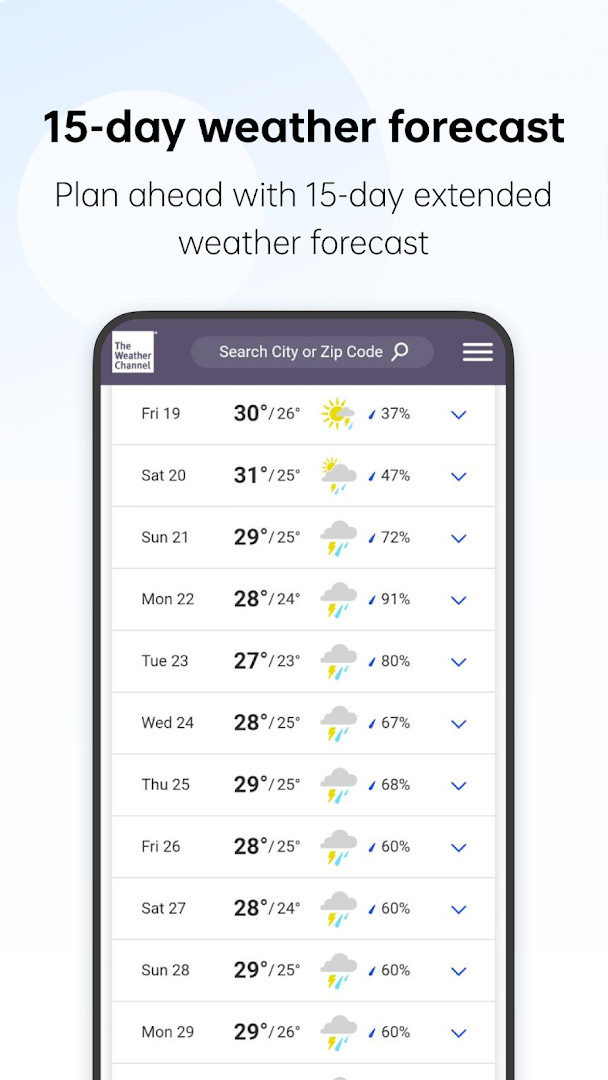
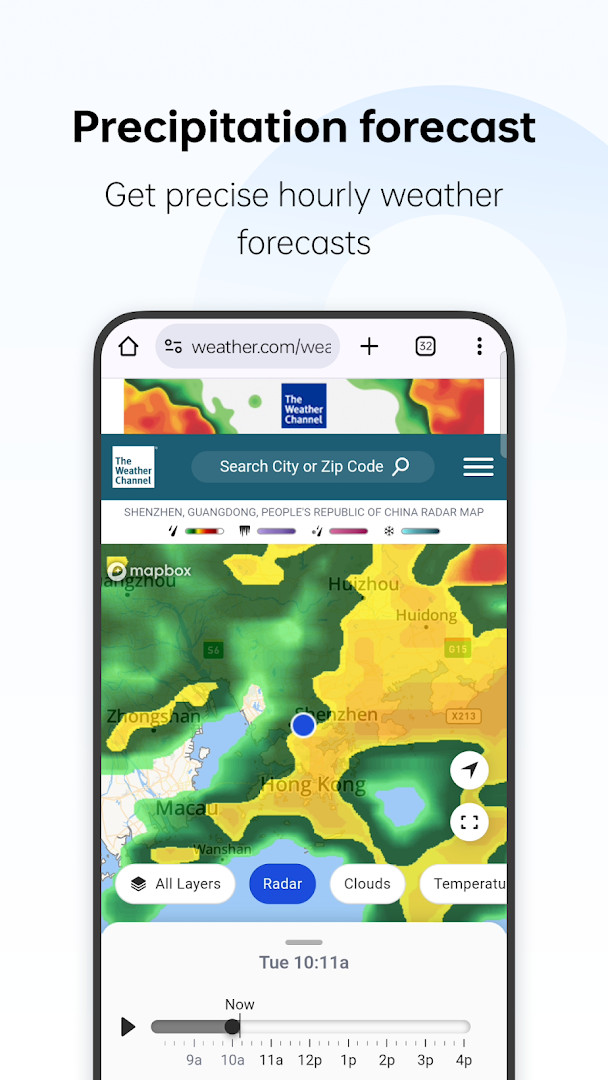
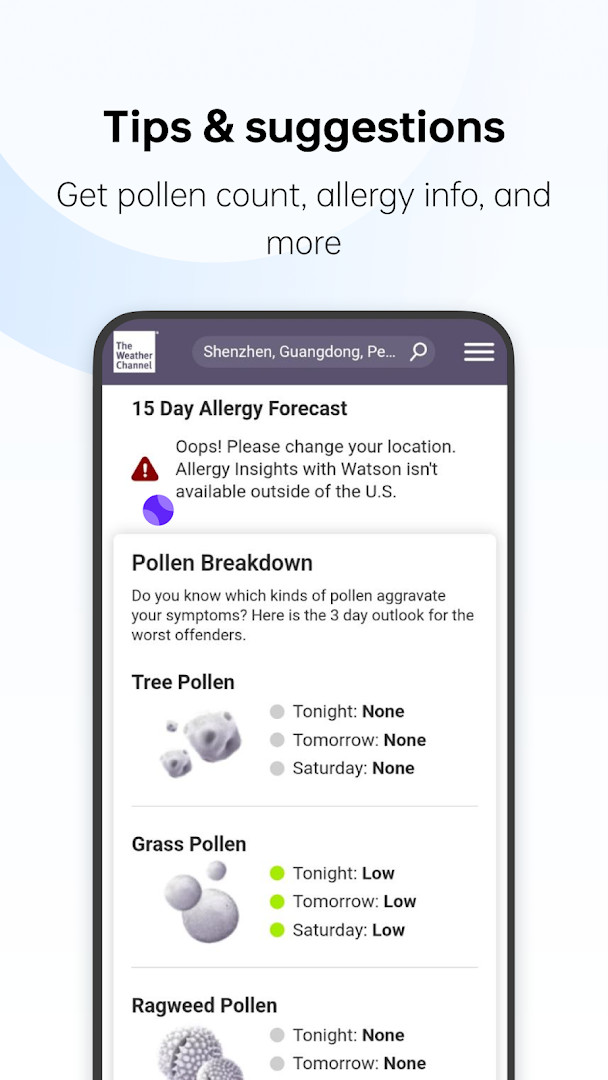
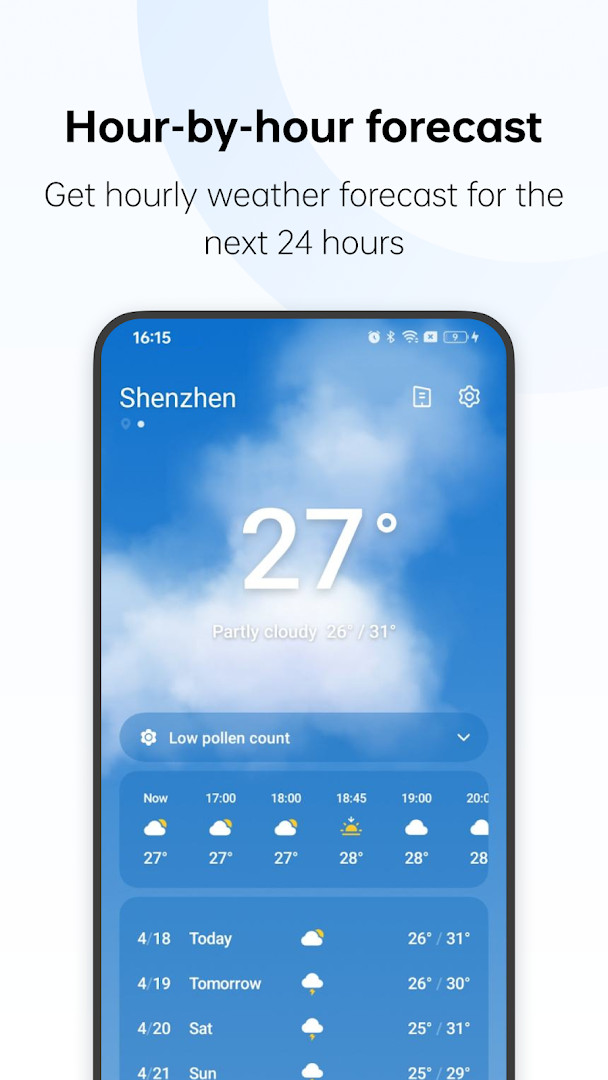
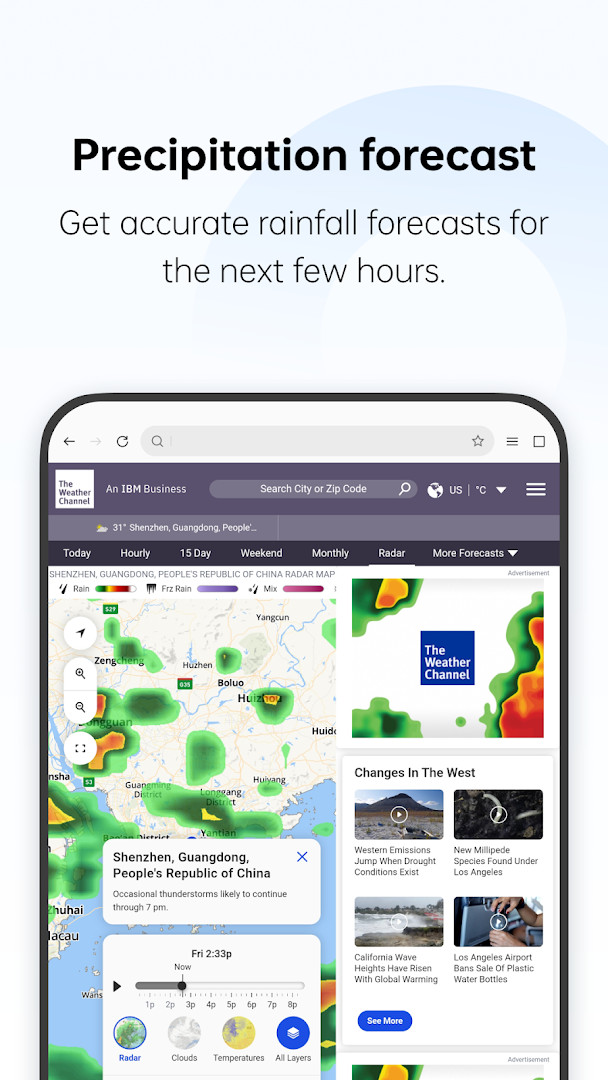
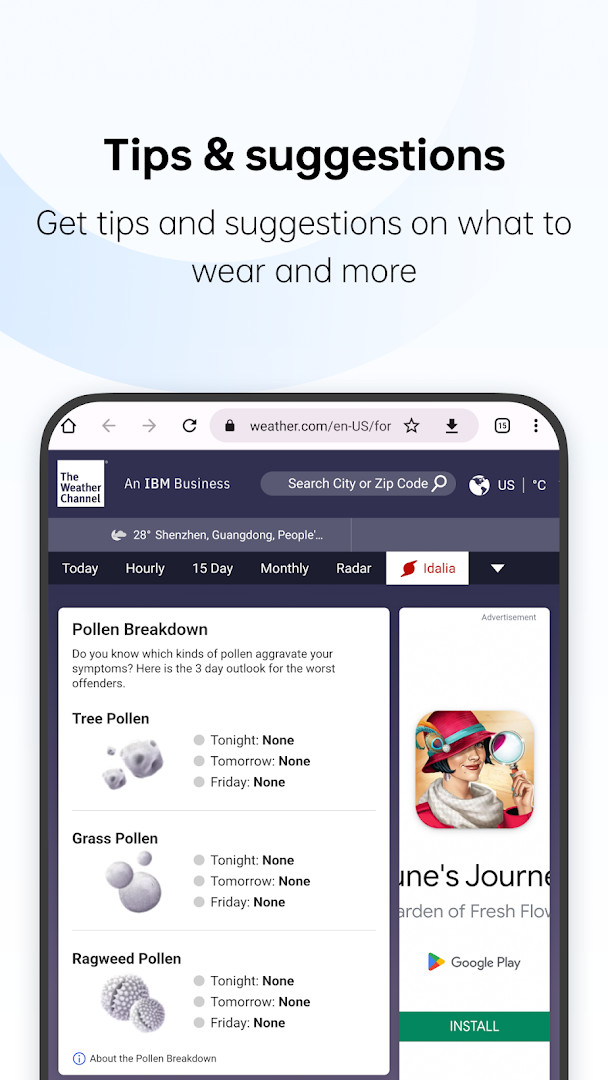
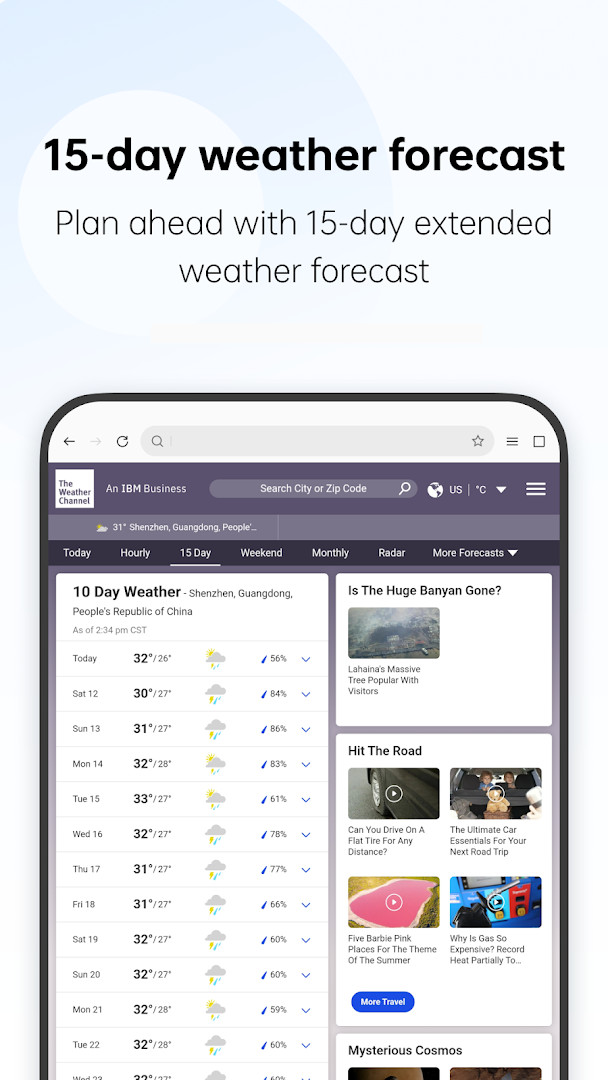
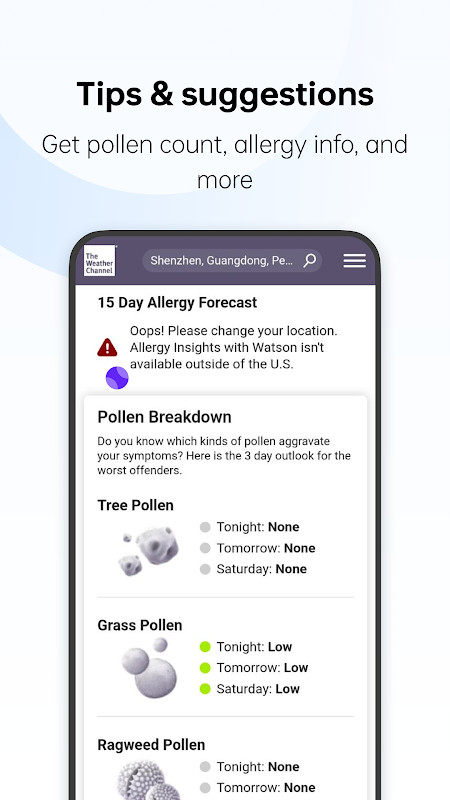
WeatherService is a weather app by ColorOS that provides current conditions and forecasts for a wide range of locations. It solves the problem of needing reliable, comprehensive weather information in one place by offering detailed forecasts, severe weather alerts, and practical advice like clothing suggestions based on the weather. The app covers over 700,000 cities, making it a useful tool for travelers and daily commuters alike. Its interface is designed for simplicity, ensuring that you can quickly check the weather without unnecessary complexity.
Key features
- Access current weather and forecasts for 700,000+ cities worldwide.
- View hour-by-hour and 15-day forecasts to plan your day or week.
- Get precipitation information to know when to expect rain or snow.
- Check air quality levels for your location.
- Receive weather-based clothing advice to help you dress appropriately.
- Stay informed with severe weather warnings to take necessary precautions.
How to install
- Tap the download button on this page to get the APK file.
- When Android prompts, allow your browser or file manager to install apps by enabling the 'Install unknown apps' setting.
- Open the downloaded APK file from your notification bar or file manager.
- Tap 'Install' and wait for the installation to complete.
- Open the WeatherService app from your app drawer. The file size is n/a and the minimum Android version is 9.
Pros
- Comprehensive weather data for a vast number of cities.
- Detailed forecasts including hourly and 15-day outlooks.
- Severe weather warnings help with safety.
- No ads or in-app purchases, making it a straightforward experience.
- Simple and easy-to-use interface.
Cons
- Requires location permission, which may be a privacy concern for some users.
- The rating is moderate (3.56), indicating mixed user feedback.
- The app may not offer unique features beyond standard weather apps.
Latest changes · 16.29.0
This update resolves several known issues to deliver a smoother, more reliable user experience. If you've encountered bugs or glitches in previous releases, these fixes should help address them. We recommend updating to version 16.28.0 to benefit from the latest improvements.
Version history
| Version | Size | Requires Android | Updated |
|---|---|---|---|
| 16.28.0 | — | 9 | Sep 21, 2026 |
| 16.29.0 | — | 9 | Sep 21, 2026 |
| 4.8.1 | 7.5 MB | 5.0 | Dec 14, 2024 |
WeatherService is ideal for anyone who needs reliable weather information on a daily basis, including commuters, travelers, and outdoor enthusiasts. It is particularly useful for those who want a simple app that covers multiple aspects of weather—from forecasts and precipitation to air quality and clothing advice—without the clutter of extra features. Families and individuals who value severe weather alerts will also find it beneficial for staying prepared.
To get the most accurate local weather, ensure that location services are enabled for the app. You can also manually search for a different city if you prefer not to share your location.
Permissions
FAQ
Is WeatherService free to download and use?
Yes, WeatherService is completely free. There are no in-app purchases or ads.
What Android version do I need to run WeatherService?
WeatherService requires Android 9 (API level 28) or higher.
Does WeatherService require an account or sign-in?
No, you do not need to create an account or sign in to use the app. Just install and start checking the weather.
What permissions does WeatherService request?
The app requests access to your location. This is used to provide weather information for your current area.
How do I update WeatherService?
To update, download the latest version from this page and install it over your current version. Your settings and data will typically be preserved.
What is the file size of the WeatherService APK?
The file size is not specified. It may vary depending on the version and device.
WeatherService offers a solid set of weather tools in a simple package, covering forecasts, alerts, and practical advice. It is a practical choice for everyday weather checking, though its moderate rating suggests it may not stand out from competitors.
Similar apps



More from this developer
Updated: Oct 26, 2026