Adobe Express: AI Photo, Video - Edit & Design
Adobe Express: AI Photo, Video is a free app by Adobe that lets you edit videos and photos, create designs, and more.
Get App · v31.0.1Adobe Express: AI Photo, Video has over 100 million installs and a rating of 4.62 from about 865,419 ratings. The app requires Android 10 or higher, contains in-app purchases, and does not show ads. It is designed for both beginners and professionals who want to create marketing materials, edit videos, and enhance photos.
- Version
- 31.0.1
- Requires Android
- 10
- Updated
- Oct 12, 2026
- Installs
- 100M+
- Rating
- ★ 4.62 (865,419)
- Category
- Art & Design
- Developer
- Adobe
- Content rating
- Everyone
- Package
- com.adobe.spark.post
- Free
- ✓ · In-app purchases
App screenshots
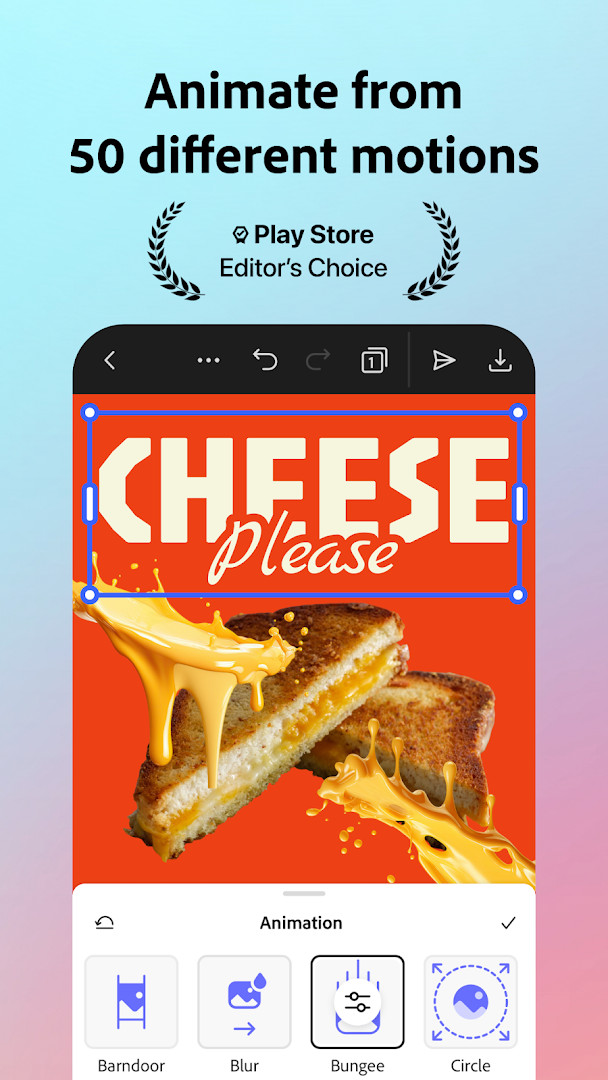
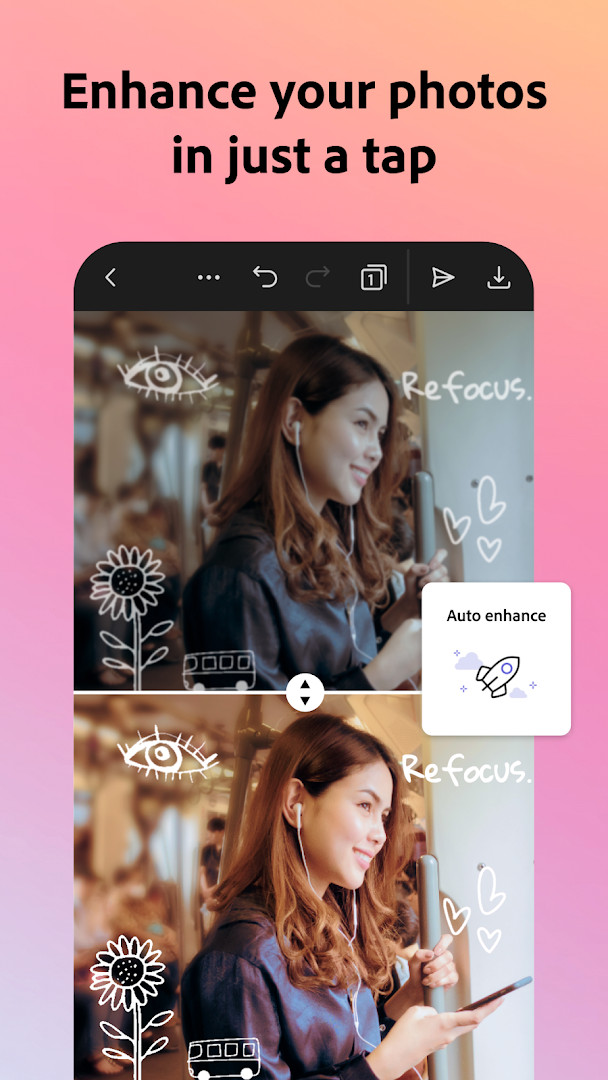
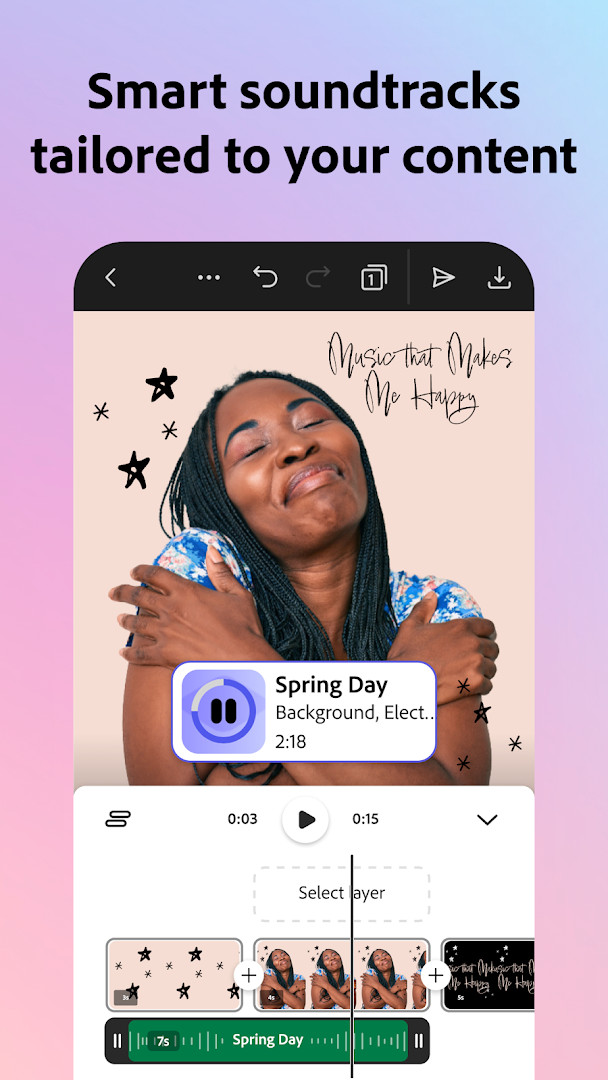
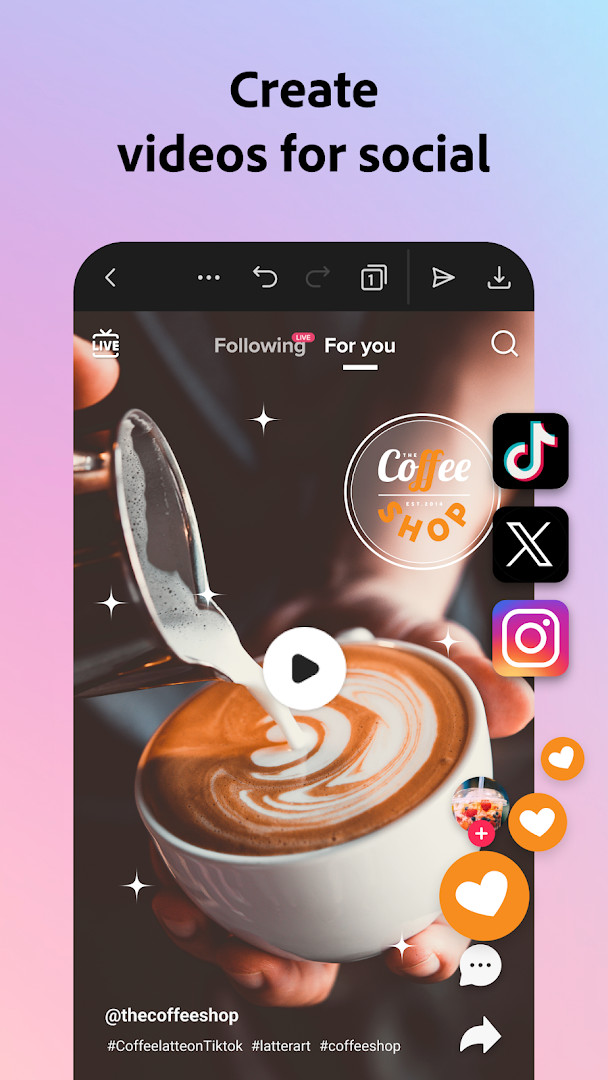
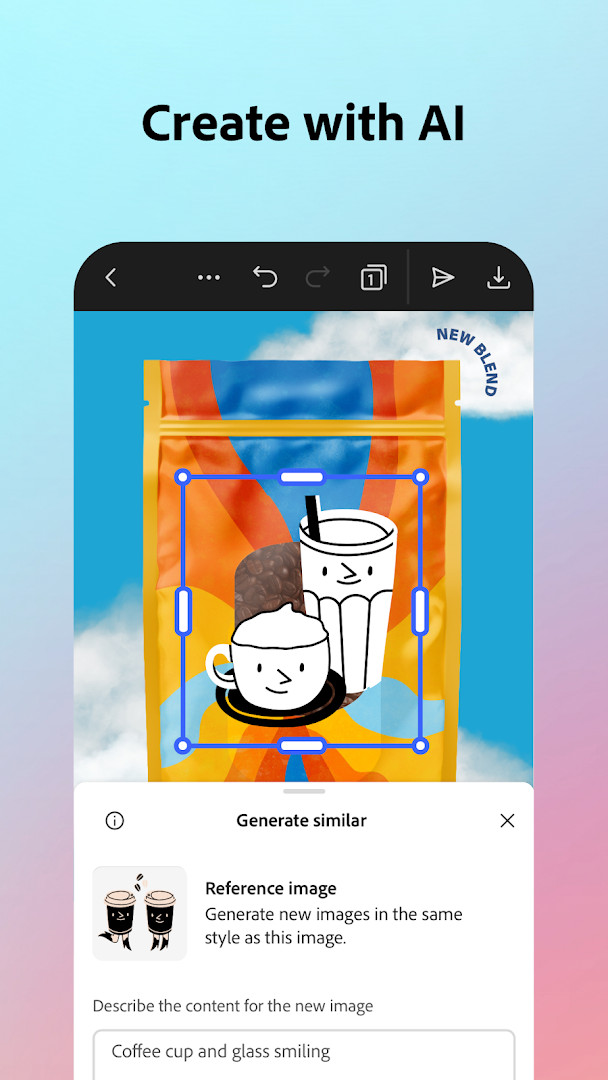
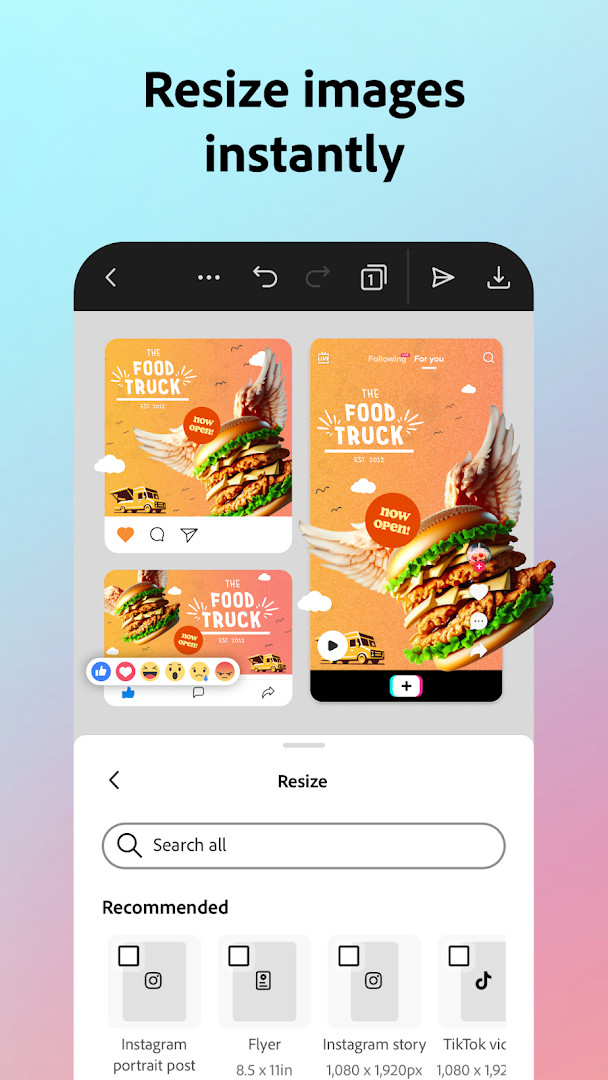
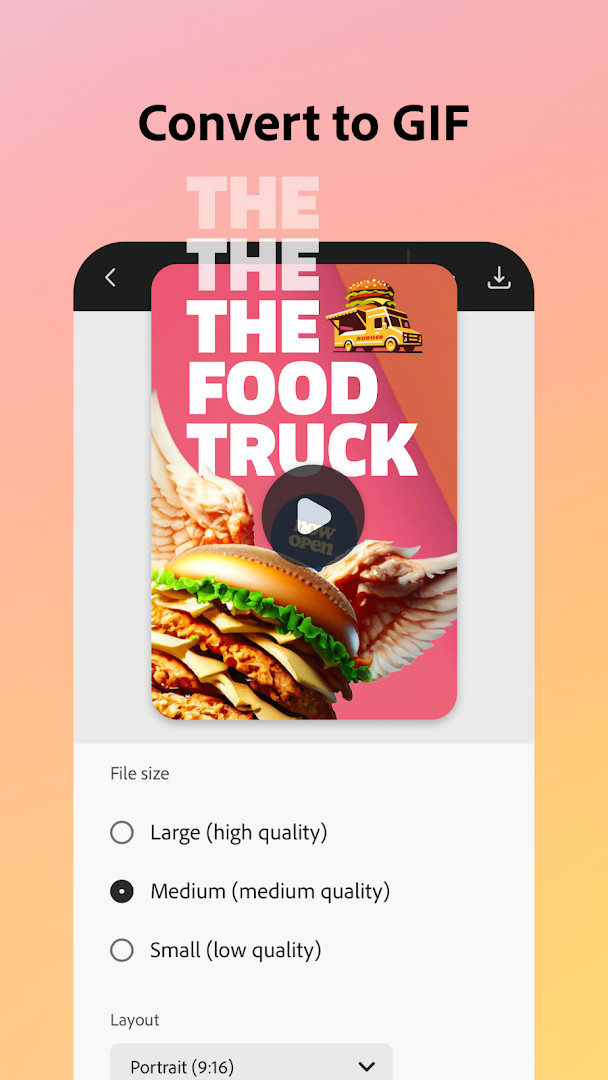
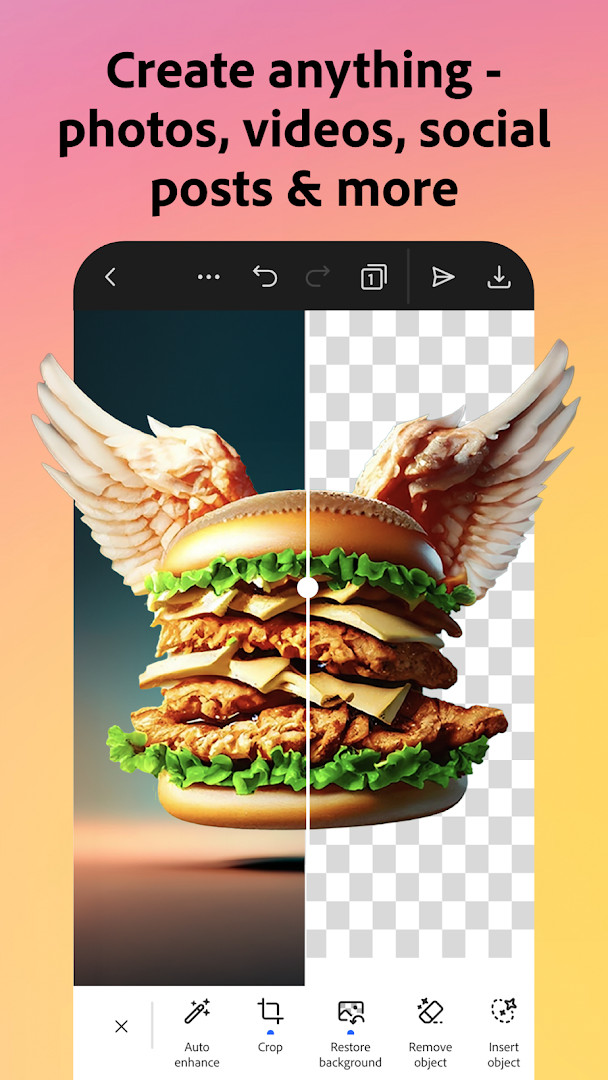
Adobe Express: AI Photo, Video is a creative design application by Adobe that lets you edit photos and videos, create branded content, and generate graphics using AI-powered tools. It combines video editing, photo enhancement, background removal, QR code generation, PDF editing, and brand management in a single app. Designed for both beginners and seasoned creators, the app offers a wide range of templates and quick actions to streamline content creation for personal projects, social media, and marketing campaigns. For users prioritizing privacy, it's important to note that the app requests access to phone, storage, camera, microphone, and device ID, which are common for editing apps that handle media and communication features. The app is free to download and use, with optional in-app purchases for a premium membership that unlocks additional tools and content. While some features may not be available on all devices initially, Adobe continues to expand support over time.
Key features
- Use customizable templates for video editing and combine clips with text, music, transitions, and sound effects.
- Automatically add captions, reframe for social channels, and remove background noise.
- AI photo tools to add or remove objects, apply Photoshop-powered filters, and generate photo art.
- Quick Actions to remove backgrounds from photos or videos in seconds, convert images to GIFs, and resize content.
- Generate stylish, branded QR codes with customizable styles and colors.
- Maintain brand consistency with brand kits that store fonts, colors, and logos for quick application.
- Edit PDFs by updating content, swapping images, refining layouts, and adding brand elements.
- Animate a character with your voice and import PDFs directly into the app.
How to install
- Tap the download button on this page to get the APK file (file size n/a).
- When Android asks, allow your browser or file manager to install apps by enabling the "Install unknown apps" setting.
- Open the downloaded APK file from your notifications or file manager.
- Tap Install and wait for the installation to complete (requires Android 10 or higher).
- Open the app from your home screen or app drawer and sign in or start creating.
Pros
- Free to use with optional premium membership for advanced features.
- Comprehensive toolset for both photo and video editing.
- AI-powered features like background removal and object addition simplify editing.
- Brand kits help maintain consistency across designs.
- No ads in the app.
- Regular updates to add features and improve reliability.
Cons
- Requires access to phone, storage, camera, microphone, and device ID, which may raise privacy concerns.
- Some features are not supported on all devices initially.
- In-app purchases are available, which may lead to unexpected costs if not managed.
- Uses Wi-Fi connection information and device ID, potentially for analytics or personalization.
Latest changes · 31.0.1
Version 31.0.1 of Adobe Express: AI Photo, Video was released on 2026-10-12. The release notes state that the app is updated regularly to add features and to make it faster and more reliable. No specific new features, fixes, or other changes are listed for this version. The notes also invite users to rate the app to help improve it.
Version history
| Version | Size | Requires Android | Updated |
|---|---|---|---|
| 31.0.1 | — | 10 | Oct 12, 2026 |
Adobe Express is ideal for content creators, small business owners, social media managers, and anyone who needs a versatile tool for creating branded photos, videos, and graphics without a steep learning curve.
To minimize privacy exposure, review the app's permission settings in your device's system settings and revoke any permissions that you don't think are necessary for your use case, such as microphone or phone access, when not actively using those features.
Permissions
FAQ
Is Adobe Express free to download and use?
Yes, the app is free to download and use, with optional in-app purchases available. The basic features are available at no cost.
What Android version is required?
Adobe Express requires Android 10 (API level 29) or higher. If your device runs Android 10 or a newer version, it should be compatible.
Does the app require an Adobe account?
Yes, an Adobe account is needed to sign in and use the app. This helps sync your projects and access premium features if you choose to subscribe.
What permissions does Adobe Express request?
The app requests access to your phone, photos/media/files, storage, camera, microphone, Wi-Fi connection information, and device ID & call information. These permissions are used for features like editing, saving, and importing content.
How do I update Adobe Express to the latest version?
To update, simply download the latest version from this page and install it over your current version. Your data and settings are typically preserved during the update.
What is the file size of the app?
The file size is not specified in the available data. However, it's a feature-rich app, so ensure you have enough free storage space on your device.
Adobe Express offers a powerful suite of creative tools in one app, making it a strong choice for both personal and professional projects. While its permission requests are typical for media editors, users should stay mindful of what they allow. Overall, it's a robust, free option for creating polished content.
Similar apps




Updated: Oct 24, 2026