ibis Paint X: Drawing and animation app
ibis Paint X is a drawing and animation app by ibis inc. that lets you create illustrations and frame-by-frame animations on your device.
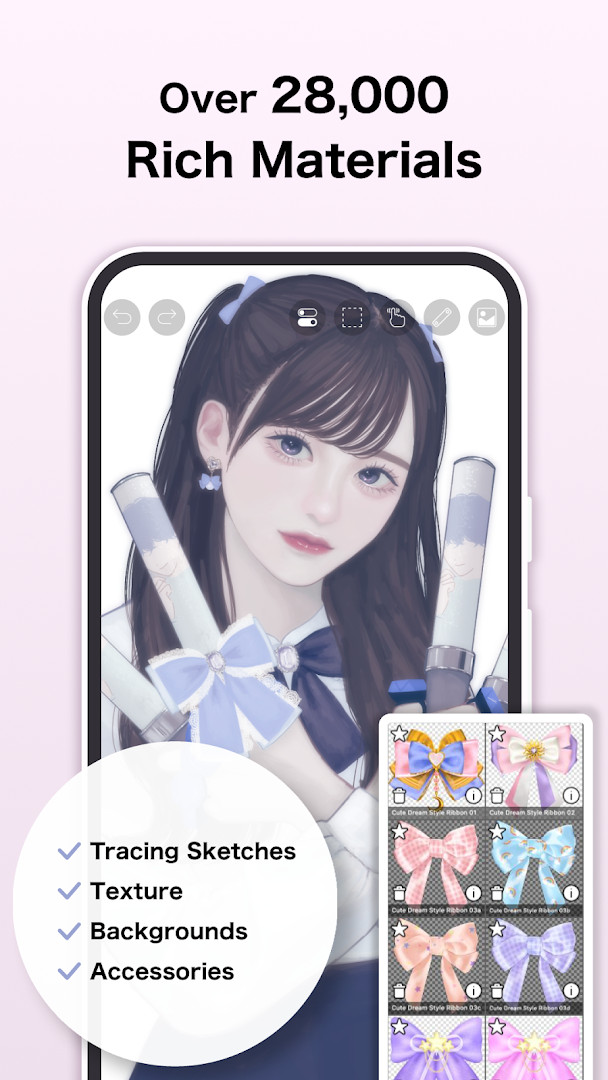
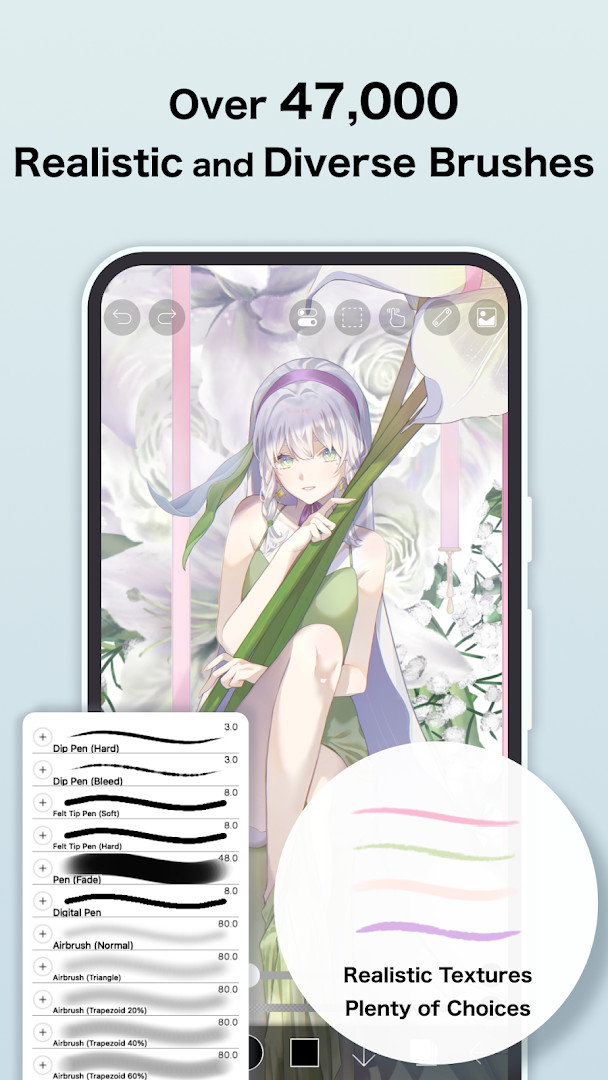
Download now · v14.1.2ibis Paint X is a free drawing and animation app with over 100 million installs and a rating of 4.48 from more than 3 million ratings. It offers over 130,000 brushes, 30,000 materials, and 3,000 fonts, appealing to beginners and experienced artists alike. The app requires Android 7.0 or higher and its download size is not specified in the available data.
- Version
- 14.1.2
- Requires Android
- 7.0
- Updated
- 25.09.2026
- Installs
- 100M+
- Rating
- ★ 4.48 (3 011 553)
- Category
- Art & Design
- Developer
- ibis inc.
- Content rating
- Everyone
- Package
- jp.ne.ibis.ibispaintx.app
- Free
- ✓ · Contains ads · In-app purchases
Screenshots
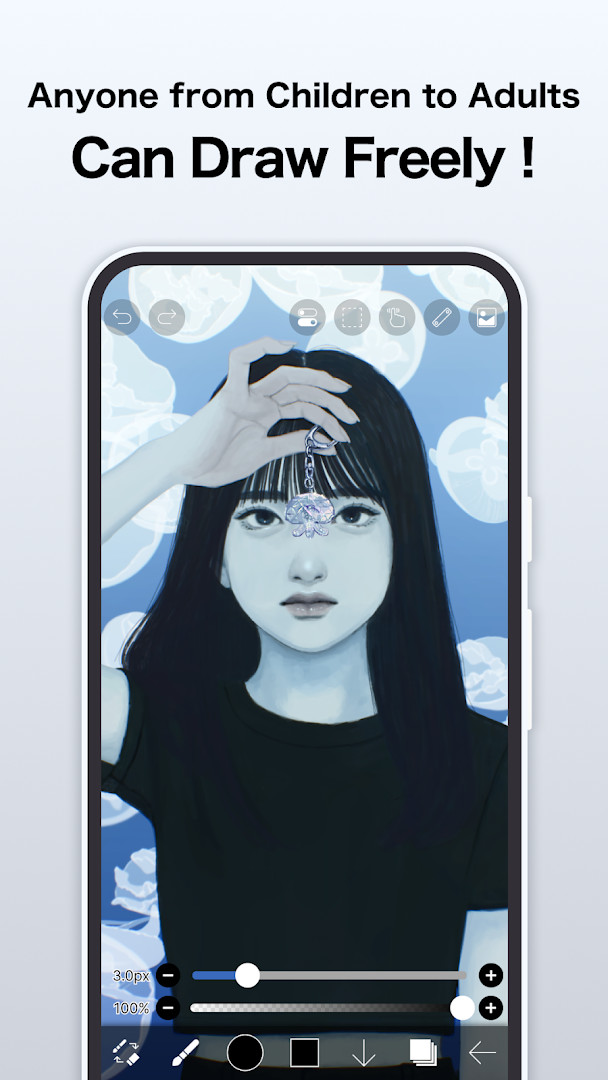
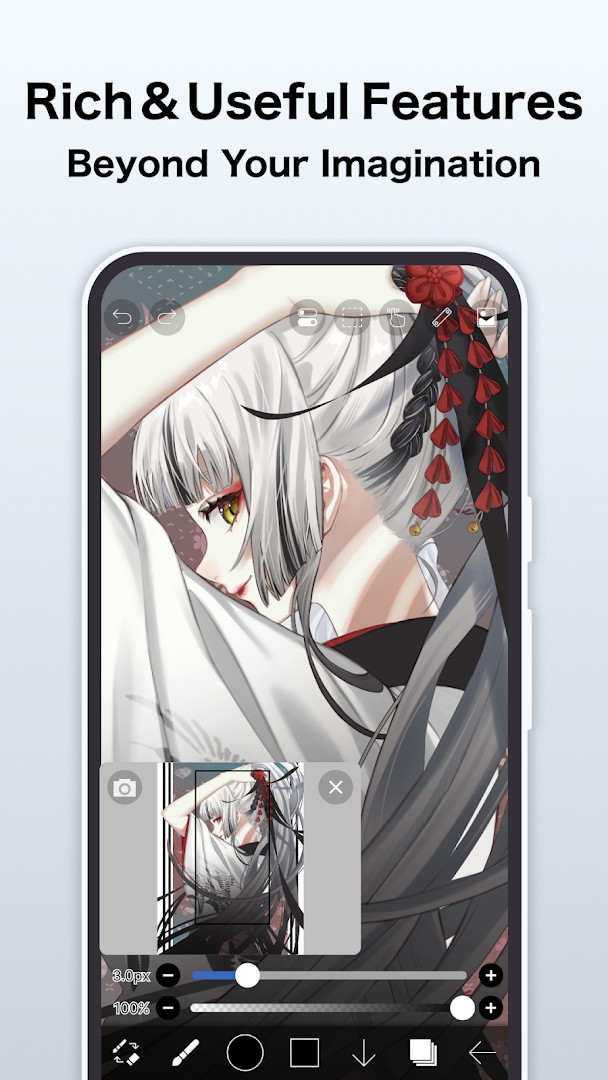
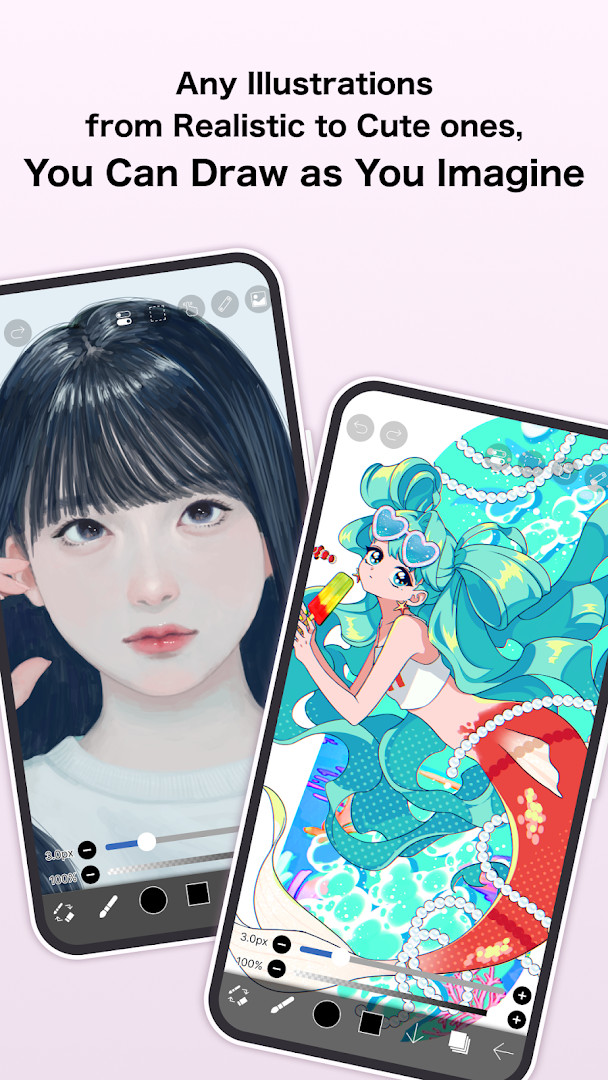
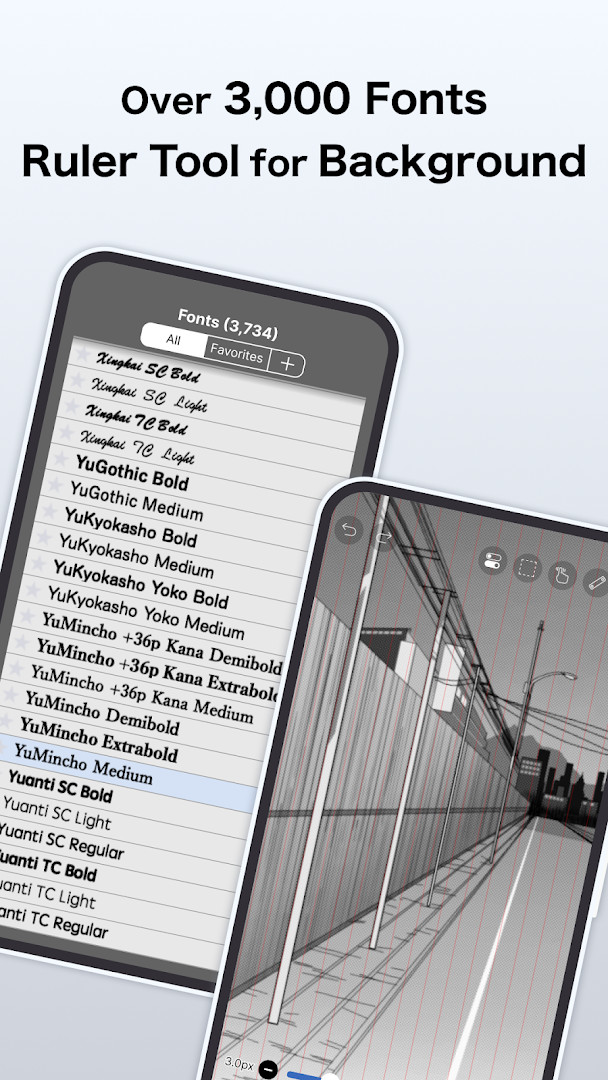
ibis Paint X is a digital illustration and animation app by ibis inc. that provides drawing tools, layer-based editing, and process recording on Android phones and tablets. It has been available since February 27, 2014, and the current build is version 14.1.2, released on September 25, 2026. The app requires Android 7.0 or later, is free to download, and carries a content rating of Everyone.
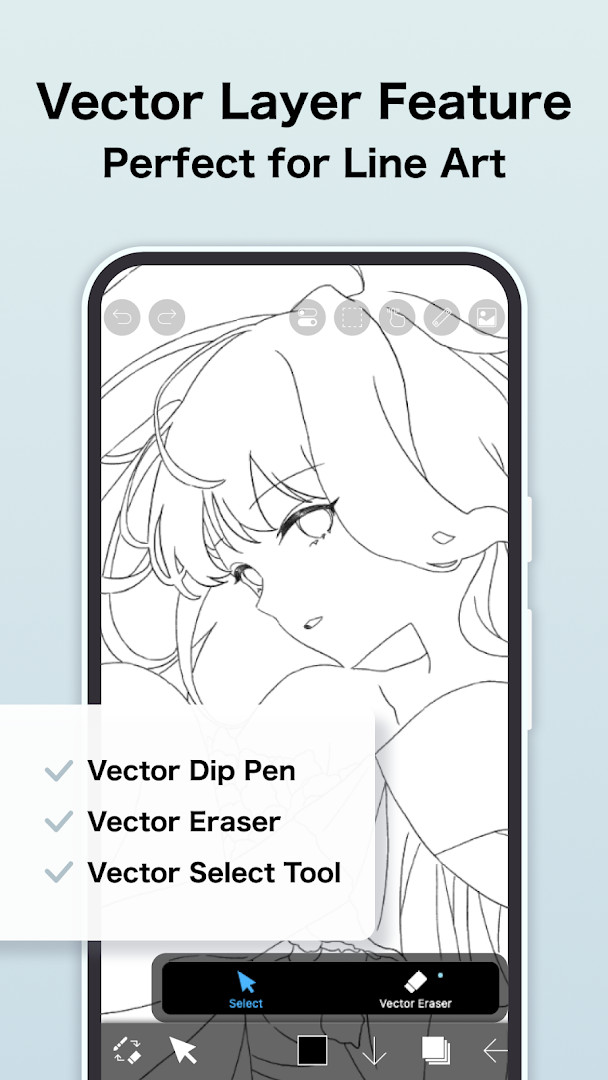
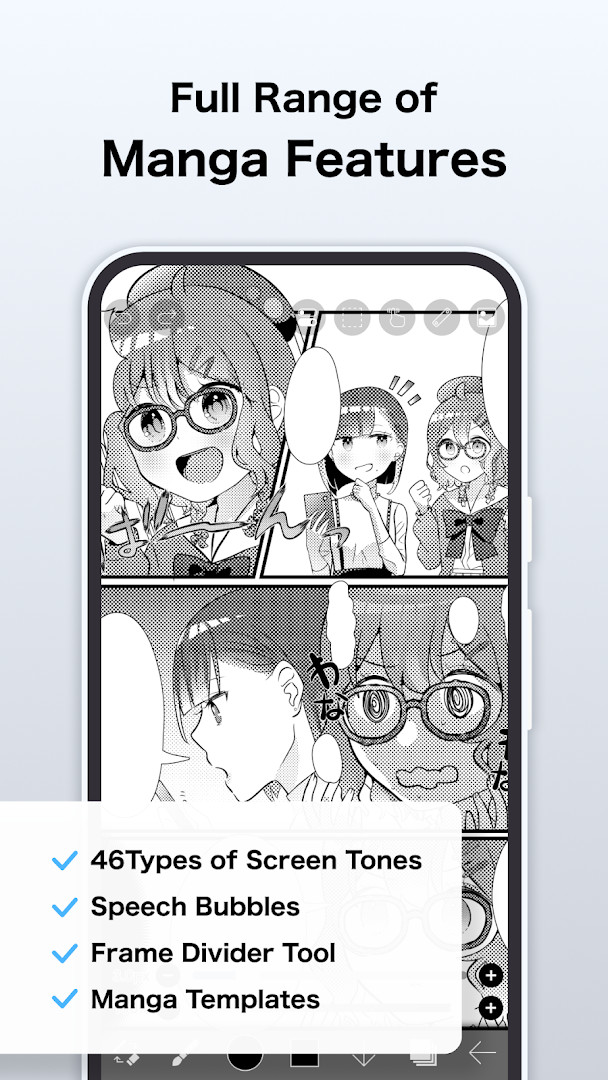
The toolset is broad for a mobile app: it ships with more than 130,000 brushes, over 30,000 materials, 3,000-plus fonts, 86 image filters, 46 screentones, and 27 layer blending modes, alongside vector tools, a reference window, radial and symmetry rulers, animated filters, and an AI Disturbance feature. Drawing is rendered through OpenGL for smooth strokes, and the app records your working process so it can be exported as a time-lapse video.
Permissions are optional. Photo library access is used to import artwork and save images or videos, microphone input supports peripherals such as digital styluses, and push notifications cover artwork alerts and update announcements. Declining any of them leaves the core drawing features usable. The app contains ads and offers in-app purchases, including a paid tier and an ad-removal add-on.
Key features
- Over 130,000 brushes covering pens, pencils, air brushes, oil and charcoal brushes, crayons, and stamps
- 30,000+ materials, 3,000+ fonts, 86 image filters, and 46 screentones
- 27 layer blending modes with per-layer opacity, alpha blending, clipping, duplication, and transform commands
- Vector tools, a reference window, and radial and symmetry rulers
- Animated filters and an AI Disturbance feature
- Recording of the drawing process for export as a time-lapse video
- Stroke stabilization and quick sliders for brush thickness and opacity
- Support for digital styluses and optional microphone input for peripheral connectivity
How to install
- Tap the download button on this page to get the APK file.
- When Android prompts you, allow your browser or file manager to install apps by enabling the Install unknown apps setting for that app.
- Open the downloaded APK file from your notifications or file manager.
- Tap Install and wait for the process to finish. The file size is listed as n/a, so download time depends on your connection.
- Open the app once installation completes. The minimum supported version is Android 7.0.
Pros
- Free to download with no cost to start drawing
- Large library of brushes, materials, fonts, and filters
- Layer system with 27 blending modes and clipping support
- Process recording for creating time-lapse videos
- Optional permissions, so core features work without granting any
Cons
- Contains advertising
- In-app purchases are available
- Some advanced functionality depends on a paid plan
- Microphone and photo library permissions are needed for related features
What's New · 14.1.2
Version 14.1.2 addresses two specific bug fixes. First, a problem was resolved where a shape created with Smart Shape on a Vector Layer could become distorted after being applied when a Selection Area was active. Second, an issue was fixed that could cause the app to crash when returning to My Gallery using a keyboard shortcut while a tutorial was displayed. No new features are mentioned in this update.
Other Versions
| Version | Size | Requires Android | Updated |
|---|---|---|---|
| 14.1.2 | — | 7.0 | 25.09.2026 |
| 9.2.3 | 28 MB | 4.1 | 15.01.2025 |
| 4.2.3 | 28 MB | 4.0 | 20.01.2017 |
It suits beginners who want a low-pressure way to start drawing, as well as hobbyists and illustrators who need layers, rulers, vector tools, and animation on a phone or tablet. Anyone recording drawing tutorials or time-lapse videos will also find the capture feature useful.
Grant photo library access early so you can import references and save finished artwork without interruptions. If ads bother you, the ad-removal add-on is available as an in-app purchase. Keep the app updated, since version 14.1.2 fixed crashes and a vector shape distortion issue.
Permissions
Frequently Asked Questions
Is ibis Paint X free to install and use?
Yes, the app is free to install and use. It includes ads and offers optional in-app purchases, such as subscription plans for additional features.
Which Android version is required?
The app requires Android 7.0 or newer. Older Android versions are not supported.
What permissions does ibis Paint X ask for?
It may request access to photos, media and files, storage, the microphone, and Wi-Fi connection information. All of these permissions are optional, so you can decline them and the core drawing and animation features will still work.
Do I need an account to use the app?
Based on the available information, no account is required to use the app. The listed details do not mention any mandatory sign-in.
How can I update ibis Paint X?
You can update by downloading the new version from this page. The latest version listed is 14.1.2, updated on September 25, 2026.
What is the file size of the app?
The file size is not specified in the available information, so the download size is unknown before installing.
ibis Paint X combines a deep brush and layer toolset with animation and process recording, all free to install on Android 7.0 and above. It is a practical choice for both first-time and experienced digital artists.
Similar Apps


Updated: 24.10.2026