Sketchbook: Draw and Paint
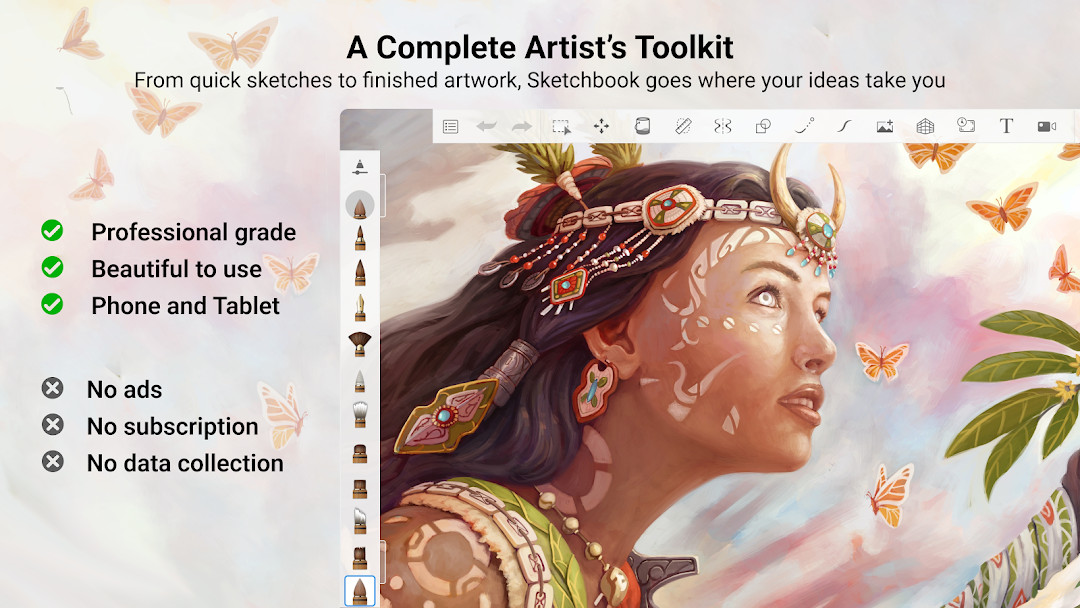
Sketchbook is a free drawing and painting app by Sketchbook that lets you create anything from quick sketches to finished artwork with a professional toolkit.
Get SketchbookSketchbook is a 69 MB drawing and painting app that requires Android 5.0 or higher. It contains in-app purchases but displays no ads, and it has been installed over 100 million times. Sketchbook is designed for both casual hobbyists and professional illustrators who want a customizable and distraction-free drawing experience.
- Size
- 69 MB
- Requires Android
- 5.0
- Updated
- May 30, 2026
- Installs
- 100M+
- Rating
- ★ 4.07 (706,663)
- Category
- Art & Design
- Developer
- Sketchbook
- Content rating
- Everyone
- Package
- com.adsk.sketchbook
- Free
- ✓ · In-app purchases
App screenshots
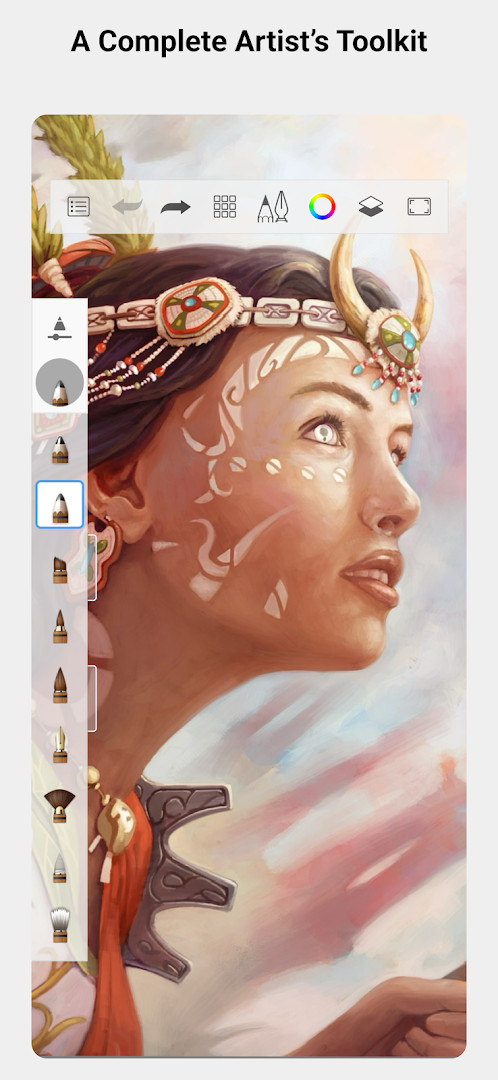
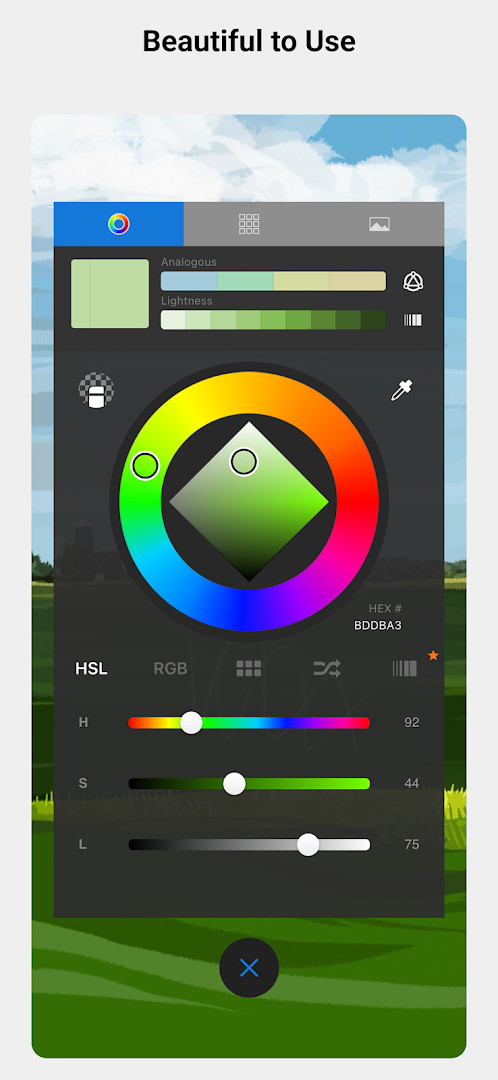
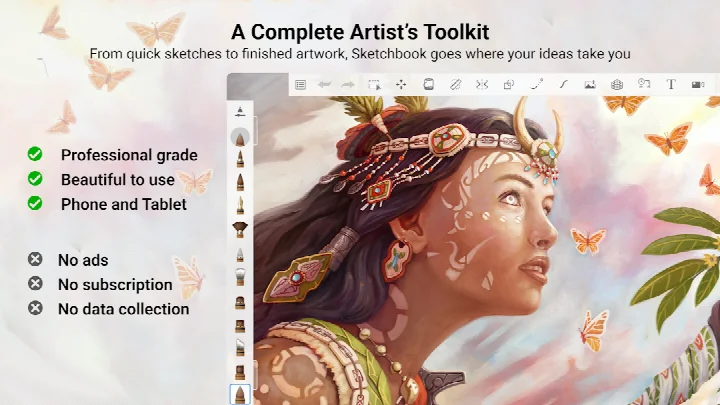
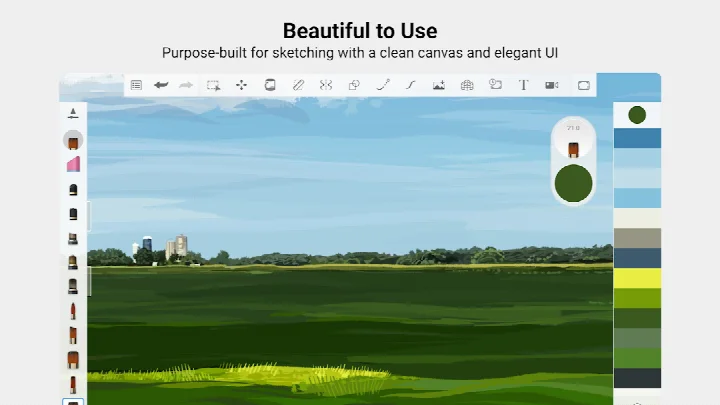
Sketchbook is a drawing and painting application by the developer Sketchbook that gives you a complete toolkit for sketching on a phone or tablet. It has been available since October 8, 2014, and the current version on this page is 5.0.2, dated July 29, 2019. The app is aimed at anyone who likes to draw, from people making quick doodles to illustrators working on finished pieces.
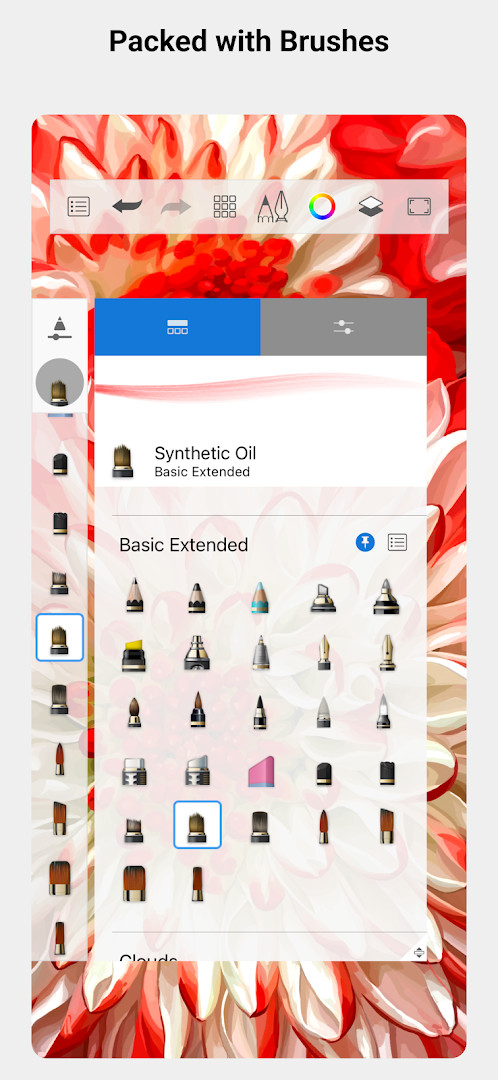
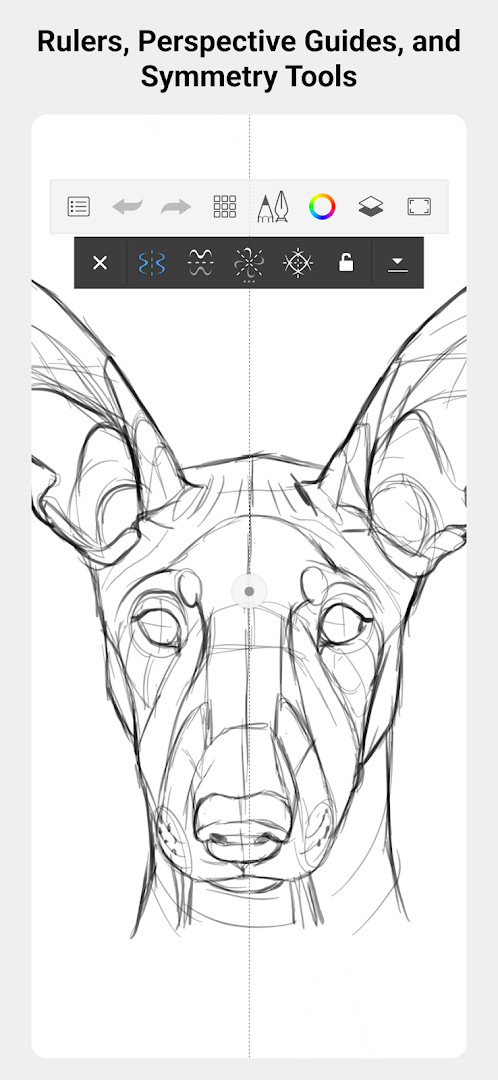
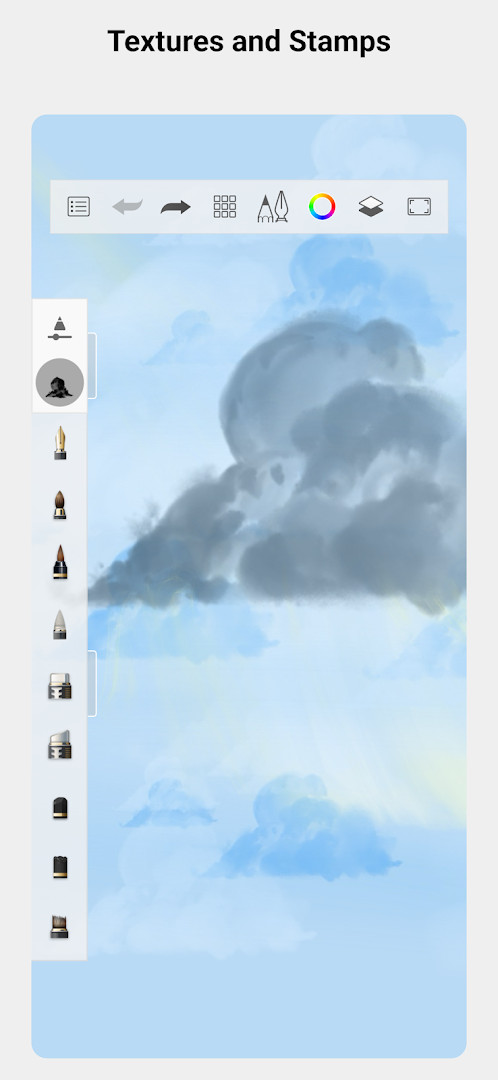
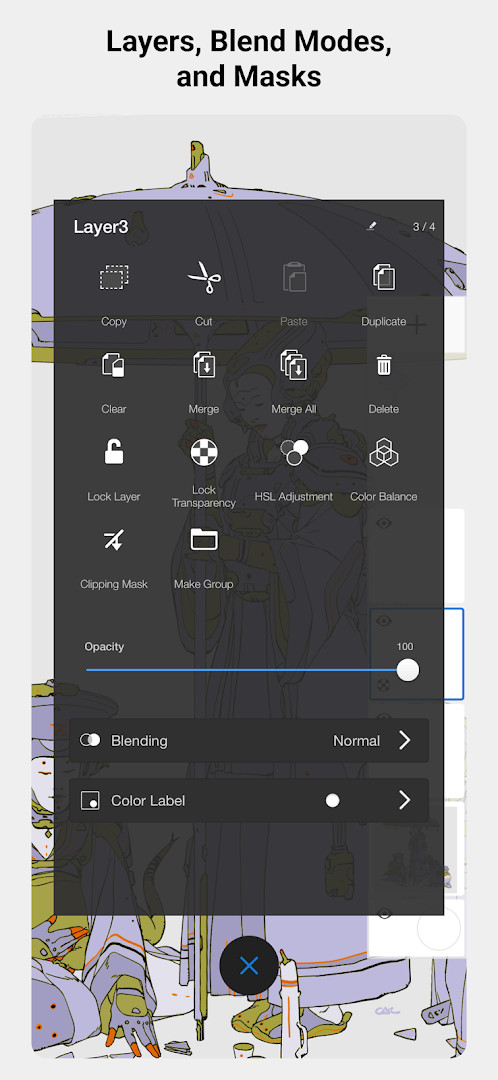
The app centers on natural-feeling drawing tools. Its brush collection includes pencils, markers, airbrushes, and a smear tool, and each brush can be adjusted so it behaves the way you prefer. Guides, rulers, and stroke tools help when you need straight lines or precise shapes, while layers with a range of blend modes let you build up color and detail gradually.
The interface stays out of the way so the canvas gets most of the screen. The download is 69 MB, the app requires Android 5.0 or newer, and it is free to install. It does include in-app purchases, shows no ads, and is rated for Everyone. It also has a large user base, with more than 100,000,000 installs, and a rating of 4.07 based on 706,663 ratings. The most recent update listed is from May 30, 2026, and it brings bug fixes and performance improvements.
Key features
- A full set of brush types, including pencils, markers, airbrushes, and a smear tool that imitate their real-world counterparts
- Brushes are highly customizable, so you can adjust them to get the exact look you want
- Guides, rulers, and stroke tools for precision when a drawing calls for it
- Layers with a full range of blend modes for building up drawings and exploring color
- An interface designed for sketching that stays clean and unobtrusive
- Rated for Everyone and free to install, with no ads
How to install
- Tap the download button on this page to get the APK file (the download is 69 MB).
- When Android asks, allow your browser or file manager to install apps; this is the "Install unknown apps" permission.
- Open the downloaded APK file from your notifications or your file manager.
- Tap Install and wait for the process to finish.
- Open the app once installation is complete. It requires Android 5.0 or newer.
Pros
- Free to download with no ads
- Professional-grade brush and layer tools
- Clean interface that keeps focus on the canvas
- Suitable for complete beginners as well as experienced artists
- Very widely installed, with over 100,000,000 installs
Cons
- Includes in-app purchases
- Requested permissions cover photos, media, files, storage, and the camera
- Some listed versions are older, and the newest update mainly covers bug fixes and performance improvements
Latest changes
This update addresses bug fixes and introduces performance improvements for a smoother, more reliable drawing experience.
Version history
| Version | Size | Requires Android | Updated |
|---|---|---|---|
| 5.0.2 | 69 MB | 5.0 | Jul 29, 2019 |
| 4.1.14 | 82 MB | 5.0 | Apr 6, 2019 |
| 4.1.7 | 77 MB | 4.0.3 | May 4, 2018 |
This app suits beginners who want to try digital drawing for the first time, as well as hobbyists and working artists who need a portable sketching tool. Because it is free, rated for Everyone, and requires only Android 5.0 or newer, it is easy for a newcomer to pick up without a large commitment.
Start with one of the built-in brush types and change its settings until the stroke feels right, then try a new layer for each stage of a drawing. Use guides and rulers when you need straight edges or symmetrical shapes, and keep an eye on the in-app purchase options if you want extra content.
Permissions
FAQ
Is Sketchbook free to download and use?
Yes, Sketchbook is free to download. While the app itself is free, it does offer in-app purchases for optional features.
What Android version do I need?
Sketchbook requires Android 5.0 or higher to run.
How large is the download file?
The APK file size is approximately 69 MB.
Do I need an account to use Sketchbook?
No account is required to use Sketchbook. You can start drawing immediately after installation.
What permissions does Sketchbook request?
Sketchbook requests access to Photos/Media/Files, Storage, and Camera. These are used for saving your artwork and importing images or references.
How do I update Sketchbook?
To update, simply download the latest version from this page and install it over your current installation. Your existing drawings and settings will be preserved.
Sketchbook offers a broad set of drawing tools in a free, ad-free package that works on Android 5.0 and up. If you want to sketch or paint on your device, tap the download button on this page to get started.
Similar apps



Updated: Oct 25, 2026