PENUP – Drawing-sharing SNS: social drawing app
PENUP – Drawing-sharing SNS is a drawing-sharing social app by Samsung Electronics Co., Ltd. that lets users communicate through drawings.
Download PENUPPENUP – Drawing-sharing SNS is a place to share pen drawings, follow drawing challenges, and comment on artwork from users worldwide. PENUP – Drawing-sharing SNS is aimed at hobbyists and beginners who want to practice and improve their drawing skills. PENUP – Drawing-sharing SNS is free, contains no ads, requires Android 9 or later, and has a download size of 97 MB.
- Size
- 97 MB
- Requires Android
- 9
- Updated
- Sep 18, 2026
- Installs
- 100M+
- Rating
- ★ 4.53 (223,826)
- Category
- Art & Design
- Developer
- Samsung Electronics Co., Ltd.
- Content rating
- Teen
- Package
- com.sec.penup
- Free
- ✓
App screenshots
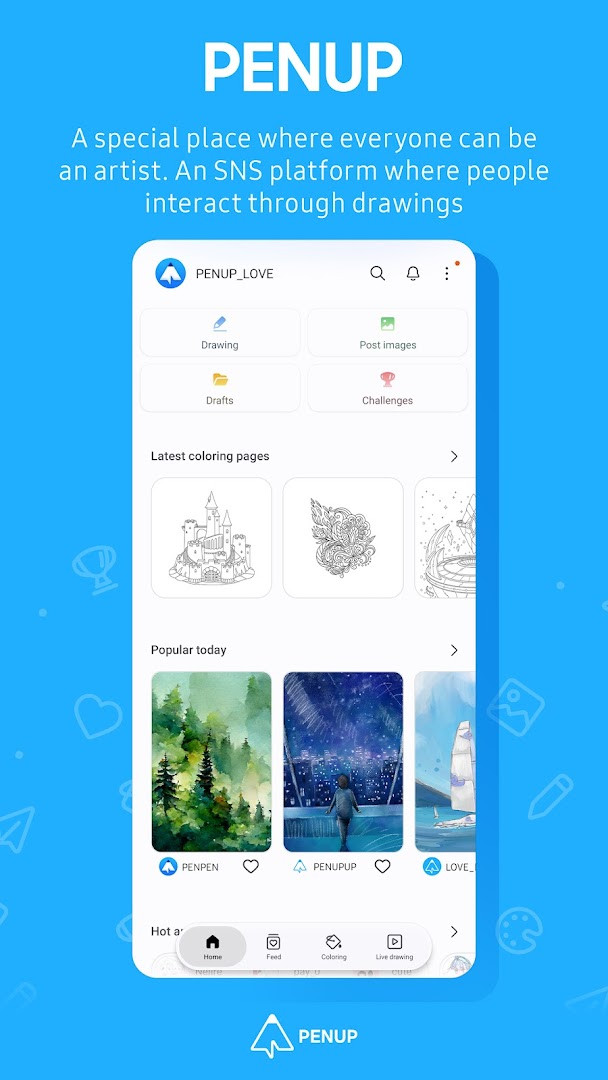
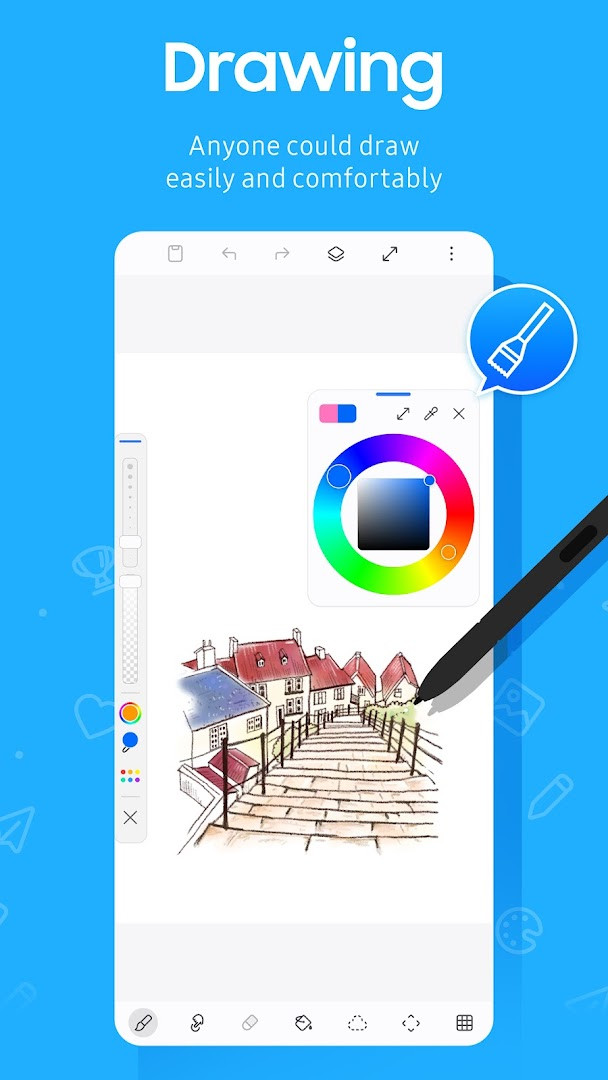
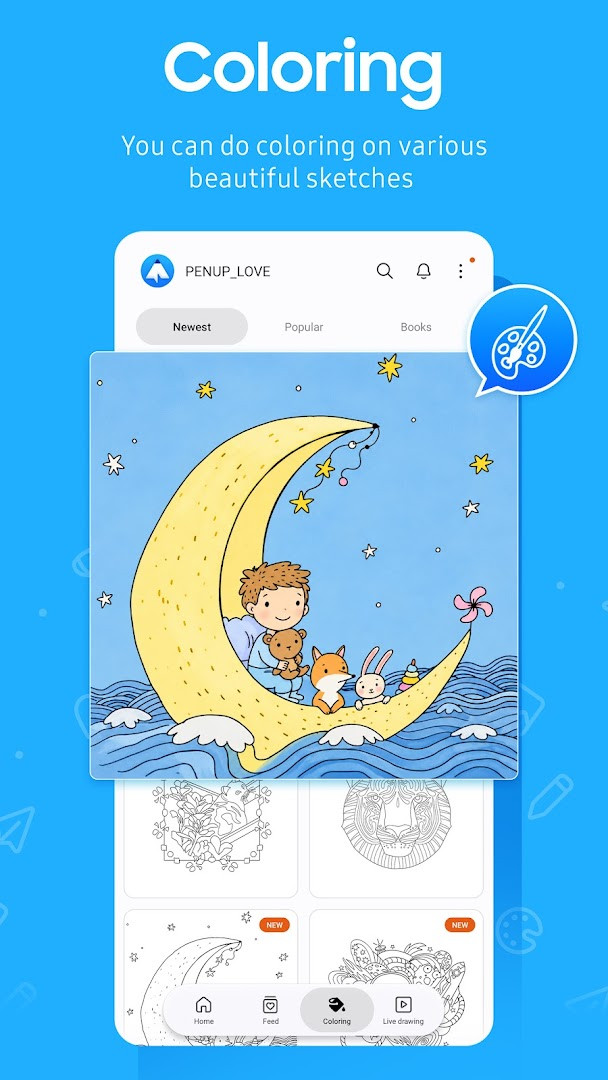
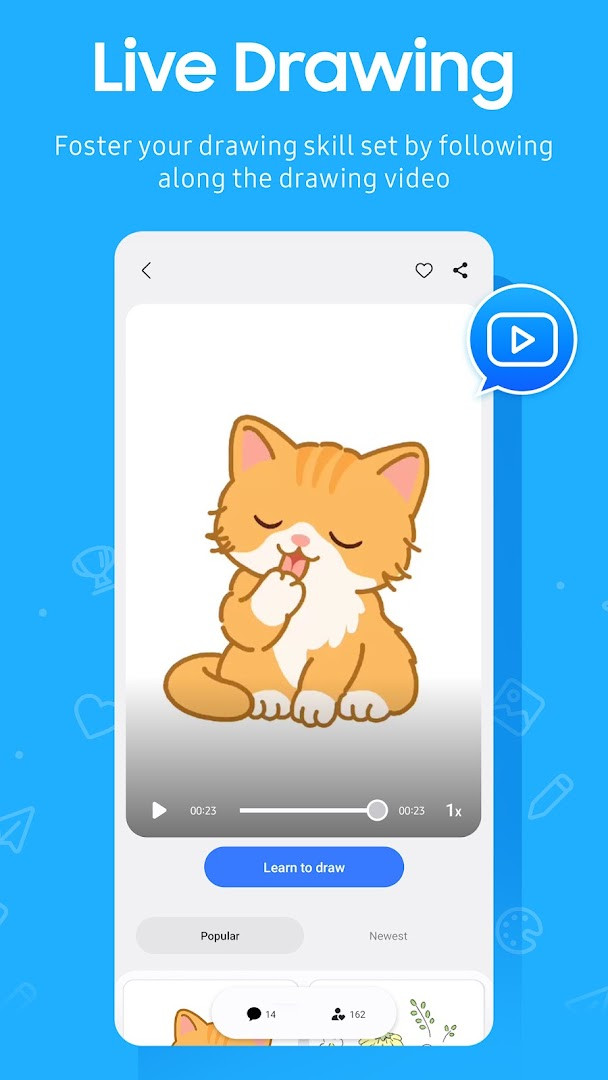
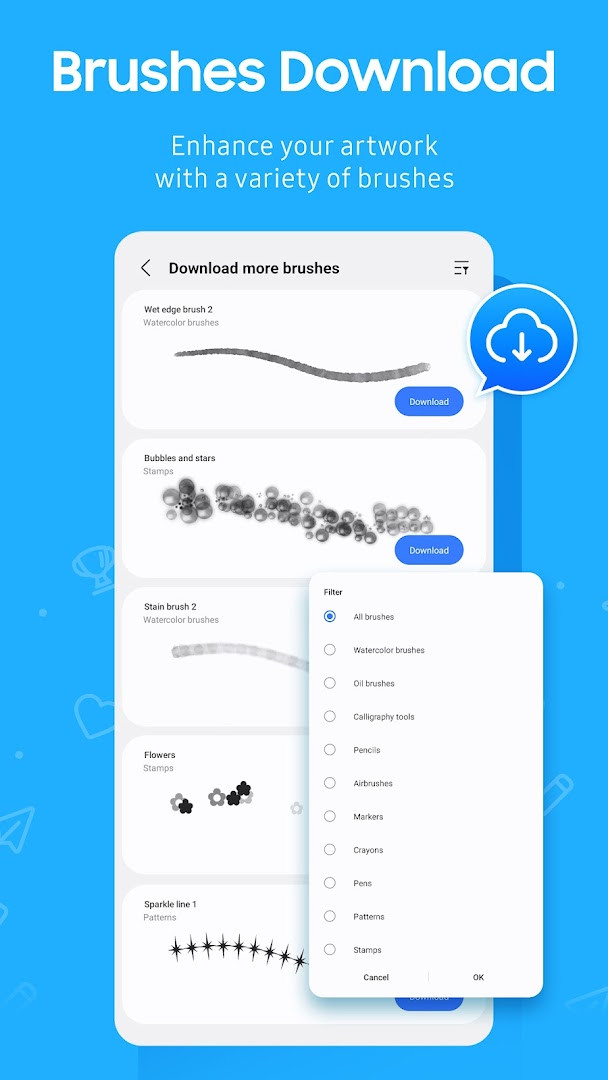
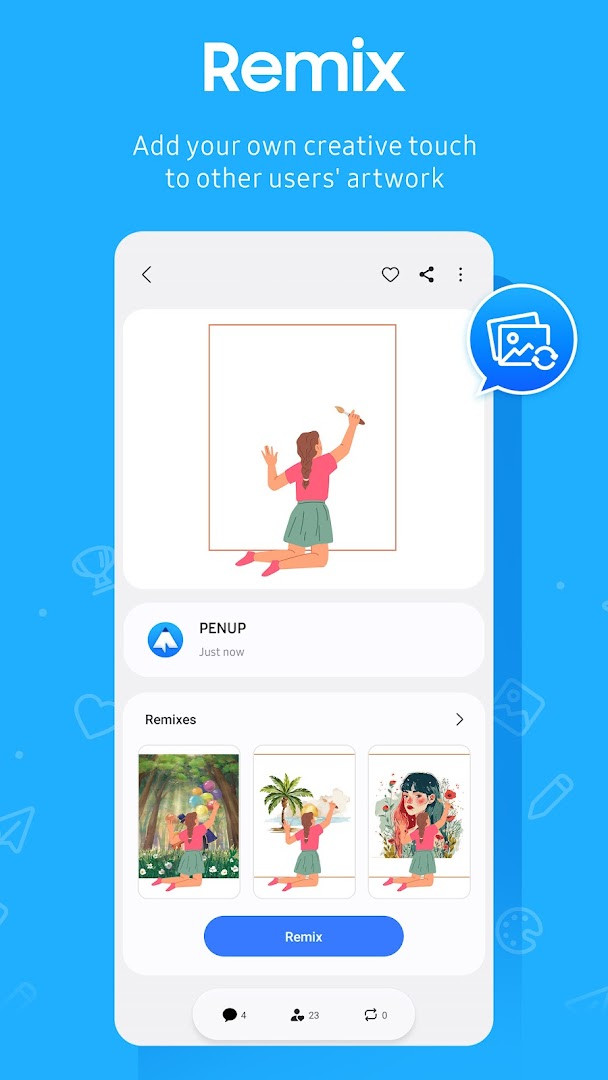
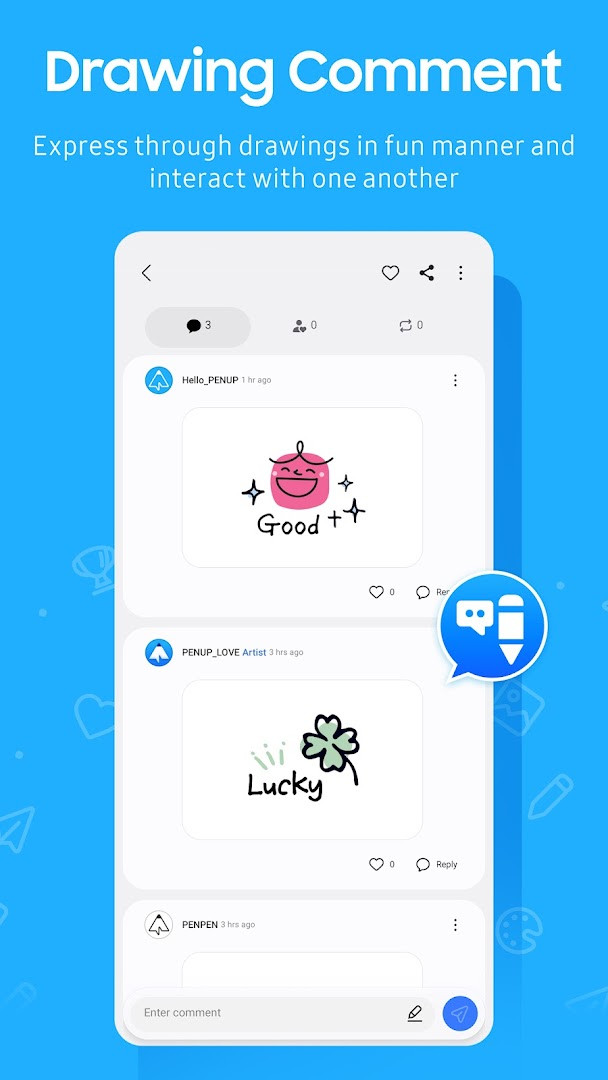
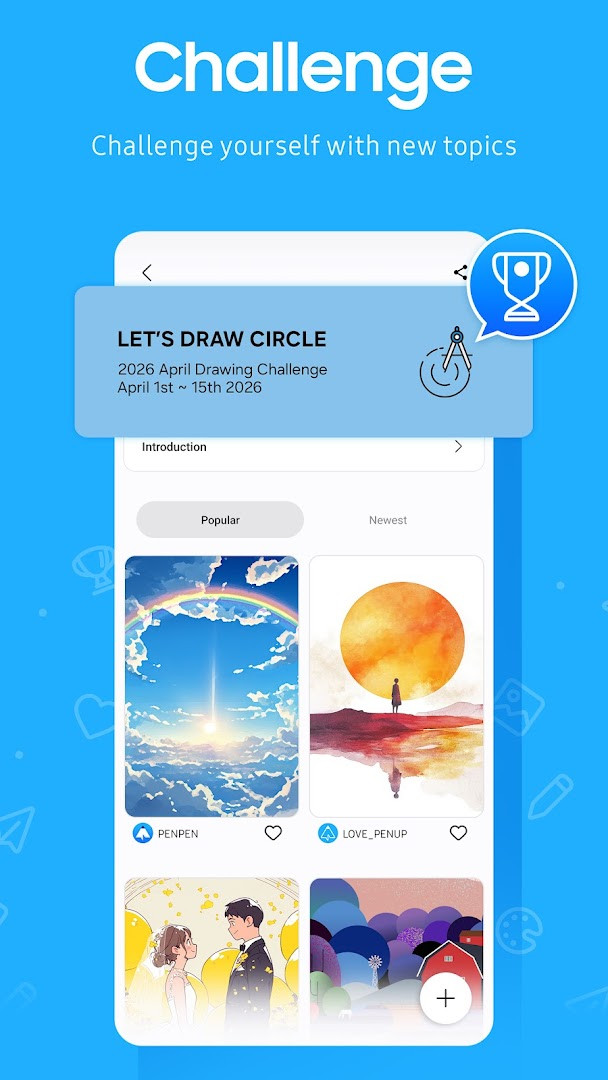
PENUP – Drawing-sharing SNS is a drawing and social networking app by Samsung Electronics Co., Ltd. that lets people sketch, color, and share artwork with a global community. It combines creative tools with a feed where you follow other artists, comment on their work, and receive feedback on your own posts.
The app offers several ways to draw. You can color ready-made coloring pages, start from a selection of templates, follow along with Live Drawing videos, or use Photo Drawing to sketch with a photo as a reference. Drawing challenges give you a prompt and let you test your skills against the wider community.
The social side is built around sharing. Trending Works surfaces popular creations, and comments and follower activity keep the conversation going. The recent update added a new brush to the drawing toolset.
It is a free download with no ads and no in-app purchases, rated Teen. The app has been available since 2013 and currently sits at version 3.9.24.3, with a 4.54 average rating from more than 223,000 ratings and over 100 million installs.
Key features
- Drawing tools including a newly added brush
- Coloring book pages ready to fill in
- A range of templates for starting a drawing
- Live Drawing video follow-along sessions
- Photo Drawing, which uses a photo as a drawing aid
- Drawing challenges to test your skills
- Trending Works feed for browsing popular creations
- Comments that let you communicate with other users
How to install
- Tap the download button on this page to get the APK file (97 MB).
- When Android asks, allow your browser or file manager to install apps by enabling the "Install unknown apps" setting.
- Open the downloaded APK file from your notifications or file manager.
- Tap Install and wait for the process to finish.
- Open the app. It requires Android 9 or higher.
Pros
- Free with no ads and no in-app purchases
- Large, established community with over 100 million installs
- Strong 4.54 rating from more than 223,000 ratings
- Broad toolset covering coloring, templates, video follow-along and photo-assisted drawing
- Actively maintained, with version 3.9.24.3 released in October 2026
Cons
- Requests identity, contacts, photos/media/files and storage permissions
- The contacts permission may feel unnecessary for a drawing app
- Coloring pages and templates suit casual work more than advanced illustration
- Full social features depend on notifications being allowed on Android 13 or above
Latest changes
This update introduces a new brush to the drawing tools. The latest version was released on September 18, 2026.
Version history
| Version | Size | Requires Android | Updated |
|---|---|---|---|
| 3.9.24.3 | 97 MB | 9 | Oct 1, 2026 |
| 3.8.00.18 | 27 MB | 6.0 | Sep 29, 2026 |
| 3.9.23.13 | 97 MB | 9 | Sep 18, 2026 |
| 3.9.22.32 | 97 MB | 9 | Aug 14, 2026 |
| 3.9.21.33 | 124 MB | 9 | Jun 20, 2026 |
| 3.9.12.77 | 40 MB | 8.0 | Nov 13, 2025 |
| 3.2.01.1 | 21 MB | 5.0 | Jun 1, 2019 |
This app suits hobbyists and casual artists who want a low-pressure place to draw and share, as well as people who prefer guided formats such as coloring pages, templates, video follow-alongs and photo-assisted sketching. Experienced illustrators may find the toolset less deep than dedicated drawing programs, but the community feed and challenges can still be useful for feedback and practice.
If you would rather not share your contacts, you can decline that optional permission and still draw and post. On Android 13 or above, allow notifications only if you want alerts about followers and comments on your work. Because the APK is 97 MB, downloading over Wi-Fi is worth considering. You can review or reset previously granted permissions later in the Apps section of your device settings.
Permissions
FAQ
Is PENUP free to download and use?
Yes, PENUP is completely free. There are no in-app purchases or ads, so you can enjoy all drawing and sharing features without paying.
What Android version do I need to install PENUP?
PENUP requires Android 9 or higher. If your device runs an older version, you will need to update your system software before installing.
How large is the PENUP APK file?
The APK file size is 97 MB. Make sure you have enough free storage space on your device before downloading.
Do I need an account to use PENUP?
Yes, you need an account to share drawings and interact with other users. The app is a social network where you can comment on others' creations and receive feedback on your own.
What permissions does PENUP request?
PENUP asks for optional permissions including storage (to upload or download drawings on Android 9 or lower) and notifications (to alert you about drawing activity on Android 13 or above). It also lists identity, contacts, and photos/media/files in its permission set.
How do I update PENUP to the latest version?
To update, simply download the newest version from this page and install it over your current installation. The latest available version is 3.9.24.3, released on 2026-10-01.
PENUP pairs a friendly drawing toolkit with a busy sharing community. It is free, ad-free, and widely used, so it is worth trying if you want both a place to sketch and an audience to sketch for.
Similar apps


More from this developer

Updated: Oct 25, 2026