SmartThings: Smart Home Control
SmartThings is a free lifestyle app from Samsung Electronics that lets you connect and control compatible smart home devices.
Get APKSmartThings is a free app from Samsung Electronics that occupies 227 MB and runs on Android 12 or newer. It carries no ads and no in-app purchases, holds a 4.57 rating from 5.5 million ratings, and has been installed over 1 billion times. The app suits people who want to manage smart home gadgets, Samsung televisions and appliances from one place.
- Size
- 227 MB
- Requires Android
- 12
- Updated
- Oct 2, 2026
- Installs
- 1B+
- Rating
- ★ 4.57 (5,540,654)
- Category
- Lifestyle
- Developer
- Samsung Electronics Co., Ltd.
- Content rating
- Everyone
- Package
- com.samsung.android.oneconnect
- Free
- ✓
App screenshots
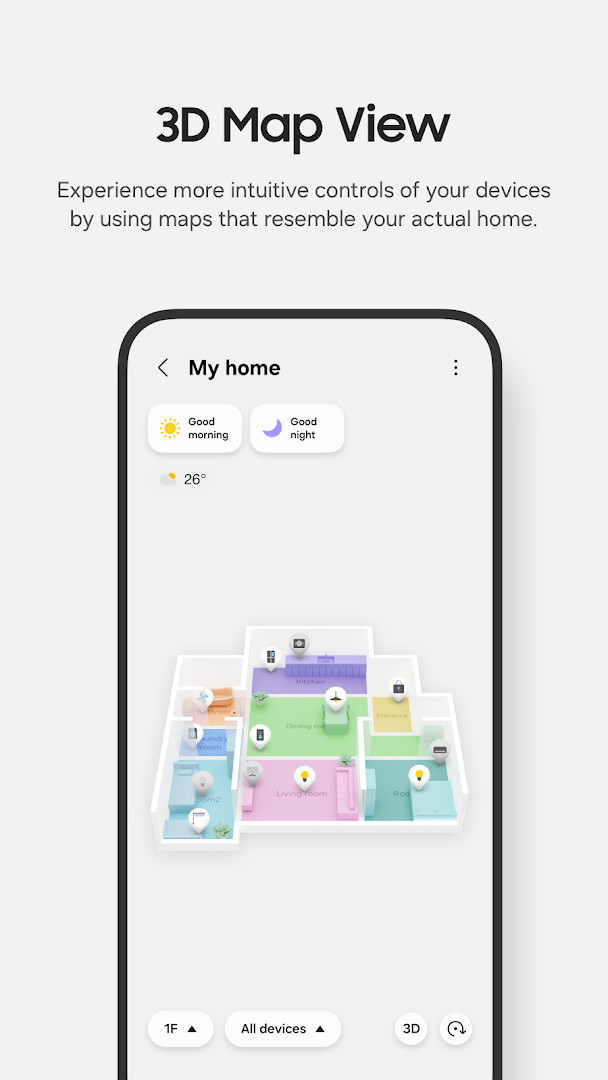
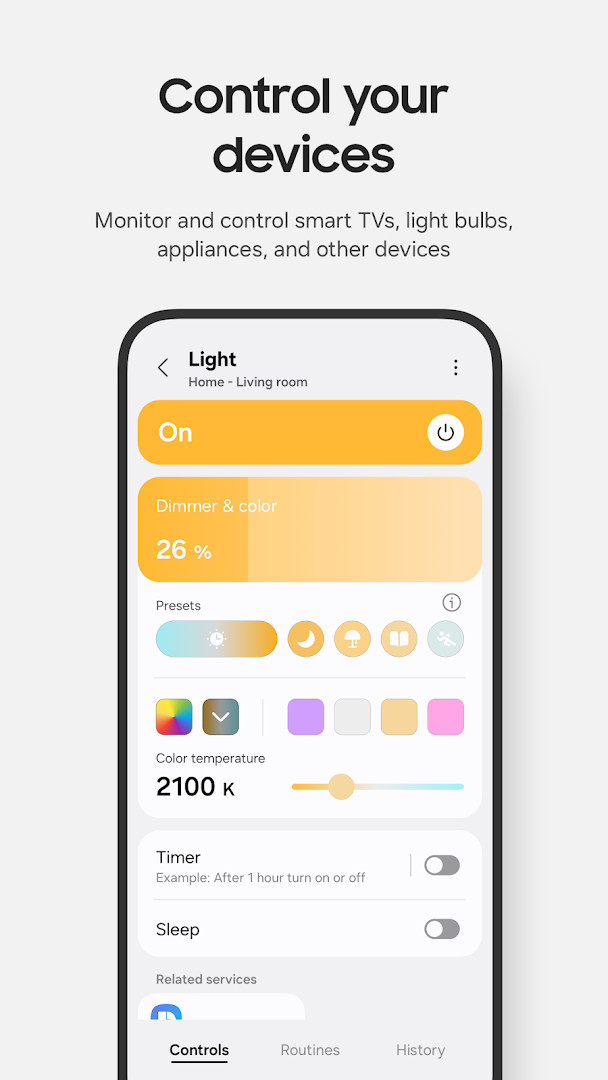
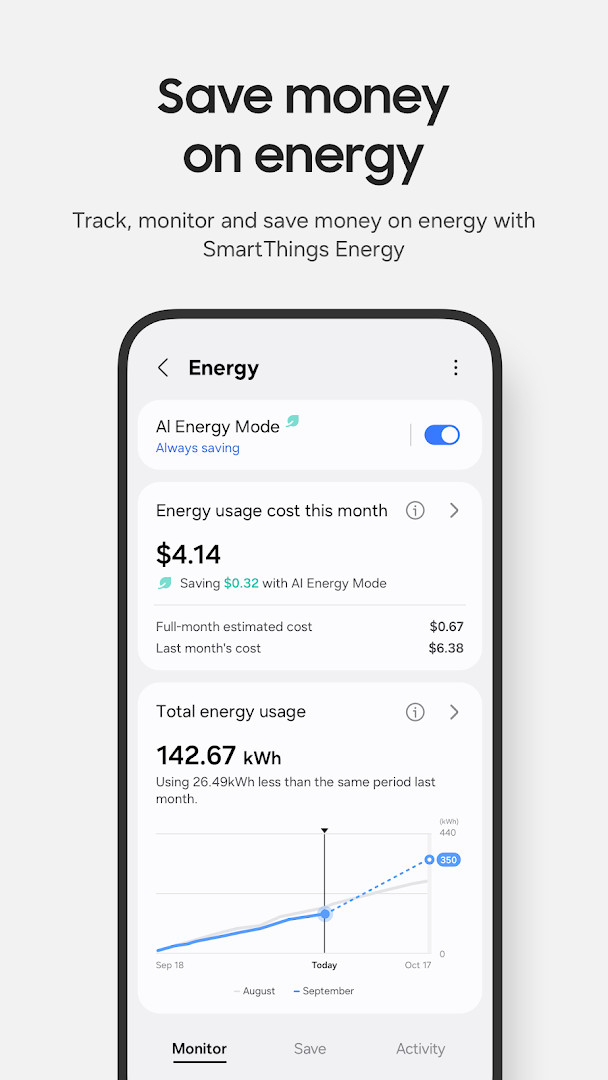
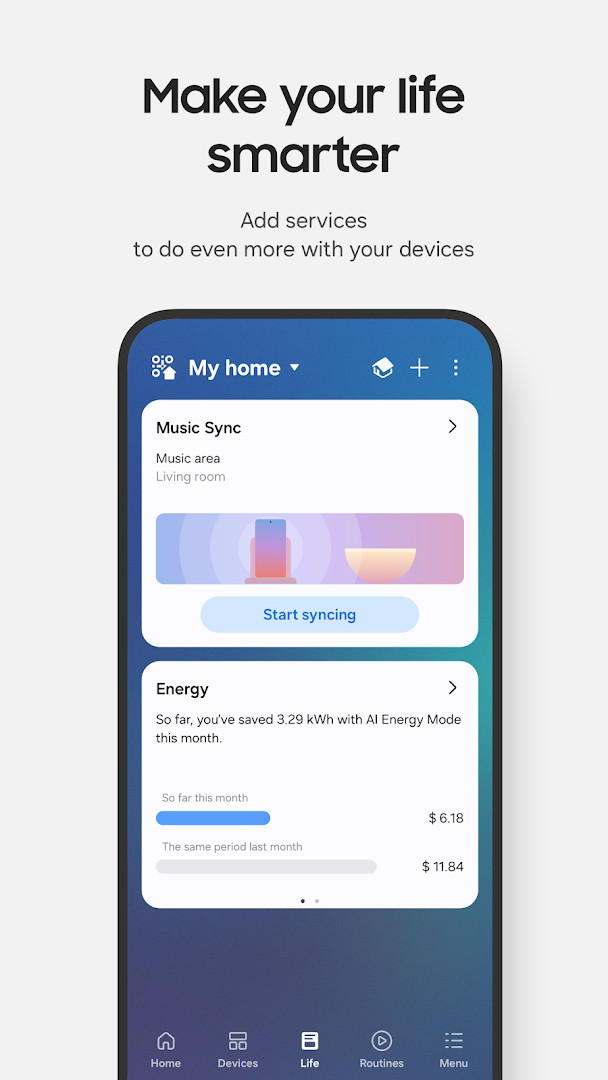
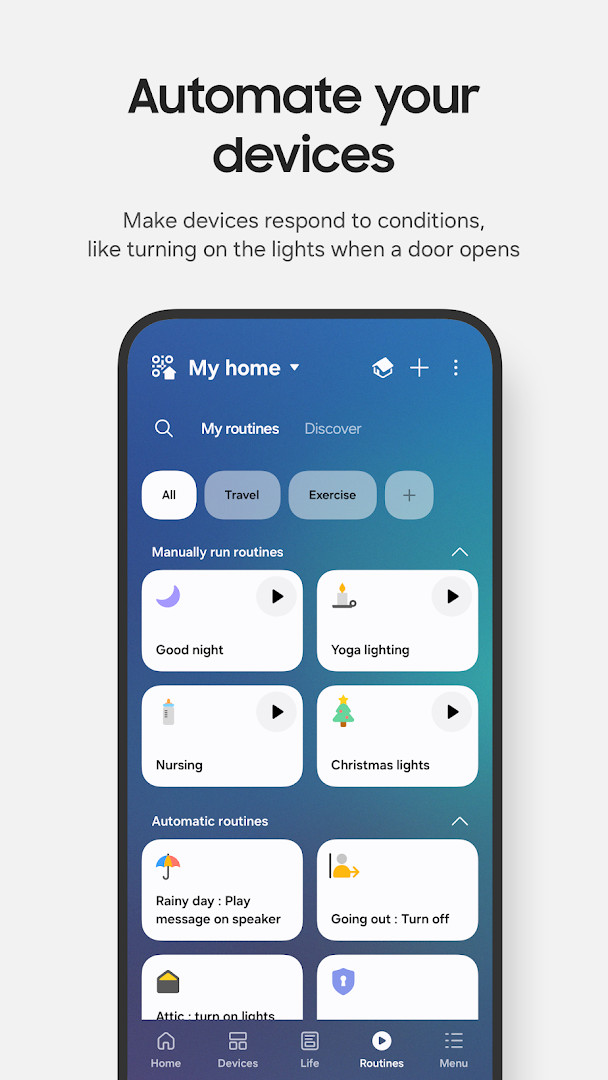
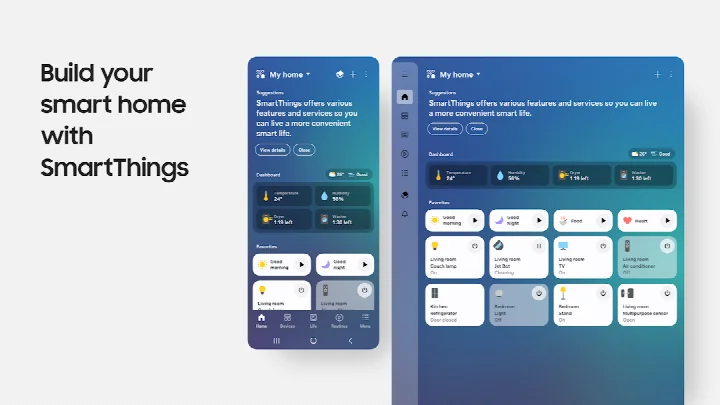
SmartThings is a lifestyle app by Samsung Electronics Co., Ltd. that lets you connect and control smart home devices from a single interface. It acts as a central hub for compatible hardware, including Samsung smart TVs, appliances, and speakers, as well as devices from brands such as Ring, Nest, and Philips Hue. Voice control is supported through Alexa, Bixby, and Google Assistant, and the app enables remote monitoring and management of connected equipment from anywhere. Onboarding is handled in-app, with QR-code scanning for adding members and devices and high-frequency sound pairing for certain hardware. The application is free, contains no ads, and has no in-app purchases. It first appeared in April 2017 and has been downloaded more than one billion times since then.
Key features
- Remote control and status checks for devices while away from home
- Routine builder with triggers based on time, weather, or device state
- Compatibility with Samsung TVs, appliances, and speakers plus brands including Ring, Nest, and Philips Hue
- Voice assistant support for Alexa, Bixby, and Google Assistant
- Shared access so multiple users can control connected devices
- Automated notifications for device status changes
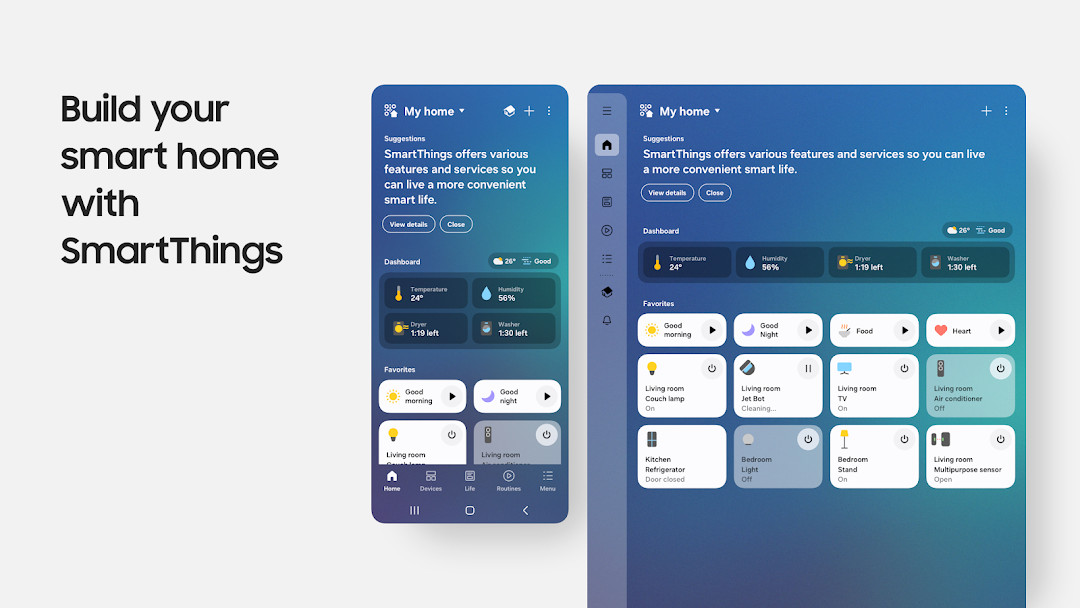
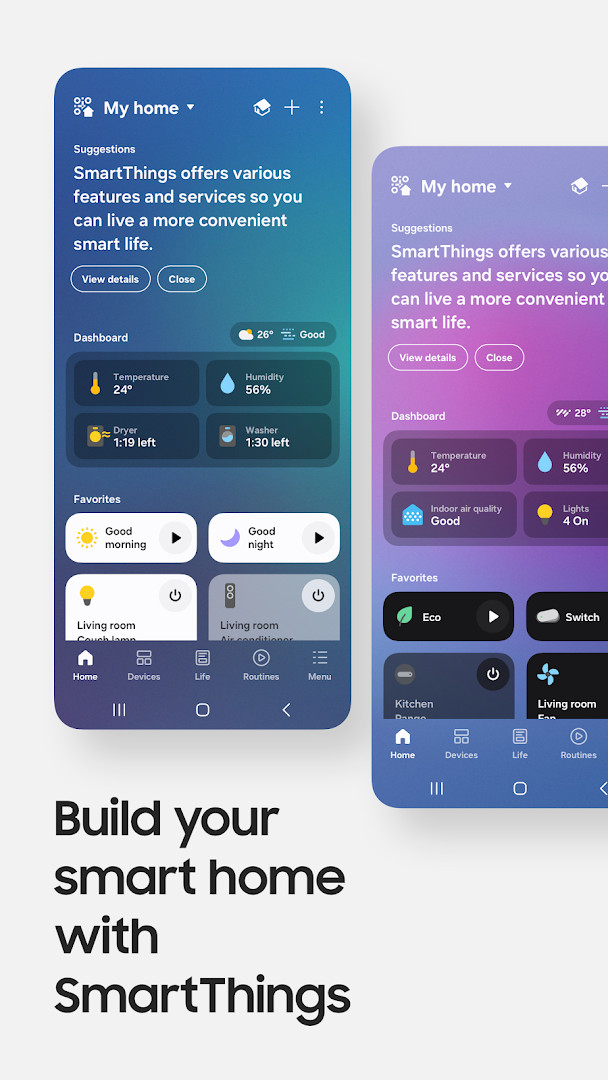
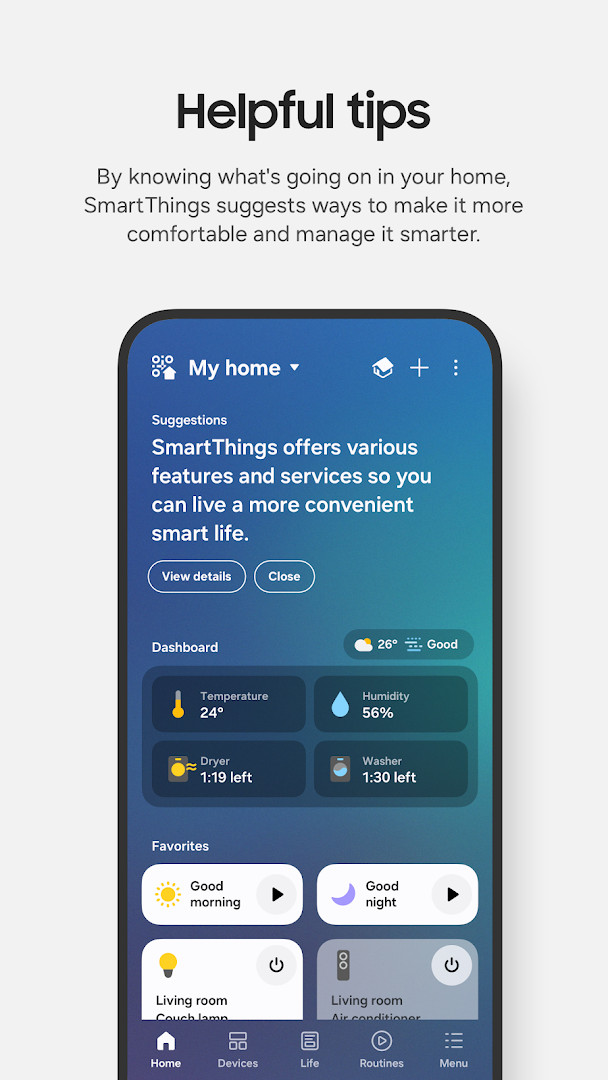
- Redesigned Home tab for quicker access to frequently used controls
- Offline device diagnostics screen for recovering dropped devices
- Routine Insights showing the three most-used routines and recent activity
How to install
- Confirm your phone runs Android 12 or newer and has at least 3 GB of memory, then tap the download button on this page to save the 227 MB APK file.
- When Android asks, allow your browser or file manager to install apps by enabling the 'Install unknown apps' setting for the app you are using.
- Open the downloaded APK file from your notifications or file manager.
- Tap Install on the system prompt. If the install is blocked, revisit the 'Install unknown apps' setting and grant permission to the app that opened the file.
- Open the installed app and complete the setup flow, including signing in with your Samsung account.
Pros
- Free with no ads and no in-app purchases
- Broad compatibility with hundreds of smart home brands
- Voice control through three major assistants
- Flexible routines and shared access for multiple household members
- Regular updates with new diagnostics and routine insights tools
- No subscription required for remote access
Cons
- Optimized for Samsung phones; some features may be limited on other devices
- Requires Android 12 or newer and at least 3 GB of RAM
- 227 MB APK is large for a remote-control utility
- Feature availability can vary by country
Latest changes
The latest SmartThings update, released on October 2, 2026, introduces a redesigned Home tab that puts your most-used features and key information right at your fingertips. Devices connected to your hub now respond faster when your phone and hub are on the same Wi-Fi, and a new dedicated screen helps you check and recover offline devices. Routine Insights also lets you see your top three most-used Routines and recent activity at a glance.
Version history
| Version | Size | Requires Android | Updated |
|---|---|---|---|
| 1.8.51.30 | 227 MB | 12 | Oct 4, 2026 |
| 1.8.47.24 | 231 MB | 12 | Sep 29, 2026 |
| 1.8.45.24 | 235 MB | 12 | Sep 6, 2026 |
| 1.8.37.23 | 234 MB | 11 | Jun 16, 2026 |
| 1.8.41.23 | 233 MB | 12 | Feb 22, 2026 |
| 1.8.00.22 | 107 MB | 8.0 | Nov 5, 2025 |
| 1.8.21.28 | 119 MB | 10 | Oct 31, 2024 |
| 1.8.14.26 | 115 MB | 9 | Apr 8, 2024 |
| 1.7.60.23 | 78 MB | 7.0 | Jan 27, 2021 |
| 1.6.00-45 | 30 MB | 6.0 | May 4, 2017 |
Samsung smartphone owners who want to manage their TVs, appliances, and third-party smart gadgets in one place; households that need shared control and automated routines; and users who prefer issuing voice commands through Alexa, Bixby, or Google Assistant.
Grant location permission if you plan to use arrival- or departure-based routines, since the app depends on it to trigger automations when you enter or leave a defined area.
Permissions
FAQ
Is SmartThings free to download?
Yes, the app is free and costs 0.00 USD. It contains no ads and no in-app purchases.
Which Android version do I need to run SmartThings?
The app requires Android 12 or newer. Some features depend on higher Android versions, such as notifications on Android 13 and above.
How large is the download?
The file size is 227 MB. The device should have more than 3 GB of memory.
Do I need an account to use the app?
An account is used to connect and manage your smart home devices. The app also supports giving other users shared access to your devices.
What permissions does SmartThings ask for?
It requests permissions such as Location, Camera, Microphone, Contacts, Phone, Photos/Media/Files, Storage, Wi-Fi connection information, and Device ID & call information. These are optional, but skipping them may limit some functions, for example scanning QR codes or locating devices.
How do I update SmartThings?
Download the newest version from this page to update the app. The most recent version listed is 1.8.51.30, dated 2026-10-04.
SmartThings is a mature and capable smart home controller that unifies Samsung devices and many third-party products in one free interface. It suits users who embrace automation and voice control, and the recent Home tab redesign, offline diagnostics, and Routine Insights show that development remains active. However, it clearly favors Samsung hardware and requires a reasonably modern Android device with ample storage. For households in the Samsung ecosystem, it is a practical, well-supported option.
Similar apps



More from this developer

Updated: Oct 24, 2026