
Pinterest for Android
Pinterest is a lifestyle app from Pinterest for discovering inspiration, saving ideas, and shopping styles.
Get PinterestPinterest helps users find everyday inspiration, from fashion tips and recipes to DIY projects. The app is free to use, requires Android 5.0 or higher, and has a size of 28 MB. It includes ads and in-app purchases, and you can explore ideas without creating an account.
- Updated
- 05.10.2026
- Installs
- 1B+
- Rating
- ★ 4.25 (11 668 224)
- Category
- Lifestyle
- Developer
- Content rating
- Teen
- Package
- com.pinterest
- Free
- ✓ · Contains ads · In-app purchases
Screenshots


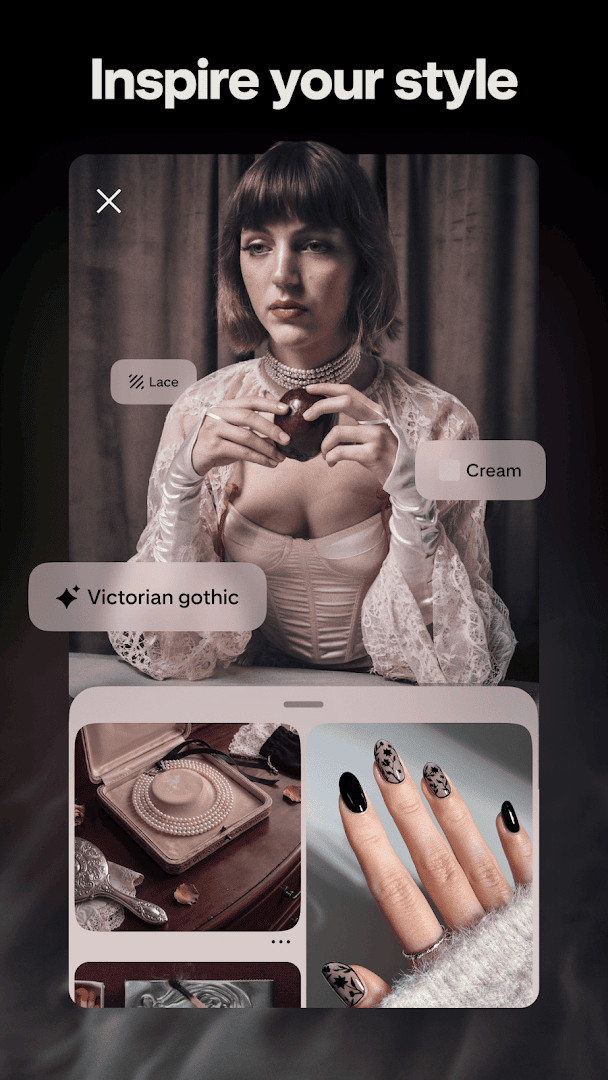
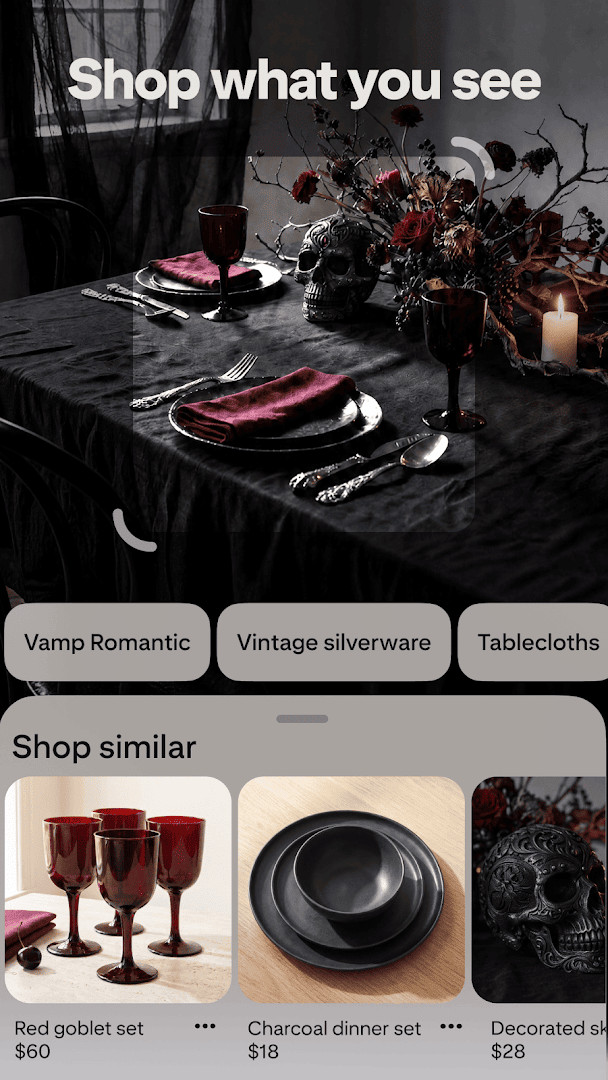
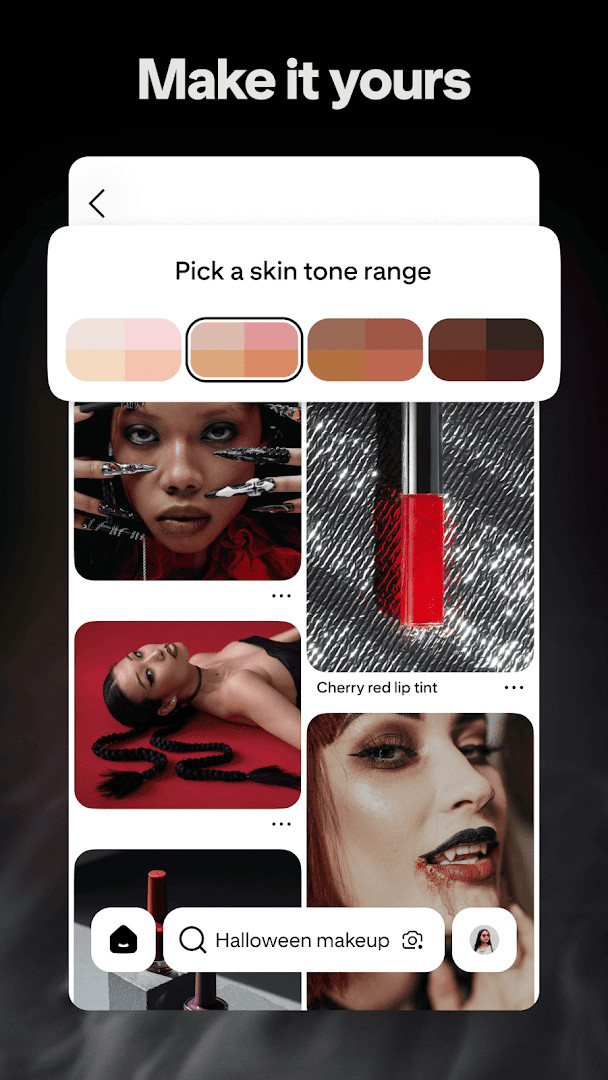
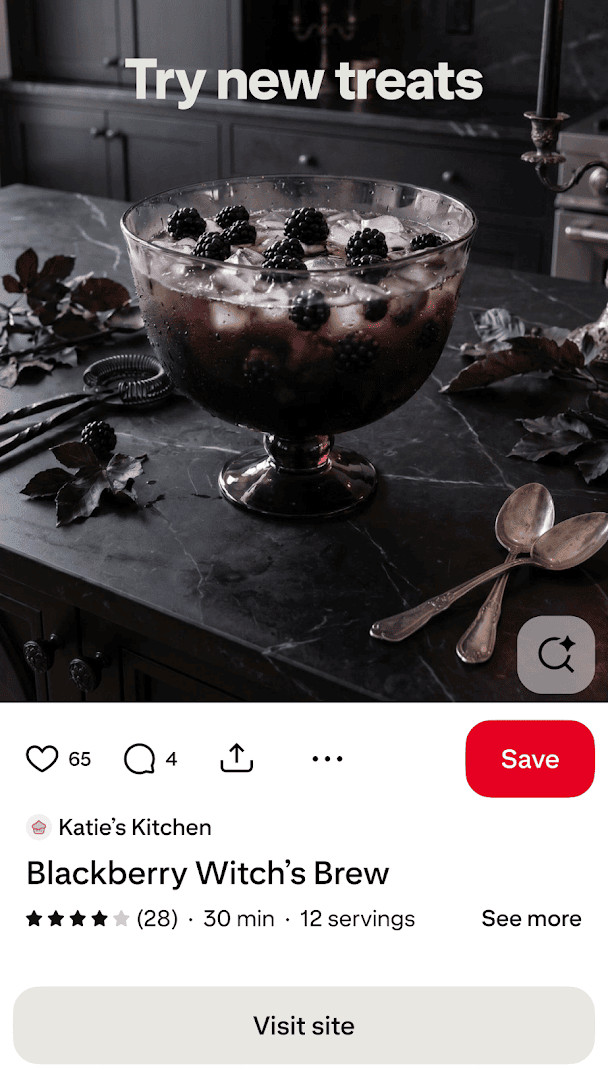
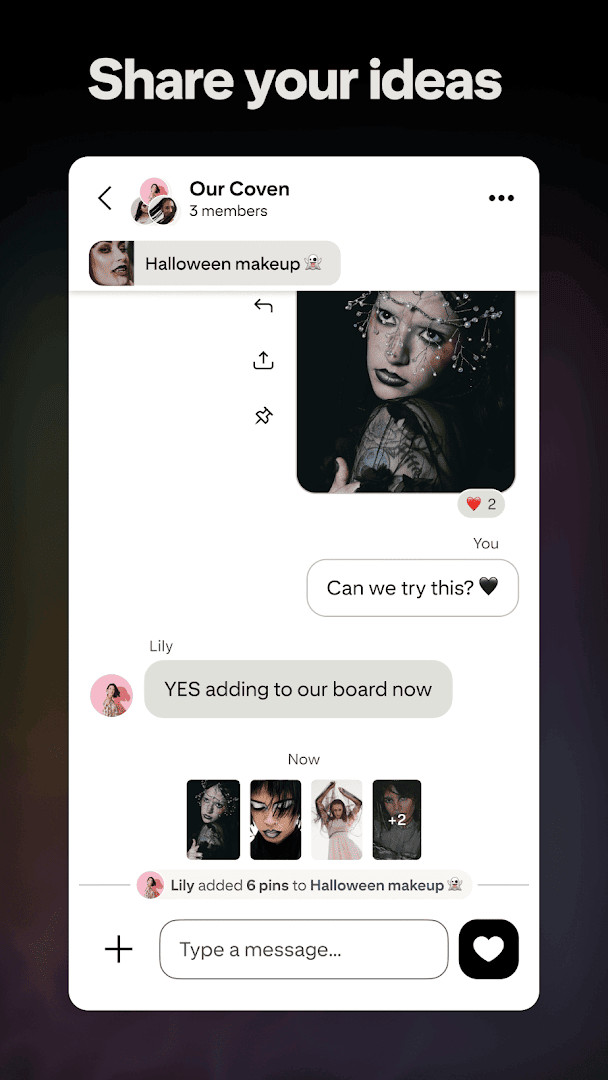

Pinterest is a lifestyle app by Pinterest that lets people collect visual ideas and organize them into personal collections. The app addresses a common problem: inspiration is scattered across many places, and saving a recipe, a decorating idea or an outfit often means losing track of it later. Pinterest solves this by turning saved images, called Pins, into an organized, searchable space. Users create boards to group Pins by theme, and the app suggests related ideas based on what they have already saved and viewed. Boards can be shared or kept private, and collages let users combine several images into a single layout. The app also supports shopping, so items shown in Pins can lead to a place to buy them. It has been available since 2012 and receives regular updates that focus on speed and stability. The interface is mostly a scrolling feed of images, which makes browsing simple even for people who have never used a similar app before.
Key features
- Save images as Pins and organize them into themed boards
- Create collages that combine multiple images into one layout
- Discover ideas through a feed tailored to saved and viewed content
- Shop styles shown in Pins through links to products
- Explore categories such as fashion, recipes, DIY projects and home decor
- Keep boards private or share them with other people
- Browse a very large collection of ideas across many topics
How to install
- Tap the download button on this page to get the app file.
- If Android asks for permission, allow your browser or file manager to install apps by enabling the install unknown apps setting.
- Open the downloaded APK file from your notifications or file manager.
- Tap Install and wait for the process to finish.
- Open the app once installation completes. The file size is not available, and the minimum Android version is not specified in the app data.
Pros
- Free to download and use
- Large community, reflected in a high number of ratings
- Regular weekly updates that improve speed and reliability
- Simple visual layout that is easy to understand
- Wide range of topics, from recipes to home improvement
Cons
- Contains advertising
- Offers in-app purchases
- Requests access to contacts, location, camera and microphone
- Content rating is Teen, so some material may not suit younger children
- The feed can become long and time-consuming to browse
What's New
The most recent update, dated October 5, 2026, continues the app's weekly refinement cycle. According to the developer, adjustments focus on making the app faster and improving overall performance. No specific new features, bug fixes, or numerical version details are listed in the update notes. The app remains free to use, includes ads and in-app purchases, and holds a Teen content rating.
This app suits beginners who want one place to collect ideas for cooking, decorating, fashion, crafts or home projects. It is also useful for people who like to plan ahead by saving images and returning to them later, and for those who enjoy browsing visual content without a specific goal. Because the layout is image-based and the basic actions are simple, it works well for someone who is new to this kind of app and does not want to learn a complicated tool. People who prefer text-heavy notes or who dislike ads may find it less appealing.
Start with a few boards based on themes you actually care about, such as meals or room ideas, so saved Pins stay easy to find. Use the search field with short, specific phrases instead of single broad words. You can keep a board private while you decide what belongs on it. When you see a Pin you like, save it right away, because scrolling back later is harder than it looks.
Permissions
Frequently Asked Questions
Is Pinterest free to download and use?
Yes, the app is free to download and use. It does include ads and offers in-app purchases.
What Android version is required to run Pinterest?
The provided information does not specify a minimum Android version requirement. For best performance, it is recommended to keep your device updated to a recent Android version.
What is the file size of the Pinterest APK?
The file size is not specified in the available information. You can check the download details on this page for the current APK size.
Do I need a Pinterest account to use the app?
Yes, you need a Pinterest account to save Pins, create boards, and personalize your feed. You can sign up or log in within the app.
What permissions does Pinterest request?
Pinterest requests access to identity, contacts, location, photos/media/files, storage, camera, microphone, and Wi-Fi connection information. These permissions are used for features like saving images, uploading photos, and personalizing content.
How do I update the Pinterest app?
To update, simply download the latest version from this page and install it over your current version. Your data and settings will be preserved.
Pinterest is a straightforward way to gather and organize visual ideas in one place, and it remains approachable for someone using it for the first time. Keep in mind that it shows ads, offers purchases inside the app and asks for several permissions, so review those requests before you begin.
Similar Apps
Updated: 24.10.2026