
ChatGPT AI Assistant for Writing and Image Generation
ChatGPT is a free productivity app by OpenAI that lets you write, search, generate images, and get instant answers on your Android device.
Get ChatGPT · v1.2026.279ChatGPT is a free app with ads and in-app purchases, requiring Android 7.1 or higher, and its latest version is 1.2026.279. It offers image generation, advanced voice mode, photo upload, and screen sharing, making it useful for students, professionals, and casual users. The app has been installed over 1 billion times and holds a 4.78 rating from more than 64.3 million ratings.
- Version
- 1.2026.279
- Requires Android
- 7.1
- Updated
- Oct 11, 2026
- Installs
- 1B+
- Rating
- ★ 4.78 (64,372,799)
- Category
- Productivity
- Developer
- OpenAI
- Content rating
- Teen
- Package
- com.openai.chatgpt
- Free
- ✓ · Contains ads · In-app purchases
App screenshots
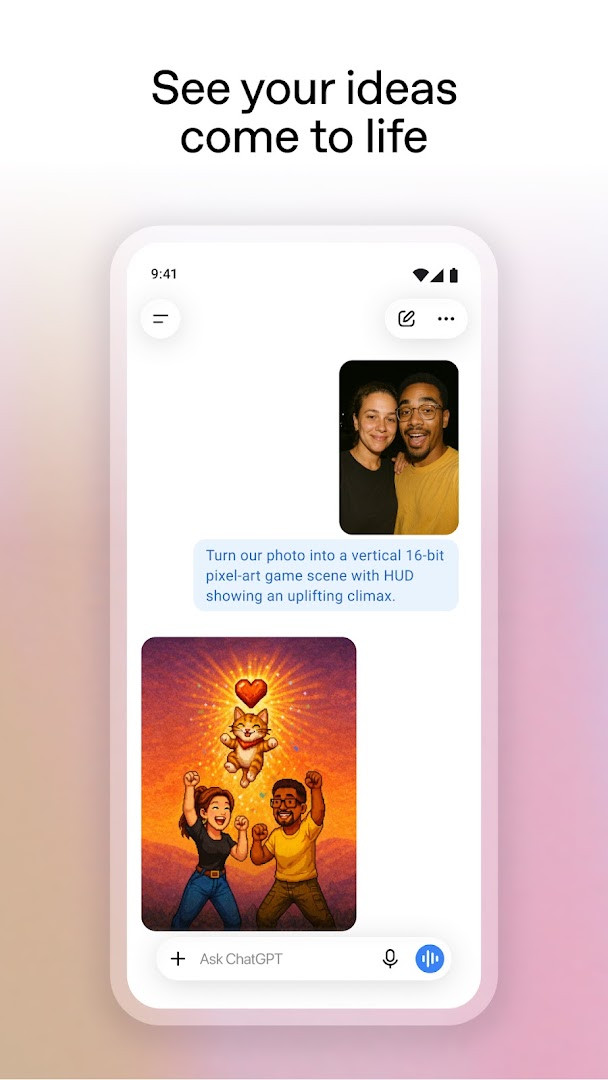
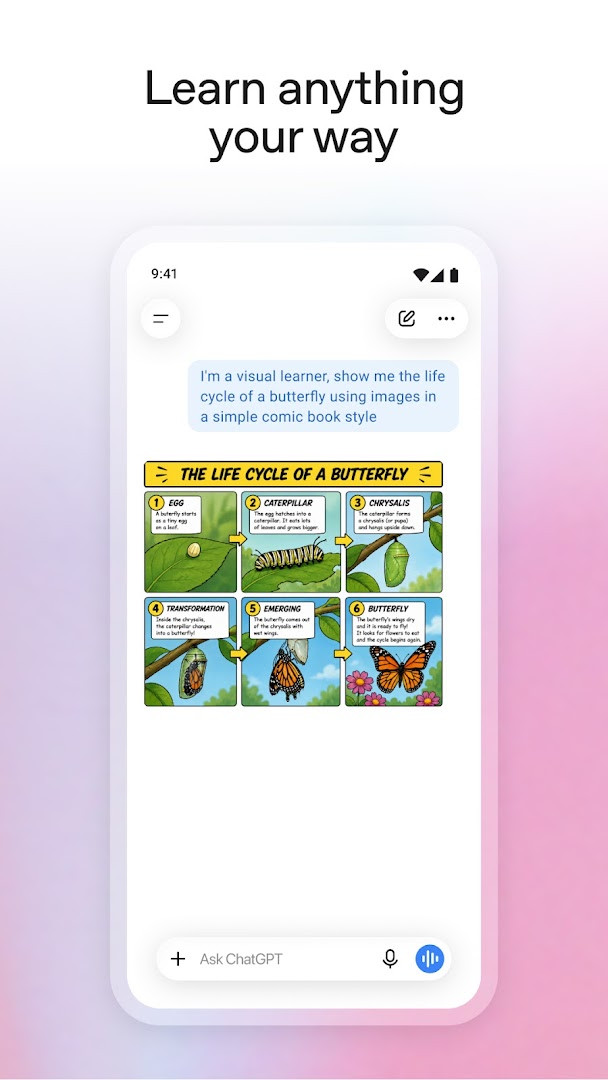
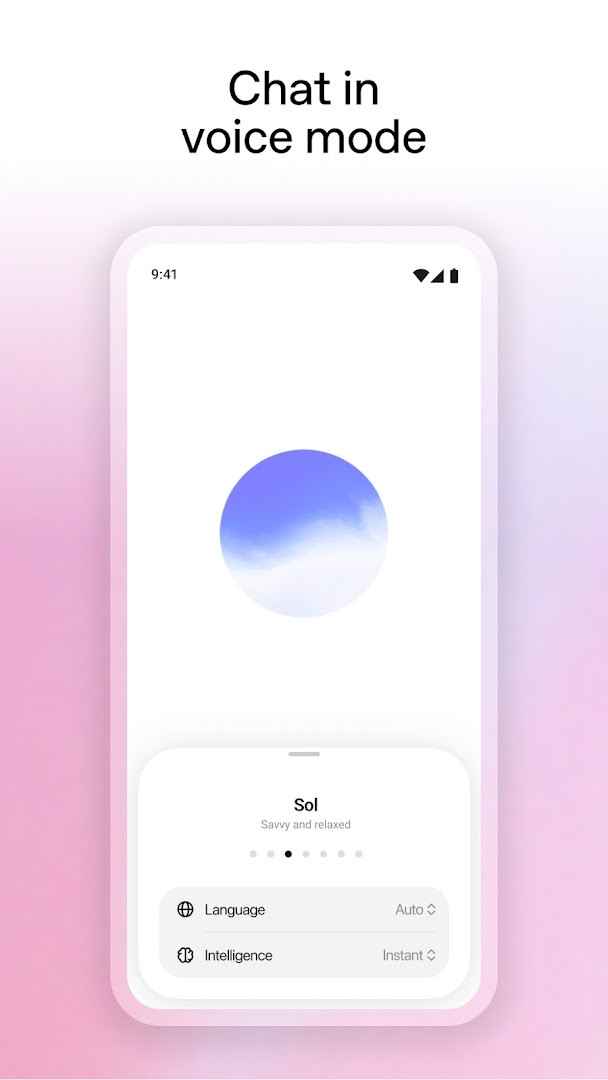
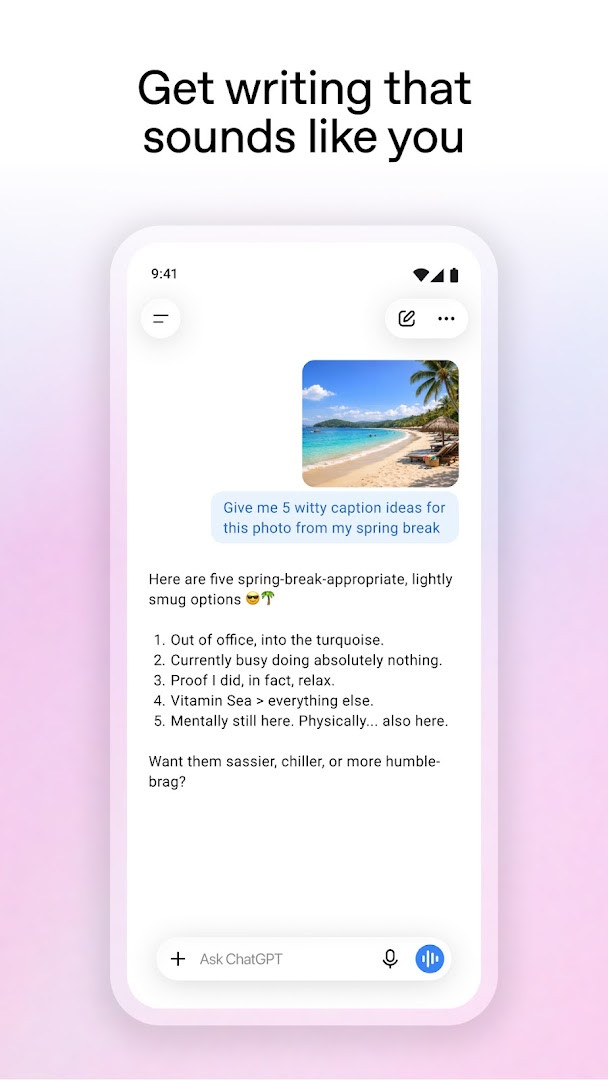
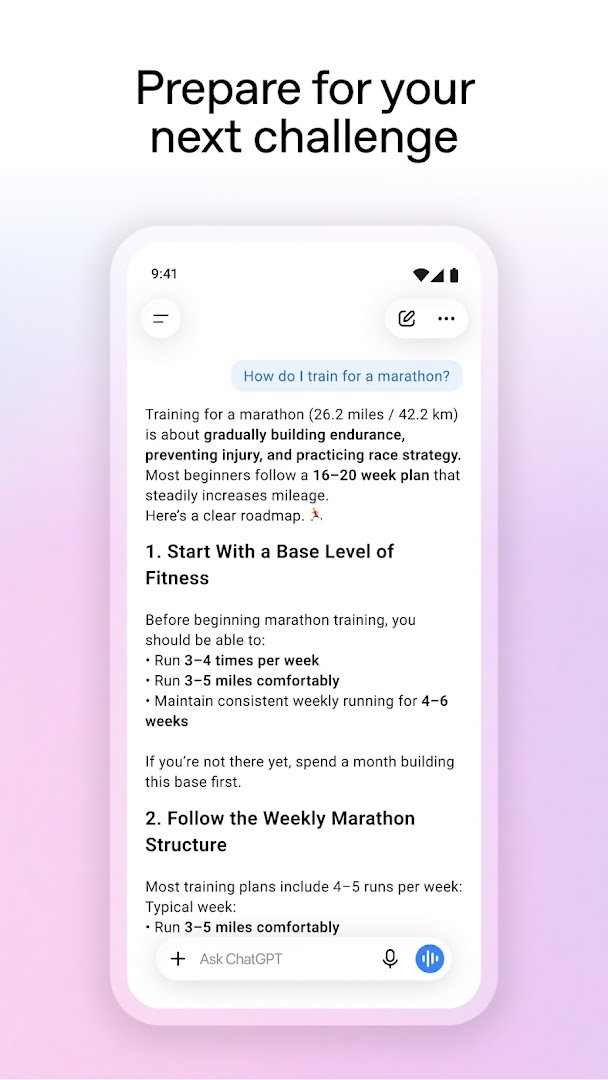
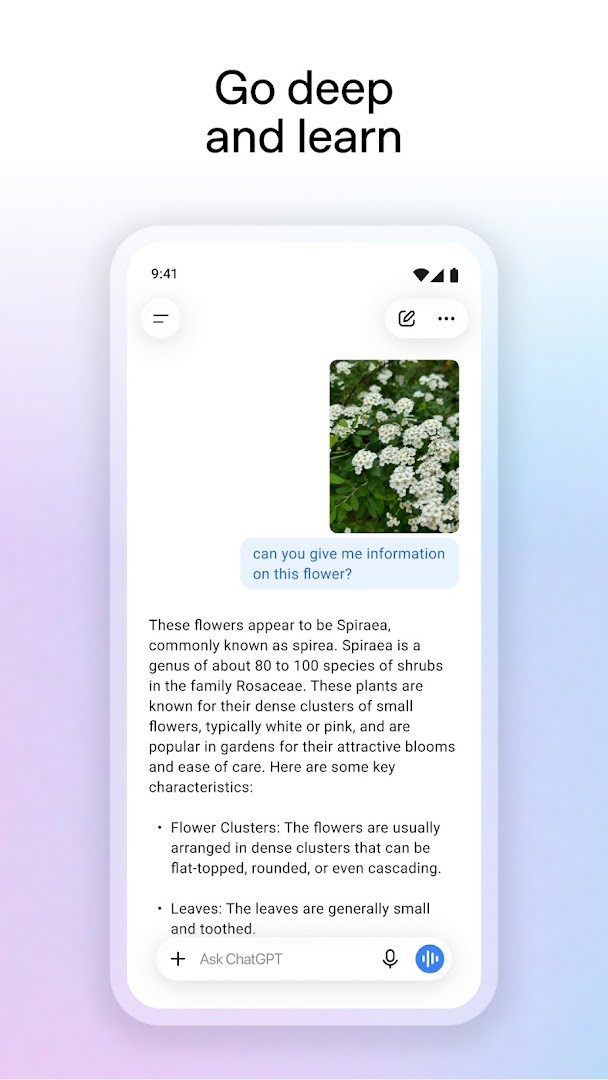
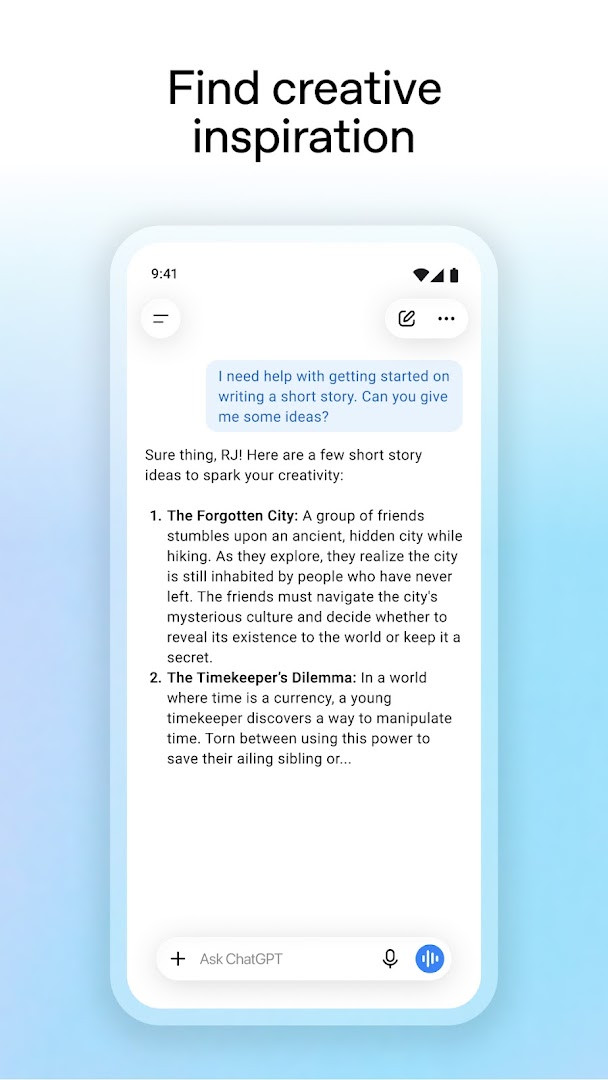
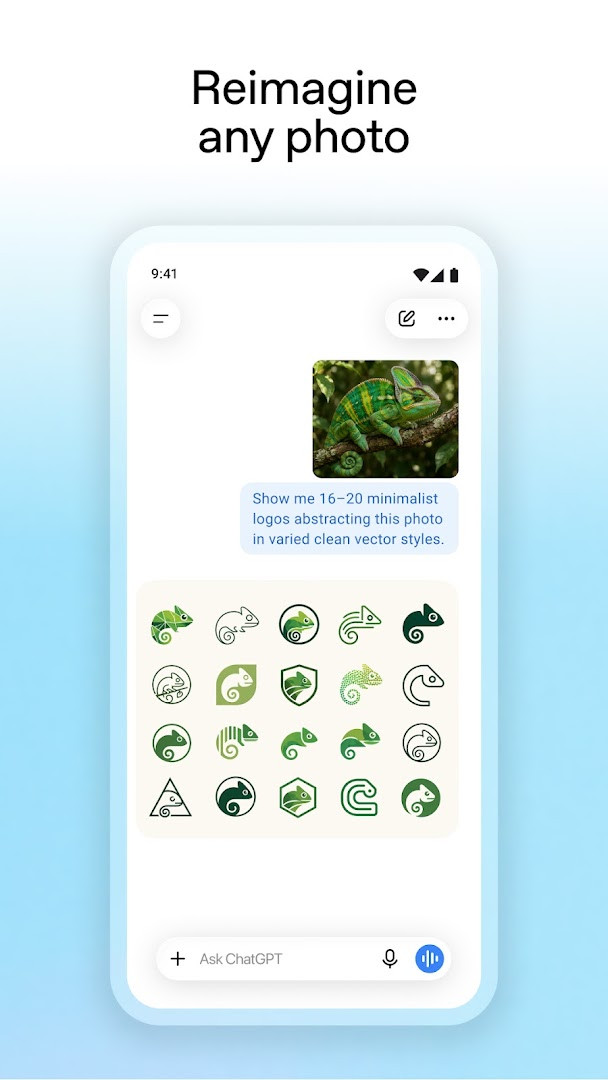
ChatGPT is an AI assistant app by OpenAI that handles writing, search, image generation and everyday questions from a single chat window. It has been around since July 2023 and has built a very large user base, with more than a billion installs recorded and a rating of 4.78 from over 64 million reviews. The app is free to use, supported by ads and optional in-app purchases, and it keeps your conversation history in sync so you can pick up the same thread on another device. The current version is 1.2026.279, released on 11 October 2026, and it runs on Android 7.1 or newer.
Day to day, the app works like a text conversation. You type or speak a request and get an answer back, whether that is a rewritten email, a dinner idea based on what is left in the fridge, or a plain-language explanation of a tricky topic. Advanced Voice Mode lets you hold a real-time spoken conversation by tapping the soundwave icon, which is handy for practicing a language or settling a question at the table. You can also snap or upload a photo to transcribe a handwritten recipe or learn about a landmark in front of you.
Image generation is part of the package too: describe a picture and the app creates one, or transform an existing image with a few words. The same chat can support brainstorming marketing copy, mapping out a business plan, or building a travel itinerary. In limited availability, users can optionally allow ChatGPT to answer questions about what is on screen through Accessibility Services, without uploading a screenshot. Version 1.2026.279 is the release listed here; the available information does not detail specific changes in it.
Key features
- Text chat for writing help, explanations, brainstorming and quick answers
- Image generation from a description, plus editing of existing images
- Advanced Voice Mode for real-time spoken conversations
- Photo upload to transcribe handwriting or identify landmarks and objects
- Cross-device syncing of conversation history
- Tailored practical advice such as itineraries and message drafts
- Personalized learning explanations for adults and kids
- Optional screen share through Accessibility Services, in limited availability
How to install
- Tap the download button on this page to get the APK file.
- When Android asks, allow your browser or file manager to install apps by enabling the "Install unknown apps" setting for that app.
- Open the downloaded APK file from your notifications or file manager.
- Tap Install and wait for the process to finish; the file size is not available in the listing.
- Open the app once installation completes; it requires Android 7.1 or newer.
Pros
- Free to download and use, with optional purchases
- Wide range of uses: writing, images, voice and photo input
- Conversation history stays in sync across devices
- Very large and highly rated user base
- Voice and camera input make it practical on the go
Cons
- Contains ads and in-app purchases
- Requests broad permissions, including contacts, location, SMS and phone
- Voice, image and screen features depend on a stable connection
- Some features are marked as limited availability
Version history
| Version | Size | Requires Android | Updated |
|---|---|---|---|
| 1.2026.279 | — | 7.1 | Oct 11, 2026 |
Students who want concepts explained in plain language, professionals who need quick drafts and brainstorming, and anyone who wants a pocket assistant for recipes, travel plans or everyday questions.
Keep separate chats for separate projects so your history stays easy to search, and review the permission requests during setup to decide which ones you actually need.
Permissions
FAQ
How do I install the ChatGPT APK on my Android device?
You can install the ChatGPT APK by downloading the file and opening it on your device. Make sure you have the app's minimum Android version (7.1 or higher) and allow installation from unknown sources if your system prompts it. After installation, open the app and sign in to start using it.
What is new in version 1.2026.279?
Version 1.2026.279 is the current release, updated on October 11, 2026. It includes the latest features and improvements from OpenAI, such as image generation and advanced voice mode, building on the app's existing capabilities.
Is ChatGPT free to use, and does it contain ads or purchases?
The app itself is free to download and use, with no upfront cost. It does show ads and offers in-app purchases, which likely provide additional features or benefits beyond the free tier.
Can I use ChatGPT offline without an internet connection?
The app is designed to work with an internet connection, as it relies on OpenAI's servers for responses and features like image generation and voice mode. There is no indication of offline functionality; you'll need to be connected to the internet to interact with the assistant.
What permissions does ChatGPT request on Android?
ChatGPT requests a range of permissions, including Calendar, Contacts, Location, SMS, Phone, Camera, Microphone, Wi-Fi connection information, and Device ID & call information. These permissions are used for features like photo uploads, voice conversations, and providing context-aware assistance.
Are there alternative apps in the Productivity category that offer similar AI assistance?
Yes, there are several other productivity apps that provide AI-powered writing, search, and image generation capabilities. You can explore the productivity section of your app catalog to find options that suit your needs, though feature sets and pricing may vary.
ChatGPT packs a lot of everyday utility into one free app, from writing help to voice conversations and image creation, and its cross-device sync is genuinely convenient. The trade-offs are ads, in-app purchases and a long permission list, so it suits users who are comfortable with that balance and want a general-purpose assistant rather than a narrow tool.
Similar apps





Updated: Nov 9, 2026