
Picsart AI Photo Editor, Video for Android
Picsart AI Photo Editor, Video is a photography app from PicsArt, Inc. for editing photos and videos with AI tools, filters, and effects.
Download Now · v30.9.5Picsart AI Photo Editor, Video is for creators, solopreneurs, and photo enthusiasts who want to edit images and videos with AI assistance. The app is free to download, requires Android 6.0 or higher, and includes features like object removal, background remover, and sticker maker with access to 60 million stickers. Version 30.9.5 was released on October 2, 2026.
- Version
- 30.9.5
- Requires Android
- 6.0
- Updated
- 02.10.2026
- Installs
- 1B+
- Rating
- ★ 3.95 (12 126 261)
- Category
- Photography
- Developer
- PicsArt, Inc.
- Content rating
- Teen
- Package
- com.picsart.studio
- Free
- ✓ · Contains ads · In-app purchases
Screenshots
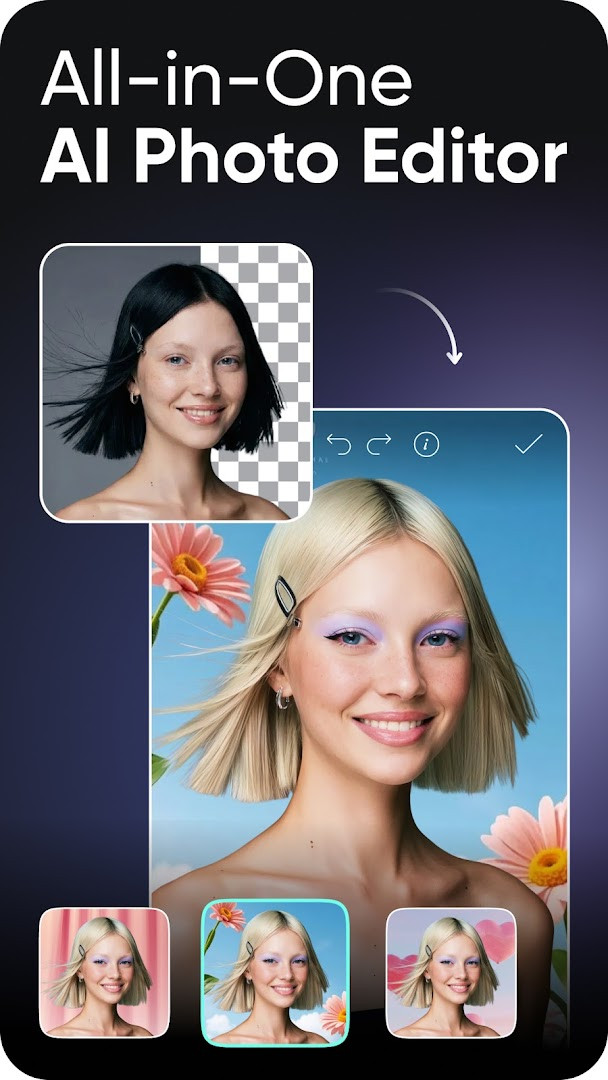
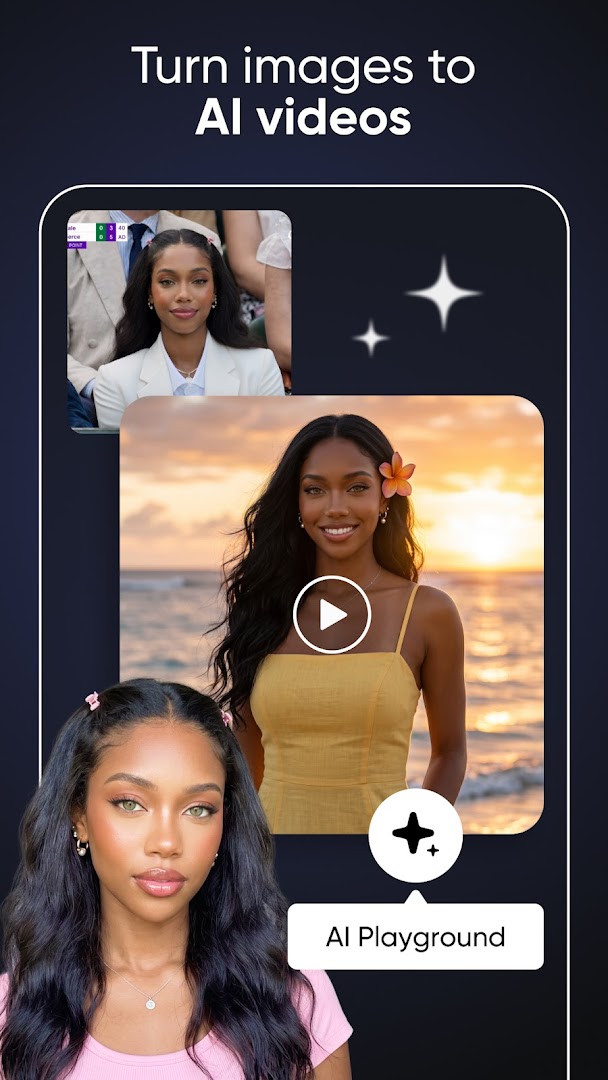
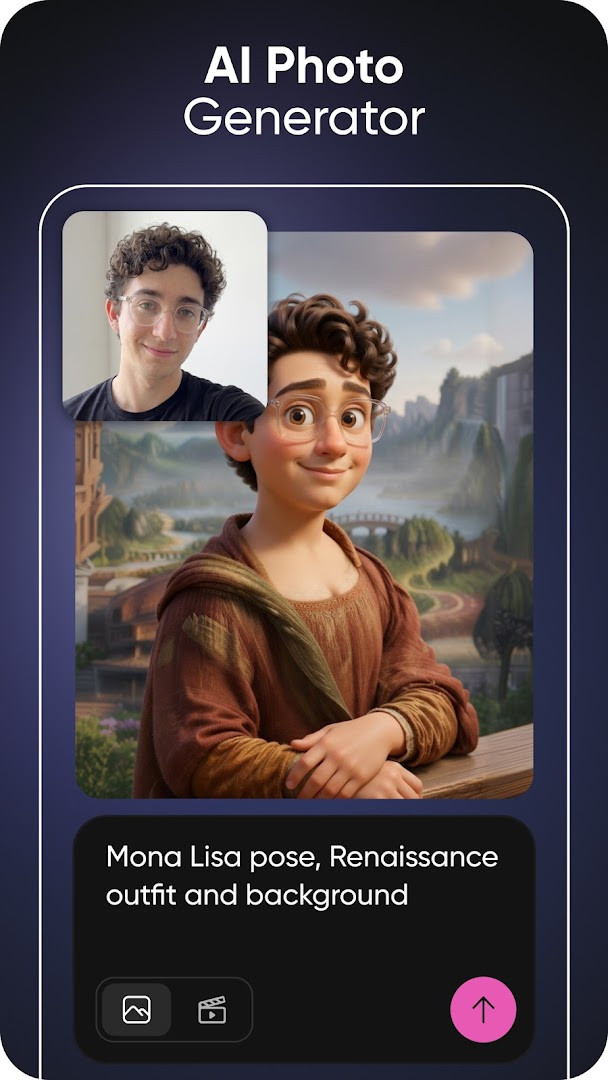
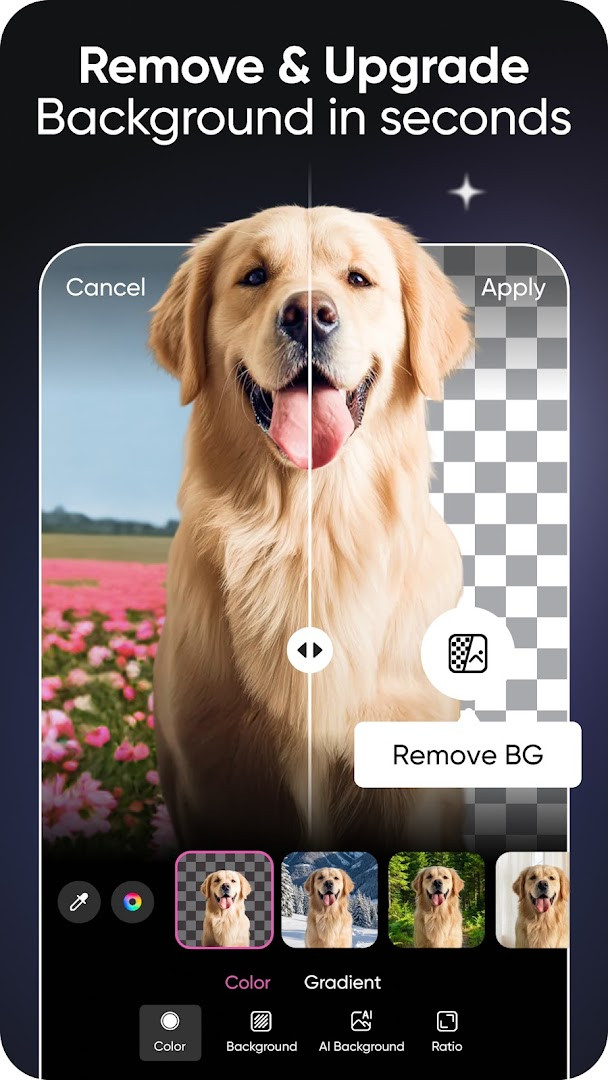
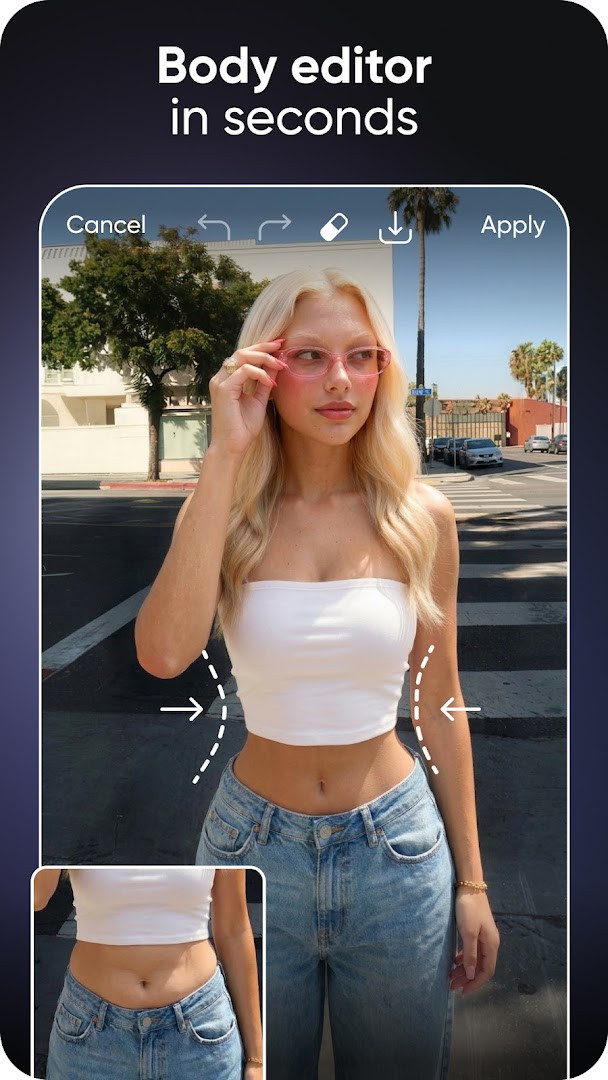
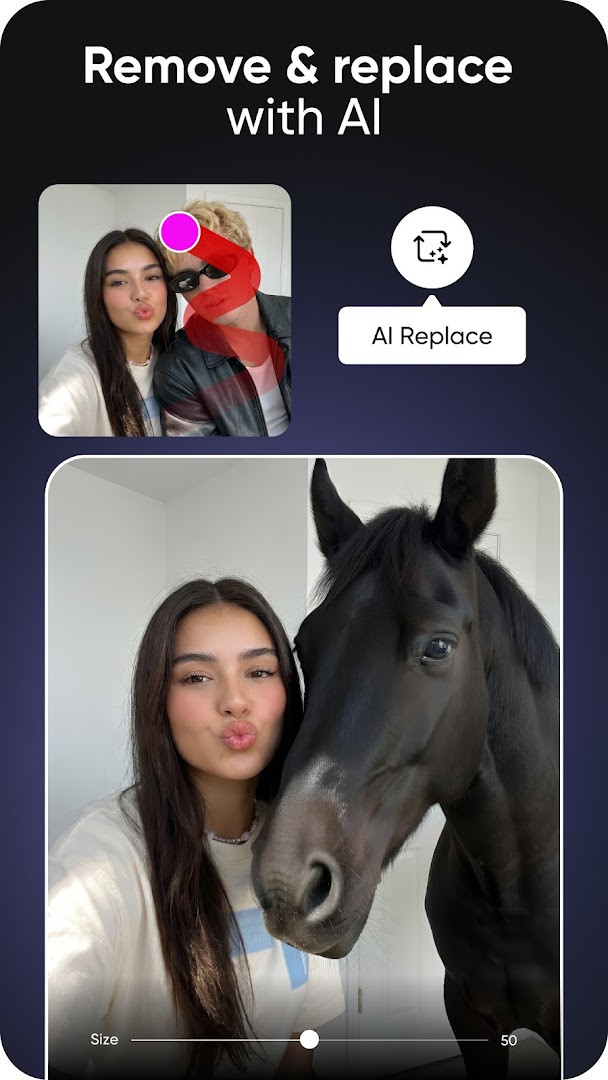
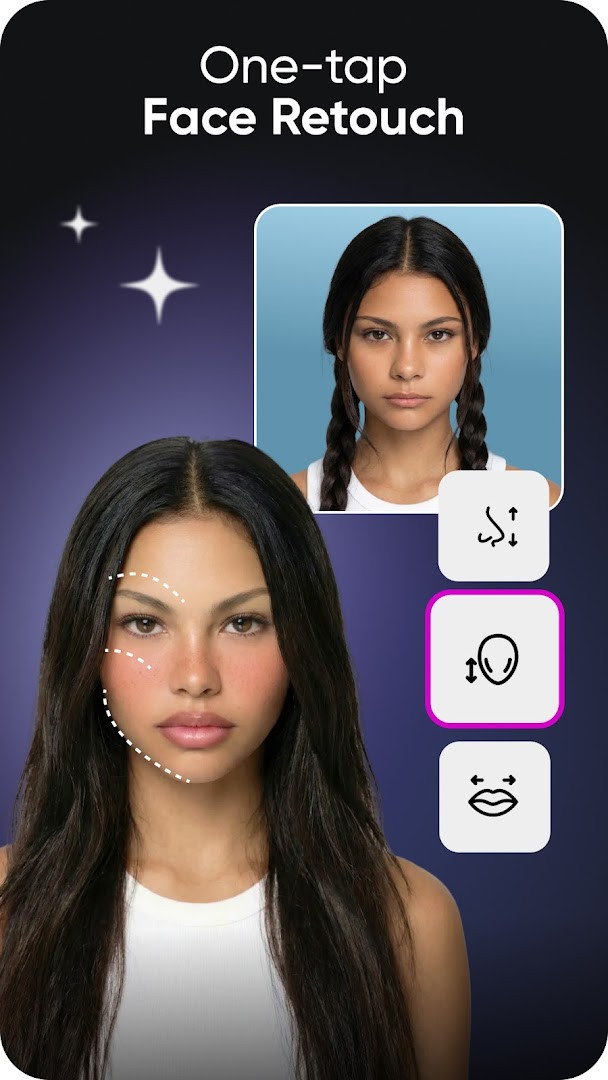
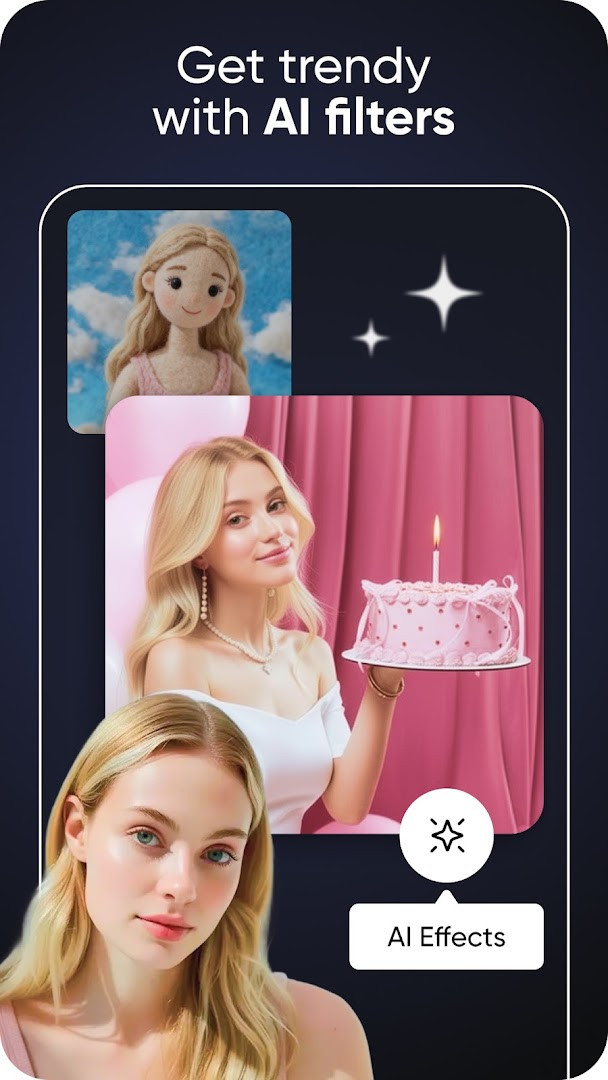
Picsart AI Photo Editor, Video is a comprehensive photo and video editing application by PicsArt, Inc. that provides a wide range of AI-powered tools for creating, editing, and enhancing visual content. This all-in-one app combines a photo editor, video editor, and design studio, allowing users to generate AI art, remove backgrounds, erase objects, apply filters and effects, and craft collages and designs. With a suite of features that includes an AI image generator, AI video generator, and various retouching tools, it serves both casual users looking to enhance their social media posts and professionals seeking a versatile creative toolkit. The app is free to use with optional in-app purchases and includes advertising. It has been installed over one billion times and has received a rating of 3.95 based on more than twelve million reviews, indicating its popularity and widespread adoption. Picsart is designed for anyone from beginners to experienced creators, offering templates, stickers, and a vast library of fonts to help users express their creativity. Whether you want to create a business logo, edit a selfie, or produce a short video, Picsart aims to simplify the creative process with intuitive tools and AI-driven assistance.
Key features
- AI tools: image generator, video generator, Enhance, Replace, Retouch, Expand, Try-On, Writer, avatar, and Playground.
- Background Remover for clean cutouts and product shots, plus Smart Background for blending backdrops.
- Object Remover / Object Eraser to delete unwanted objects and clutter from photos.
- Templates: customizable designs for logos, social posts, stories, business cards, posters, and more.
- Video editor: create and edit clips with music, apply AI video tools, effects, text, and filters.
- Sticker Maker with access to 60M+ stickers and custom sticker creation.
- Text Editor with hundreds of classic and trendy fonts and customizable styles.
- Collage Maker for photo grids, freestyle collages, mood boards, and frames.
How to install
- Tap the download button on this page to save the APK file (size n/a) to your device.
- If your browser or file manager asks for permission to install apps, allow it by enabling the "Install unknown apps" setting for that app.
- Open the downloaded APK file from your notification bar or file manager.
- Tap "Install" when prompted and wait for the installation to finish.
- Open Picsart from your app drawer or home screen. The app requires Android 6.0 or higher.
Pros
- Wide range of AI-powered editing tools in one app.
- Free to use with optional in-app purchases.
- Huge sticker library and many fonts.
- Templates for quick design creation.
- Regular updates with new features and content.
Cons
- Contains ads.
- Requires access to contacts, media, storage, camera, microphone, and Wi-Fi info.
- Some advanced features may require a subscription.
- May be overwhelming for beginners due to the vast number of options.
What's New · 30.9.5
Version 30.9.5 focuses mainly on fixing a handful of bugs rather than introducing headline features. The developers note that much of their work happens outside of app updates, so new tools, content, stickers, and templates continue to arrive regularly. They suggest keeping an eye on their social channels to stay current with those ongoing additions.
Other Versions
| Version | Size | Requires Android | Updated |
|---|---|---|---|
| 30.9.5 | — | 6.0 | 02.10.2026 |
Picsart is ideal for anyone from casual smartphone users who want to enhance their photos and videos for social media, to small business owners creating promotional graphics, to graphic design enthusiasts and AI art pioneers looking for a versatile mobile creative suite.
Start with the templates to quickly create polished designs, and explore the AI tools like Background Remover and Object Eraser to clean up your photos. If you're new, try the AI Enhance feature to automatically improve image quality with one tap.
Permissions
Frequently Asked Questions
How do I install the Picsart APK on my Android device?
Download the APK file to your Android phone or tablet, then open it from your notifications or file manager. You will need to allow installation from unknown sources in your device settings if you have not already done so. Once the install finishes, open the app and sign in or create an account.
What is the current version of Picsart?
The latest version is 30.9.5, which was updated on October 2, 2026. It requires Android 6.0 or later.
Does Picsart show ads or offer in-app purchases?
Yes, the app includes ads and offers in-app purchases. Paid subscription tiers such as Picsart Plus and Picsart Pro unlock premium content, extra AI tools, additional storage, and more features.
Can I use Picsart without an internet connection?
Some basic editing tools may work offline, but many features such as AI generation, templates, stickers, and cloud-based tools require a Wi-Fi or mobile data connection. The app requests permissions for Photos/Media/Files, Storage, Camera, Microphone, Contacts, and Wi-Fi connection information.
Are there other photo editing apps similar to Picsart?
Yes, the Photography category contains many other apps that offer photo retouching, filters, collages, and AI-powered editing. You can browse the category to compare features and find an alternative that fits your needs.
What can I do with Picsart's AI tools?
Picsart includes AI image and video generators, background removal, object removal, AI enhance, AI replace, AI retouch, AI expand, AI try-on, and an AI writer. It also offers an AI assistant called Aura that can create and edit images and videos from prompts.
Is Picsart free to download?
Yes, the app is free to download and use with ads. Optional in-app purchases and subscription plans are available for additional features and content.
Picsart AI Photo Editor, Video is a feature-packed creative app that brings professional-grade editing and AI tools to your Android device. While it includes ads and some in-app purchases, its extensive free features make it a valuable choice for creators of all levels. Whether you're editing a selfie or producing a video, Picsart provides the tools you need to bring your vision to life.
Updated: 24.10.2026