FaceApp: Perfect Face Editor - Selfie Photo Editing
FaceApp: Perfect Face Editor is a free photography app by FaceApp Technology Ltd that lets you retouch selfies and portraits with photorealistic filters.
Get FaceAppFaceApp: Perfect Face Editor is 36 MB in size and requires Android 5.0 or higher. The app is free to use, contains no ads, and offers in-app purchases for additional features.
- Size
- 36 MB
- Requires Android
- 5.0
- Updated
- Nov 1, 2026
- Installs
- 500M+
- Rating
- ★ 4.33 (5,361,200)
- Category
- Photography
- Developer
- FaceApp Technology Ltd
- Content rating
- Everyone
- Package
- io.faceapp
- Free
- ✓ · In-app purchases
App screenshots
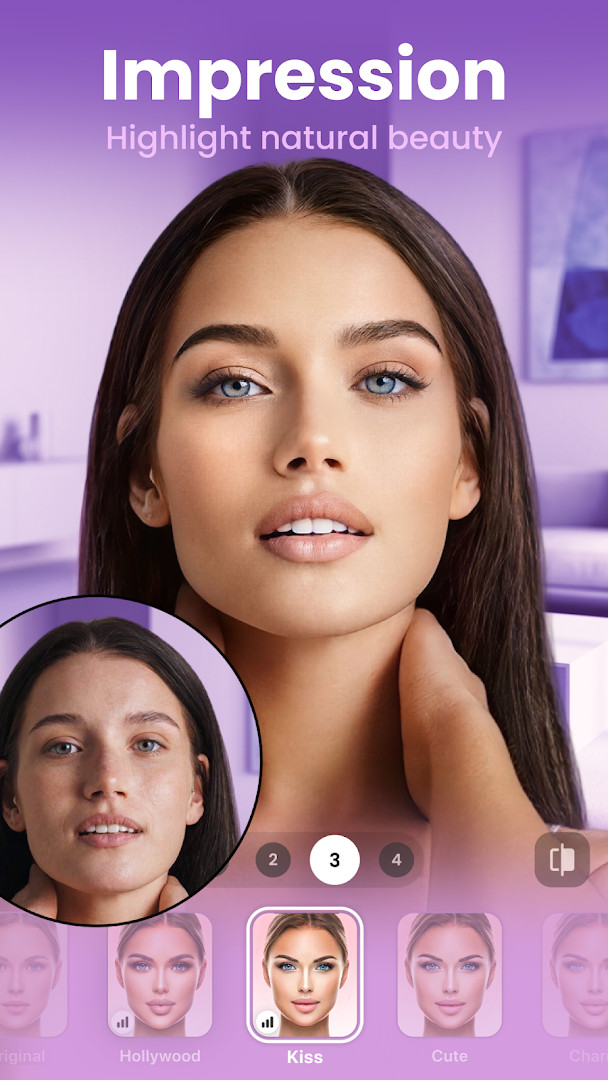
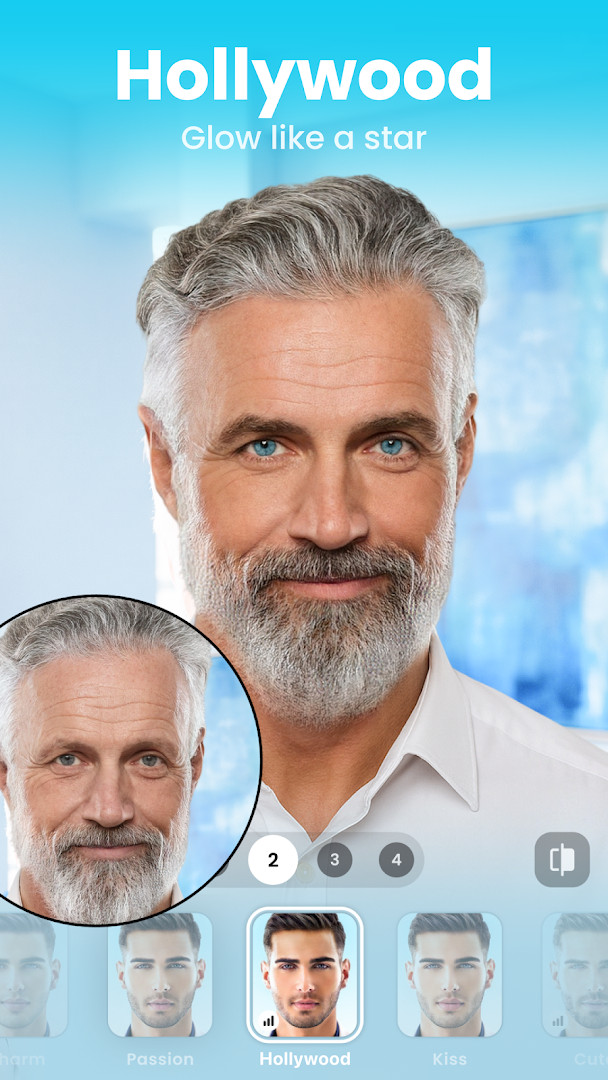
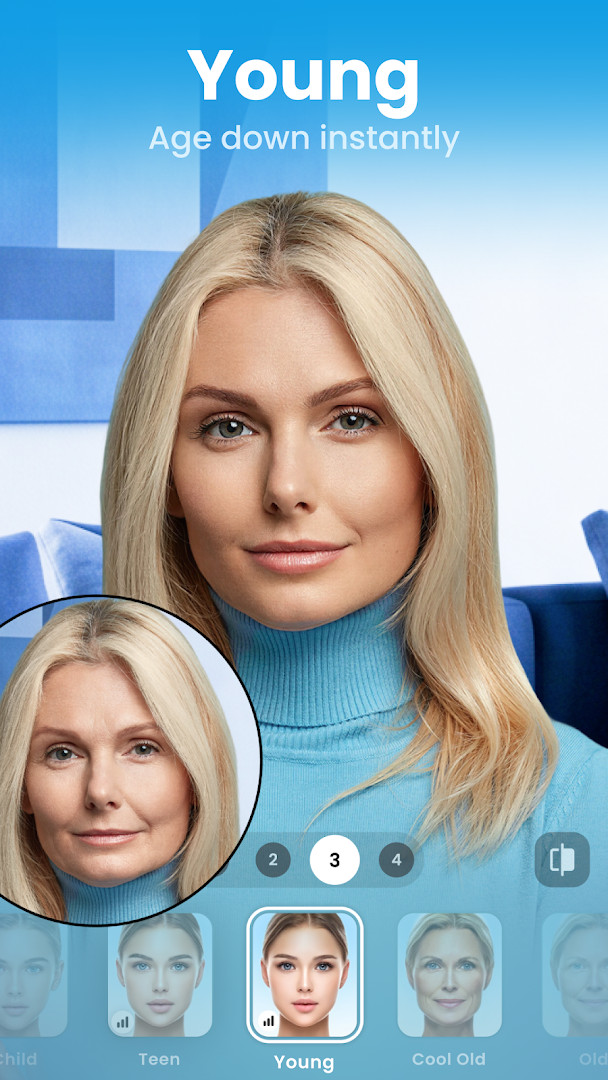
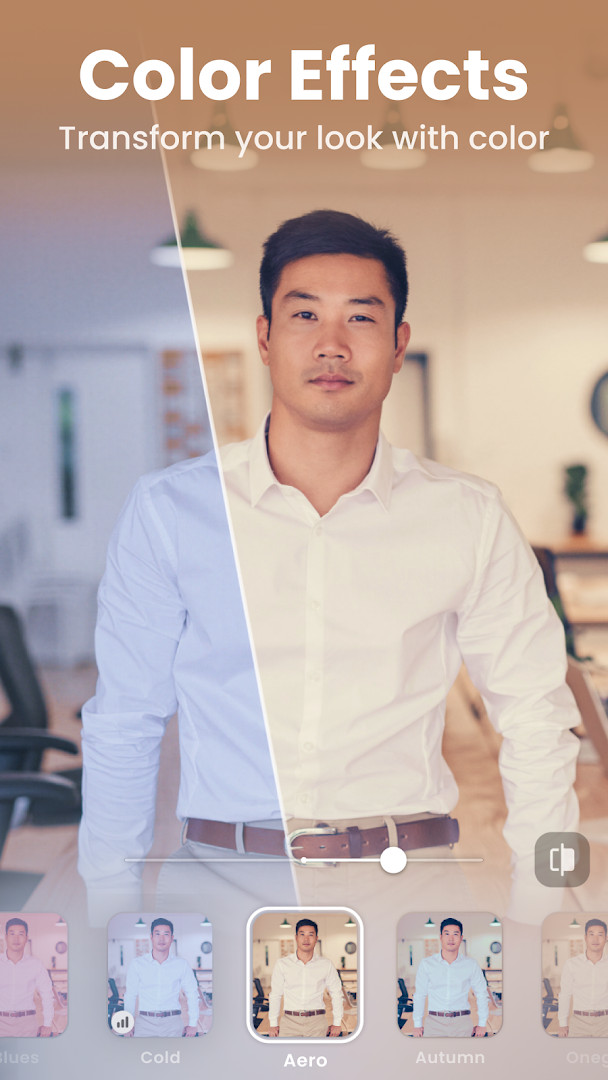
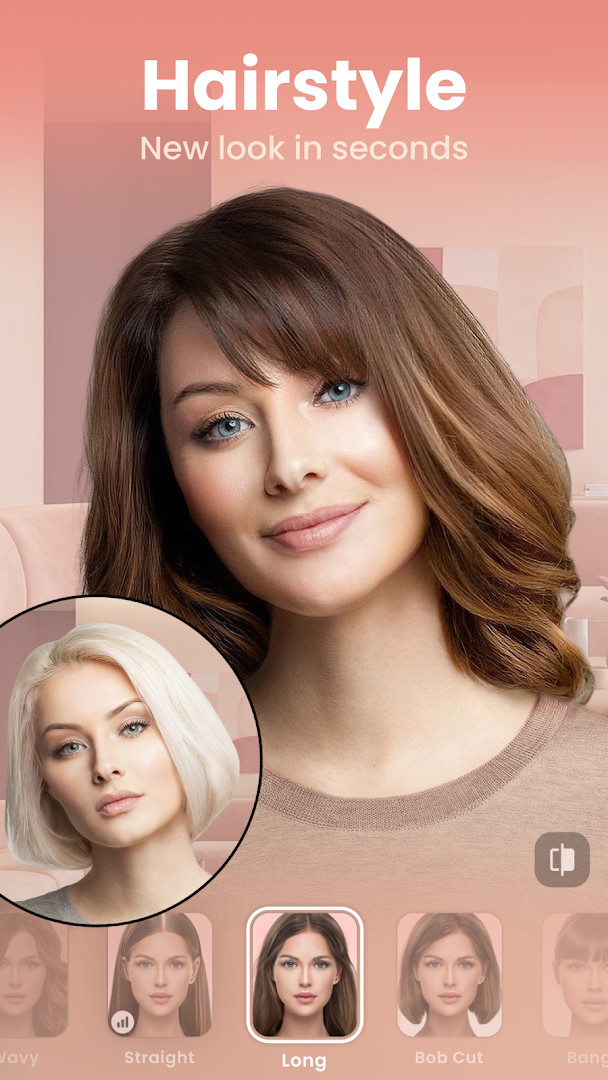
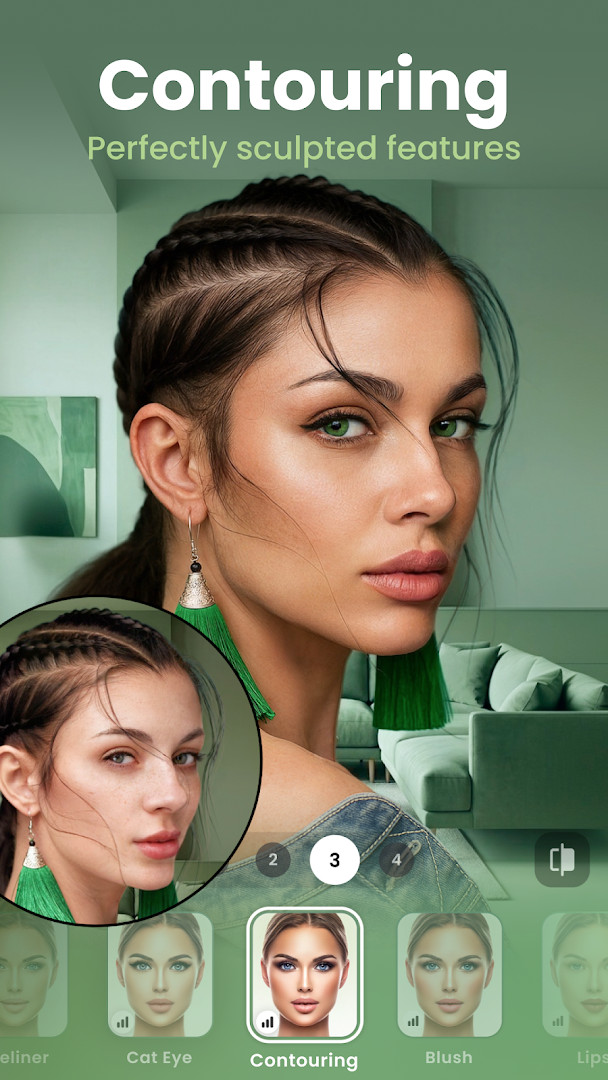
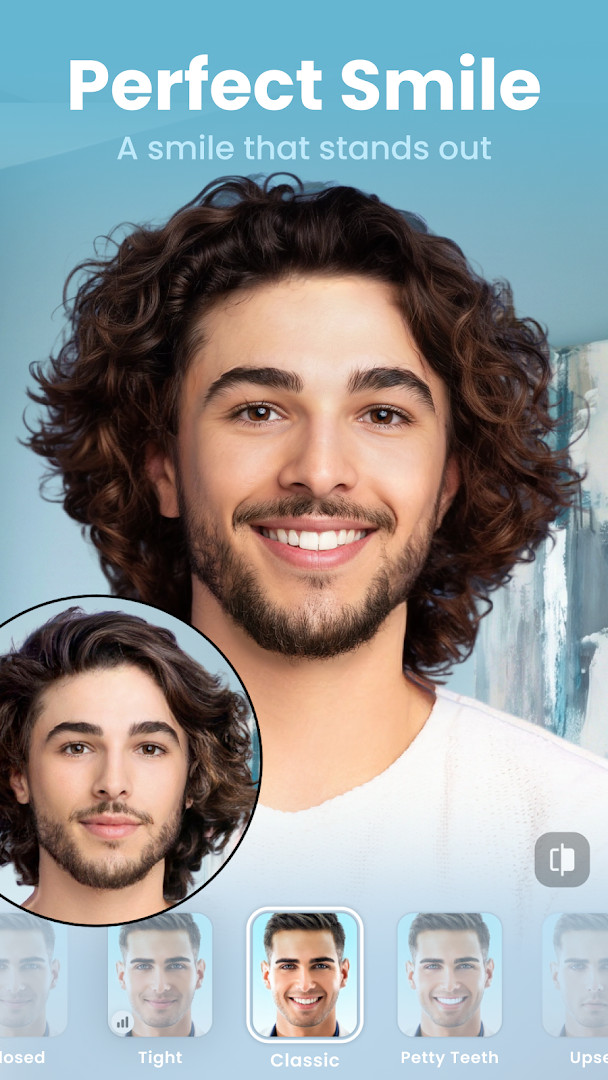
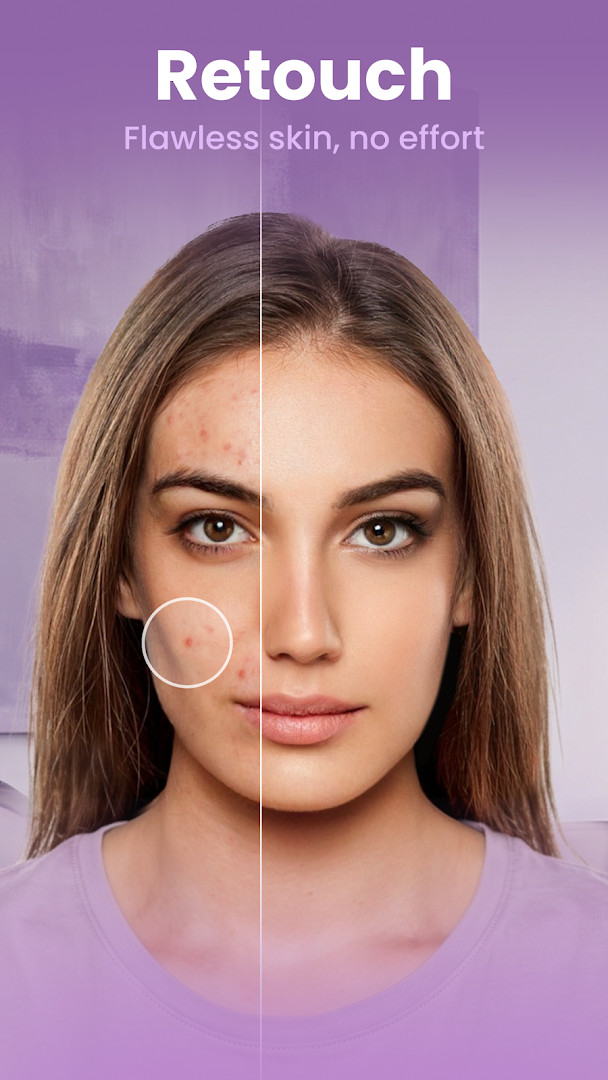
FaceApp: Perfect Face Editor is a photography app by FaceApp Technology Ltd that lets you retouch selfies and portraits with photorealistic filters and effects. Designed for casual users who want quick, polished results, the app applies changes in a single tap, so you can smooth skin, adjust hair, or try fun transformations without learning complex editing tools. It has been downloaded over 500 million times and carries a user rating of 4.32 based on more than 5.3 million reviews, reflecting its popularity among people who share photos on social media.
The app bundles over 60 photorealistic filters alongside editing controls for temperature, saturation, and other fine adjustments. Beyond basic retouching, it offers playful options like gender swap, aging effects, and weight filters, making it equally suited for quick beauty fixes and creative experimentation. Because it is free to download with optional in-app purchases, it appeals to beginners who want a straightforward way to enhance images without a steep learning curve.
FaceApp runs on Android 5.0 and newer, requires about 36 MB of storage, and includes access to your photos and media to load and save images. While the core editing is simple, the app also provides a Compare tool to preview before-and-after results at every step. Whether you are preparing a profile picture or just having fun with friends, this tool aims to deliver share-ready images in moments.
Key features
- Over 60 highly photorealistic face filters
- Impression filters to perfect selfies
- Add a beard or mustache
- Change hair color and hairstyle, or add volume
- Hot and trendy makeup filters
- Creative light effects and color lens options
- Remove acne, blemishes, and smooth wrinkles
- Enlarge or minimize facial features easily
- Compare tool to view before and after at every step
- Control temperature, saturation, and more
How to install
- Tap the download button on this page to get the APK file, which is about 36 MB in size.
- When Android prompts you, allow your browser or file manager to install apps by enabling the 'Install unknown apps' setting for that app.
- Open the downloaded APK file from your notifications or file manager.
- Tap Install and wait for the process to finish; ensure your device runs Android 5.0 or higher.
- Open FaceApp from your app drawer and grant photo access when asked to start editing.
Pros
- One-tap edits that are quick and easy for beginners
- Large variety of filters, including fun transformations like aging and gender swap
- Free to download with no ads
- Includes a Compare tool for before-and-after previews
- Regular updates with stability fixes
Cons
- Requires access to photos, media, and storage for full functionality
- Some features are locked behind in-app purchases
- Editing relies on uploading photos to process effects, which may raise privacy considerations
Latest changes
The latest update focuses on minor fixes and stability improvements to deliver a smoother overall experience in FaceApp. No new features or major changes are introduced in this release. The update refines existing functionality for the photo editing and retouching tools. Users should notice fewer glitches and more consistent performance while using the app's filters, effects, and editing controls.
Version history
| Version | Size | Requires Android | Updated |
|---|---|---|---|
| 4.5.0.10 | 36 MB | 5.0 | Jul 27, 2021 |
| 3.4.2.2 | 12 MB | 4.4 | Jun 21, 2019 |
FaceApp is ideal for casual smartphone users, selfie enthusiasts, and social media fans who want quick, photorealistic edits without learning professional software. It also suits anyone curious about fun transformations like aging or gender swap, provided they are comfortable granting photo access.
Start with the Impression filters for natural retouching, then use the Compare tool to see changes before saving. For best results, use well-lit, front-facing photos, and explore the free filters before deciding on any in-app purchases.
Permissions
FAQ
Is FaceApp free to download and use?
Yes, the app is free to download and use. While the base app costs nothing, it does offer optional in-app purchases for additional features.
What Android version do I need?
FaceApp requires Android 5.0 or higher. The app file itself is about 36 MB in size, so make sure your device meets the minimum OS requirement before installing.
Does FaceApp require an account to use?
No, you can start editing photos without creating an account. You only need to sign in if you want to use certain sharing or syncing features.
What permissions does FaceApp ask for?
The app requests access to your photos, media, and files, as well as storage. These permissions are needed so you can select images to edit and save your finished edits to your device.
How do I update FaceApp to the latest version?
To update, simply download the newest version from this page and install it over your current one. The latest update includes minor fixes and stability improvements for a smoother experience.
Is FaceApp safe to install on my phone?
FaceApp is a widely used photo editor with over 500 million installs. It carries a content rating of Everyone and does not contain ads, though it does offer in-app purchases.
FaceApp: Perfect Face Editor offers a simple yet powerful way to enhance selfies and portraits with just a few taps. With its broad filter set and playful effects, it remains a solid choice for beginners seeking share-ready images, though you should weigh its permissions and purchase options.
Similar apps





Updated: Nov 12, 2026