
Gallery: Photo and Video Manager
Gallery is a photography app by Google LLC that organizes photos and videos automatically and offers one-tap editing tools.
Download Gallery · v1.9.4.930218541 releaseGallery groups photos each night into categories such as People, Selfies, Nature, Animals, Documents, Videos and Movies, and includes auto-enhance for one-tap edits. It also supports folders and SD card transfers, and it is optimized to work offline. Gallery is free, requires Android 8.0 or newer, and holds a 4.24 rating from 648,687 ratings.
- Version
- 1.9.4.930218541 release
- Requires Android
- 8.0
- Updated
- 24.06.2026
- Installs
- 1B+
- Rating
- ★ 4.24 (648 687)
- Category
- Photography
- Developer
- Google LLC
- Content rating
- Everyone
- Package
- com.google.android.apps.photosgo
- Free
- ✓
Screenshots
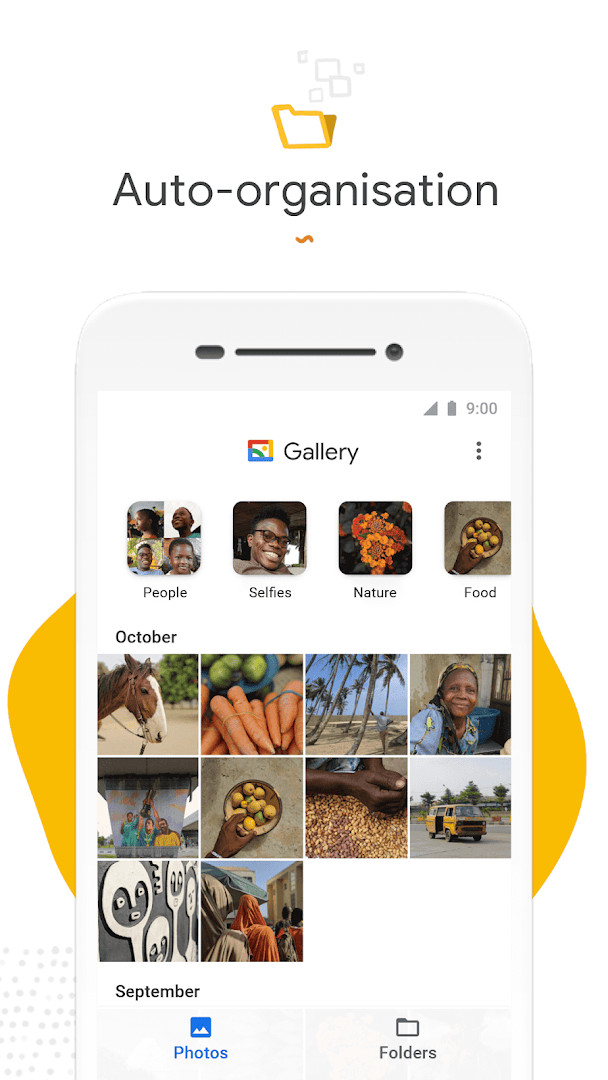
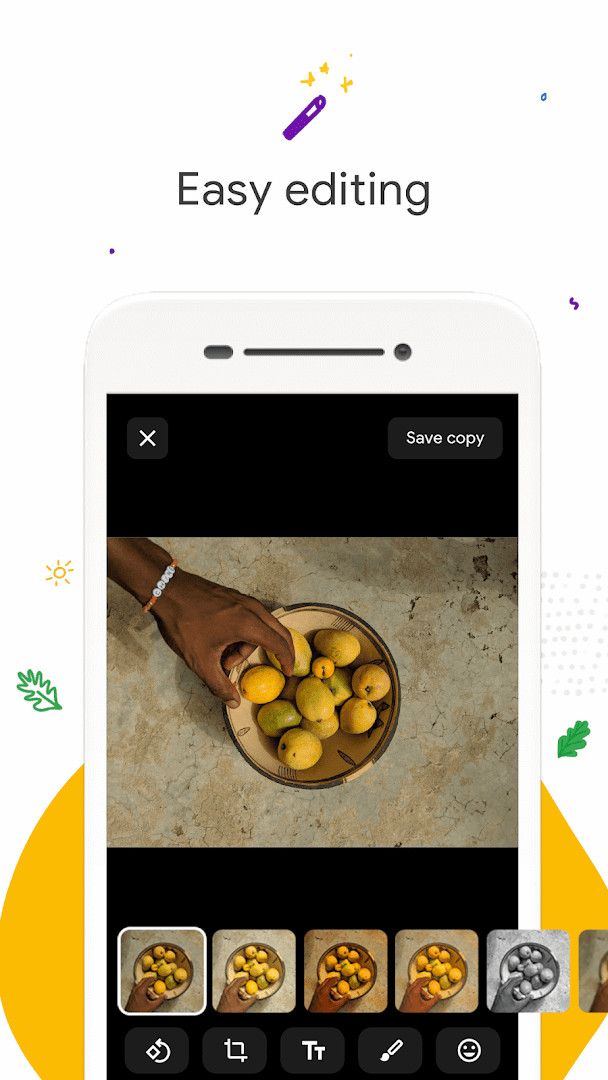
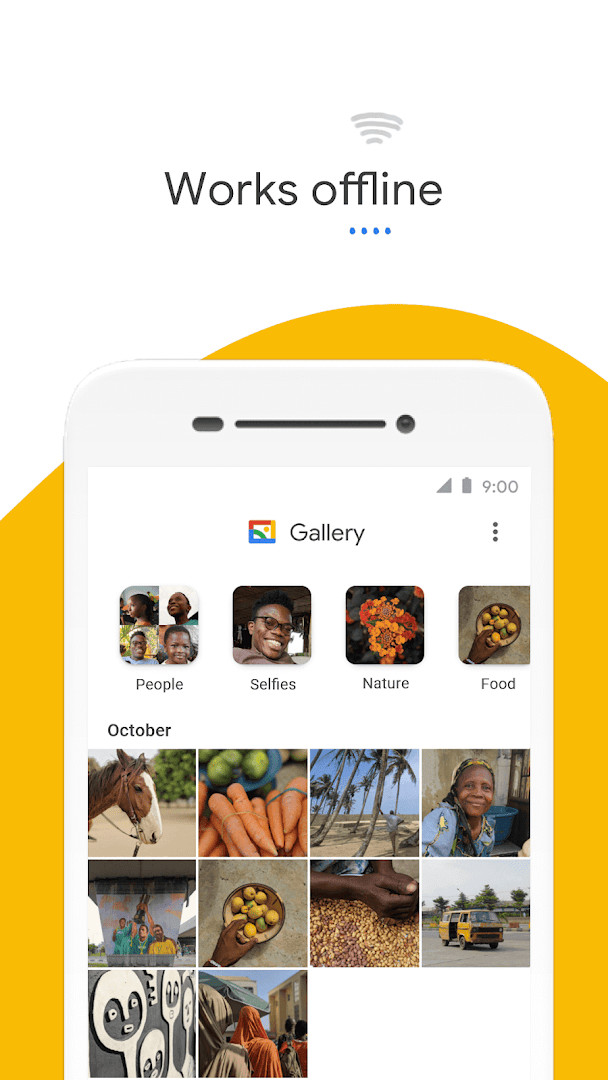
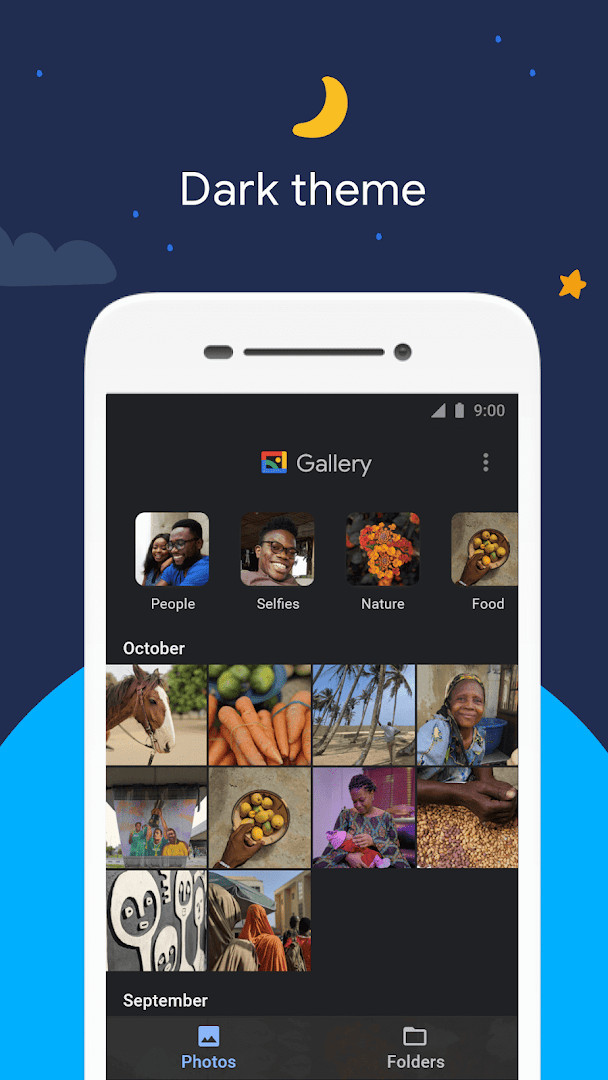
Gallery is a photo and video gallery app by Google LLC that provides automatic organization, editing tools, and offline functionality. It is designed to help users manage their media library efficiently, with a focus on speed and low resource usage. The app categorizes photos into groups like People, Selfies, Nature, Animals, Documents, Videos, and Movies, using nightly automatic organization. For users who value quick access to specific images, this feature reduces the time spent manually sorting through large collections. The app also includes a one-tap auto-enhance tool to improve photo quality, along with folder support and the ability to view, copy, and transfer files to and from SD cards. Gallery is optimized to work offline, ensuring that all photos and videos can be managed without consuming mobile data. With a small file size and efficient memory usage, it aims to be a lightweight alternative to heavier gallery apps, suitable for users with limited storage or older devices. The app requires Android 8.0 or higher and is free with no ads or in-app purchases, making it a practical choice for a wide range of Android users.
Key features
- Automatic nightly organization into categories such as People, Selfies, Nature, Animals, Documents, Videos, and Movies
- One-tap auto-enhance editing tool to improve photo appearance
- Folder support for custom organization of photos and videos
- View, copy, and transfer media to and from SD cards
- Small file size and low memory usage to avoid slowing down the device
- Works offline, so no data is required to manage photos and videos
- Face grouping (not available in all countries)
How to install
- Tap the download button on this page to obtain the APK file.
- When prompted, allow your browser or file manager to install apps by enabling the 'Install unknown apps' setting for that app.
- Open the downloaded APK file from your notifications or file manager.
- Tap 'Install' on the installation screen.
- Open the app once the installation is complete. The file size is not specified, and the minimum Android version required is 8.0.
Pros
- Automatic organization saves time searching for specific photos
- One-tap auto-enhance improves photo quality easily
- Works offline, saving mobile data usage
- Small app size and low memory footprint
- Free to use with no ads or in-app purchases
Cons
- Face grouping feature is not available in all countries
- Requires Android 8.0 or higher, excluding older devices
- Permissions for Photos/Media/Files and Storage may be considered broad
What's New · 1.9.4.930218541 release
Version 1.9.4.930218541 was released on 2026-06-24. The listed changes are bug fixes and minor improvements. No new features are described for this update. It follows version 1.9.2.712403868, dated 2026-04-03. The app requires Android 8.0 or later and is free with no ads and no in-app purchases.
Other Versions
| Version | Size | Requires Android | Updated |
|---|---|---|---|
| 1.9.4.930218541 release | — | 8.0 | 24.06.2026 |
| 1.9.2.712403868 release | 0.1 MB | 8.0 | 03.04.2026 |
| 1.0.7.280110503 release | 10 MB | 8.1 | 14.11.2019 |
Gallery is ideal for Android users who want a fast, lightweight, and offline-capable gallery app with automatic organization and basic editing tools, especially those with limited storage or data plans.
Take advantage of the nightly automatic organization by letting the app run overnight; you'll wake up to a neatly sorted gallery. Also, use folders to manually group important photos, and don't forget the auto-enhance tool for a quick polish before sharing.
Permissions
Frequently Asked Questions
How do I install the Gallery APK on my Android device?
Download the APK file using the button on this page, then open it from your notifications or file manager. Your device will ask you to allow installation from this source the first time; confirm that, tap Install, and wait for the process to finish. Gallery requires Android 8.0 or newer.
What is in the current 1.9.4.930218541 release?
This version was released on 2026-06-24 and brings bug fixes along with minor improvements. It is the newest build available, following the earlier 1.9.2.712403868 release from 2026-04-03.
Does Gallery show ads or charge for anything?
No. Gallery is free to use, contains no ads, and has no in-app purchases. You get the full set of features without paying or dealing with advertising.
Can I use Gallery without an internet connection?
Yes. Gallery is built to work offline, so you can browse, organize, and manage your photos and videos without spending mobile data. Automatic grouping runs on your device each night, though face grouping may not be available in every country.
How much space does Gallery take up, and what can it do?
The app is designed to be small in size and light on memory, leaving more room for your own photos. It also supports folders and SD cards, so you can view, copy, and move files between internal storage and a memory card.
What kind of apps are similar to Gallery?
Gallery belongs to the photography category, so comparable options include other photo and video gallery apps that offer automatic organization, basic editing tools such as auto-enhance, and local file browsing. When comparing them, check offline support, app size, and whether editing features are included.
What are the ratings and install numbers like?
Gallery holds an average rating of 4.24 from 648,687 ratings, with over 1,000,000,000 installs. It was first released on 2019-07-23 and is rated Everyone.
Gallery offers a compelling combination of speed, efficiency, and automatic organization, making it a strong choice for users seeking a simple yet capable photo manager. Its offline support and small footprint are particularly appealing for those with limited resources.
Similar Apps


More From This Developer






Updated: 24.10.2026