Gboard - the Google Keyboard for Android
Gboard - the Google Keyboard is a typing app from Google LLC for fast and smart text entry on Android.
Download GboardGboard - the Google Keyboard suits anyone who wants quicker text entry on a phone, offering Glide Typing, voice dictation and handwriting to cut down on keystrokes. It is free of charge, has no ads and no in-app purchases, and runs on Android 4.4 and newer with a download size of 9.4 MB.
- Size
- 9.4 MB
- Requires Android
- 4.4
- Updated
- 30.09.2026
- Installs
- 10B+
- Rating
- ★ 4.49 (18 884 966)
- Category
- Tools
- Developer
- Google LLC
- Content rating
- Everyone
- Package
- com.google.android.inputmethod.latin
- Free
- ✓
Screenshots
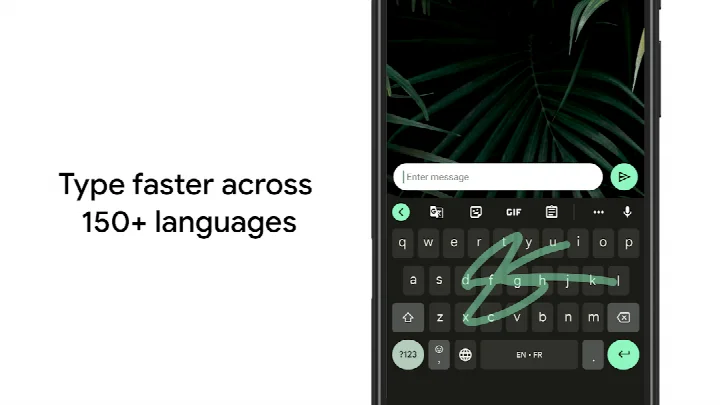
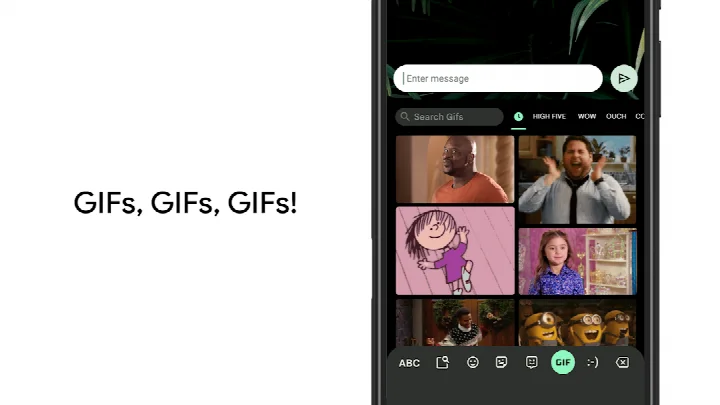
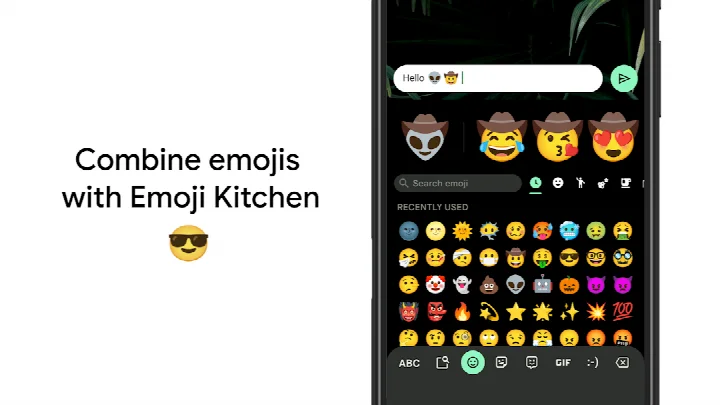
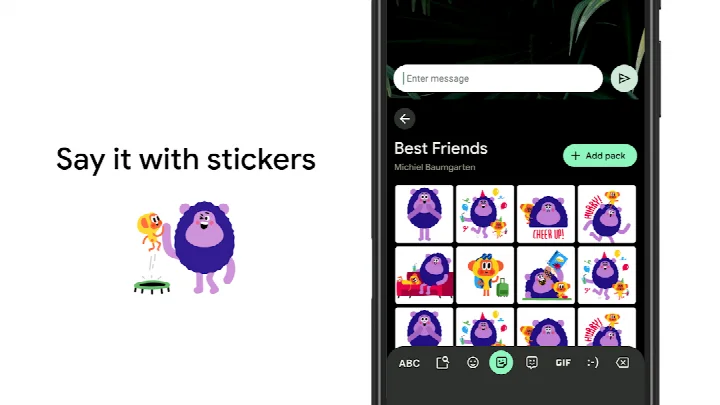
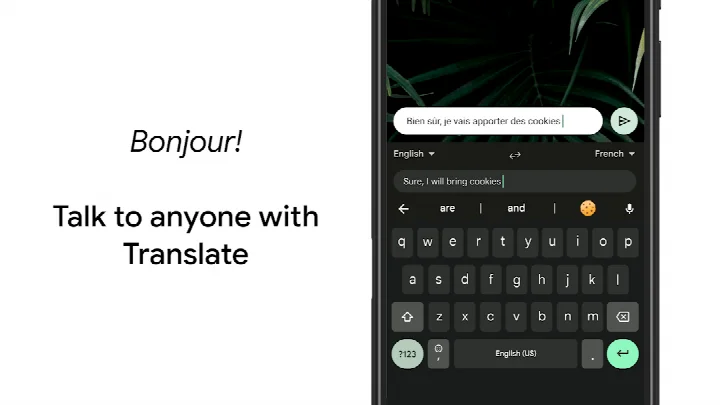
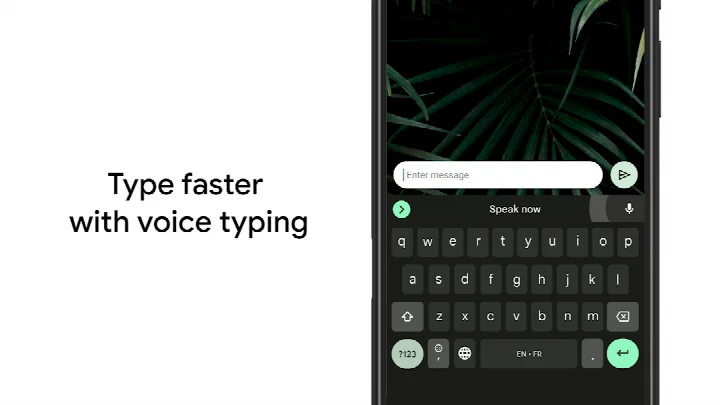
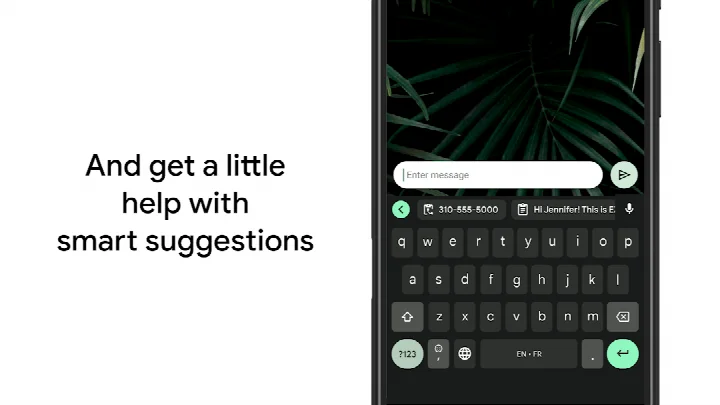
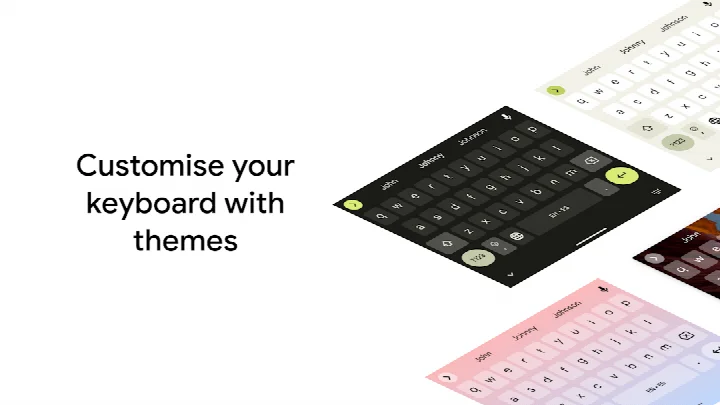
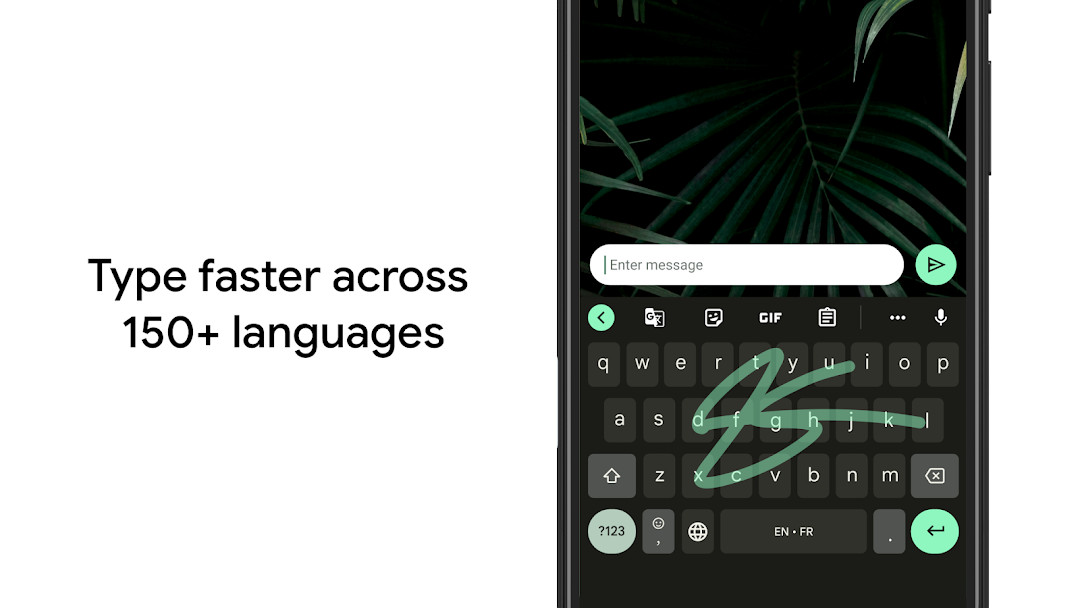
Gboard - the Google Keyboard is a virtual keyboard app by Google LLC that replaces the stock input method with gesture, voice, and handwriting input. It has been around since June 2013 and has become the default typing surface on a huge share of Android devices, with a reported install count in the billions and a rating of 4.49 from more than 18.8 million ratings. The app is free, carries no advertising, and declares no in-app purchases. Context matters here: because it is a system-level input method rather than a standalone utility, switching to it changes how every other app on the phone accepts text, which is why experienced users tend to evaluate it on typing accuracy, latency, and language coverage rather than on novelty features. What it does is fairly broad. Glide Typing lets you trace a path across the keys instead of tapping each letter, Voice Typing handles dictation on the move, and Handwriting accepts both cursive and printed input. Emoji search, GIF search, and inline Google Translate round out the messaging side, while multilingual typing autocorrects and suggests across every language you have enabled without manual switching. Cursor control and bulk deletion are handled by gestures on the space bar and delete key, and the layout can be pinned to one side for one-handed use on large screens. Themes let you choose a look with or without key borders. The most recent change noted for the current release concerns custom stickers: you can create and share them directly inside the keyboard, powered by Pixel Studio, on Pixel 9 and newer devices in English, Japanese, and German in selected countries. A beta channel exists for users who want to test upcoming improvements.
Key features
- Glide Typing for sliding finger input across letters
- Voice Typing for dictation without leaving the current app
- Handwriting recognition for cursive and printed letters
- Emoji search to locate a specific emoji quickly
- GIF search and sharing for reactions
- Multilingual typing that autocorrects and suggests across enabled languages
- Google Translate directly in the keyboard as you type
- Hundreds of language varieties supported
- Gesture cursor control by sliding across the space bar
- Gesture delete by sliding left from the delete key
How to install
- Tap the download button on this page to get the APK file (9.4 MB).
- If Android prompts you, allow your browser or file manager to install apps by enabling the "Install unknown apps" permission for that app.
- Open the downloaded APK file from your notifications or file manager.
- Tap Install and wait for the package to finish copying.
- Open the app, then enable Gboard as your input method in Android settings; it requires Android 4.4 or newer.
Pros
- Very large user base and a strong rating of 4.49 across more than 18.8 million ratings
- Free with no ads and no in-app purchases
- Wide language coverage spanning hundreds of varieties
- Handwriting, emoji search, and GIF search are not available on Android Go devices
- Gesture shortcuts for cursor movement and multi-word deletion save real time
Cons
- Broad permission set covering identity, contacts, photos and media, storage, camera, microphone, and Wi-Fi information
- Some features, including handwriting, emoji search, and GIF search, are not supported on Android Go devices
- Custom sticker creation is limited to Pixel 9 and newer devices in English, Japanese, and German in selected countries
- The most recent version listed in the available data is 899.9999.999 from December 2023
What's New
The latest update to Gboard - the Google Keyboard, dated 2026-09-30, adds a way to create and share custom stickers right inside the keyboard. This sticker feature is powered by Pixel Studio and works on Pixel 9 and newer devices in English, Japanese, and German, in selected countries. Those who want an early look at upcoming improvements can also join the beta program to share feedback.
Other Versions
| Version | Size | Requires Android | Updated |
|---|---|---|---|
| 899.9999.999 | 9.4 MB | 4.4 | 19.12.2023 |
Experienced Android users who type in more than one language and want autocorrect that follows all of them; people who dictate messages often and prefer voice over tapping; and owners of large-screen phones who want one-handed layouts and gesture shortcuts instead of reaching across the display.
Turn on the always-visible number row and the long-press symbol hints in the keyboard preferences, and try sliding left from the delete key to remove several words at once instead of tapping backspace repeatedly.
Permissions
Frequently Asked Questions
What is Glide Typing and how does it work in Gboard?
Glide Typing lets you enter words faster by sliding your finger from one letter to the next instead of tapping each key. You lift your finger to finish a word, and the keyboard adds spaces automatically as you continue.
Which features are not supported on Android Go devices?
Handwriting, Emoji Search, and GIF search and sharing are not available on Android Go devices. The other core typing options, such as Glide Typing and voice typing, remain part of the app.
How does multilingual typing handle more than one language?
Once you enable several languages, Gboard suggests and autocorrects from all of them at the same time, so you do not have to switch languages by hand while typing.
What gestures can I use to edit text with Gboard?
You can move the cursor by sliding your finger across the space bar, and you can remove several words at once by sliding left from the delete key. Symbols can also be reached with a long press when that option is turned on in Settings.
What does the Wear OS version of Gboard offer?
On watches, the keyboard supports Glide Typing, voice typing, and emoji entry, with support for Wear OS languages including Chinese, Czech, Danish, Dutch, English, Finnish, French, German, Hindi, Indonesian, Italian, Korean, Norwegian, Polish, Portuguese, Russian, Spanish, Swedish, Thai, Turkish, and Vietnamese, among others.
What can you tell me about the app's age rating and price?
Gboard is rated for Everyone, is free to use, and includes no ads or in-app purchases. It is listed in the Tools category and was developed by Google LLC.
Gboard remains a sensible default for most Android users: gesture typing, dictation, handwriting, translation, and unusually deep language support in one free package with no ads. The trade-offs are the wide permission list and the fact that a few extras are restricted to Pixel hardware or skipped entirely on Android Go devices. If you want a keyboard that handles multiple languages and quick messaging without extra purchases, this is a solid choice to weigh against lighter alternatives.
Similar Apps

More From This Developer


Updated: 24.10.2026