Google Drive: Cloud File Storage
Google Drive is a free productivity app by Google LLC that lets you store, share and collaborate on files and folders.
Get APKGoogle Drive is a free productivity app from Google LLC with a download size of 124 MB and a minimum requirement of Android 8.0. The app shows no ads and offers in-app purchases, and it has 4.27 stars from 10.8 million ratings. It suits people who need to keep documents, photos and videos in one place and reach them from a phone or tablet.
- Size
- 124 MB
- Requires Android
- 8.0
- Updated
- 23.10.2026
- Installs
- 10B+
- Rating
- ★ 4.27 (10 848 479)
- Category
- Productivity
- Developer
- Google LLC
- Content rating
- Everyone
- Package
- com.google.android.apps.docs
- Free
- ✓ · In-app purchases
Screenshots
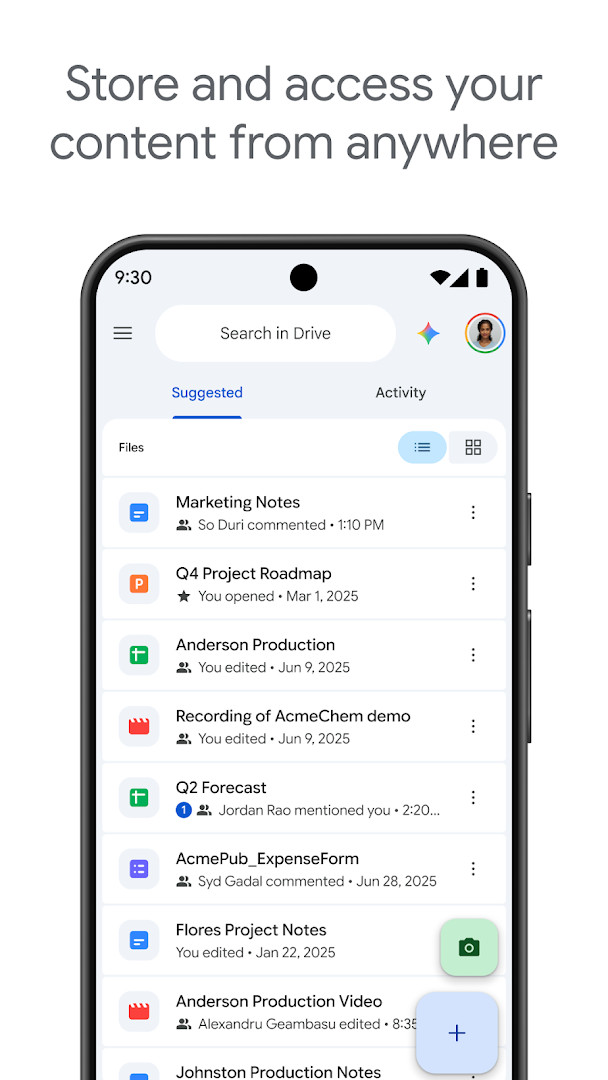
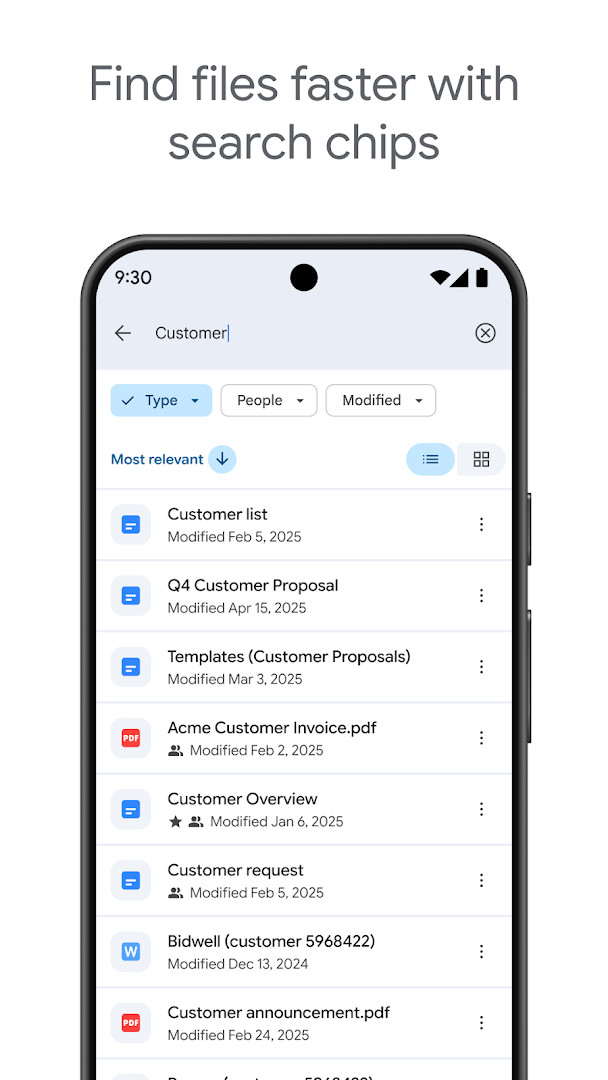
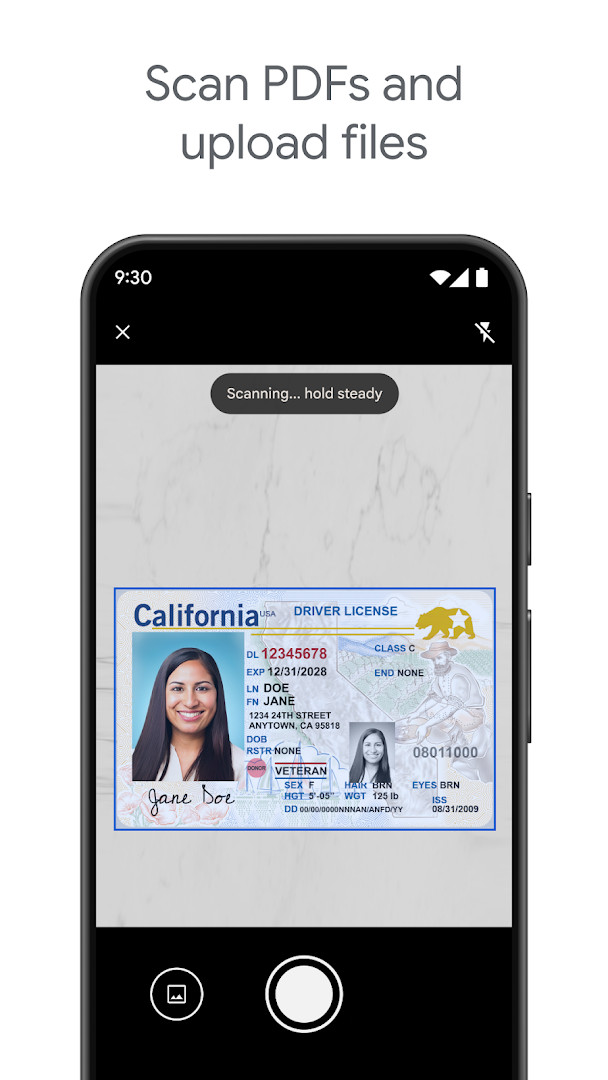
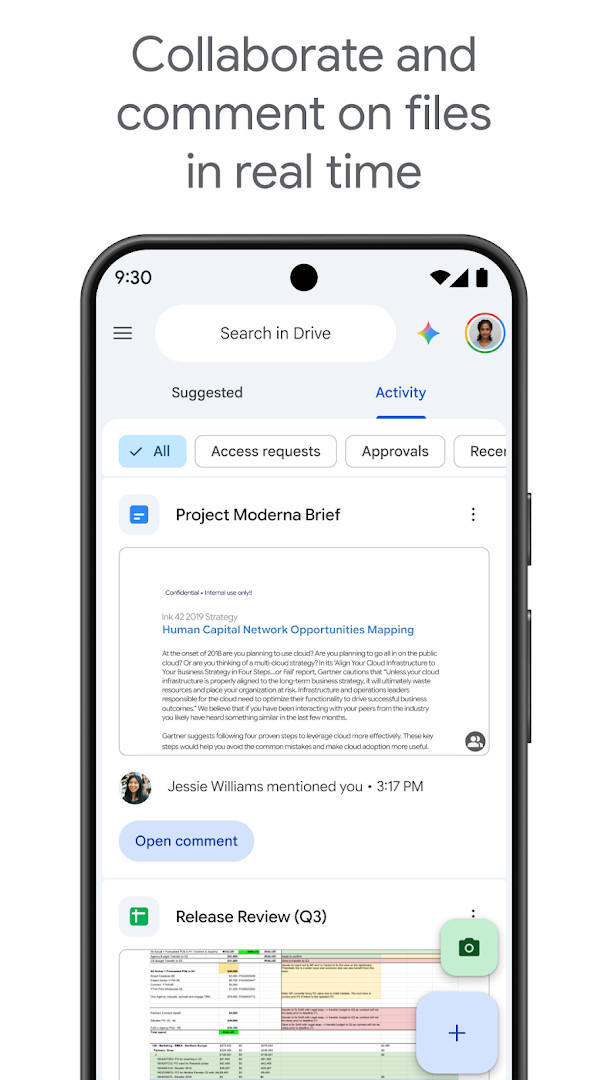
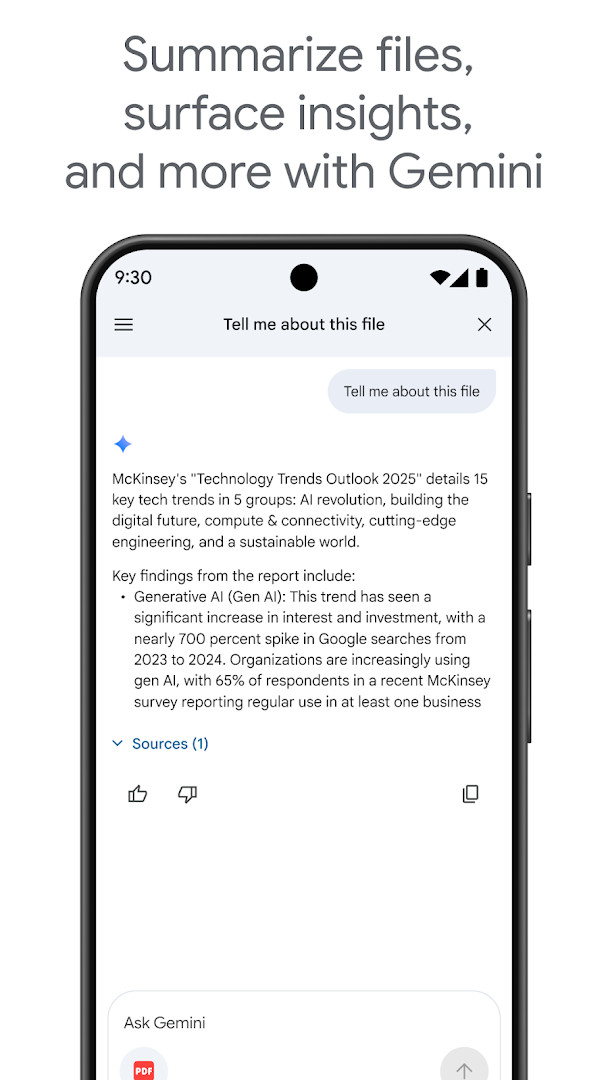
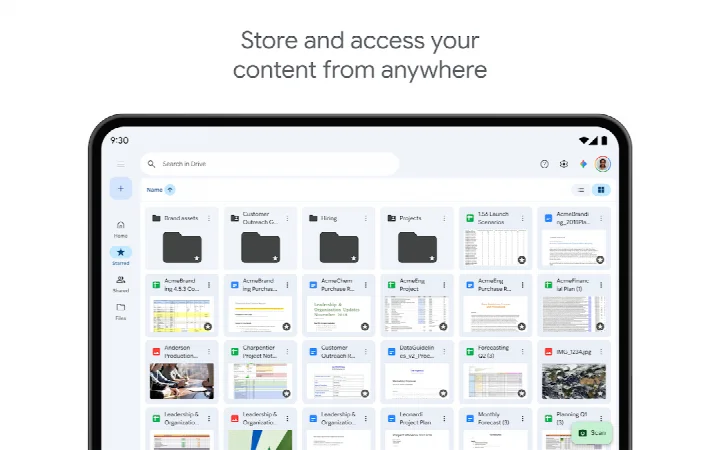
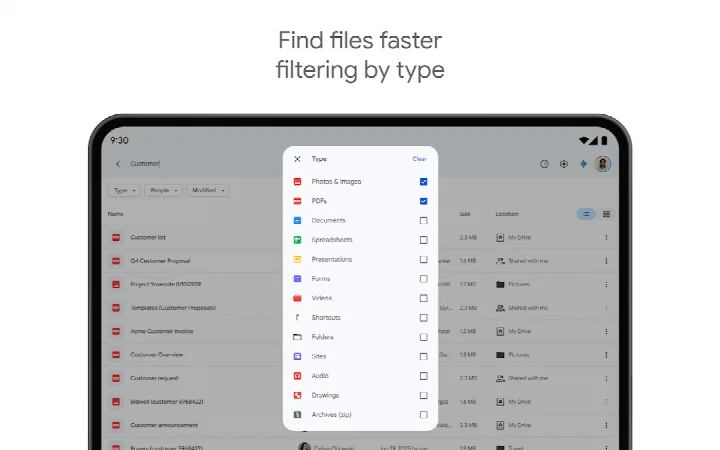
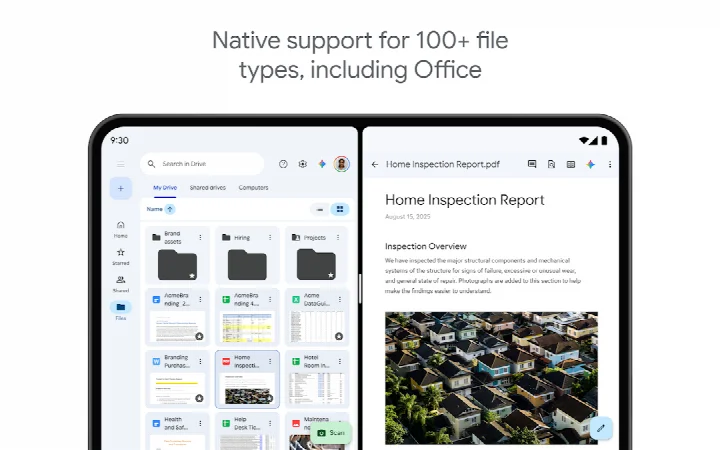
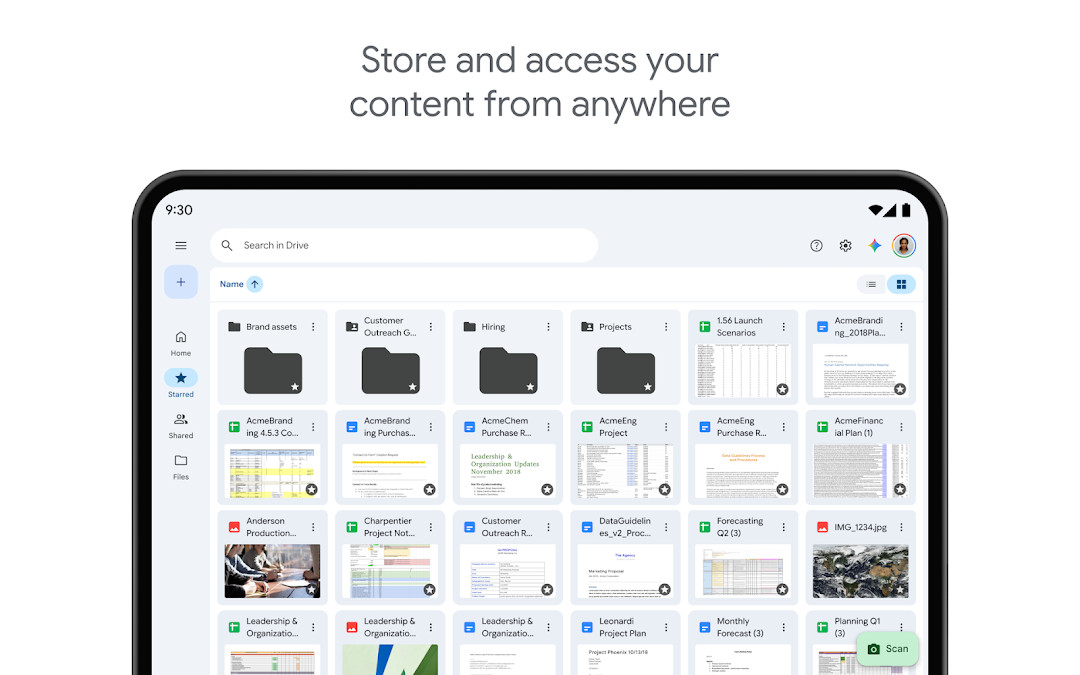
Google Drive is a cloud storage and file management app by Google LLC that stores, organizes, and shares files across devices. The everyday problem it addresses is scattered content: documents, photos, videos, and scanned paperwork spread across phones, tablets, and computers with no single place to find them. Drive solves this by keeping files in the cloud, tied to a Google account, and reachable from the app. Content can be searched by name and by text inside files, filtered by type or modification date, and shared with specific permissions. The app also works offline, so files already cached remain viewable without a connection, and it notifies you when something important changes on your files.
Key features
- Cloud storage and retrieval of files and folders from a phone or tablet
- Editing and storing of more than 100 file types, including PDFs, Office documents, and videos
- Document scanning through the device camera, with the scan uploaded straight to Drive
- Search across file names and file contents
- Filtering by file type, last modified date, and similar criteria
- Sharing controls for files and folders, including permission settings
- Offline viewing of content while on the move
- Activity notifications for files you care about
- Tablet layout with side-by-side view and drag-and-drop support
- Workspace-tier additions such as AI summaries, admin security controls, shared drives, group sharing, and eSignature requests
How to install
- Tap the download button on this page to get the APK file.
- If Android blocks the install, allow your browser or file manager to install apps by enabling the "Install unknown apps" permission for that app in system settings.
- Open the downloaded APK file from your notifications or file manager once the 124 MB download finishes.
- Tap Install and wait for the package to be verified and unpacked.
- Open the app and sign in with a Google account to reach your stored files. The app requires Android 8.0 or newer.
Pros
- No advertising in the app
- Free to use, with 15 GB of storage shared across Drive, Gmail, and Photos on a standard Google account
- Broad file-type support and content-level search
- Offline access and tablet-optimized interface
Cons
- Requests a wide set of permissions, including identity, contacts, photos and media, storage, camera, and Wi-Fi connection information
- Additional storage requires an in-app purchase through Google One, starting at $1.99 per month for 100 GB in the US
- Some collaboration, compliance, and AI features are limited to Google Workspace subscribers
- Large installed size of 124 MB
What's New
This update includes bug fixes and performance improvements to help keep Google Drive running smoothly. No new features were announced in this release.
Other Versions
| Version | Size | Requires Android | Updated |
|---|---|---|---|
| 2.26.387.0.all.alldpi | 124 MB | 8.0 | 24.09.2026 |
This app suits anyone who already keeps files in a Google account and wants them available on an Android phone or tablet without manual transfers. It fits students, remote workers, and small teams that need to share documents and set permissions, as well as people who scan paper paperwork and want it stored off-device. Users with modest storage needs can stay on the free tier; heavier users and organizations with compliance requirements will likely need a paid plan.
Check the storage breakdown in the app before uploading large videos, since the free 15 GB is pooled with Gmail and Photos. Mark files for offline access ahead of travel, and use content search rather than scrolling when a file name is uncertain.
Permissions
Frequently Asked Questions
Is Google Drive free to download and use?
Yes, Google Drive is free to download and use. It offers 15 GB of storage shared across Google Drive, Gmail, and Google Photos, with optional in-app purchases for additional storage through Google One.
What Android version do I need to install Google Drive?
Google Drive requires Android 8.0 or higher. The app file size is 124 MB.
Do I need a Google account to use Google Drive?
Yes, you need a Google account to sign in and use Google Drive. Your Google account provides the 15 GB of free shared storage.
What permissions does Google Drive request?
Google Drive requests access to Identity, Contacts, Photos/Media/Files, Storage, Camera, and Wi-Fi connection information. These permissions allow the app to manage files, upload photos, scan documents, and operate efficiently.
How do I update Google Drive?
To update Google Drive, download the newest version from this page and install it over your current installation. The latest available version is 2.26.387.0.all.alldpi, released on September 24, 2026.
Does Google Drive contain ads?
No, Google Drive does not contain ads. It is a productivity app designed for storing, accessing, and sharing files securely.
Google Drive is a mature, widely used file storage and sharing client with solid search, offline support, and tablet features. It is free to install, though extra storage and some advanced tools sit behind paid plans, and the permission set is broad enough to warrant a look before installing.
Similar Apps

More From This Developer


Updated: 24.10.2026