Gmail for Android
Gmail is a communication app from Google LLC for managing email on Android phones and tablets.
Download GmailGmail is for people who want a secure, searchable email client that keeps their inbox organized on Android devices. Gmail is free to download and works on Android 5.0 and higher, with a file size of 26 MB. Gmail can read messages when offline, supports multiple accounts from Gmail and non-Gmail providers, and has over 10 billion installs.
- Size
- 26 MB
- Requires Android
- 5.0
- Updated
- Nov 23, 2026
- Installs
- 10B+
- Rating
- ★ 4.06 (14,537,073)
- Category
- Communication
- Developer
- Google LLC
- Content rating
- Everyone
- Package
- com.google.android.gm
- Free
- ✓ · Contains ads
App screenshots
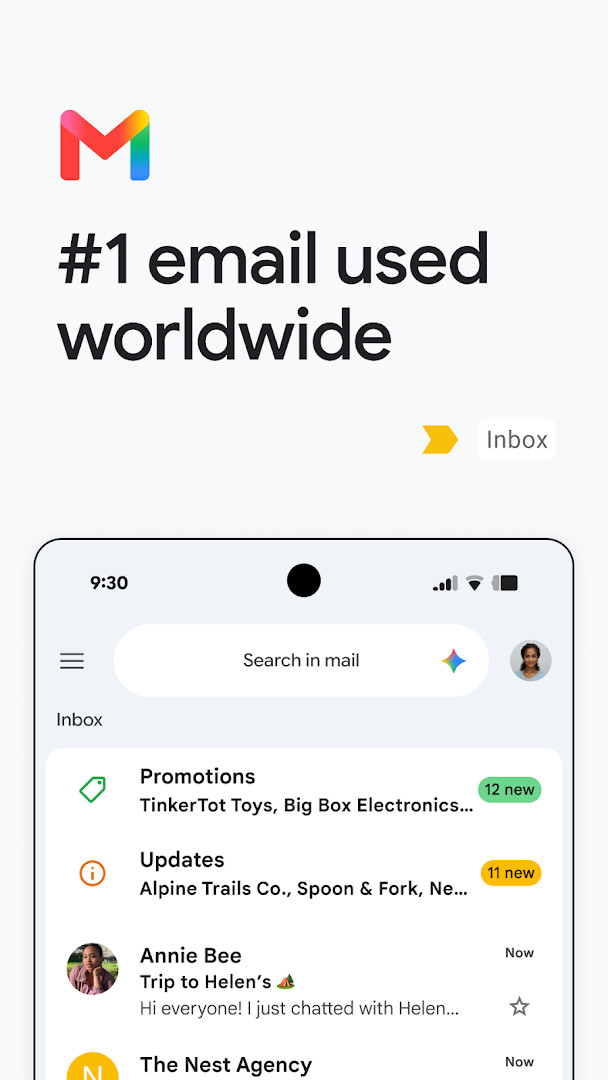
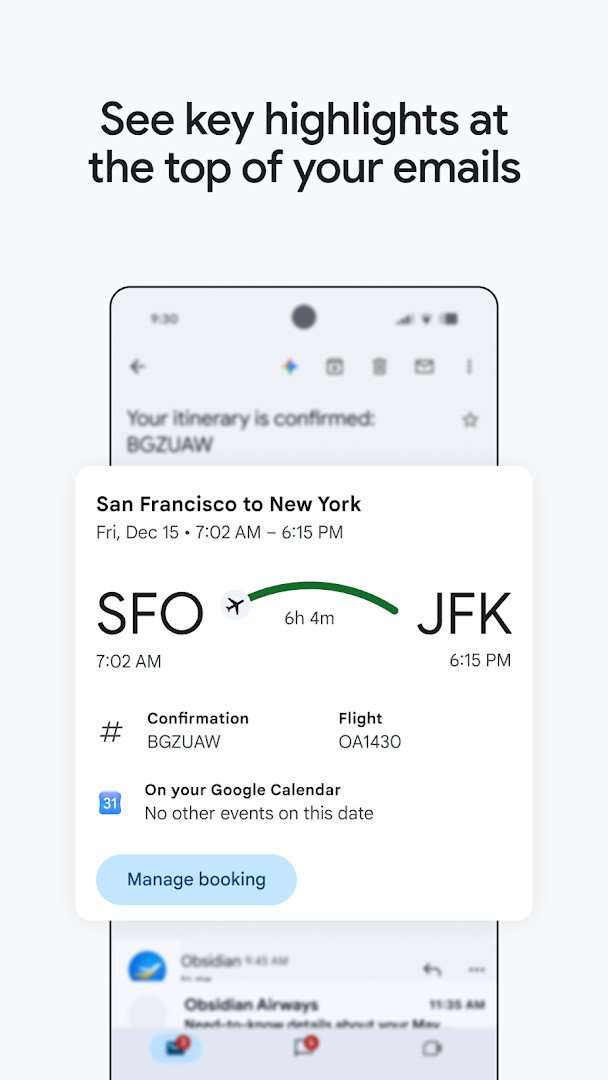
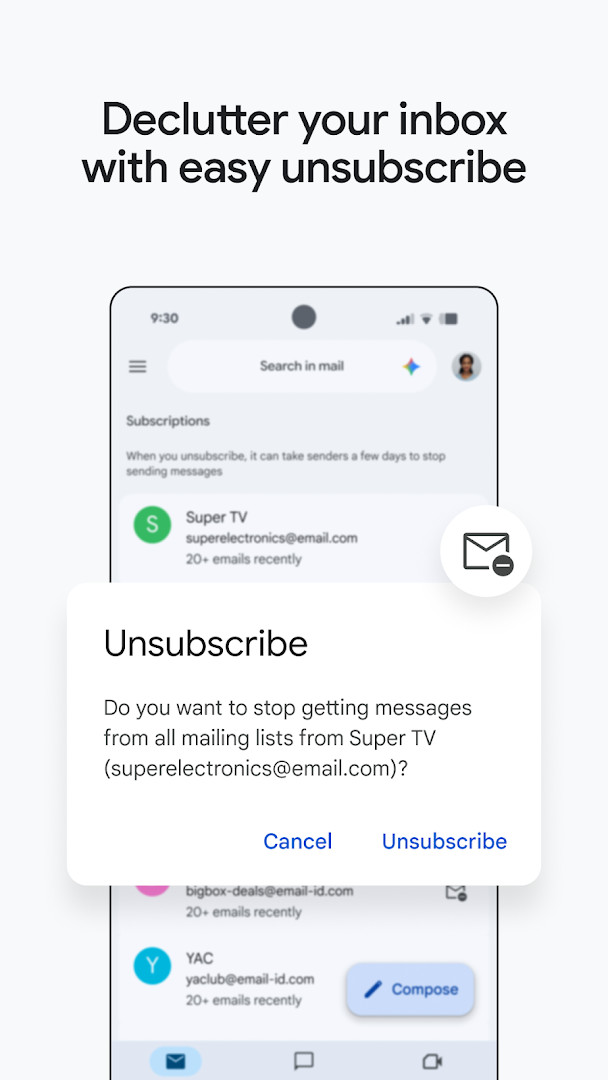
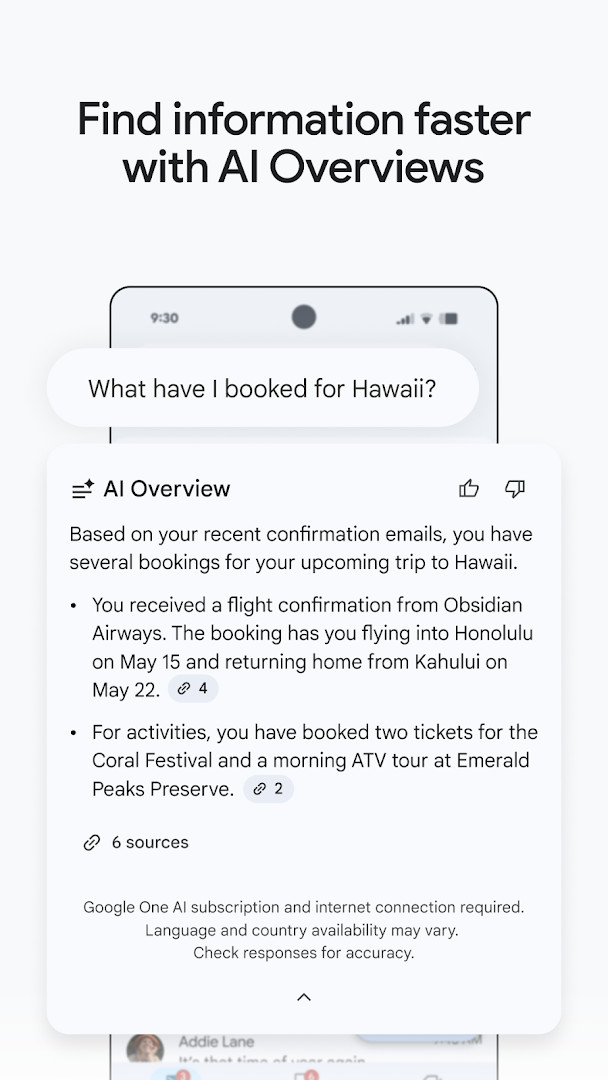
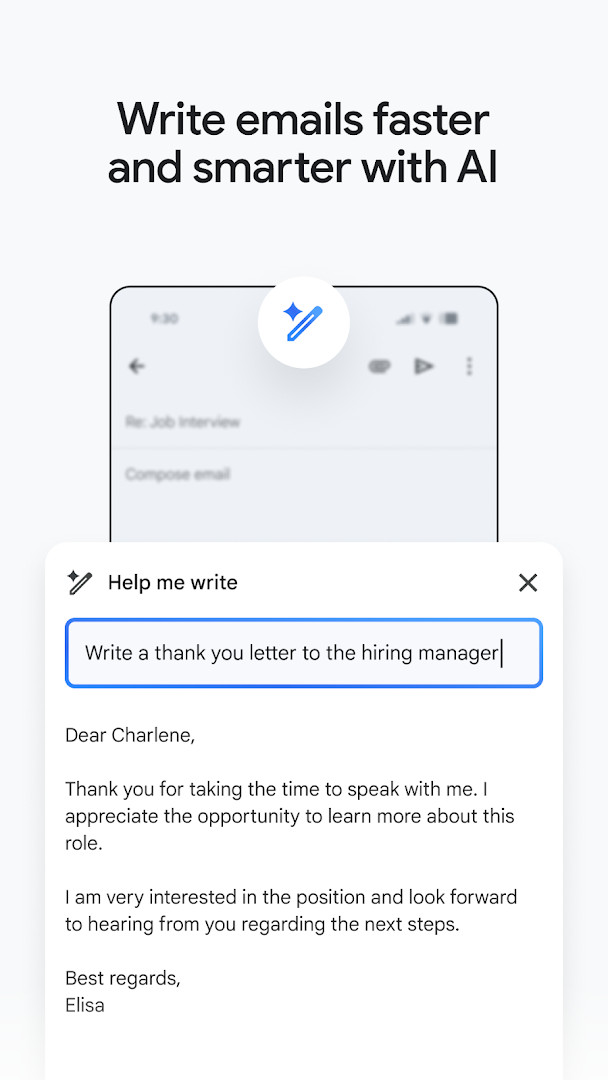
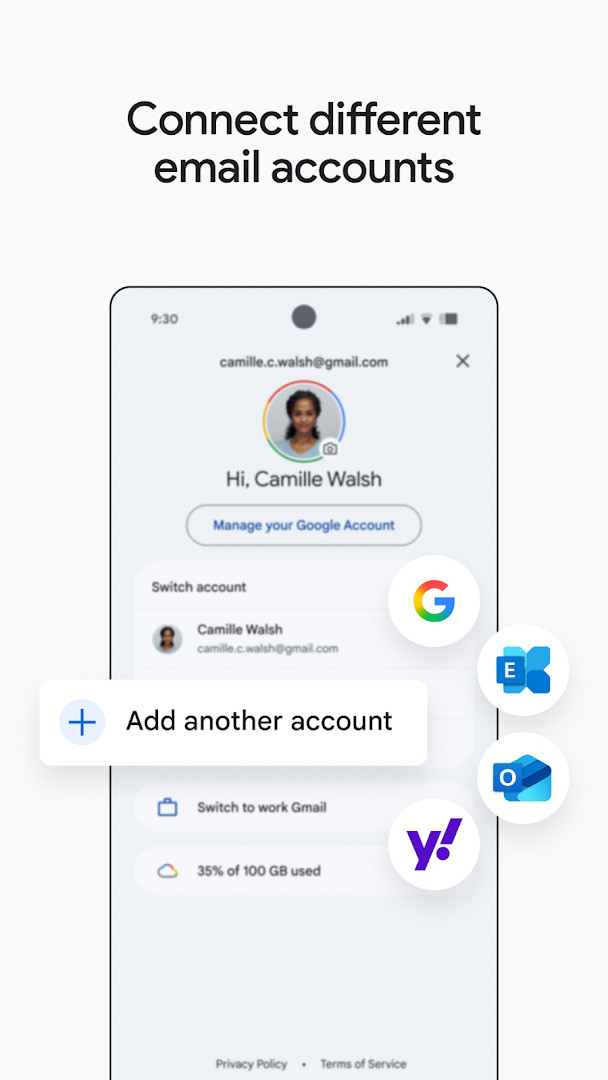
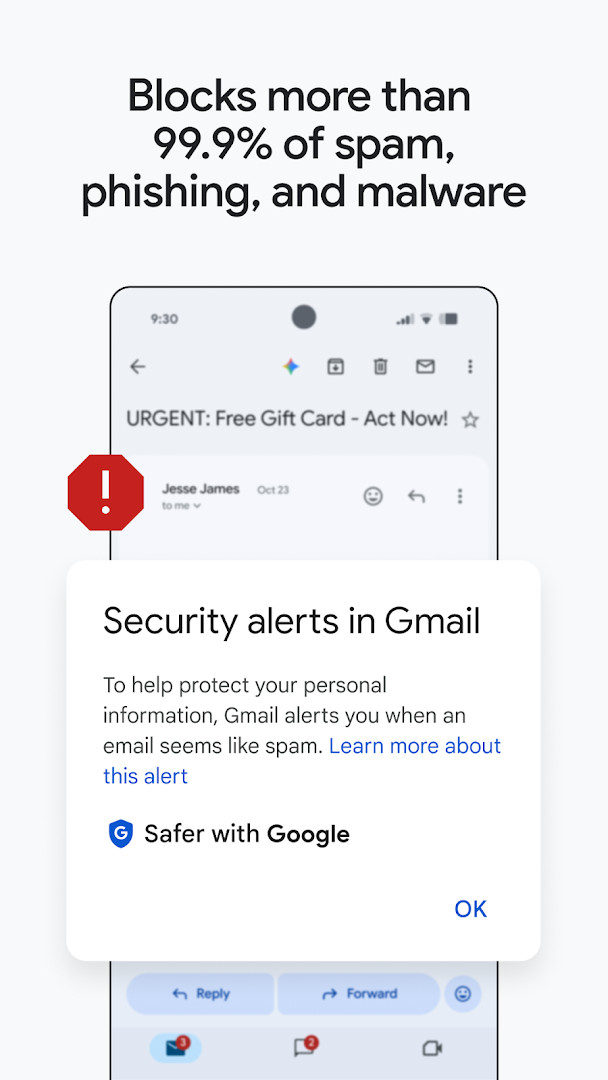
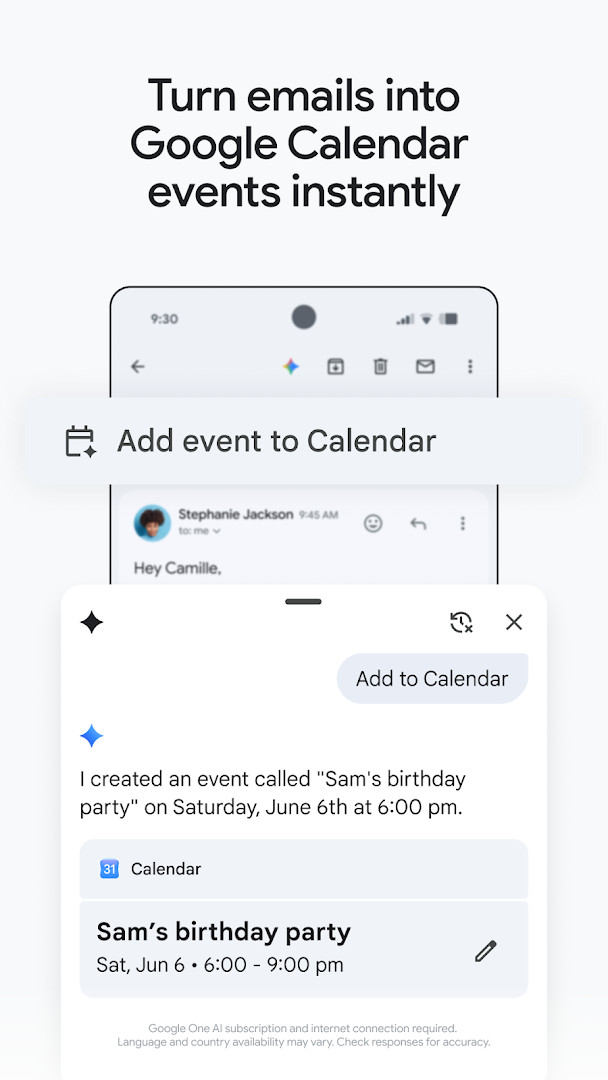
Gmail is a communication app by Google LLC that manages email, search, and collaboration from a single inbox. The official Android client for Google's email service, it combines the familiar Gmail web experience with a mobile-friendly layout designed for quick reading, replying, and organizing. It is part of Google Workspace, which means it links naturally to Calendar, Drive, Meet, and Chat. The app has a long history on Android, with its first release dating back to 2010, and it remains one of the most widely used communication tools on the platform. On a day-to-day level, the app does much more than deliver messages. Summary cards at the top of emails pull out key details, a consolidated unsubscribe tool clears unwanted senders, and search works across both your inbox and your Google Drive files. Gemini integration adds writing help and contextual Smart Reply, though those features require a Google AI Pro or Ultra plan and an internet connection. The app also blocks the vast majority of spam, phishing, and malware before it reaches the inbox, and it supports multiple accounts from different providers, making it a flexible hub for personal and work correspondence. The most recent update emphasizes an all-in-one work hub: secure email now sits alongside chat, spaces for group collaboration, and voice or video calls, letting you move between communication modes without leaving the app. Businesses on Google Workspace plans get premium AI features across Gmail and related tools. The Android version requires version 5.0 or newer, weighs 26 MB, and is free to download, though it displays ads.
Key features
- Summary cards at the top of emails surface key details quickly
- One-tap unsubscribe from unwanted senders in a single place
- Smart search across inbox and Google Drive, with optional Gemini assistance
- AI writing help including 'Help me write' and contextual Smart Reply
- Support for multiple accounts, including non-Gmail providers
- Automatic blocking of spam, phishing, and malware before messages arrive
- 'Add to Calendar' creates Google Calendar invites directly from the inbox
- Wear OS watch complication and tile for a quick overview of emails
- Chat, group spaces, and voice or video calls integrated in one app
How to install
- Tap the download button on this page to get the 26 MB APK file.
- When Android asks, allow your browser or file manager to install apps from that source (the 'Install unknown apps' setting).
- Open the downloaded APK file from your notifications or Downloads folder.
- Tap Install and wait for the process to finish — the app requires Android 5.0 or newer.
- Open the app and sign in with your Google account.
- If a security warning appears, confirm the permission and continue with the installation.
Pros
- Free to download and use, with no in-app purchases
- Strong built-in protection against spam, phishing, and malware
- Multiple account support from different email providers
- AI-powered writing and search tools help handle mail faster
- Tight integration with Calendar, Drive, and Workspace collaboration
- Works on Wear OS for quick glanceable updates
Cons
- Some AI features require a paid Google AI plan and may not be available in all regions
- Shows ads within the app
- Requests broad permissions including camera, microphone, contacts, and storage
- Several smart features depend on an active internet connection
Latest changes
This update presents Gmail as part of Google Workspace and is meant to help you stay on top of the work that matters most. Beyond secure email, you can chat, collaborate with a group in spaces, and make voice or video calls, all from one app.
Version history
| Version | Size | Requires Android | Updated |
|---|---|---|---|
| 8.10.7.218420740.release | 22 MB | 4.1 | Jan 20, 2026 |
| 2019.10.20.278647676.release | 26 MB | 4.4 | Jan 17, 2026 |
| 2020.05.31.316831277.release | 26 MB | 5.0 | Jan 16, 2026 |
| 7.5.7.156101332.release | 19 MB | 4.0 | May 18, 2017 |
| 2.3.6 | 1.8 MB | — | Jun 16, 2013 |
| 1.3 | 0.8 MB | — | Jan 27, 2012 |
Gmail suits anyone managing personal email on the go, professionals who juggle multiple inboxes and calendars, and small teams already using Google Workspace for everyday collaboration.
Use the search bar with relevant keywords instead of scrolling through long threads; search can also look inside your Google Drive files when you ask it to.
Permissions
FAQ
Is Gmail free to download and use?
Yes, the app is free to download, with a listed price of $0.00 USD and no in-app purchases. Some Gemini-powered features require a Google AI Pro or Ultra plan, and the app does display ads.
Which Android version do I need to run Gmail?
The app requires Android 5.0 or higher. Its content rating is Everyone, so it is suitable for all ages.
How large is the Gmail APK file?
The app size is 26 MB. The newest version listed on this page is 8.10.7.218420740.release.
Do I need an account to use Gmail?
Yes, you sign in to use the app with your email account. Gmail supports switching between multiple accounts from different email providers, not just Gmail addresses.
What permissions does Gmail request?
The app requests access to identity, calendar, contacts, phone, photos/media/files, storage, camera, microphone, Wi-Fi connection information, and device ID & call information. These are used for features like attaching files, calendar invites, and making calls or video calls.
How do I update Gmail?
When a new build is available, download the latest version from this page and install it over your current copy. The most recently listed version here is 8.10.7.218420740.release, and the listing was updated on 2026-11-23.
With dependable security, flexible account support, and helpful AI assistance, Gmail remains a practical choice for everyday communication. The ads and premium AI requirements keep it from being perfect, but for most users the combination of reliability, integration, and collaboration tools makes it hard to beat.
Similar apps





More from this developer


Updated: Nov 27, 2026