Google Calendar for Android
Google Calendar is a productivity app from Google LLC for managing events, tasks, and schedules.
Get Google CalendarGoogle Calendar helps people manage events, tasks, and shared schedules on Android phones, tablets, or Wear OS devices. It is free, has no ads or in-app purchases, needs Android 8.0 or higher, and is about 33 MB. Events can be picked up from Gmail automatically, Google Meet calls can be linked to events, and other calendars like Exchange can be viewed side by side.
- Size
- 33 MB
- Requires Android
- 8.0
- Updated
- 08.10.2026
- Installs
- 10B+
- Rating
- ★ 4.64 (4 868 382)
- Category
- Productivity
- Developer
- Google LLC
- Content rating
- Everyone
- Package
- com.google.android.calendar
- Free
- ✓
Screenshots
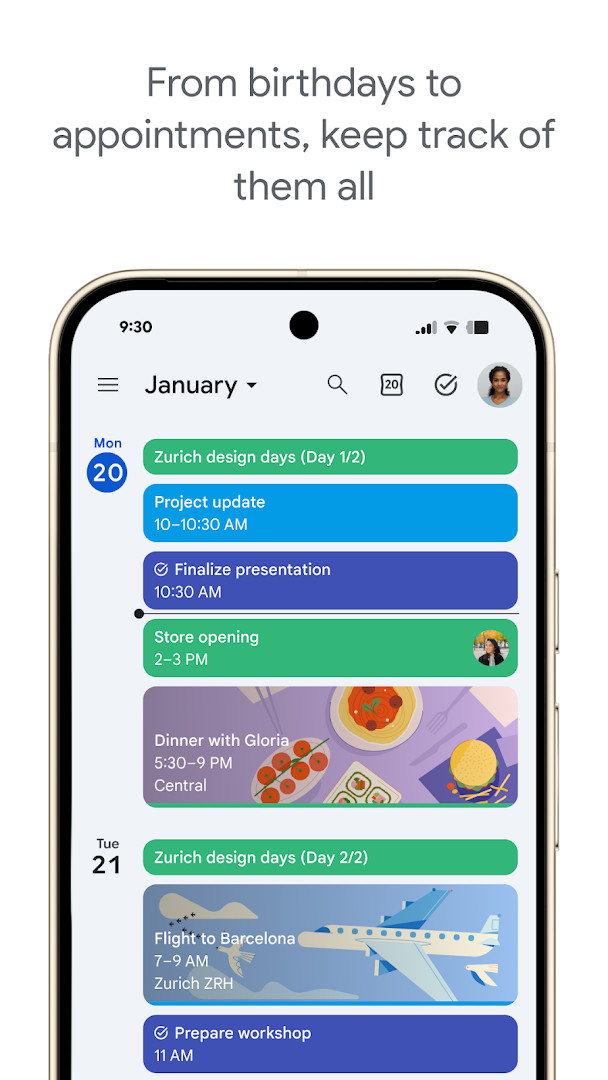
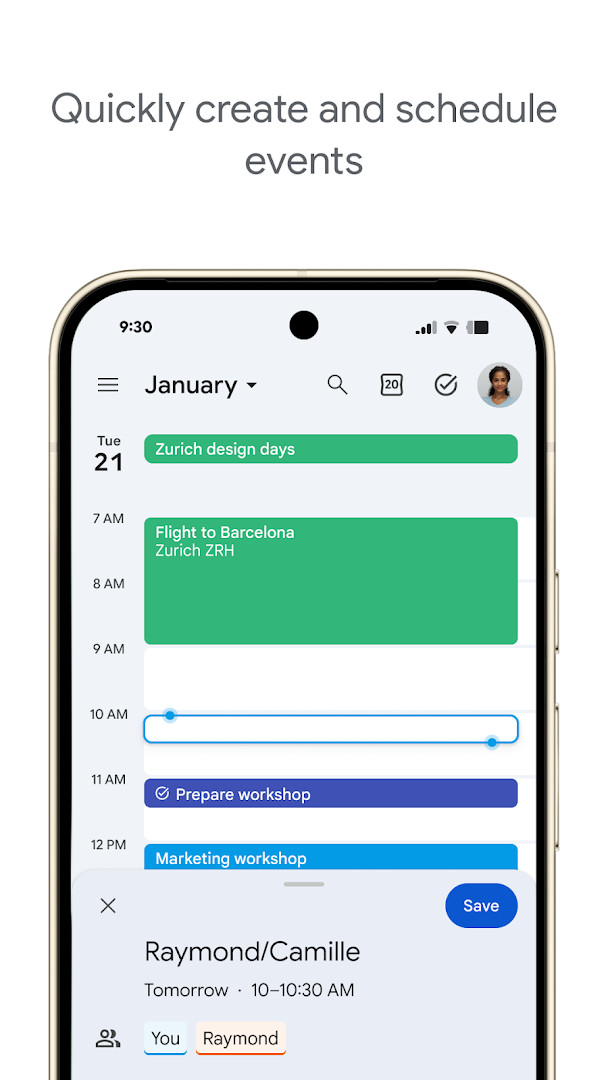
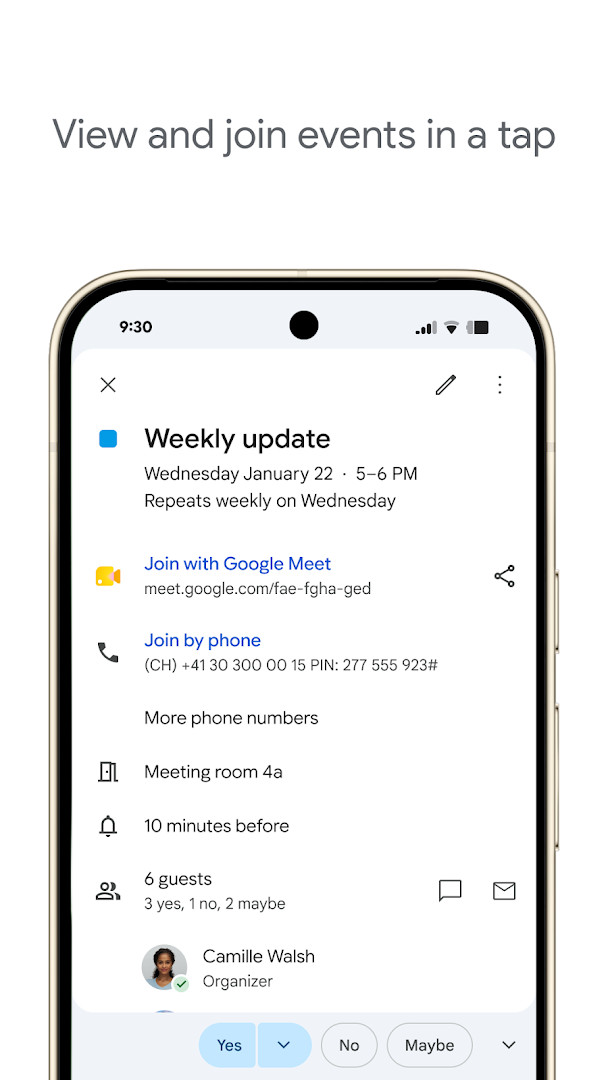
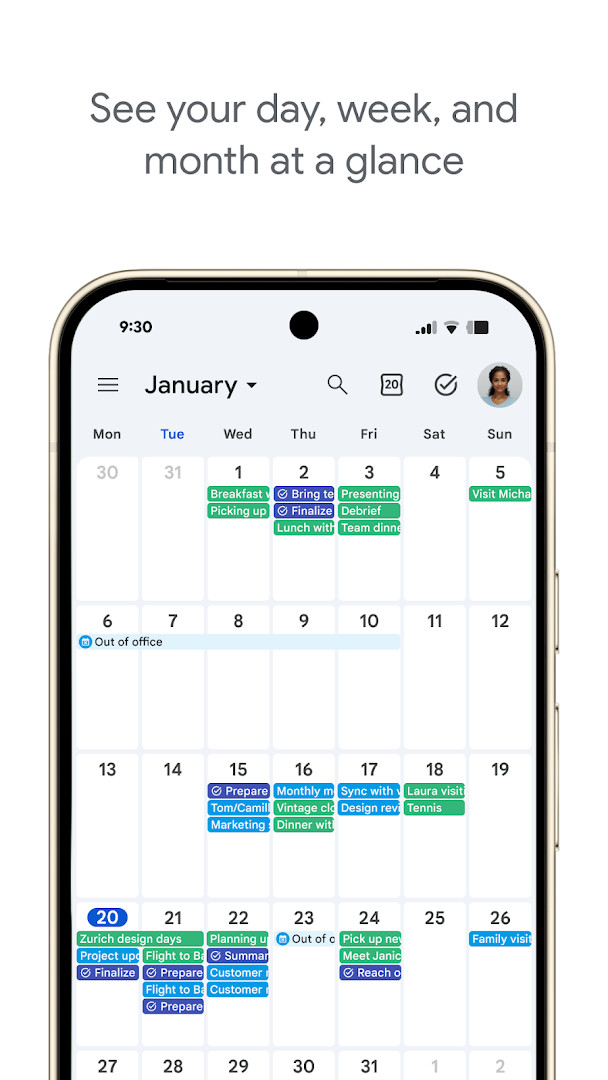
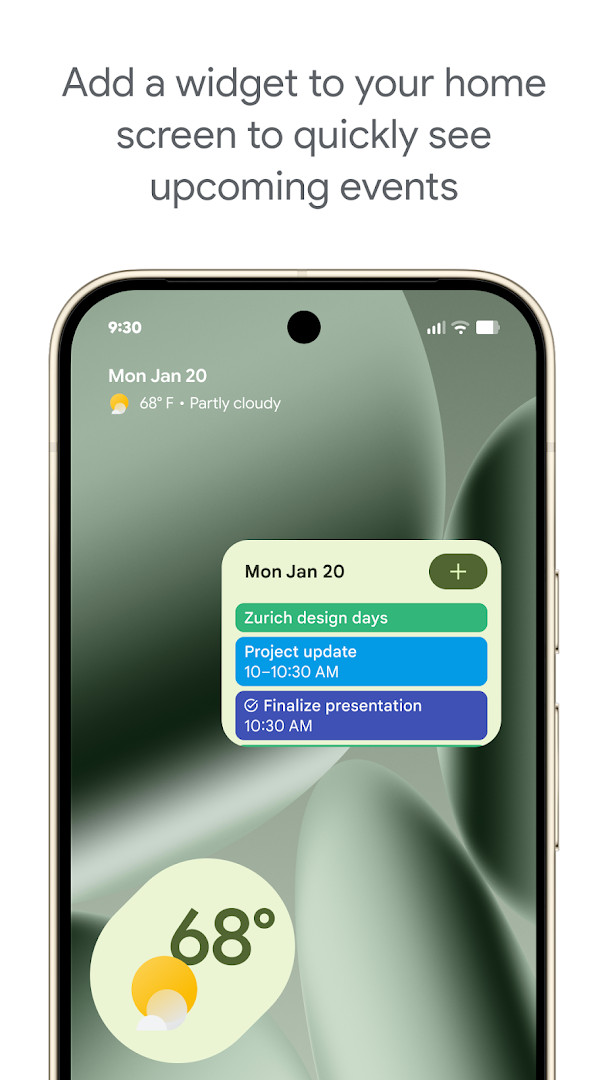
Google Calendar is a productivity app by Google LLC that helps you organize events, appointments, and tasks across your Android devices. The official app keeps your schedule in one place: events you create on your phone show up on your tablet, Wear OS device, and computer whenever you are signed in to the same Google account. It suits everyone from individuals managing a personal week to teams coordinating meetings in a hybrid workplace.
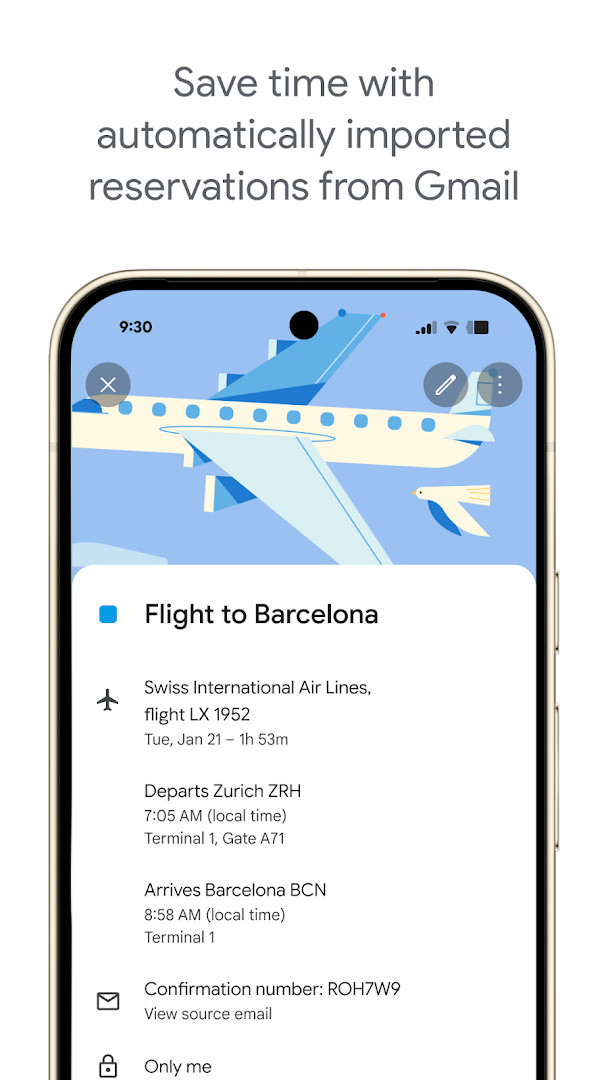
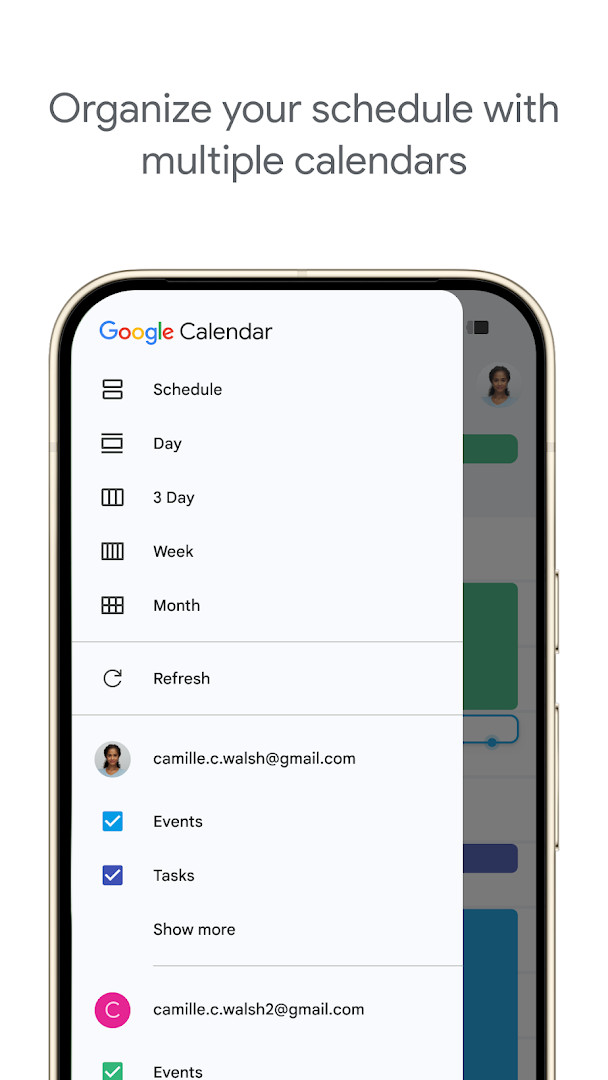
Beyond basic event creation, the app automatically adds reservations from Gmail, such as flights, hotels, concerts, and restaurants, so you do not have to enter them manually. You can view Google Calendar events alongside other calendars on your device, including Exchange, and layer teammates' calendars to find a time that works. Shared calendars let family, friends, and colleagues view, add, or modify events, and tasks can be managed right next to your schedule.
For business users, Google Calendar is part of Google Workspace, offering Google Meet video calls attached to events, meeting notes and documents, professional booking pages, and working location. The app has no ads and no in-app purchases, and it received quality updates as recently as October 2026. With a file size of 33 MB and support for Android 8.0 and newer, it is a lightweight scheduling tool that scales from personal planning to enterprise collaboration.
Key features
- Automatic event creation from Gmail reservations, including flights, hotels, concerts, and restaurants
- Cross-device sync across phone, tablet, Wear OS, and computer with the same Google account
- Side-by-side display of Google Calendar and other calendars on your device, including Exchange
- Shared calendars that let others view, add, or modify events
- Quick switching between month, week, and day views
- Task creation and management alongside events, including a full-screen task list
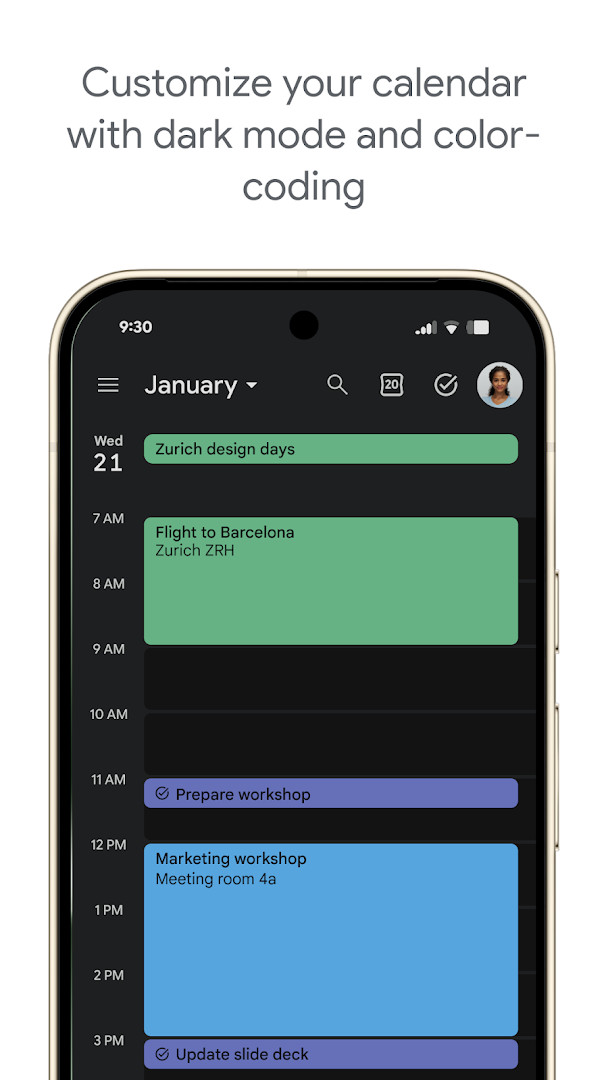
- Light or dark mode and color-coded events for personalization
- Wear OS support with tiles and complications for on-the-go tracking
- Google Meet video call integration for calendar events
- Meeting notes, attachments, availability checks, booking pages, and working location for team scheduling
How to install
- Tap the download button on this page to get the APK file (33 MB).
- If Android asks, allow your browser or file manager to install apps from this source by enabling the 'Install unknown apps' setting.
- Open the downloaded APK file from your notifications or Downloads folder.
- Tap Install and wait for the installation to finish.
- Open Google Calendar and sign in with your Google account. Your device must run Android 8.0 or higher.
Pros
- Free with no ads and no in-app purchases
- Deep Gmail integration that auto-adds travel and reservation events
- Solid cross-device continuity, including Wear OS support
- Shared calendars and scheduling tools that work well for teams
- Backed by Google's enterprise-level privacy, safety, and data security
- High user rating of 4.64 based on a very large number of ratings
Cons
- Requests a broad set of permissions, including identity, contacts, location, phone, microphone, and storage
- Most features require signing in with a Google account and an internet connection
- Advanced options such as booking pages and working location are presented within the Google Workspace context
- Data is stored and synchronized through your Google account rather than strictly on-device
What's New
The latest release, version 2026.38.0-989268529-release, arrived on 2026-10-03 and the listing was updated on 2026-10-08. The only stated change is bug fixes and performance improvements. No new features are listed. For context, version 2026.36.0-980779909-release came out on 2026-09-20. The app is 33 MB, requires Android 8.0 or higher, and remains free with no ads and no in-app purchases.
Other Versions
| Version | Size | Requires Android | Updated |
|---|---|---|---|
| 2026.38.0-989268529-release | 33 MB | 8.0 | 03.10.2026 |
| 2026.36.0-980779909-release | 33 MB | 8.0 | 20.09.2026 |
| 2023.44.0-577681700-release | 27 MB | 5.0 | 21.06.2025 |
Best suited for people already using Google services, as well as teams and hybrid workers who need shared calendars, availability checks, and Meet integration. Individual users who want automatic event tracking from Gmail and a consistent schedule across phone, tablet, and Wear OS will also find it useful.
Color-code events by category to keep busy weeks readable, and use shared calendars for family or team plans. Before scheduling with colleagues, check their availability or layer their calendars in a single view. On Wear OS, use tiles and complications to glance at upcoming events, and attach meeting notes or documents directly to events to keep everyone prepared.
Permissions
Frequently Asked Questions
How do I install the Google Calendar APK on my Android device?
To install the APK, download the installation file from the download button on this page. Before installing, make sure your device runs Android 8.0 or higher and that you have allowed installation from unknown sources in your device settings.
What is the current version of Google Calendar?
The latest version is 2026.38.0-989268529-release, released on October 3, 2026. The app was last updated on October 8, 2026.
Does Google Calendar contain ads or in-app purchases?
No, the app is free to download and does not contain ads or in-app purchases.
Can I use Google Calendar offline?
Google Calendar is designed to work with your Google account, and while it can display previously synced events without a connection, its full functionality—such as automatic event creation from Gmail and syncing across devices—requires an internet connection.
Are there other calendar apps in the Productivity category?
Yes, there are several other calendar apps available in the Productivity category. However, Google Calendar stands out with deep integration with Google Workspace, Gmail-based event detection, and cross-device sync.
How much storage space does the app require?
The app has a download size of 33 MB. After installation, it may use additional space for cached data and your calendar information.
Google Calendar is a dependable, free scheduling tool that works well for both personal use and team collaboration. Its Gmail integration, shared calendars, and Workspace features make it hard to beat if you already live in the Google ecosystem, and the 33 MB package runs smoothly on devices with Android 8.0 or newer.
Similar Apps

More From This Developer


Updated: 24.10.2026