
Microsoft OneDrive: Cloud Storage and File Sync App
Microsoft OneDrive is a productivity app by Microsoft Corporation that backs up, protects, and syncs photos and files across devices.
Get OneDriveMicrosoft OneDrive offers 5 GB of free cloud storage, with optional Microsoft 365 subscriptions starting at $6.99 per month for 1 TB per user. It is suitable for individuals and families who want to securely store and share photos, documents, and other files, with features like automatic camera backup, offline access, and document scanning.
- Size
- 104 MB
- Requires Android
- 8.0
- Updated
- Oct 9, 2026
- Installs
- 5B+
- Rating
- ★ 4.62 (7,367,490)
- Category
- Productivity
- Developer
- Microsoft Corporation
- Content rating
- Everyone
- Package
- com.microsoft.skydrive
- Free
- ✓ · In-app purchases
App screenshots
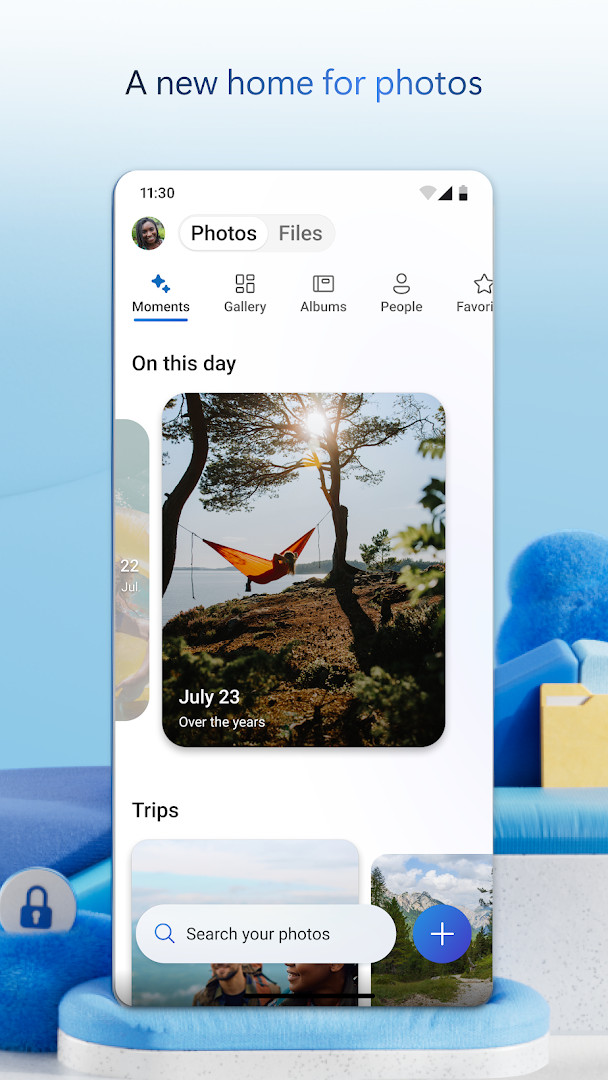
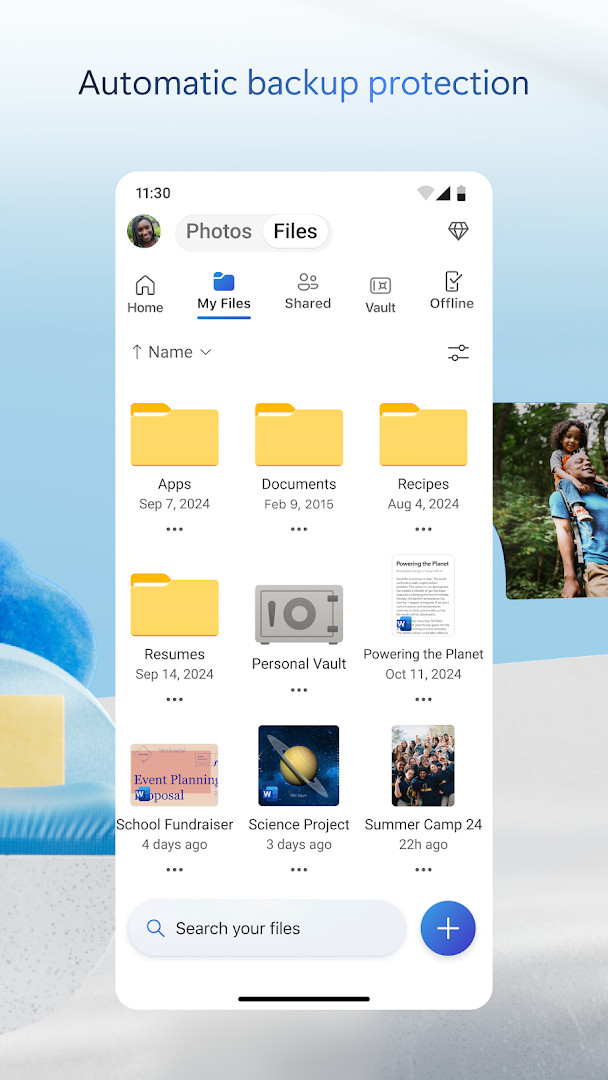
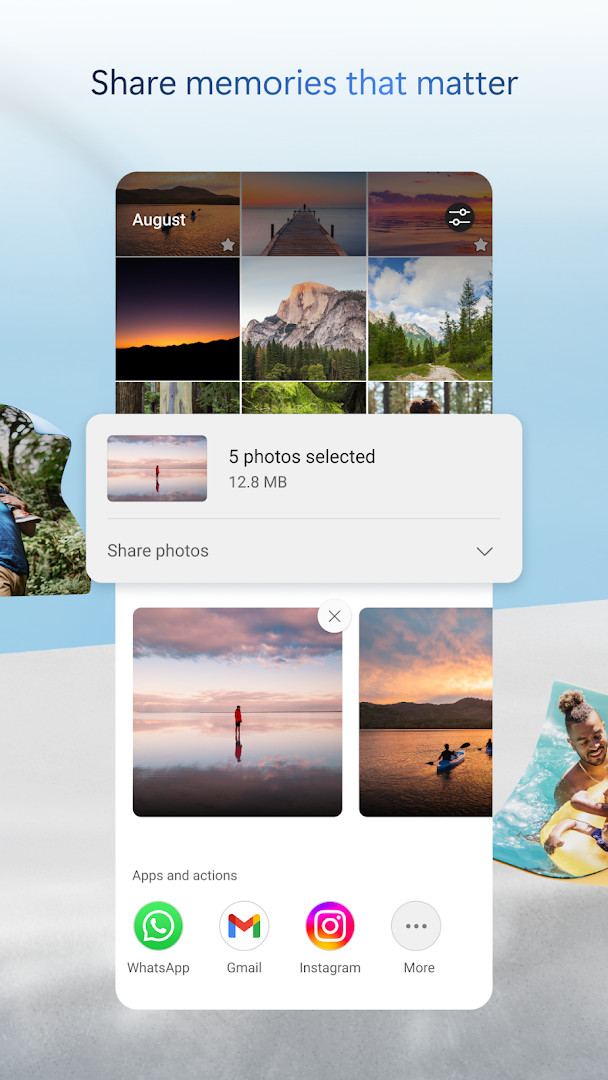
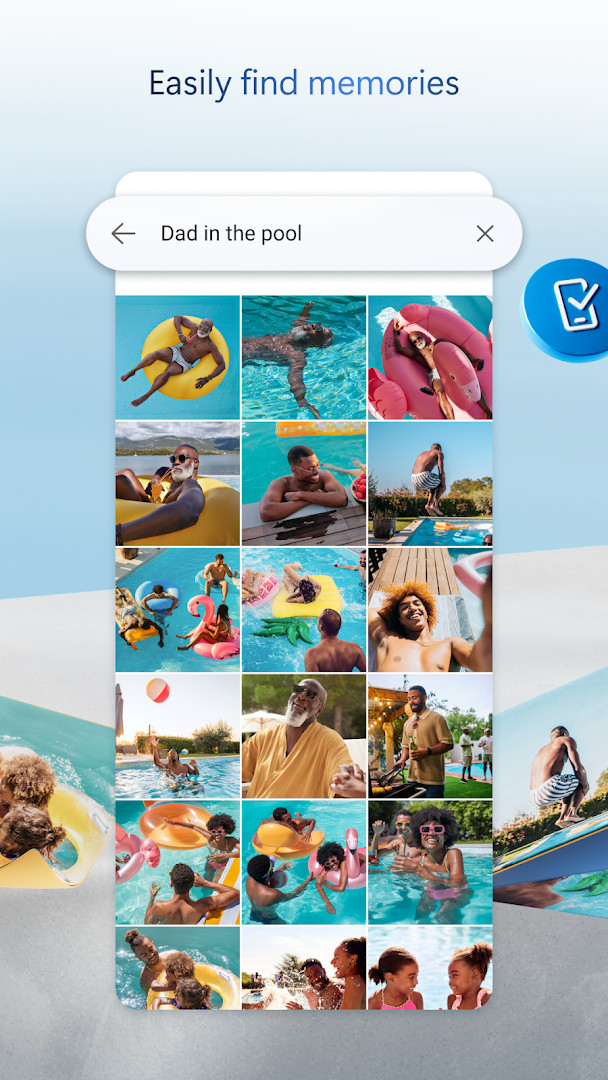
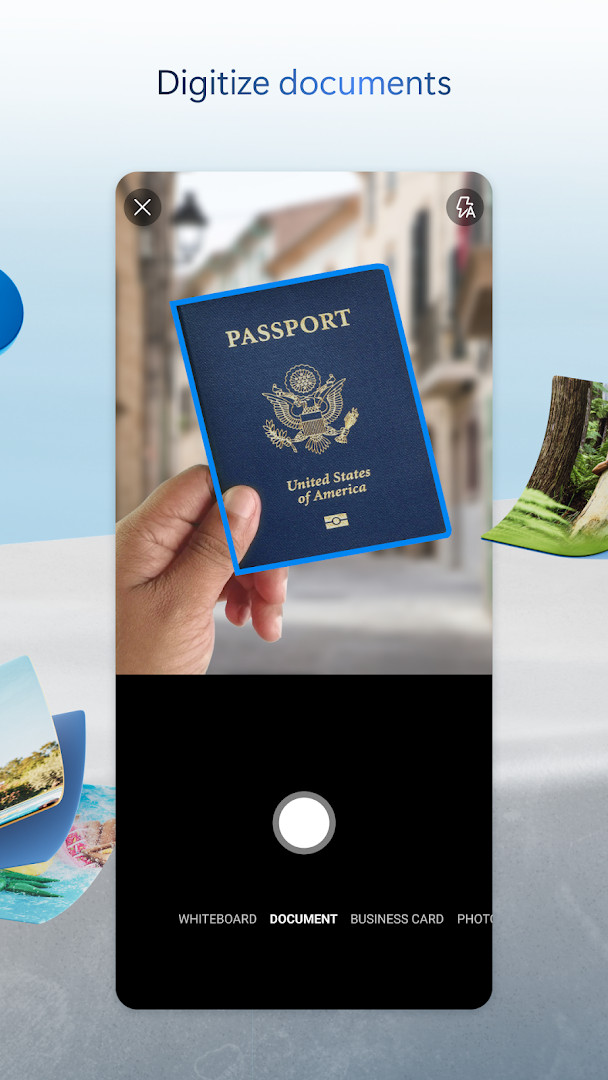
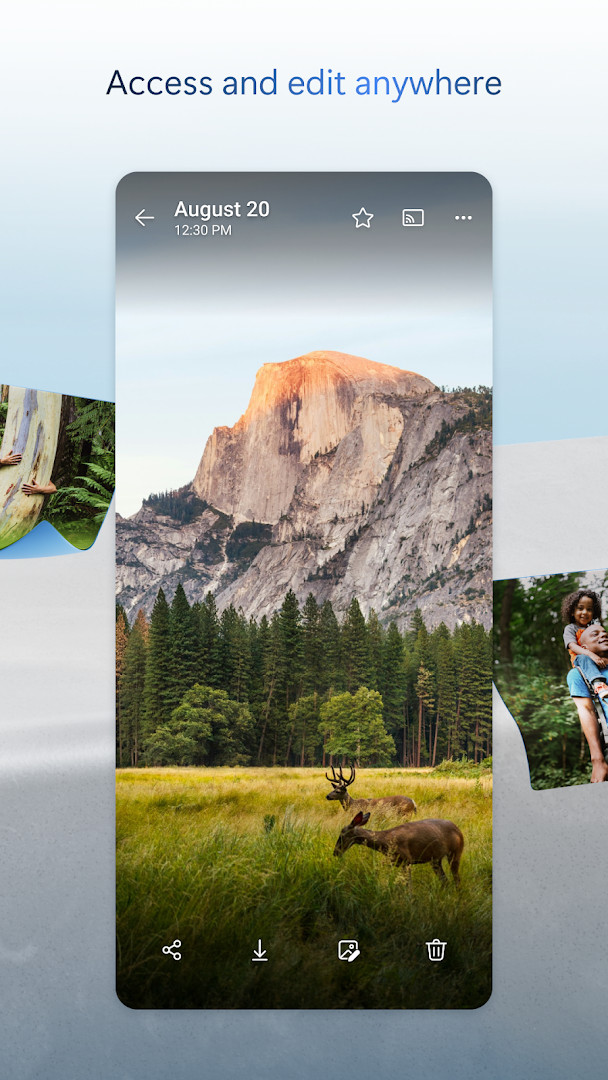
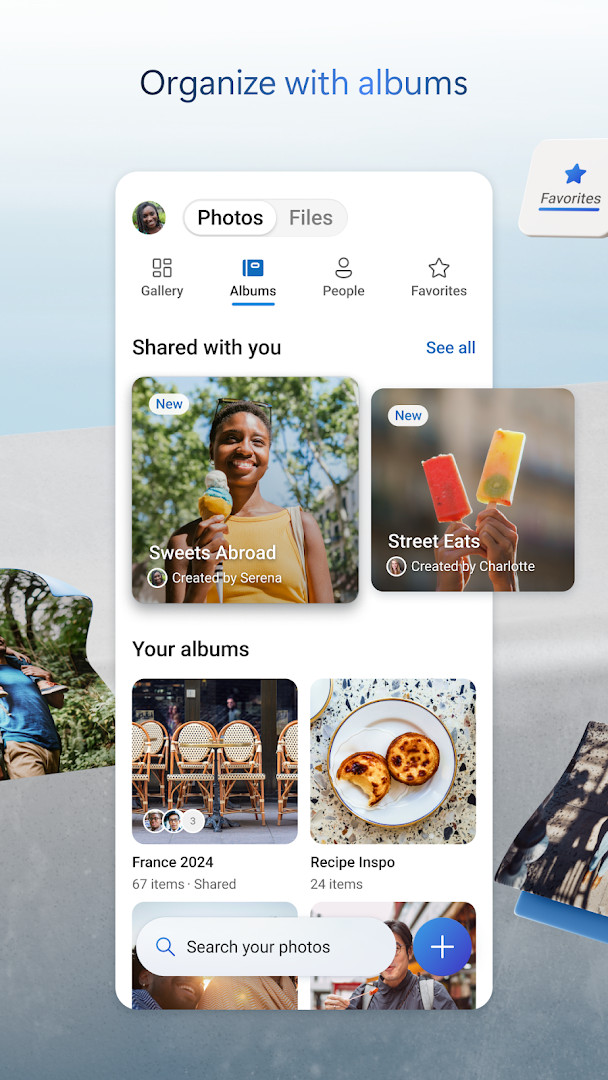
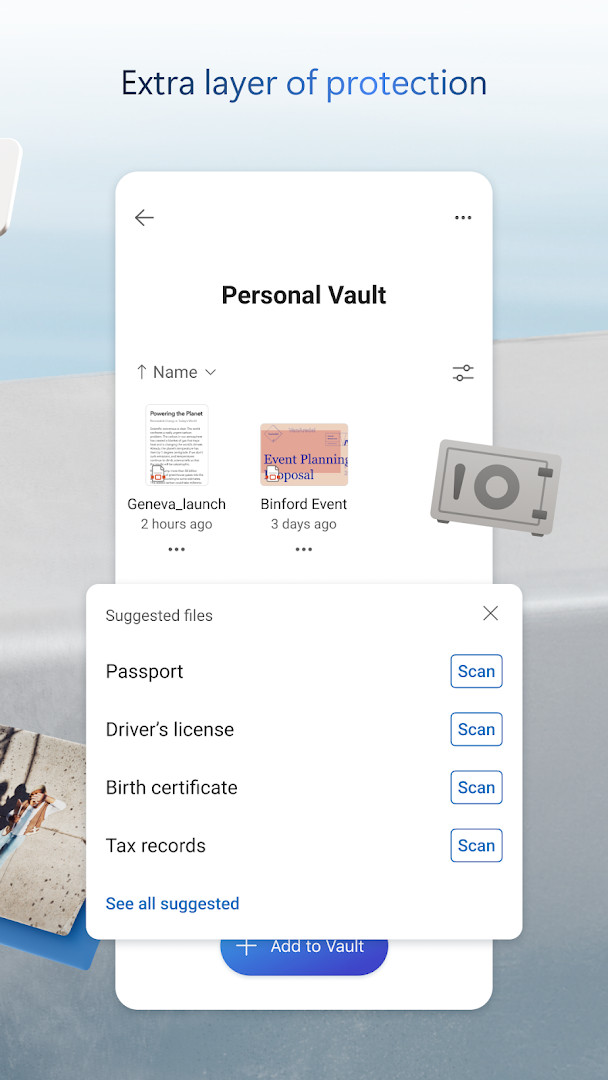
Microsoft OneDrive is a cloud storage and file synchronization app by Microsoft Corporation that lets you back up photos, videos, and documents and reach them from your phone, tablet, or computer. It stores your files online so a lost device does not mean lost memories, and it keeps copies in step across the devices you sign in to. The app is free to download and starts you off with 5 GB of storage at no cost.
Once you sign in, the app can watch your camera roll and upload new pictures and videos on its own, which is handy if you rarely remember to make backups. You can also browse everything you have saved, share a file or an album with other people, and mark certain items to stay available when you have no connection. A personal vault adds an extra identity check before anything inside it can be opened, and version history lets you roll a document back to an earlier state if something goes wrong. Documents can be scanned, signed, and marked up right inside the app, and search works by file name, by document content, or by what appears in a photo.
The current release adds a Memories tab that sorts pictures by theme such as trips, seasons, and people, and it raises document scanning to 50 pages in one session. The update also picks a better cover photo when several shots come from the same place, corrects a camera backup problem that could pull files from the wrong folder, and stops repeated memory notifications for the same pictures. A Microsoft 365 subscription is optional and expands storage to 1 TB per person; the free tier does not require it.
Key features
- Automatic camera upload that backs up new photos and videos in the background
- 5 GB of free cloud storage, expandable to 1 TB per person with a Microsoft 365 plan
- Offline access to files you choose to keep on the device
- Personal Vault with identity verification for sensitive items
- File sharing with password-protected or expiring links on qualifying plans
- Version history for restoring earlier copies of a file
- Document scanning, signing, and markup from inside the app
- Search by file name, document text, or objects and scenes in photos
- Real-time co-editing of Word, Excel, PowerPoint, and OneNote files
- Memories tab that groups photos by theme such as trips, seasons, and people
How to install
- Tap the download button on this page to get the APK file, which is 104 MB.
- When Android asks, allow your browser or file manager to install apps by turning on the Install unknown apps setting for that app.
- Open the downloaded APK file from your notifications or your file manager.
- Tap Install and wait for the process to finish.
- Open the app and sign in with your Microsoft account. Your device needs Android 8.0 or newer.
Pros
- Free tier with 5 GB of storage and no ads
- Automatic photo and video backup cuts the risk of losing memories
- Tight integration with Microsoft Office apps for editing and collaboration
- Offline access and version history add practical safety nets
- High user rating and a very large install base suggest wide compatibility
Cons
- Only 5 GB free, which fills up quickly with video
- Some sharing, security, and restore features need a paid subscription
- In-app purchases renew automatically unless turned off in settings
- Work or school accounts require a qualifying organizational subscription
Latest changes
The new Memories tab groups photos by theme, such as trips, seasons, and people. Document scanning now supports up to 50 pages in one session. Photos from the same location use the best shot as the cover. A fix prevents camera backup from uploading files from the wrong folder. Repeated memory notifications for the same photos were corrected. Includes general performance and bug fixes.
Version history
| Version | Size | Requires Android | Updated |
|---|---|---|---|
| 7.57 | 101 MB | 8.0 | Oct 12, 2026 |
| 7.65 (Beta 29) | 102 MB | 8.0 | Oct 9, 2026 |
| 7.64.2 | 107 MB | 8.0 | Oct 6, 2026 |
| 7.52 | 105 MB | 8.0 | Oct 5, 2026 |
| 7.60 | 103 MB | 8.0 | Oct 5, 2026 |
| 7.58.1 | 102 MB | 8.0 | Oct 4, 2026 |
| 7.59 | 102 MB | 8.0 | Oct 1, 2026 |
| 7.66 (Beta 30) | 104 MB | 8.0 | Oct 1, 2026 |
| 7.61 | 104 MB | 8.0 | Oct 1, 2026 |
| 7.62.1 | 104 MB | 8.0 | Oct 1, 2026 |
People who want an easy automatic backup for phone photos and videos, students and office workers who already use Word, Excel, or PowerPoint and need their documents in sync, and families or small teams that share files and albums across several devices.
Turn on Camera Upload in the app settings right after you sign in, then open the vault feature for anything sensitive. If storage runs low, check which videos are taking the most room before deciding whether a paid plan is worth it.
Permissions
FAQ
What storage capacity does OneDrive offer as a free tier, and what does a Microsoft 365 subscription add?
OneDrive provides 5 GB of free cloud storage. Upgrading to a Microsoft 365 Personal or Family plan gives you 1 TB of storage per user, with the Family plan supporting up to 6 people.
How does the Personal Vault feature protect sensitive files?
Personal Vault adds an extra layer of security by requiring identity verification before you can access the files stored inside it. This is in addition to the encryption applied to all files at rest and in transit.
Can I share files and folders with people who don't have OneDrive?
Yes, you can share files, photos, videos, and albums with friends and family. The app also supports secure folder settings that allow you to create password-protected or expiring sharing links, giving you control over who can access your shared content.
Does OneDrive support offline access to files?
Yes, you can mark selected files for offline access, which allows you to open and view them in the app without an internet connection. This is useful for when you're traveling or in areas with poor connectivity.
What new features were added in the latest update of the OneDrive app?
The latest update introduces a Memories tab that organizes photos by themes like trips, seasons, and people. It also allows you to scan up to 50 pages in a single session, improves photo cover selection for same-location photos, and includes fixes for camera backup and memory notification issues.
OneDrive is a solid, well-established choice for keeping photos, videos, and documents backed up and reachable from several devices. The free 5 GB tier is enough for casual use, and the Office integration is hard to beat if you already work in Microsoft apps. Heavy users will eventually want a subscription for more space and the extra sharing and recovery tools, but as a starting point it is reliable and simple to set up.
Similar apps



Updated: Oct 24, 2026