Google Assistant for Android
Google Assistant is a productivity app from Google LLC for hands-free control of your phone and everyday tasks.
Download Google Assistant · v0.1.884448652Google Assistant suits Android users who want to handle calls, messages, reminders, lists and directions by voice instead of tapping through menus. The app is free, carries no ads and no in-app purchases, and needs Android 6.0 or newer; its download is 2.4 MB.
- Version
- 0.1.884448652
- Size
- 2.4 MB
- Requires Android
- 6.0
- Updated
- Mar 23, 2026
- Installs
- 5B+
- Rating
- ★ 3.76 (1,369,618)
- Category
- Productivity
- Developer
- Google LLC
- Content rating
- Everyone
- Package
- com.google.android.apps.googleassistant
- Free
- ✓
App screenshots
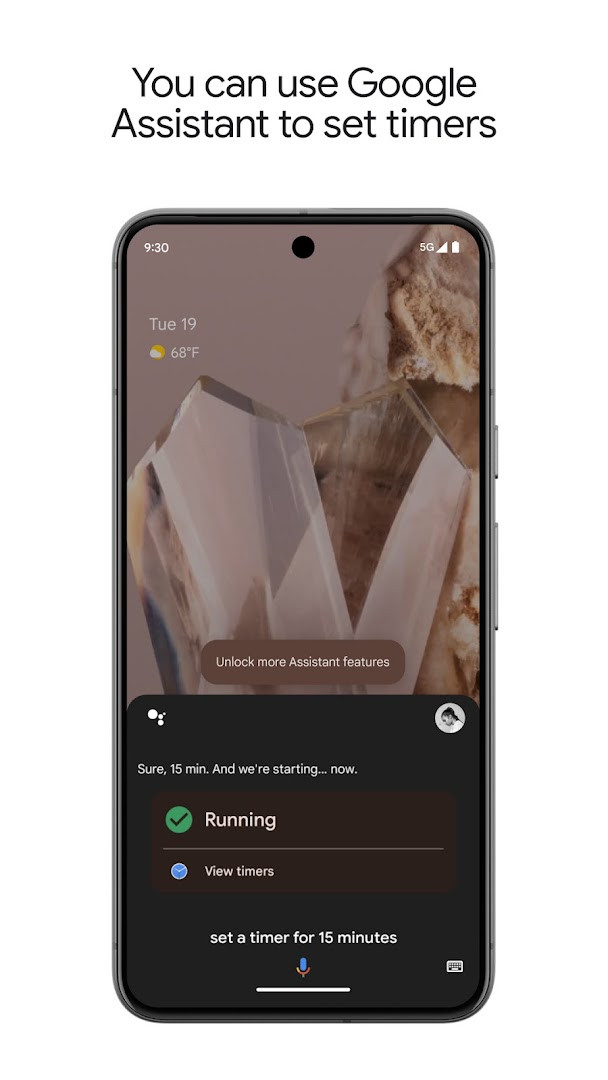
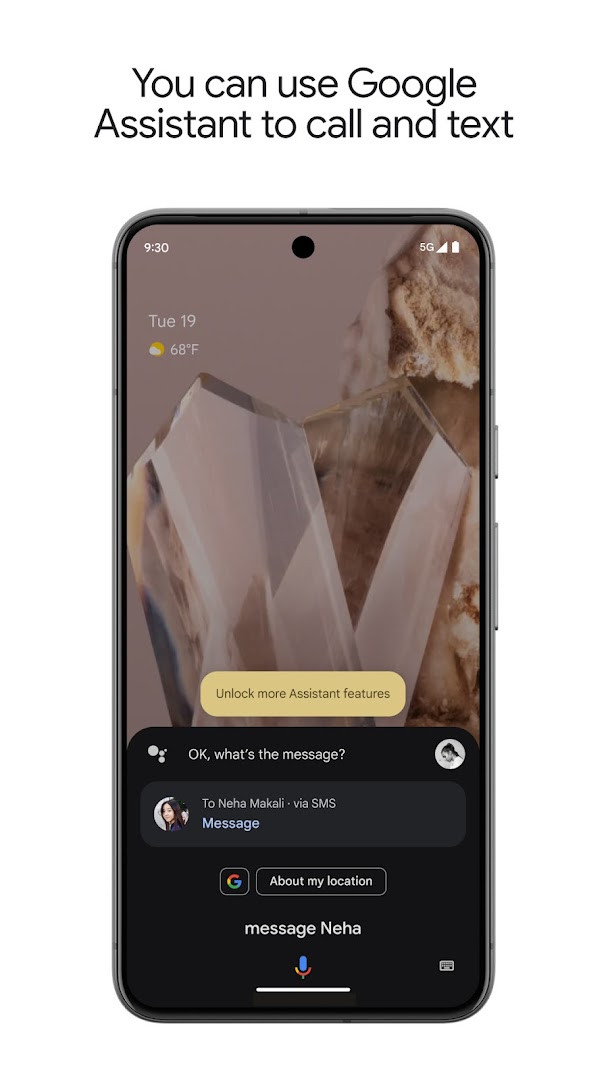
Google Assistant is a productivity app by Google LLC that uses voice commands to help you complete tasks on your Android device. It acts as a hands-free helper, letting you control phone functions, manage communications, set reminders, get information, and operate compatible smart home devices, all through natural language. The app is designed to save time by letting you speak instead of typing or navigating menus, and it has been a staple on Android since its release in 2017, with over five billion installs to date.
Beyond simple commands, Google Assistant offers proactive assistance and routines. It can provide contextual information, such as traffic updates or meeting reminders, at the right moment. You can create custom routines that trigger multiple actions with a single phrase, like "Good morning" to start your day. The app also handles practical tasks like setting timers, adding items to shopping lists, and sending messages, all without requiring you to touch the screen. Its integration with smart home ecosystems extends its utility beyond the phone, allowing you to control lights, thermostats, and more from anywhere, as long as compatible devices are in place.
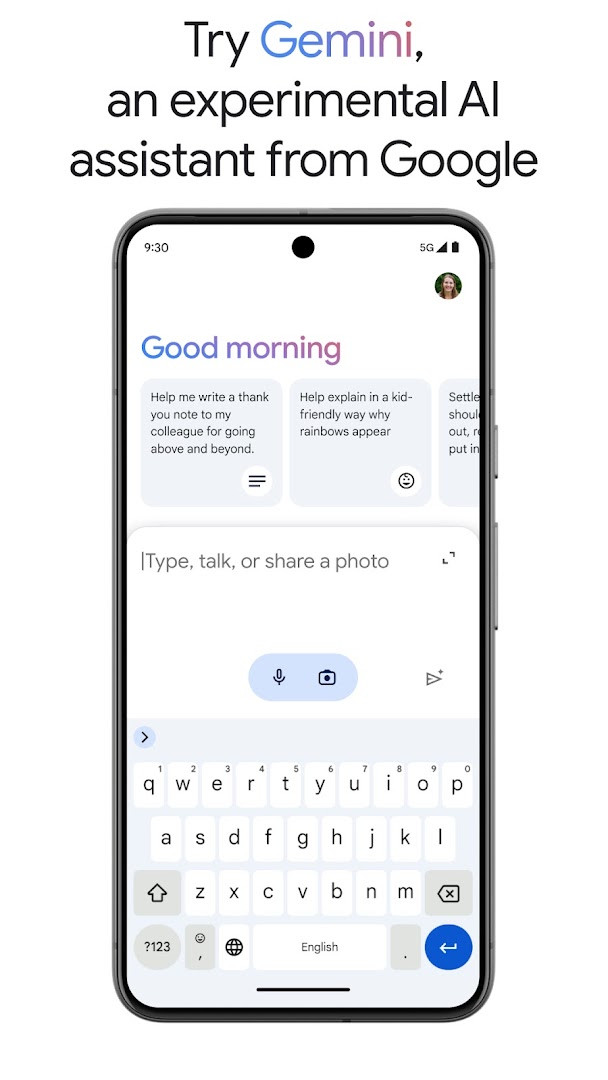
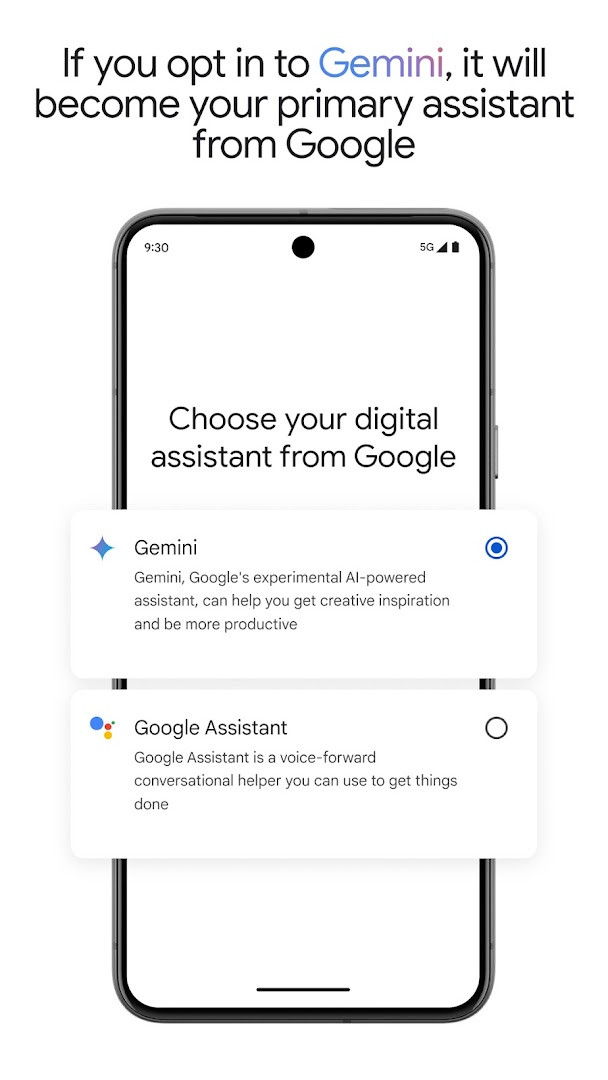
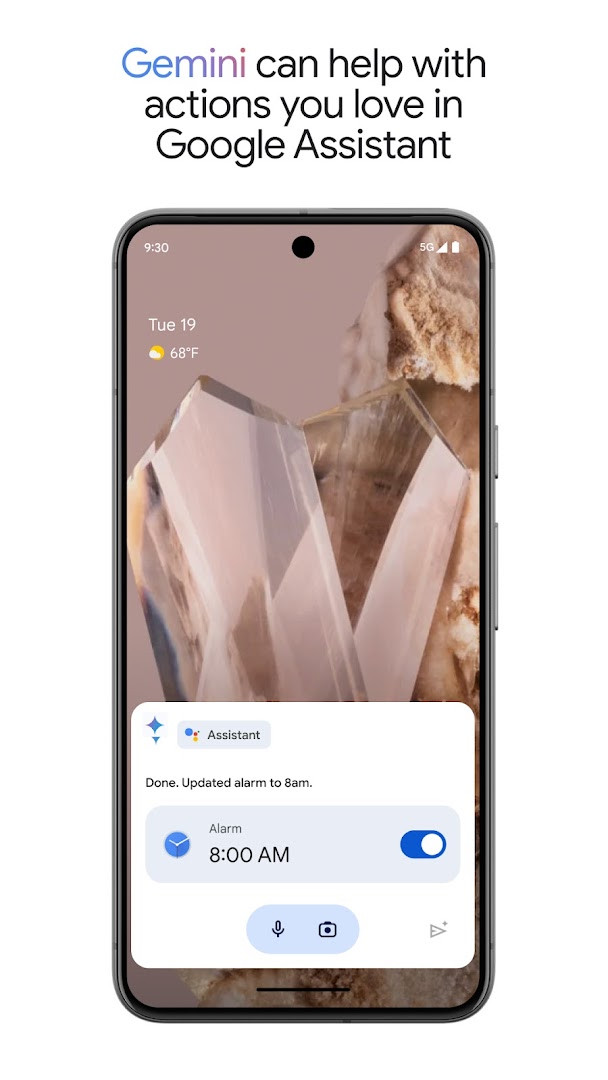
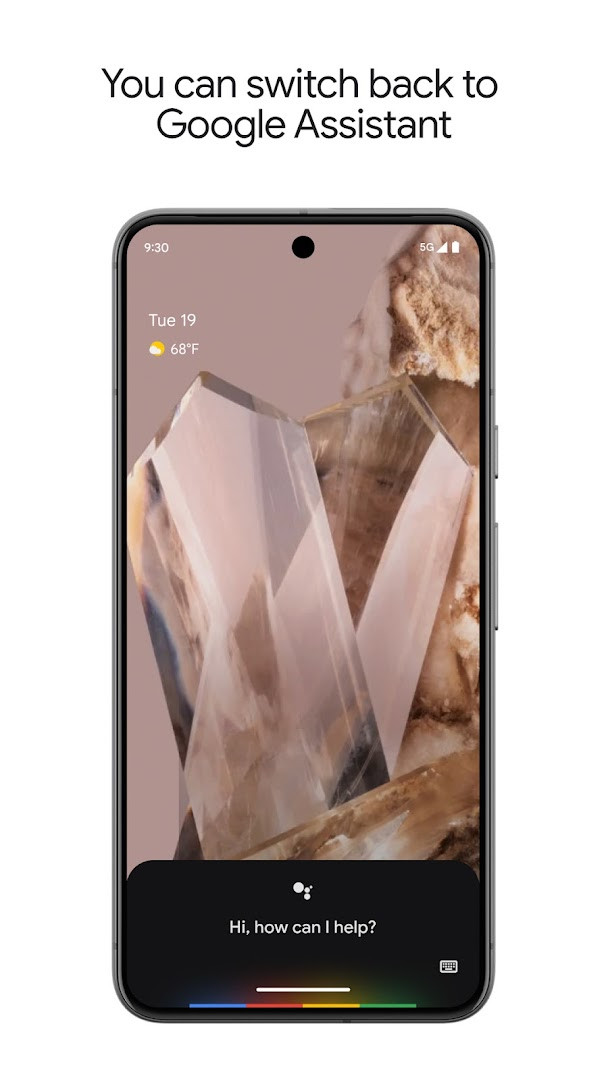
The latest version, 0.1.884448652, introduces the option to opt in to Gemini, an experimental AI assistant that can act as your primary assistant from Google. This integration aims to bring a new generation of AI capabilities to the assistant, while still incorporating many of the familiar actions users rely on. Not all existing actions are supported immediately, but Google is working to expand compatibility. Users can switch back to the standard Google Assistant experience at any time through the app settings, and the opt-in is being rolled out gradually to select devices and regions.
Key features
- Voice control for phone functions: open apps, adjust settings, turn on the flashlight, and manage connectivity options like Bluetooth and airplane mode.
- Communication management: make calls, send text messages, and handle emails hands-free.
- Productivity tools: set reminders and alarms, create lists, and manage schedules and tasks using voice commands.
- Information and navigation: ask questions, find answers, get directions, and locate nearby places like petrol stations.
- Smart home control: operate compatible lights, thermostats, and other smart appliances remotely.
- Proactive assistance: receive contextual reminders and information based on your habits and needs.
- Custom routines: create personalized command sequences that execute multiple actions with a single phrase.
- Gemini integration: opt in to have Gemini act as your primary assistant, offering access to advanced AI models.
- Hands-free operation: perform tasks without touching the screen, ideal for multitasking or when your hands are busy.
How to install
- Tap the download button on this page to get the APK file, which is 2.4 MB in size.
- When Android prompts you, allow your browser or file manager to install apps by enabling the 'Install unknown apps' setting.
- Open the downloaded APK file from your notification bar or file manager.
- Tap 'Install' when the installation screen appears, and wait for the process to complete.
- Open the app from your app drawer to start using Google Assistant.
- Ensure your device runs Android 6.0 or higher for compatibility.
Pros
- Free to use with no ads or in-app purchases.
- Extensive voice command support for a wide range of tasks.
- Deep integration with Android system functions and smart home devices.
- Regular updates and improvements, including the new Gemini opt-in.
- Huge user base and high install count, indicating reliability.
- Content rating is 'Everyone', making it suitable for all ages.
Cons
- Some Gemini features may not work immediately after opt-in.
- Smart home control requires compatible external devices.
- The app may collect data to personalize responses, which could raise privacy concerns for some users.
- Opt-in to Gemini is not available to all users or countries initially.
Latest changes · 0.1.884448652
The latest update of Google Assistant introduces Gemini, an experimental AI assistant, to select users and countries over the coming weeks. When you opt in, Gemini becomes your primary assistant from Google, handling many of the familiar actions you already enjoy. Additional capabilities are on the way, and you can switch back to Google Assistant anytime from in-app settings.
Version history
| Version | Size | Requires Android | Updated |
|---|---|---|---|
| 0.1.601924805 | 1.2 MB | 5.0 | Jun 30, 2026 |
| 0.1.884448652 | 2.4 MB | 6.0 | Mar 23, 2026 |
| 0.1.766117055 | 2.3 MB | 5.0 | Jun 18, 2025 |
This app is ideal for busy individuals who want to multitask efficiently, such as commuters, parents, or professionals. It also suits tech enthusiasts who enjoy voice control and smart home automation, as well as anyone looking for a hands-free way to manage daily tasks and stay productive.
To maximize efficiency, explore the routines feature and create custom phrases that bundle multiple actions, like 'Good morning' to get the weather, your calendar, and news in one go.
Permissions
FAQ
How do I install Google Assistant on my Android phone?
Use the download button on this page to get the APK file, then open it on your device. Your phone must run Android 6.0 or newer, and you may need to allow installation from unknown sources in your settings before the file will install.
What is the current version of Google Assistant?
The version provided here is 0.1.884448652, dated 2026-03-23. Earlier builds listed are 0.1.766117055 from 2025-06-18 and 0.1.601924805 from 2026-06-30.
Does Google Assistant contain ads or in-app purchases?
No. The app is free of charge, carries no advertising, and has no in-app purchases.
Can I use Google Assistant without an internet connection?
The app requests the ACCESS_NETWORK_STATE permission, which points to network use, and its listed capabilities such as calls, messages, directions and smart home control generally rely on connectivity. No offline mode is stated in the available information.
How large is the download and what Android version is required?
The APK is about 2.4 MB, so it takes up very little space, and it requires Android 6.0 or later.
How do people rate Google Assistant?
It holds a rating of 3.77 based on roughly 1.37 million ratings, and it has been installed around 5 billion times since its release on 2017-10-04.
Are there other productivity apps that do similar things?
Yes, the productivity category includes many voice-driven and task-management apps that handle reminders, lists, scheduling and hands-free phone control. Features, permissions and pricing differ between them, so it is worth comparing a few before choosing.
Google Assistant remains a versatile and powerful productivity tool, offering extensive voice control and smart home integration. The introduction of Gemini adds a forward-looking AI dimension, though it's still evolving. With no cost or ads, it's a valuable addition for Android users who want to streamline their daily routines, though privacy-conscious users should review the permissions and data usage.
Similar apps




More from this developer



Updated: Oct 25, 2026