
Google Messages for Android
Google Messages is a communication app from Google LLC for sending texts, photos and group chats on Android.
Download Google MessagesGoogle Messages is built for Android users who want a straightforward way to text, share media and keep group conversations going. The app is free, has no ads and no in-app purchases, and runs on Android 6.0 and above at about 9 MB.
- Size
- 9 MB
- Requires Android
- 6.0
- Updated
- Oct 8, 2026
- Installs
- 10B+
- Rating
- ★ 4.58 (50,447,936)
- Category
- Communication
- Developer
- Google LLC
- Content rating
- Everyone
- Package
- com.google.android.apps.messaging
- Free
- ✓
App screenshots
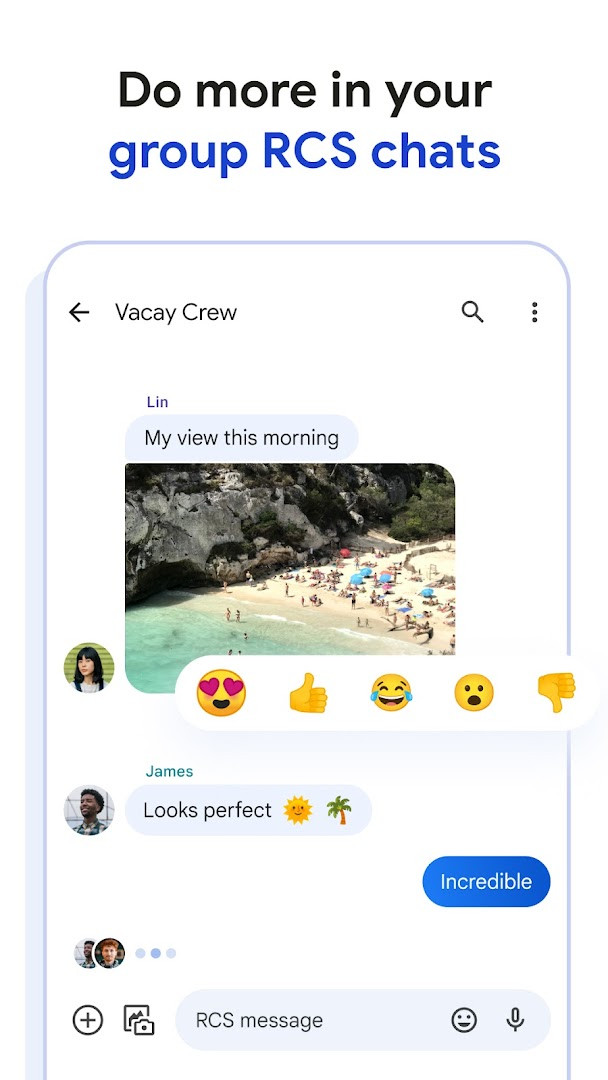
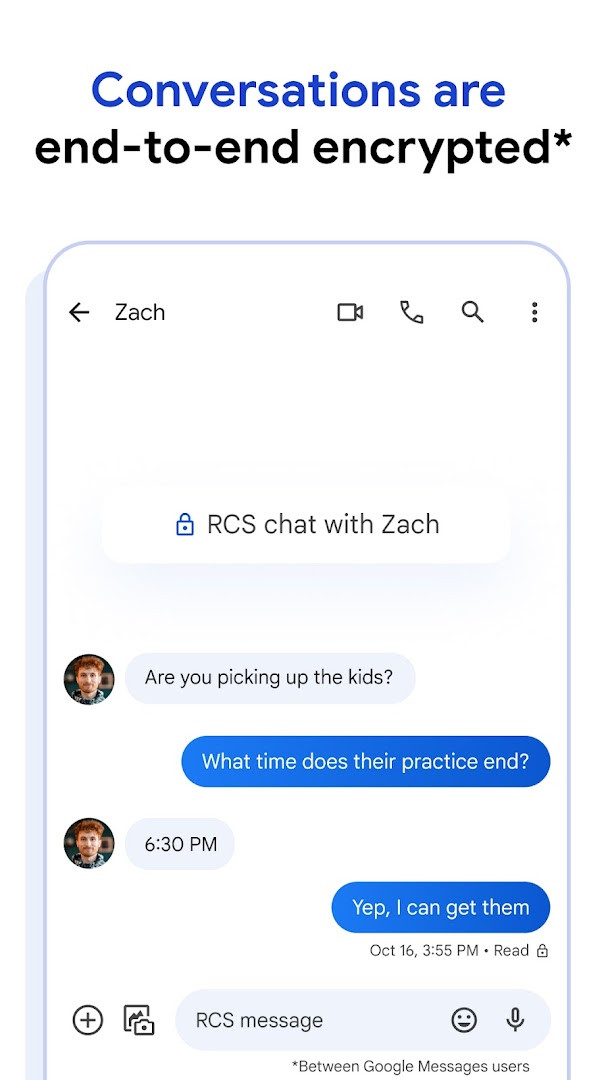
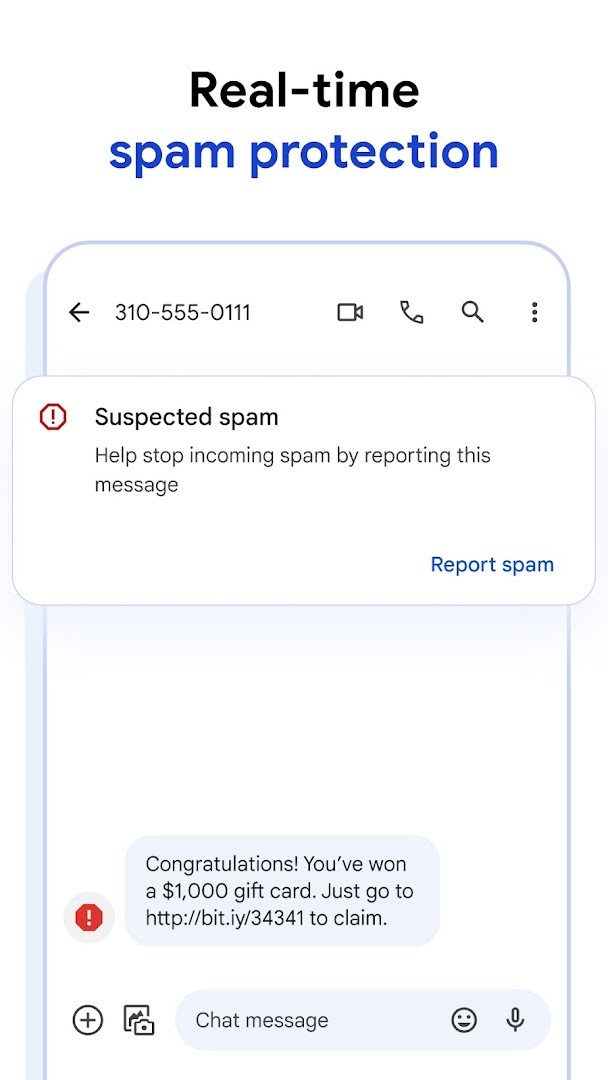
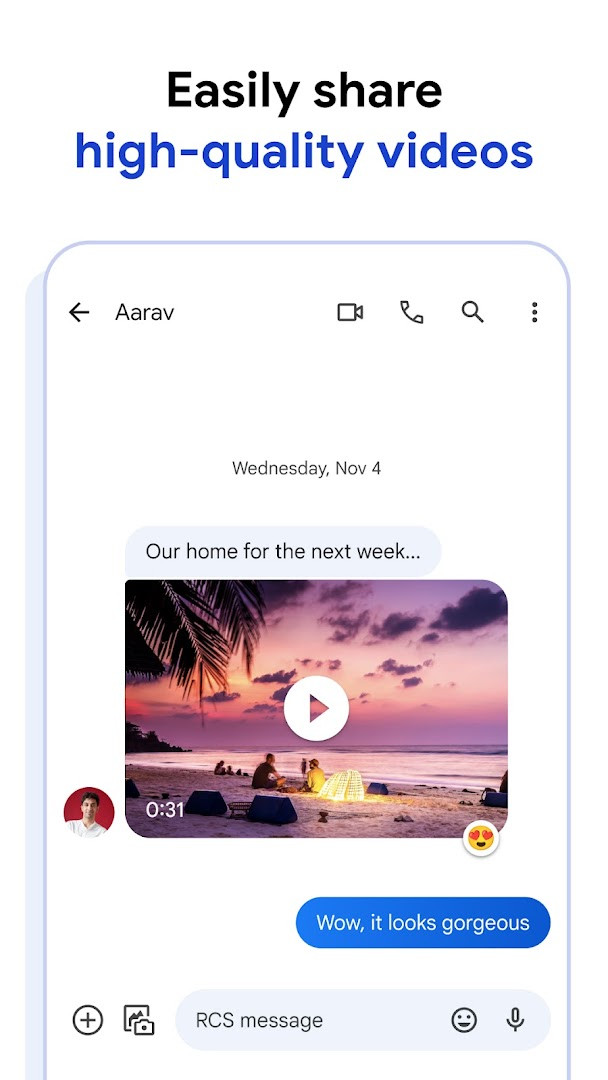
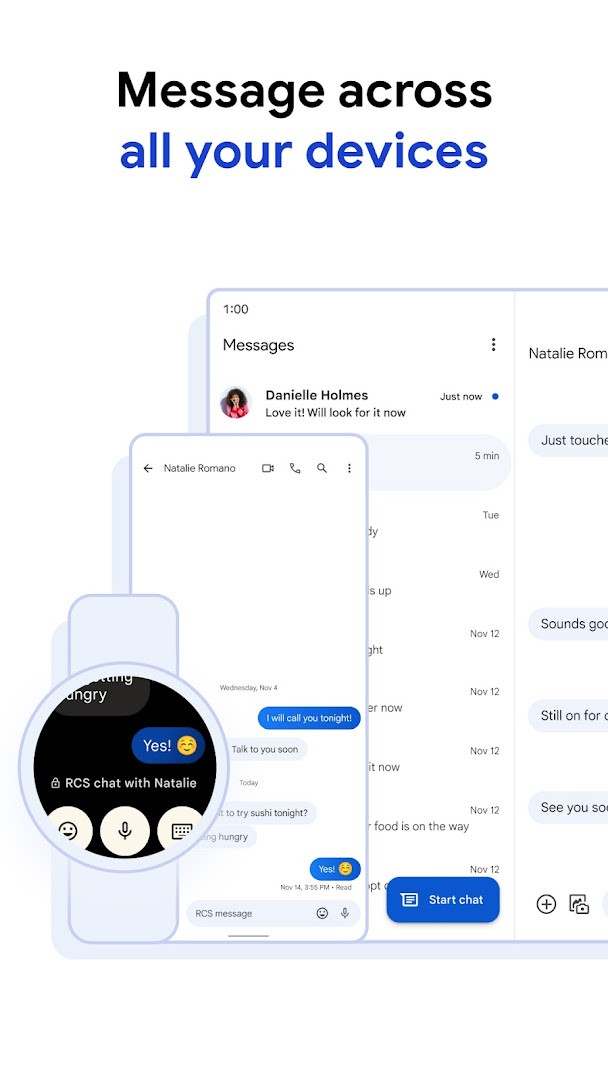
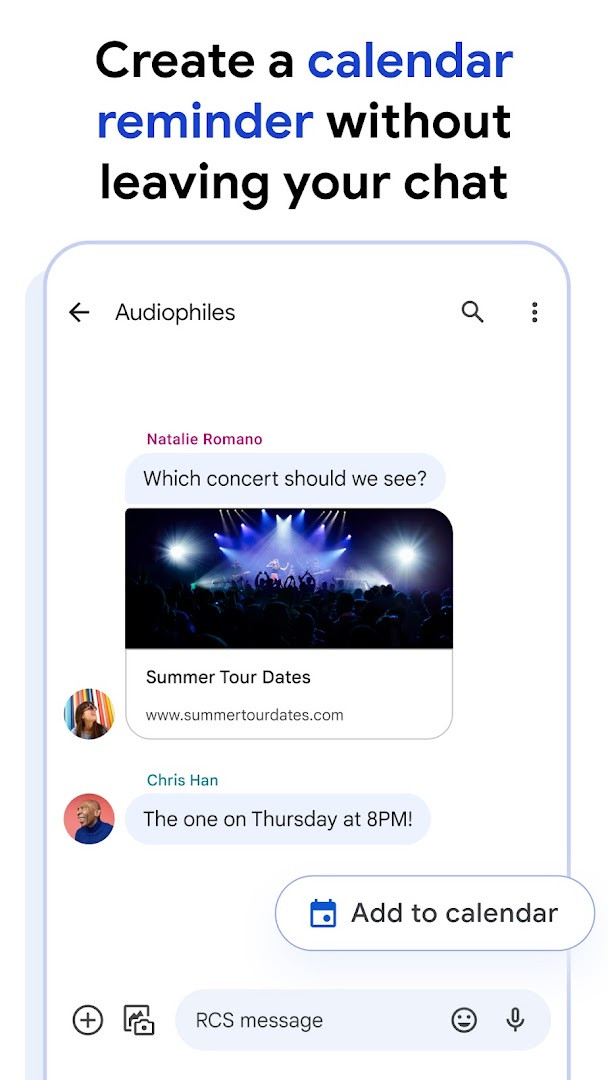
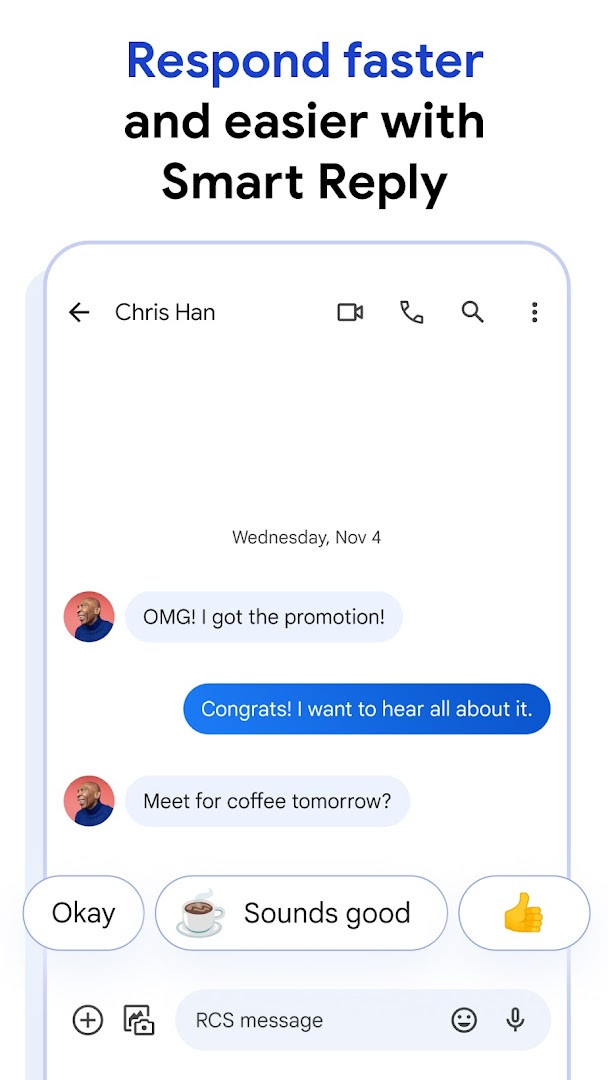
Google Messages is an official messaging application by Google LLC that provides Rich Communication Services (RCS) as the modern standard for texting, replacing traditional SMS and MMS. It solves the problem of outdated, limited texting by enabling high-resolution photo and video sharing, dynamic group chats, typing indicators, and seamless cross-device continuity, including compatibility with iPhone users on RCS. The app emphasizes privacy with end-to-end encryption for conversations between Google Messages users, ensuring that neither Google nor third parties can read messages or attachments, and includes advanced spam protection. With AI-powered Magic Compose and personalization options like custom bubble colors and selfie GIFs, it transforms basic texting into a richer, safer, and more expressive experience.
Key features
- High-quality photo and video sharing via RCS
- Typing indicators and dynamic group chats, including with iPhone users
- End-to-end encryption for personal chats between Google Messages users
- Advanced spam protection to filter unwanted messages
- Magic Compose AI suggestions for message crafting
- Custom chat bubble colors and selfie GIFs for personalization
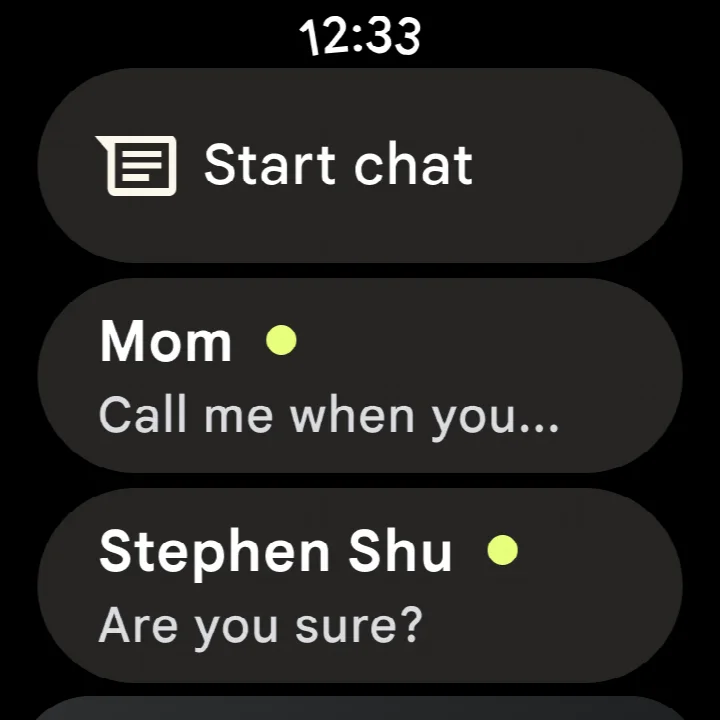
- Seamless continuity across phone, tablet, computer, and Wear OS devices
How to install
- Tap the download button on this page to get the APK file (9 MB).
- When Android asks, allow your browser or file manager to install apps by enabling the 'Install unknown apps' setting.
- Open the downloaded APK file from your notification or file manager.
- Tap Install and wait for the installation to complete.
- Open the app and sign in with your Google account to start messaging.
Pros
- End-to-end encryption protects messages from unauthorized access
- Advanced spam protection reduces unwanted messages
- Rich multimedia sharing with RCS enhances conversations
- Seamless syncing across devices for continuity
- AI-powered suggestions help craft messages
- Personalization options like bubble colors and GIFs make chats unique
Cons
- Requires sensitive permissions including location, camera, microphone, and storage
- RCS availability varies by region and carrier; data plan may be required
- Some features may be unavailable depending on market and device
Latest changes
The latest update for Google Messages focuses on bug fixes and overall stability improvements, ensuring a smoother messaging experience for users. This release continues to support the app's rich features like RCS messaging, end-to-end encryption, and cross-device syncing.
Version history
| Version | Size | Requires Android | Updated |
|---|---|---|---|
| 1.9.041 (4109217-38.phone) | 18 MB | 4.1 | Sep 25, 2019 |
| 4.3.094 (griffin_RC05_alldpi.armeabi-v7a.wear) | 9 MB | 6.0 | Apr 30, 2019 |
| 1.9.518 (3202766-48.phone) | 18 MB | 7.1 | Oct 11, 2016 |
| 1.1.057 (1704610-04) | 8.1 MB | 5.1 | Mar 10, 2015 |
This app is ideal for Android users who want a modern, feature-rich messaging experience that goes beyond basic SMS. It suits individuals who value privacy and appreciate end-to-end encryption for personal conversations, as well as those who enjoy expressive communication with high-quality media sharing and customizable chat interfaces. It is also beneficial for people who multitask across devices, as the seamless continuity allows starting a chat on a phone and continuing on a tablet or computer. Additionally, users who frequently communicate with iPhone contacts will benefit from RCS features that bridge the gap between platforms, making group chats and media sharing more dynamic.
To maximize privacy, enable end-to-end encryption for all eligible chats and review app permissions to grant only what is necessary. For the best RCS experience, ensure you are on a carrier that supports RCS and have a data plan. Explore Magic Compose for AI-generated message suggestions to save time.
Permissions
FAQ
Is Google Messages free to download and use?
Yes, Google Messages is completely free. There are no in-app purchases and it does not display ads.
What Android version do I need to run Google Messages?
Google Messages requires Android 6.0 (Marshmallow) or higher. The app is about 9 MB in size.
Do I need a Google account to use Google Messages?
No, a Google account is not required. You can use the app with just your phone number and standard SMS/RCS services.
What permissions does Google Messages request?
The app requests access to your identity, contacts, location, SMS, phone, photos/media/files, storage, camera, microphone, and device ID & call information. These permissions are used for core messaging features like sending texts, sharing media, and making calls.
How do I update Google Messages to the latest version?
To update, simply download the newest version from this page and install it over your current installation. Your messages and settings will be preserved.
Google Messages offers a robust and secure messaging solution that modernizes texting with RCS features and strong privacy protections. While it requires extensive permissions, its end-to-end encryption and spam protection make it a compelling choice for users seeking a safer, richer communication tool.
Similar apps



More from this developer





Updated: Oct 25, 2026