
Android Accessibility Suite: Accessibility Tools
Android Accessibility Suite is a tools app by Google LLC that includes TalkBack, Accessibility Menu, and Select to Speak.
Download for AndroidAndroid Accessibility Suite brings together several accessibility tools for using an Android device eyes-free or with a switch device. It is aimed at people who need spoken feedback, on-screen controls, or alternative ways to interact with their phone. The app is free, requires Android 9 or later, and has a download size of 45 MB.
- Size
- 45 MB
- Requires Android
- 9
- Updated
- Oct 23, 2026
- Installs
- 10B+
- Rating
- ★ 4.07 (4,453,639)
- Category
- Tools
- Developer
- Google LLC
- Content rating
- Everyone
- Package
- com.google.android.marvin.talkback
- Free
- ✓
App screenshots
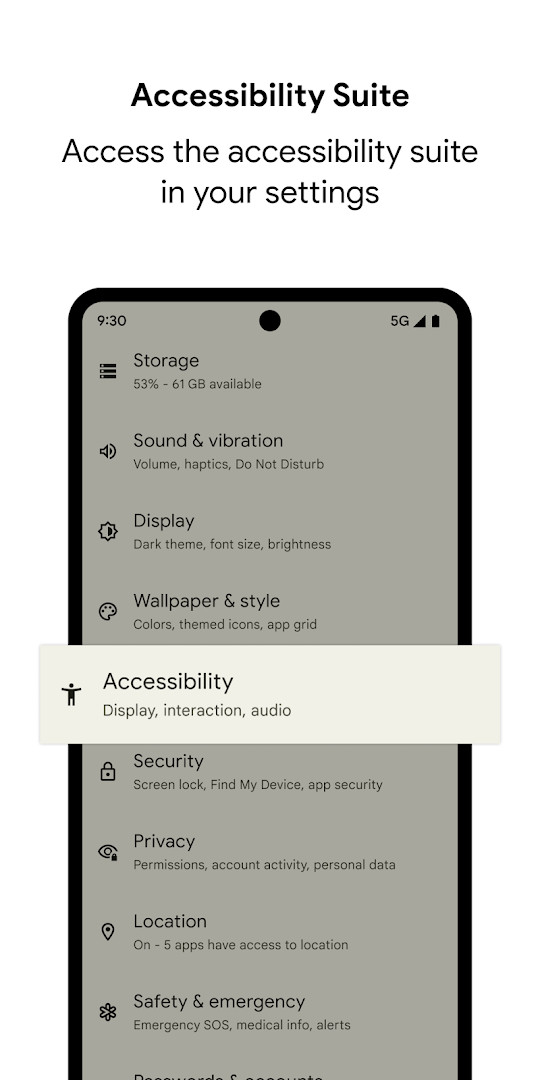
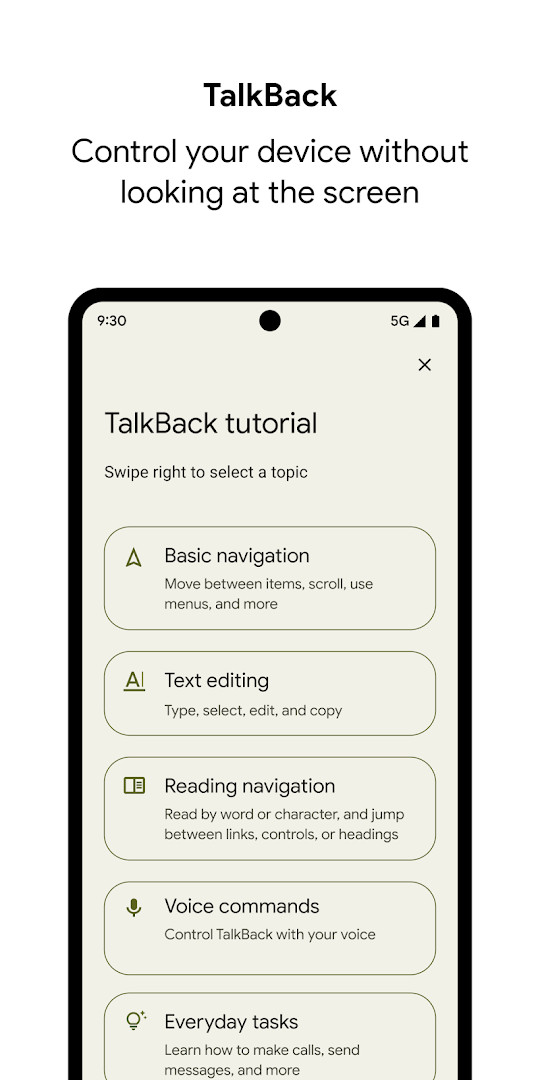
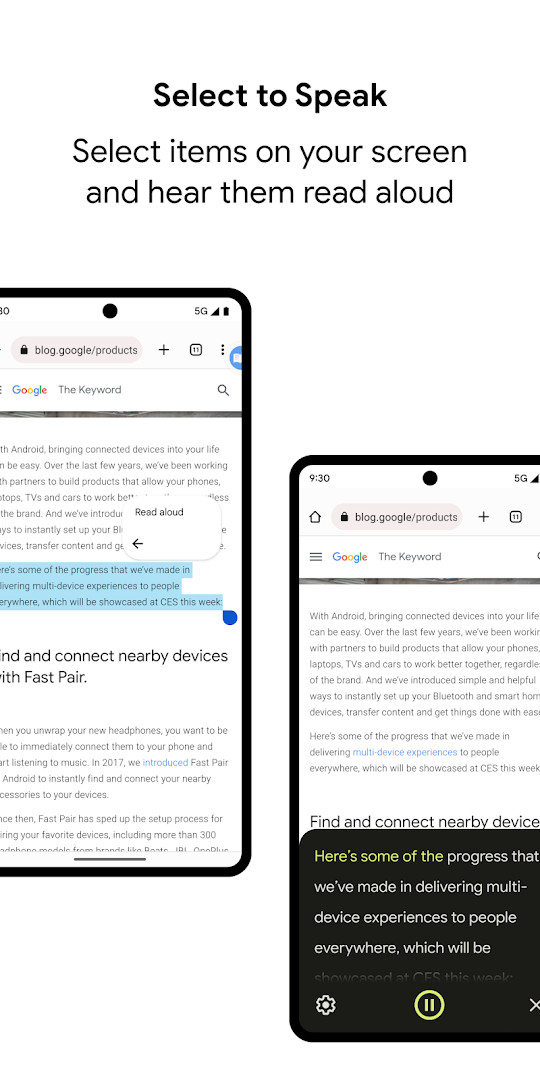
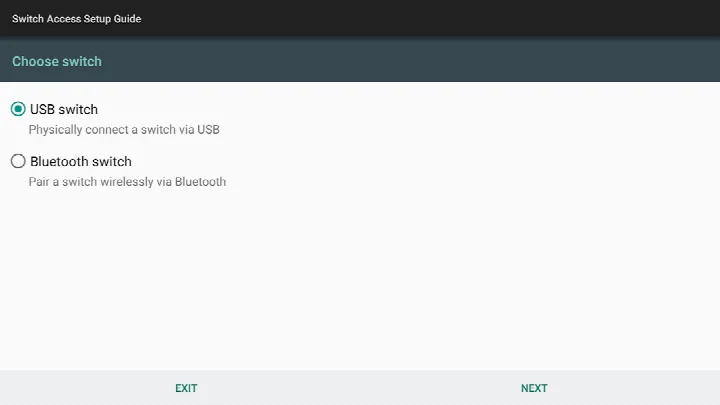
Android Accessibility Suite is a collection of accessibility tools by Google LLC that helps you use your Android device eyes-free or with a switch device. It bundles several essential services into one package, making it a central hub for users who need alternative ways to interact with their phones. The suite includes the Accessibility Menu, Select to Speak, and the TalkBack screen reader, each designed to address different accessibility needs.
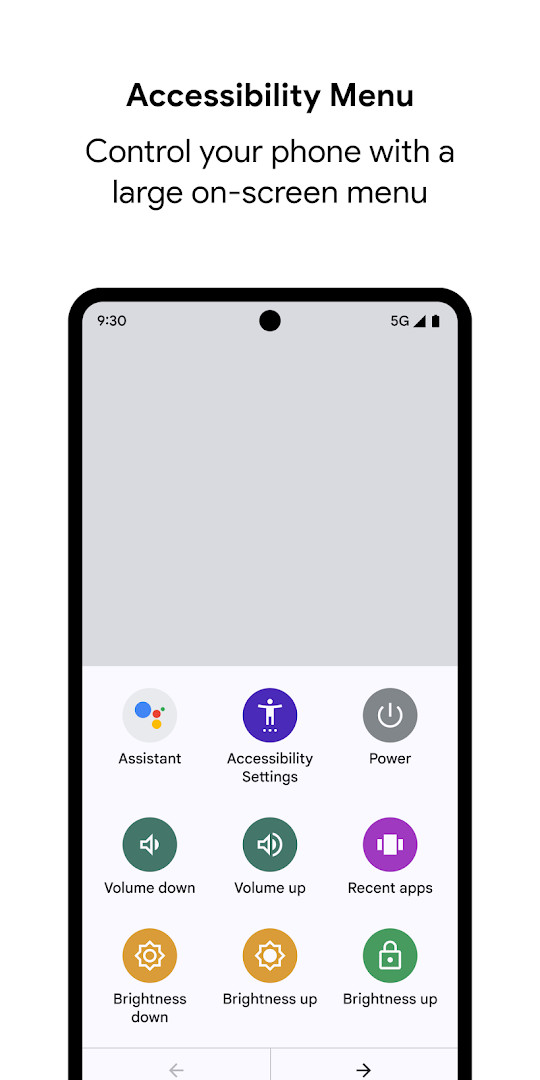
At its core, the suite is about flexibility. The Accessibility Menu provides a large on-screen menu that lets you lock your phone, adjust volume and brightness, or take screenshots without fumbling with physical buttons. Select to Speak allows you to tap items on the screen and hear them read aloud, which is helpful for people who prefer auditory feedback over visual scanning. TalkBack, the most well-known component, offers spoken feedback, gesture-based control, and even a braille keyboard for typing on the go.
The latest update, version 17.1, brings notable improvements to TalkBack, including enhanced text selection, voice selection within settings, and better braille display customization. Typing with a physical keyboard has also been refined for Chinese, Japanese, Korean, and Vietnamese. For Wear OS users, the update improves the "Continue on Phone" experience and speech output display. The app requires Android 9 or later, and the current version is about 45 MB in size, so it's lightweight enough for most devices.
Key features
- Accessibility Menu: Large on-screen menu for locking the phone, adjusting volume and brightness, and taking screenshots
- Select to Speak: Tap items on the screen to have them read aloud
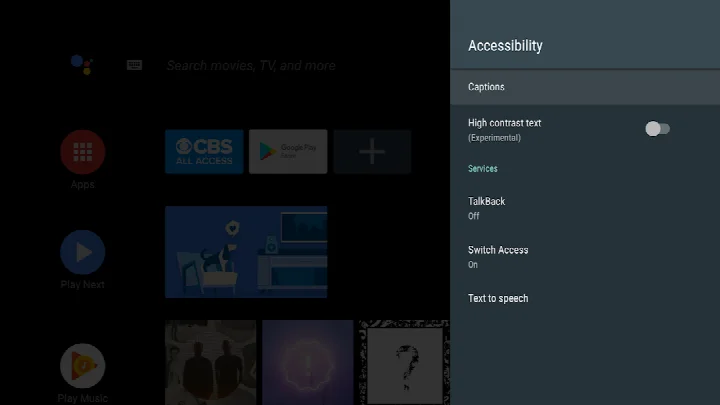
- TalkBack screen reader: Spoken feedback, gesture navigation, and an on-screen braille keyboard
- Improved text selection in TalkBack 17.1
- Voice selection within TalkBack settings
- Enhanced braille display customization
- Improved physical keyboard typing for Chinese, Japanese, Korean, and Vietnamese
- Better smart browse mode keyboard interactions
- Improved overall performance and smoother operation
- TalkBack for Wear OS with a seamless 'Continue on Phone' experience
How to install
- Tap the download button on this page to get the APK file (about 45 MB).
- When prompted, allow your browser or file manager to install apps by enabling the 'Install unknown apps' setting.
- Open the downloaded APK file from your notification bar or file manager.
- Tap Install on the confirmation screen and wait for the installation to finish.
- Open the app from your app drawer or home screen to begin setup.
- Note: Android Accessibility Suite requires Android 9 or later. If you're using Wear OS, ensure it's version 3.0 or newer for TalkBack on Wear.
Pros
- Comprehensive set of accessibility tools in one package
- Regular updates with meaningful improvements
- No cost, ads, or in-app purchases
- Lightweight at just 45 MB
- Supports multiple input methods including braille and gestures
- Works on a wide range of Android devices (Android 9+)
Cons
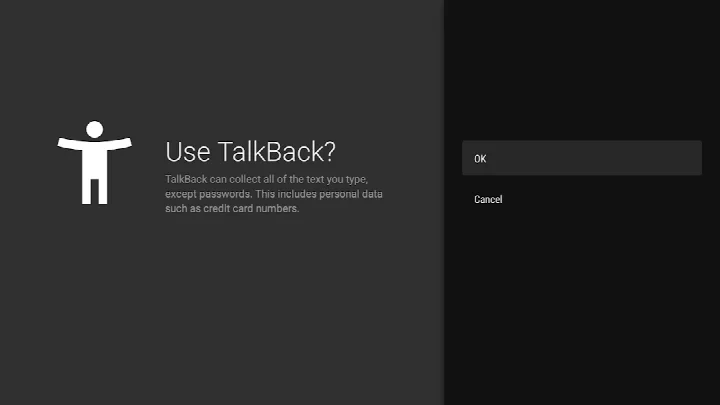
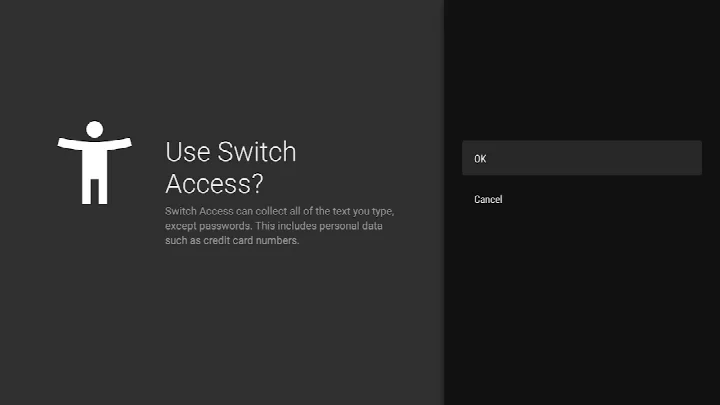
- Requires enabling accessibility service, which can be a privacy concern for some users
- May need a learning curve to master TalkBack gestures
- Some features like Wear OS support require specific hardware
- Permissions include location, camera, and microphone, which might seem excessive to some
- The suite is pre-installed on many devices, so downloading it separately might be unnecessary
Latest changes
The latest update to Android Accessibility Suite, released on 2026-10-23, brings TalkBack 17.1 with several refinements. These include improved text selection, voice selection within TalkBack settings, and enhanced braille display customization. The update also improves typing with a physical keyboard in Chinese, Japanese, Korean, and Vietnamese, refines keyboard interactions in smart browse mode, and boosts overall performance. For Wear OS, TalkBack 17.1 delivers a more seamless "Continue on Phone" experience and enhanced display of speech output.
Version history
| Version | Size | Requires Android | Updated |
|---|---|---|---|
| 3.1.1 | 1.2 MB | 4.1 | Oct 1, 2026 |
| 17.1.0.983118198 | 45 MB | 9 | Sep 29, 2026 |
| 17.0.1.926549743 | 43 MB | 9 | Sep 24, 2026 |
| 12.2.0.461147544 leanback | 28 MB | 6.0 | Jun 26, 2026 |
| 17.0.1.911806202 | 43 MB | 9 | Jun 10, 2026 |
| 9.0.0.332399336 | 15 MB | 11 | Nov 22, 2025 |
| 3.2.0 | 1.3 MB | 4.2 | Nov 10, 2025 |
| 7.3.0.238058557 leanback | 11 MB | 5.0 | Mar 14, 2019 |
| 5.0.7 | 7.2 MB | 4.1 | Nov 13, 2016 |
This app is ideal for people with visual impairments who rely on a screen reader, those who prefer auditory feedback when navigating their phone, and users with motor difficulties who benefit from the large Accessibility Menu or switch device support.
If you're new to TalkBack, practice the basic gestures like swiping with two fingers to scroll and using the screen reader's tutorial in the settings to get comfortable before using it daily.
Permissions
FAQ
Is Android Accessibility Suite free to download?
Yes, the app is free. It is priced at $0.00 with no ads and no in-app purchases.
Which Android version is required?
The app requires Android 9 or later. For TalkBack on Wear OS, you need Wear OS 3.0 or later.
How large is the APK file?
The APK file size is 45 MB.
Does the app require an account to use?
No, you do not need to create or sign in to an account to use Android Accessibility Suite. You can start using the features right after installation.
What permissions does the app request?
The app requests access to your location, phone, photos/media/files, storage, camera, microphone, and device ID & call information. As an accessibility service, it can also observe your actions and retrieve window content.
How do I update the app?
To update, simply download the latest version from this page and install it over your current version. The newest version listed is 17.1.0.983118198, released on September 29, 2026.
Android Accessibility Suite is a robust and reliable collection of accessibility tools that covers a wide range of needs. It's free, regularly updated, and effective, though it does require some setup and adjustment. For anyone needing these features, it's an essential addition to their device.
Similar apps



More from this developer




Updated: Oct 25, 2026