Speech Recognition & Synthesis for Android
Speech Recognition & Synthesis is a Tools app from Google LLC for speech-to-text and text-to-speech on your Android device.
Download nowSpeech Recognition & Synthesis provides speech-to-text and text-to-speech for Android apps like Google Maps, Recorder, and TalkBack. Speech Recognition & Synthesis is free, has no ads or in-app purchases, requires Android 8.0, and is about 15 MB in size. Speech Recognition & Synthesis has a 3.96 rating from about 4.4 million ratings and 10 billion installs.
- Size
- 15 MB
- Requires Android
- 8.0
- Updated
- Nov 10, 2026
- Installs
- 10B+
- Rating
- ★ 3.96 (4,367,485)
- Category
- Tools
- Developer
- Google LLC
- Content rating
- Everyone
- Package
- com.google.android.tts
- Free
- ✓
App screenshots
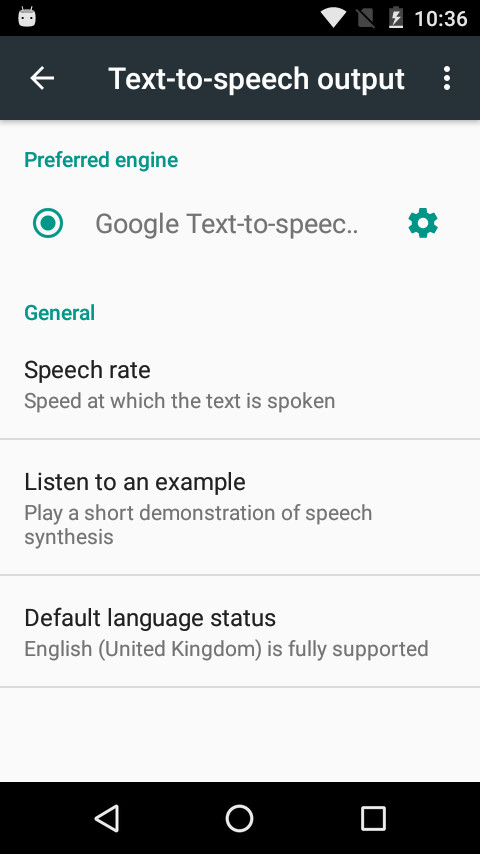
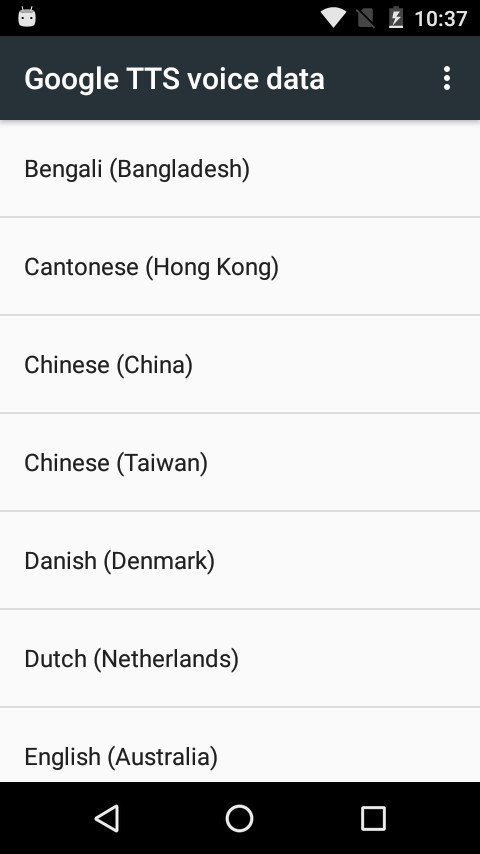
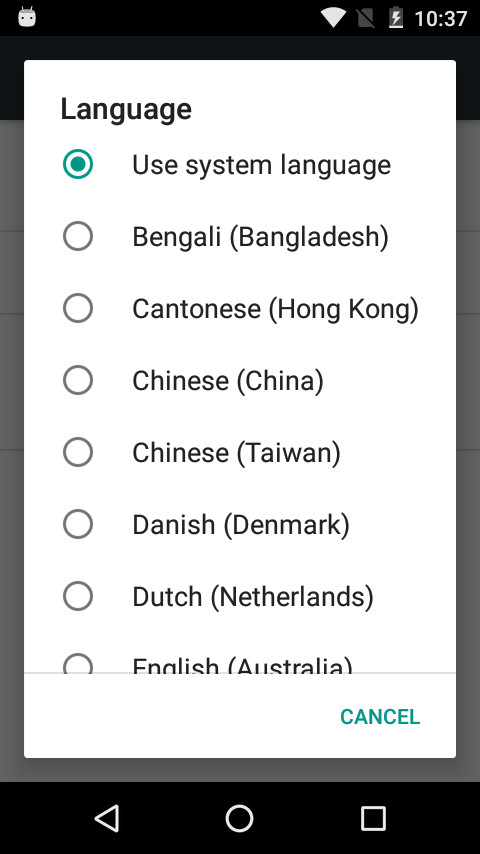
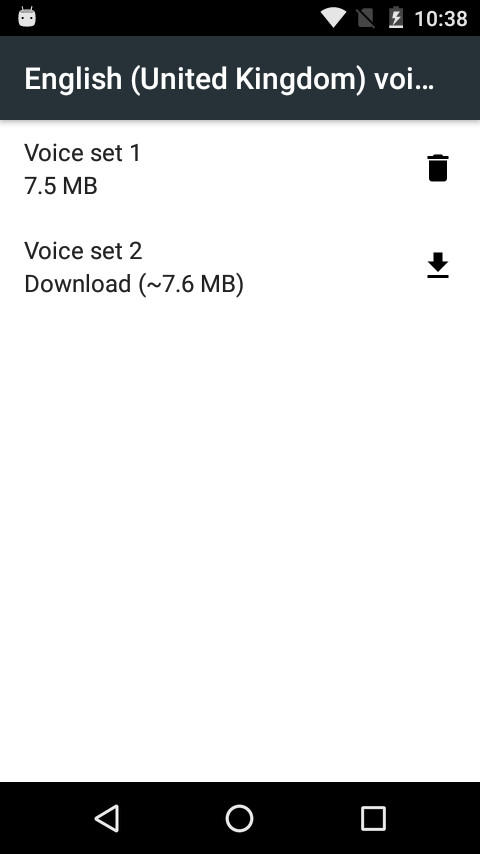
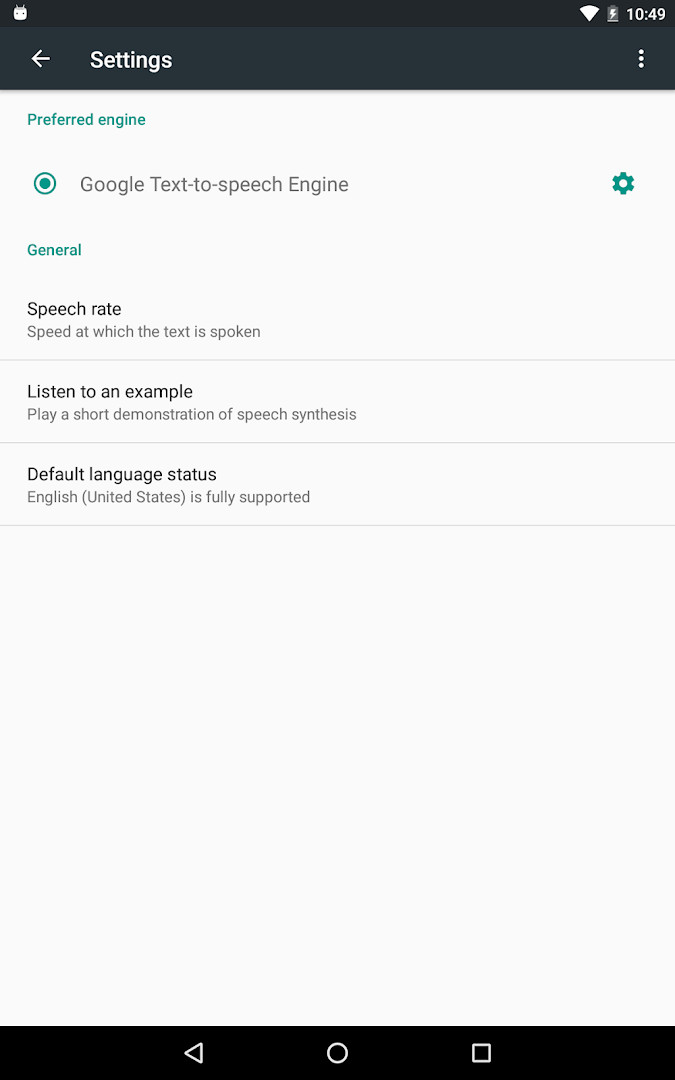
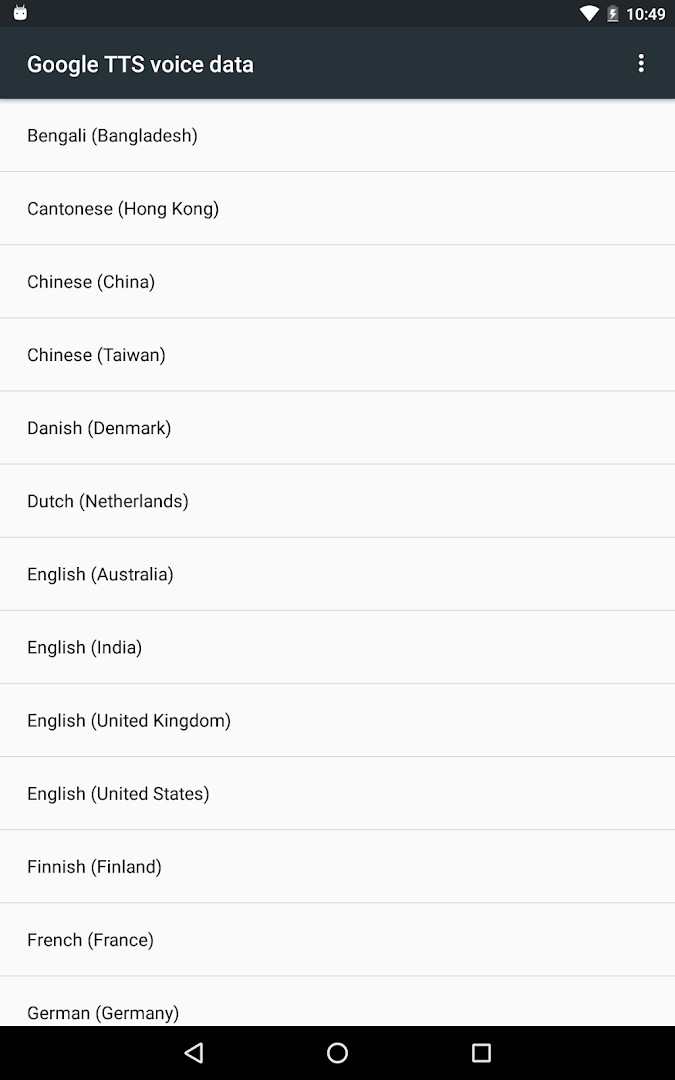
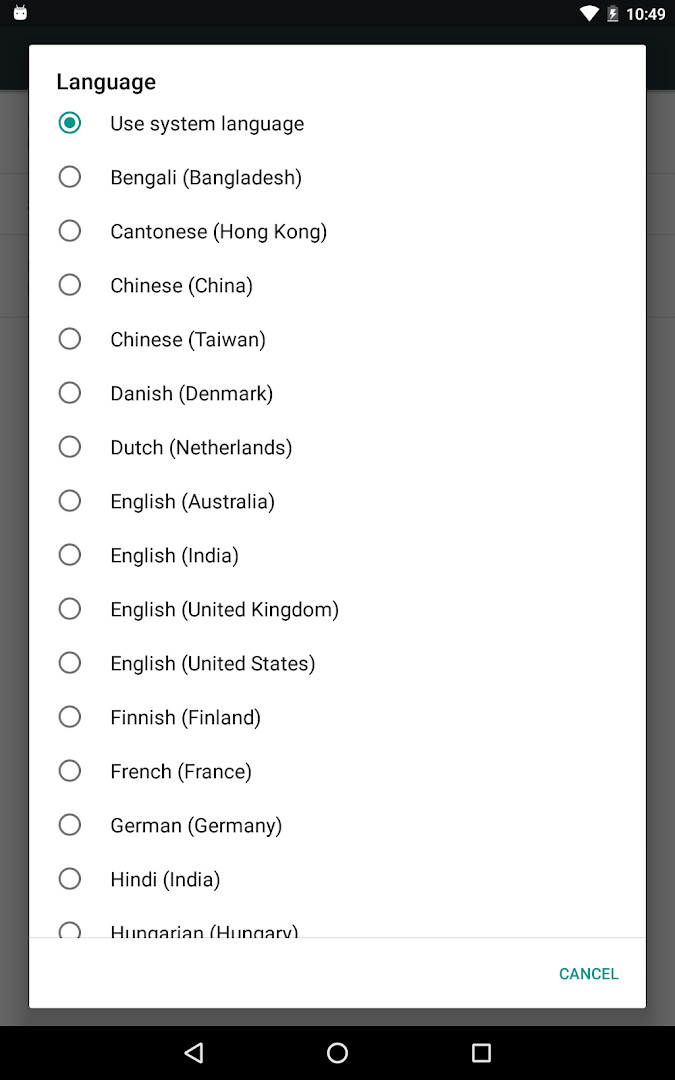
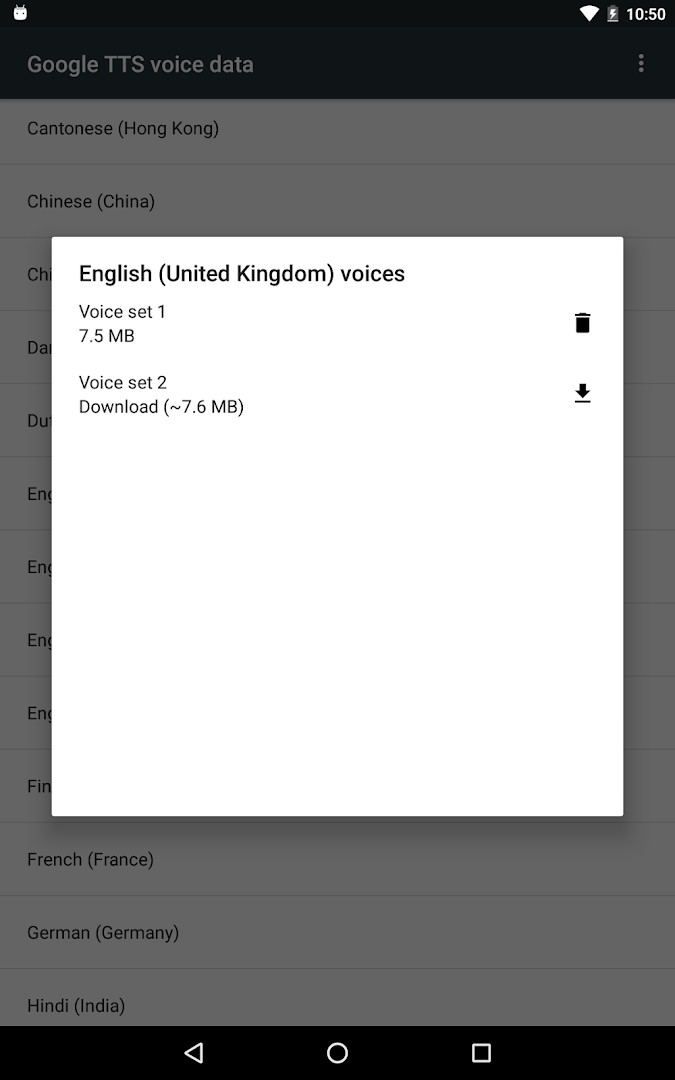
Speech Recognition & Synthesis is a tools app by Google LLC that supplies the speech-to-text and text-to-speech engines Android apps draw on for voice input and spoken output. In practical terms, it runs quietly in the background so that other applications can listen to what you say and read text aloud when you need it.
The app shows up in many everyday situations: navigation apps use it to understand spoken place searches, recorder and phone apps rely on it for live transcription, and keyboard or dictation apps convert your voice into messages and texts. Accessibility tools such as Voice Access and TalkBack depend on it as well for hands-free control and spoken feedback, which makes its value go far beyond simple voice search.
It is free, carries no ads and no in-app purchases, is rated for everyone, and requires microphone access to capture speech. Many Android devices already include it, and installing the newest version keeps voice services dependable. The app was first released in 2013 and was last updated on November 10, 2026.
Key features
- Provides speech-to-text conversion that lets third-party apps turn spoken words into text
- Offers text-to-speech so applications can read on-screen text aloud
- Supports Google Maps voice search for places, Recorder transcription, and Phone Call Screen real-time captions
- Works with accessibility apps such as Voice Access for operating the device by voice
- Enables dictation and keyboard apps for typing messages by speaking
- Powers voice search in apps for shows, songs, and language learning practice
- Lets Google Translate speak translations aloud so you can hear pronunciation
- Connects with TalkBack and other accessibility services for spoken feedback across the device
- Can be selected as the default voice input or text-to-speech engine from Android settings
How to install
- Tap the download button on this page to save the app package, which is about 15 MB, to your device.
- When Android asks, allow your browser or file manager to install apps by enabling the "Install unknown apps" setting for that app.
- Open the downloaded APK file from your notifications or file manager.
- Tap Install and confirm any system prompts that appear.
- Open the installed app; your device must run Android 8.0 or newer.
- To make it active, choose it as your default voice input and text-to-speech engine in Android settings.
Pros
- Free with no ads and no in-app purchases
- One shared engine that improves voice input across many apps
- Helpful for accessibility, dictation, voice search, and language practice
- Regular version updates keep speech services current
- Content rated for everyone
Cons
- Requires microphone permission to capture speech
- Choosing it as the default engine means navigating a few layers of Android settings
- Operates mainly as a background service rather than a standalone app with a visible interface
Latest changes
The latest update, released on November 10, 2026, brings a new name for the app: “Speech Recognition and Synthesis from Google.” Beyond its established text-to-speech capabilities, it now also empowers other applications with speech-to-text functionality, letting you convert your voice into text. You can find further details in the “About this app” section.
Version history
| Version | Size | Requires Android | Updated |
|---|---|---|---|
| 996.0.100.79.22 | 15 MB | 4.1 | Feb 16, 2024 |
Anyone who uses voice input, dictation, voice search, or navigation by speech, as well as people who rely on accessibility features like Voice Access and TalkBack, and language learners who want to hear correct pronunciation instead of reading only.
After installing, open Settings > Apps & notifications > Default apps > Assist App and choose Speech Recognition and Synthesis from Google as your voice input engine. For spoken output, select it as the text-to-speech engine under Settings > Languages & Input > Text-to-Speech output. You can then use it with Google Translate pronunciation, TalkBack feedback, and your favorite dictation apps.
Permissions
FAQ
How can I set this app as my default voice input engine for speech-to-text?
To use the speech-to-text functionality, open your device settings and go to Settings > Apps & notifications > Default apps > Assist App. From there, select Speech Recognition and Synthesis from Google as your preferred voice input engine. This lets other apps, such as Google Maps, Recorder, Phone Call Screen, and dictation keyboards, convert your spoken words into text.
Which apps can benefit from the speech-to-text features this app provides?
The app supplies speech-to-text to Google and third-party applications. Examples include Google Maps for voice searches, the Recorder app for on-device transcription, the Phone app's Call Screen for real-time caller transcription, accessibility apps like Voice Access, dictation or keyboard apps, apps with voice search, and language learning apps that recognize your pronunciation.
How do I enable text-to-speech so apps can read text aloud?
To enable text-to-speech, go to Settings > Languages & Input > Text-to-Speech output and select Speech Recognition and Synthesis from Google as your preferred engine. Once set, apps such as Google Translate can speak translations aloud, and TalkBack and other accessibility apps can provide spoken feedback across your device.
What changed in the latest update of this app?
The app has been renamed to "Speech Recognition and Synthesis from Google." Alongside its existing text-to-speech capability, it now also provides speech-to-text functionality, allowing applications to convert your voice into text. More details are available in the "About this app" section.
Is this app already installed on my Android device, and does it require a microphone permission?
On many Android devices, this app is already available, but you can update to the latest version to get current features. The app requests Microphone permission, which is necessary for capturing your voice to perform speech recognition. It is free, contains no ads, and has no in-app purchases.
Speech Recognition & Synthesis is a small but essential utility that keeps voice input and spoken output working smoothly across Android. If you dictate messages, search by voice, or depend on accessibility tools, installing the latest version is a practical and worthwhile upgrade.
Similar apps






More from this developer




Updated: Nov 12, 2026