
Google Wallet: Tap-to-Pay Digital Wallet
Google Wallet is a free finance app by Google LLC that lets you tap to pay with Google Pay and store passes, IDs, and tickets securely.
Get Google WalletGoogle Wallet has been installed over 1 billion times and holds a 4.33 rating from 2.25 million reviews. The app requires Android 9.0 or higher, has a download size of 16 MB, and contains no ads or in-app purchases. It suits anyone who wants a secure way to manage payment cards, loyalty cards, boarding passes, and digital IDs on their Android device.
- Size
- 16 MB
- Requires Android
- 9
- Updated
- 09.10.2026
- Installs
- 1B+
- Rating
- ★ 4.33 (2 252 176)
- Category
- Finance
- Developer
- Google LLC
- Content rating
- Everyone
- Package
- com.google.android.apps.walletnfcrel
- Free
- ✓
Screenshots
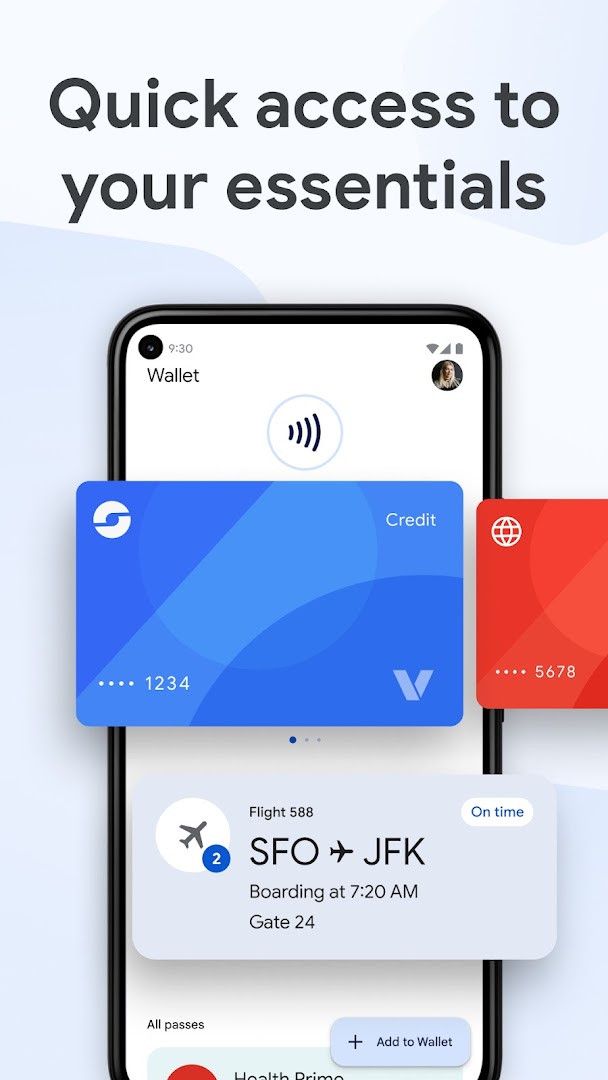
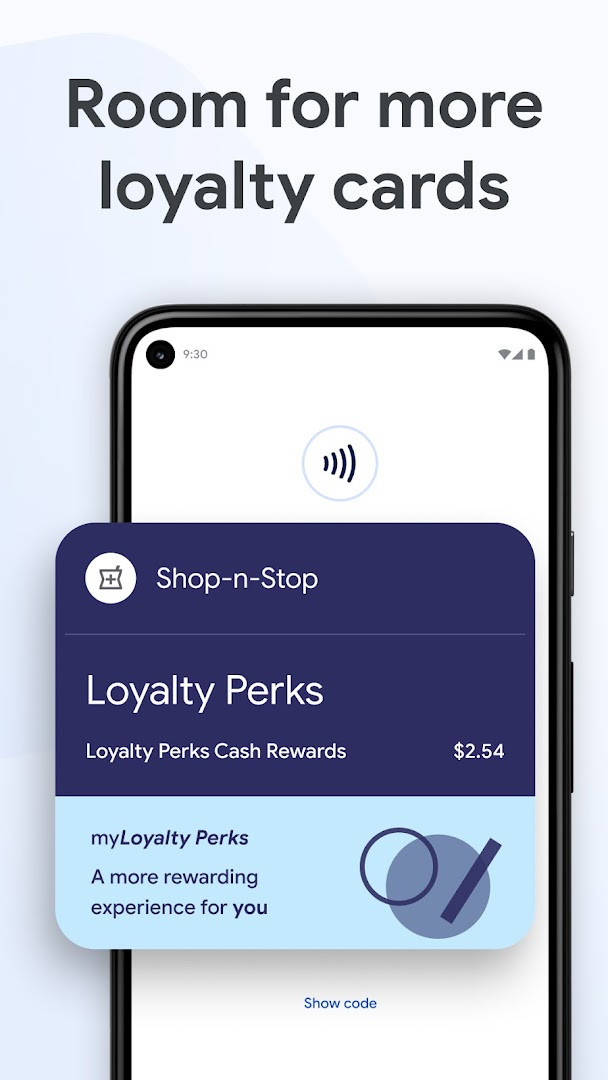
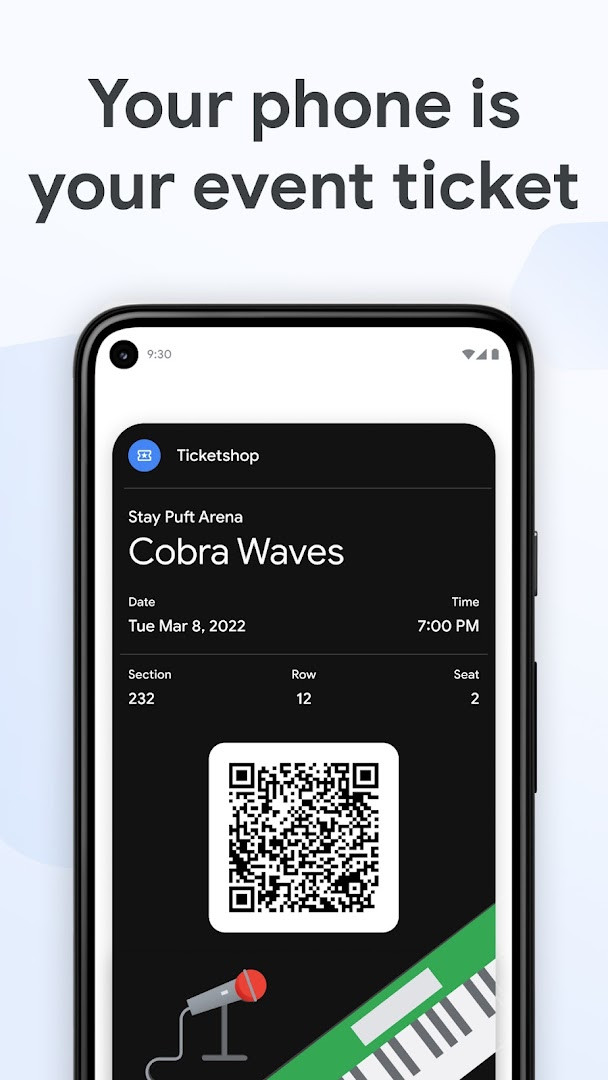
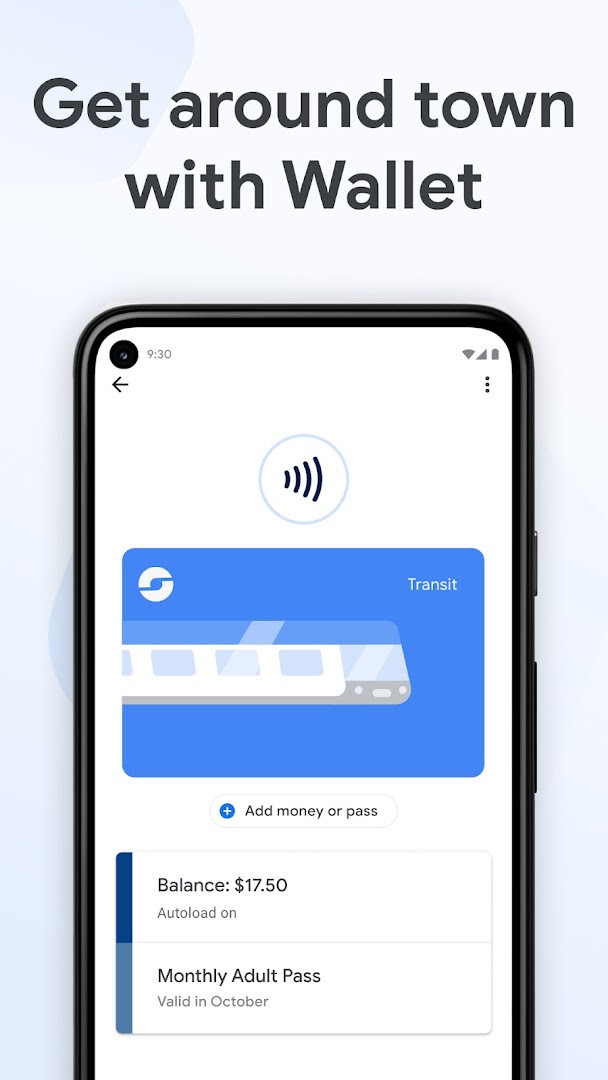
Google Wallet is a finance app by Google LLC that keeps payment cards, passes, tickets, and digital IDs in one secure place on your phone. It has been around since 2011 and has grown into a central hub for everyday transactions, so you no longer need to dig through a physical wallet for a card or a ticket. The app works on Android phones running Pie 9.0 or newer, and it also extends to Wear OS and Fitbit devices, letting you pay or show a pass from your wrist.
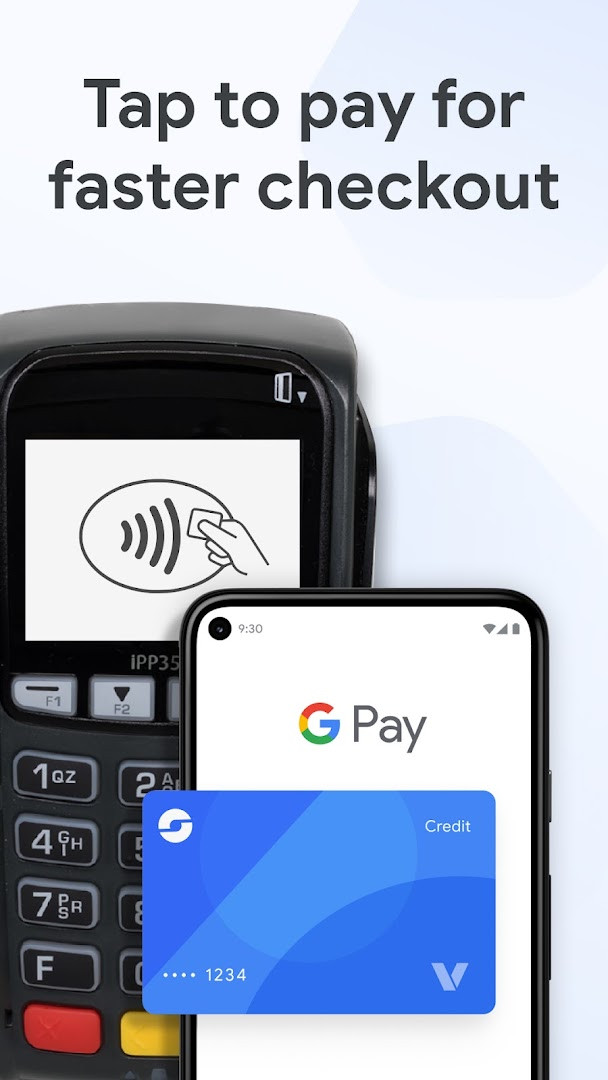
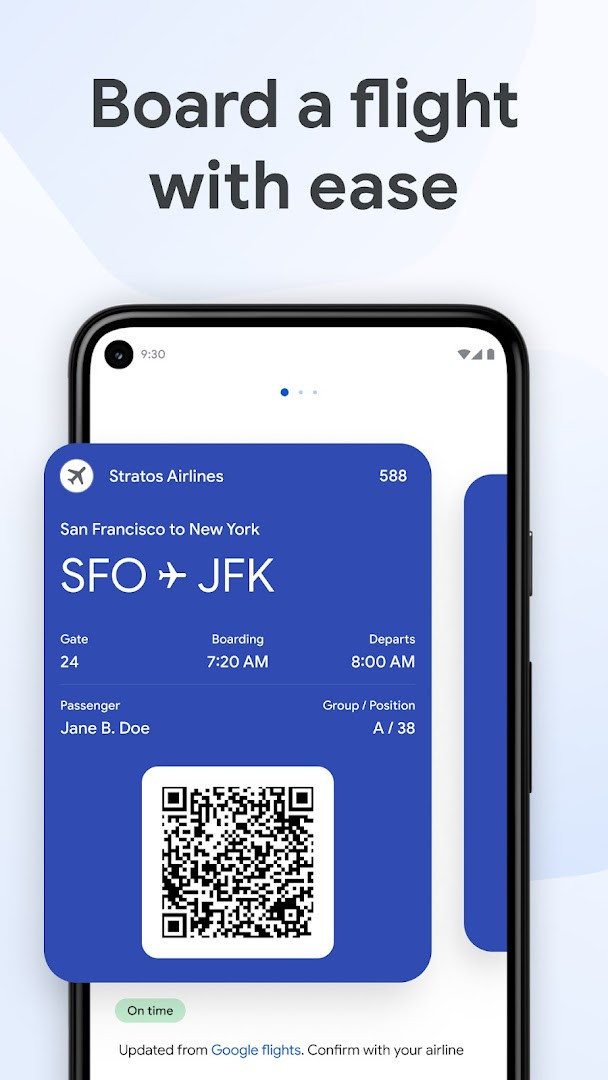
At checkout, the app uses a unique virtual card number instead of your real card details, and you simply enable NFC, unlock the phone, and hold it near the terminal. Beyond payments, you can store loyalty and gift cards, add airline boarding passes that update with gate and departure changes, keep transit passes for tap-and-go fares, and hold event tickets that refresh automatically. Online, the GPay button and autofill in Chrome speed up purchases, and linking to Gmail lets you follow order status and delivery dates in the US.
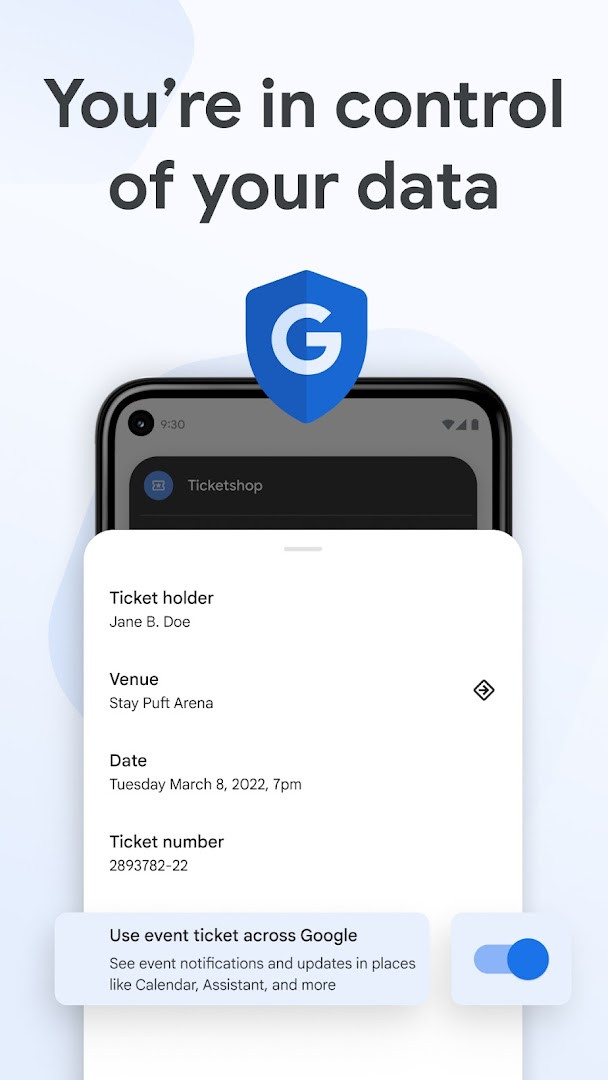
The latest build, version 2.0-R163-v18-RELEASE from June 2026, keeps the focus on protecting everything in one place while giving fast access to cards, IDs, concert tickets, and transit passes. Security features include 2-Step Verification, Find My Phone, and remote data erase, and you decide what information is shared across Google products. Some features are not available for supervised accounts.
Key features
- Tap to pay using a unique virtual card number instead of your actual card details
- Store loyalty cards and gift cards so rewards are easy to earn and redeem
- Keep receipts from online and in-store purchases in one place
- Add airline boarding passes with real-time gate and departure updates
- Save transit passes and pay fares with a tap
- Hold event, concert, and sports tickets that update with the latest event information
- Use the GPay button or autofill in Chrome for faster online checkout
- Link to Gmail to track order status and expected delivery dates (US only)
- Access digital versions of a driver's license, student ID, and similar documents
- Protect data with 2-Step Verification, Find My Phone, and remote erase
How to install
- Tap the download button on this page to get the APK file.
- When Android asks, allow your browser or file manager to install apps by turning on the Install unknown apps setting.
- Open the downloaded APK file from your notifications or file manager.
- Tap Install and wait for the process to finish; the file is about 16 MB and requires Android 9.0 or newer.
- Open the app and sign in with your Google account to start adding cards and passes.
Pros
- Payments share a virtual card number rather than your real card details
- Combines cards, passes, tickets, and IDs in a single app
- Works across Android phones, Wear OS, and Fitbit devices
- Boarding passes and event tickets update automatically
- High user rating of 4.33 from more than 2.25 million ratings
- Free to use with no ads and no in-app purchases
Cons
- Order tracking through Gmail is limited to the US
- Some features are unavailable for supervised accounts
- Requires NFC enabled for contactless payments
- Needs Android 9.0 or newer, so older devices are unsupported
What's New
The latest update keeps payment cards, loyalty cards, digital IDs, concert tickets, and transit passes together on your Android phone or smartwatch. Cards, passes, and IDs stay in one protected place, with access to each item from the device. The release is listed as version 2.0-R163-v18-RELEASE, dated June 12, 2026. The app was updated on October 9, 2026, requires Android 9.0 or higher, and is about 16 MB.
Other Versions
| Version | Size | Requires Android | Updated |
|---|---|---|---|
| 2.0-R163-v18-RELEASE | 10 MB | 4.0 | 12.06.2026 |
| 1.35.172486414 | 9.8 MB | 4.4 | 09.02.2026 |
| 2.161.481659905 | 16 MB | 5.0 | 27.10.2022 |
Commuters and travelers who want transit passes and boarding passes on hand, shoppers who prefer tapping a phone instead of carrying cards, and anyone who likes keeping loyalty cards, event tickets, and digital IDs organized in one place.
Before relying on tap to pay, confirm NFC is switched on in your settings and keep your screen locked until you are ready to hold the phone near the terminal; the check mark confirms the payment went through.
Permissions
Frequently Asked Questions
How do I install the Google Wallet APK on my Android device?
To install the APK, download the file and open it on your Android device. You may need to allow installation from unknown sources in your security settings. The app requires Android 9.0 or higher.
What is the current version of Google Wallet?
The latest version is 2.0-R163-v18-RELEASE, released on June 12, 2026. The app was last updated on October 9, 2026.
Does Google Wallet contain ads or in-app purchases?
No, Google Wallet is free and does not include ads or in-app purchases. It costs $0.00.
Can I use Google Wallet offline or with limited data?
Google Wallet primarily requires an internet connection for features like syncing passes and receiving real-time updates. However, for contactless payments, the app uses NFC technology, which works without a data connection once your cards are stored. Offline availability for passes may vary; it's best to ensure your passes are saved to the app beforehand.
Are there alternatives to Google Wallet in the finance category?
Yes, there are alternative mobile payment and digital wallet apps available, but Google Wallet stands out with its integration with Google services, support for digital IDs, and wide acceptance. The choice depends on your specific needs such as supported devices, features, and region.
Google Wallet is a practical everyday tool for consolidating payments, passes, and tickets on Android. Its strong security model and broad device support make it worth trying, though US-only order tracking and the Android 9.0 requirement are limits to keep in mind. It costs nothing, shows no ads, and handles the small moments of daily life with little fuss.
Similar Apps

More From This Developer




Updated: 24.10.2026