
Google Play Games: Gaming Hub
Google Play Games is an entertainment app by Google LLC that lets players find games, save progress, and earn achievements.
Download Google Play GamesGoogle Play Games is a free entertainment app from Google LLC that offers instant play for many titles without installation, cloud saving of progress, a gamer profile with achievements and XP, and gameplay recording. It suits players who want to discover games, track their accomplishments, and continue on any device.
- Size
- 14 MB
- Requires Android
- 5.0
- Updated
- May 7, 2026
- Installs
- 5B+
- Rating
- ★ 3.91 (13,146,858)
- Category
- Entertainment
- Developer
- Google LLC
- Content rating
- Teen
- Package
- com.google.android.play.games
- Free
- ✓ · Contains ads
App screenshots
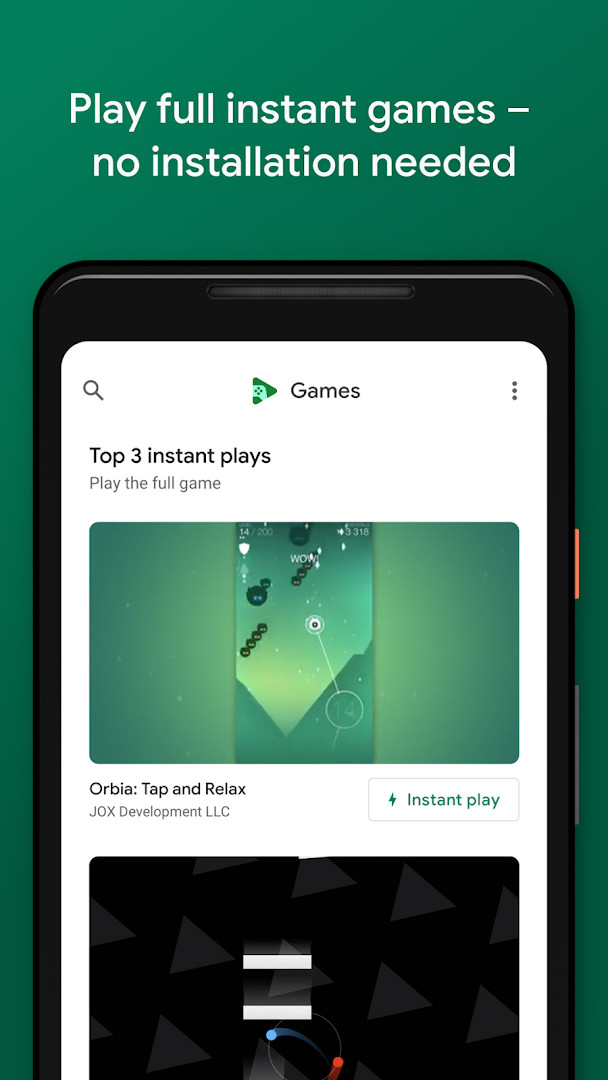
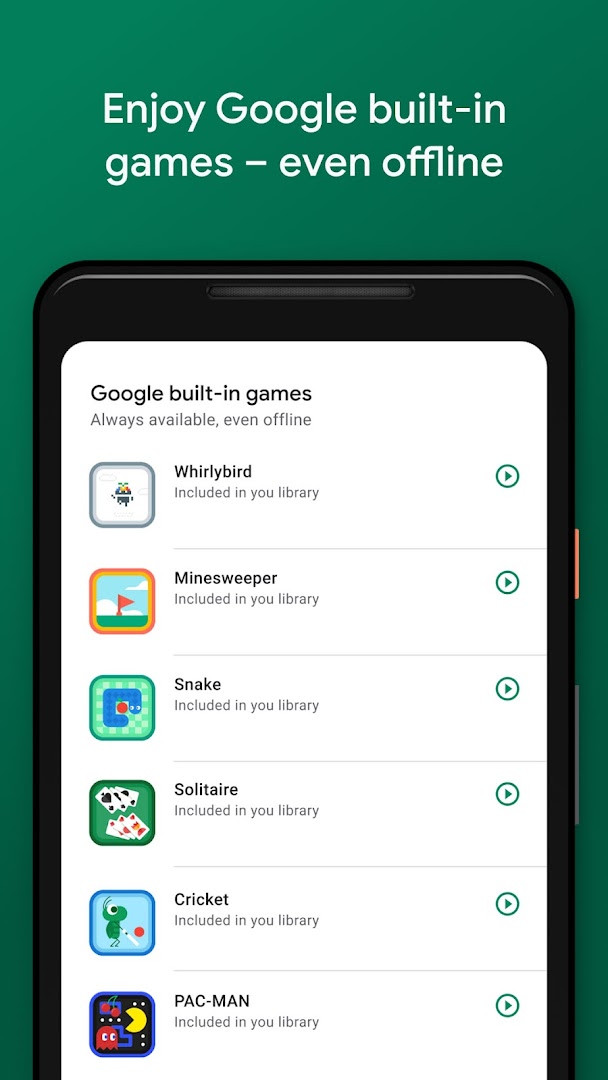
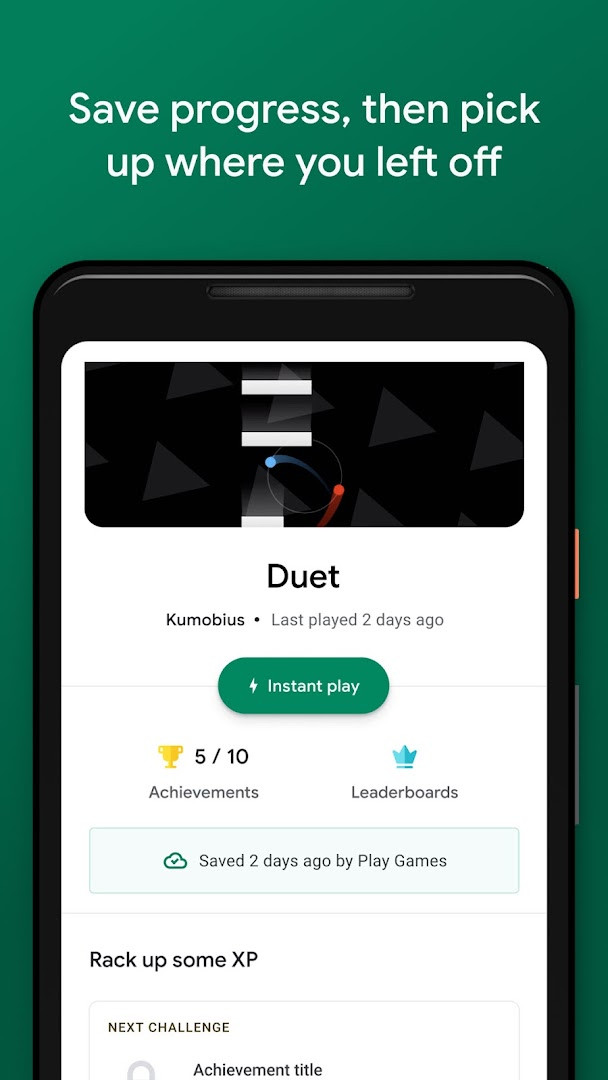
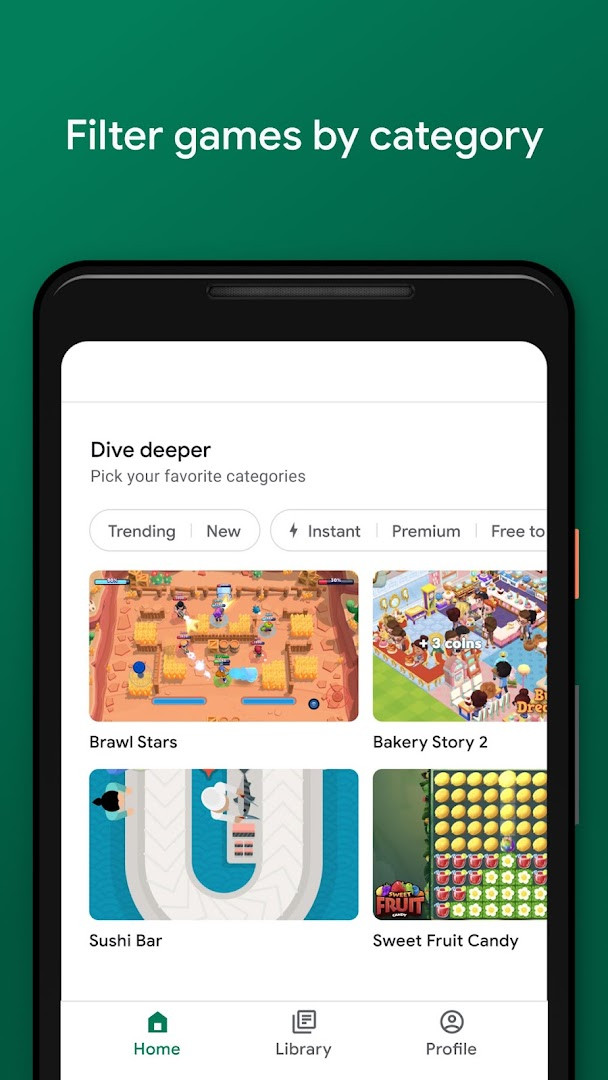
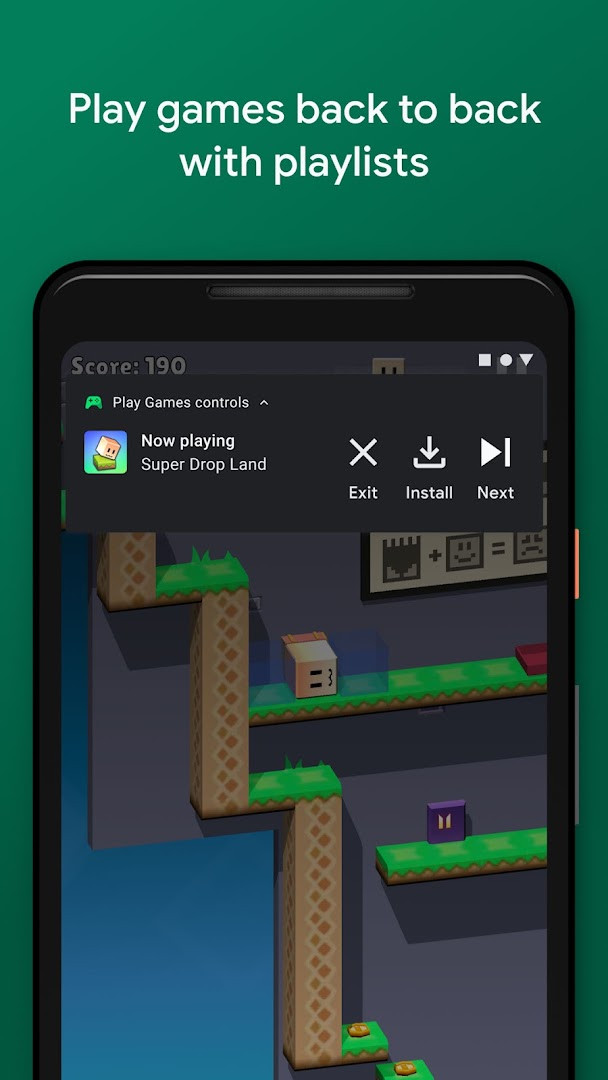
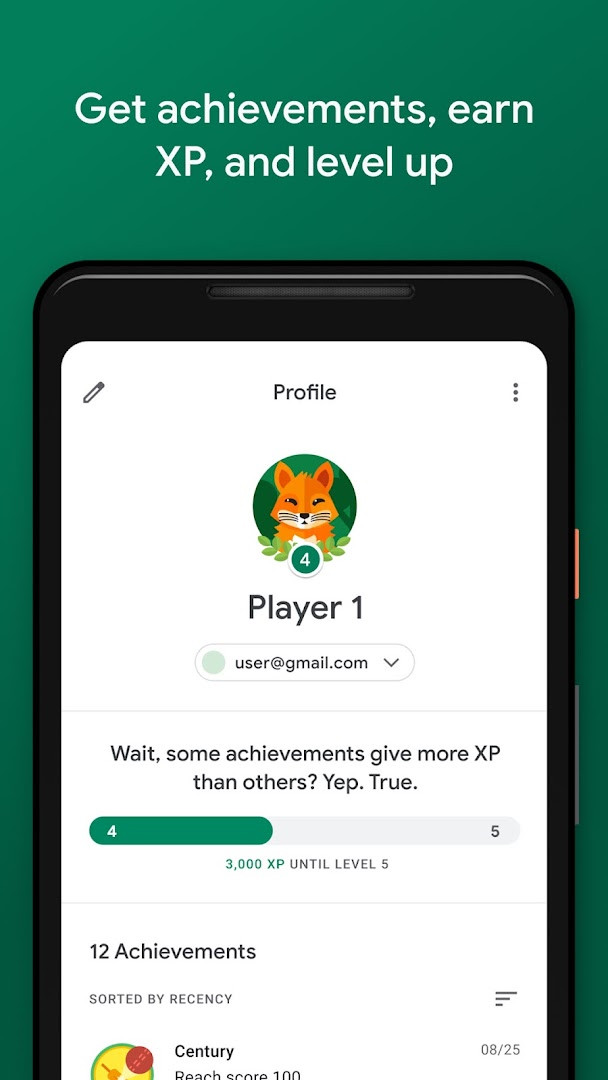
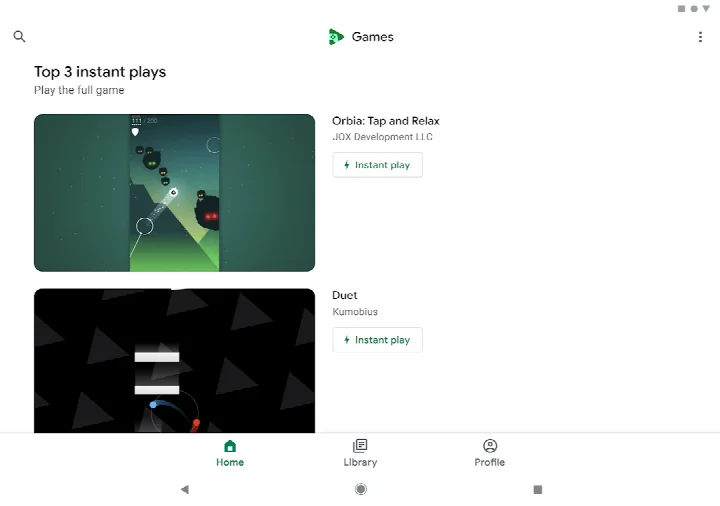
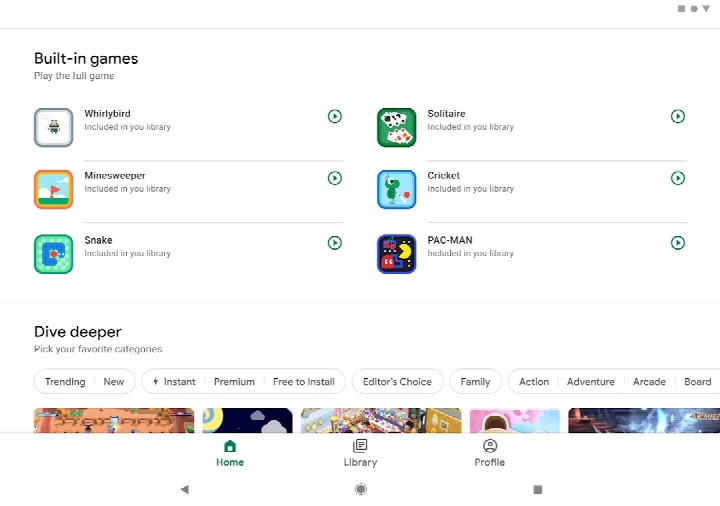
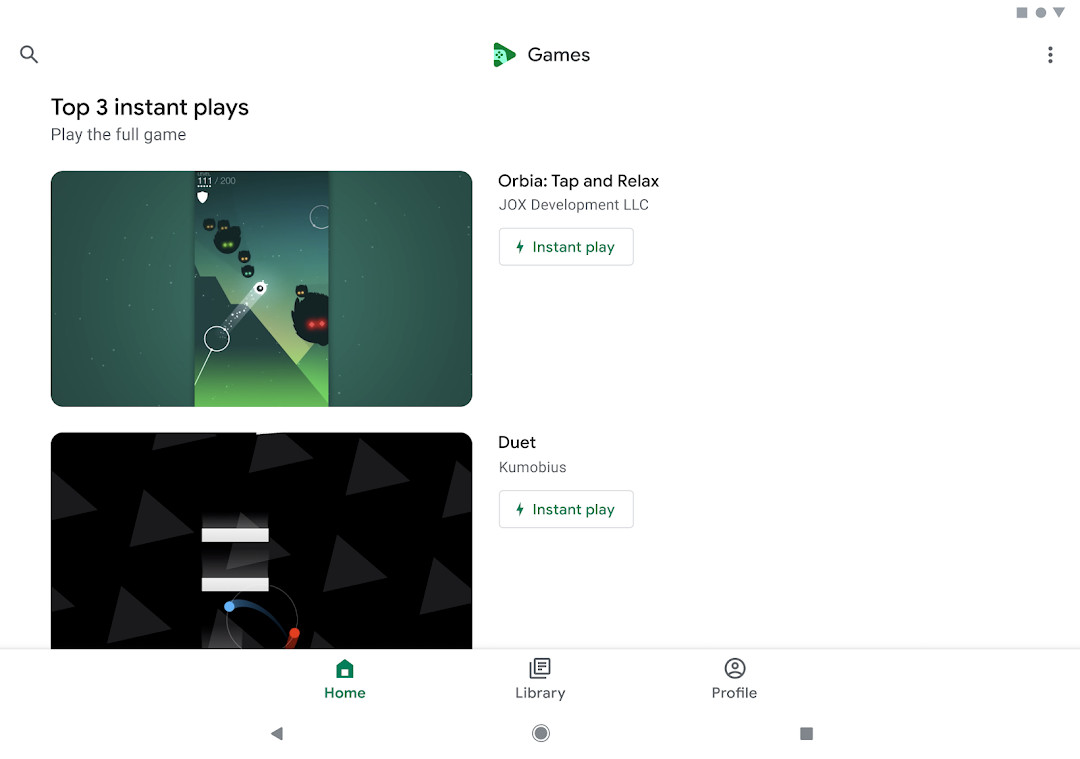
Google Play Games is an entertainment app by Google LLC that serves as a hub for discovering games, playing them, and tracking your gaming activity. If you have ever lost your progress after switching phones, or wished you could try a game without waiting for a long download, this app addresses both problems. It offers an instant-play option for many titles, so you can jump into a full game without installing anything. Progress in supported games can be saved to the cloud, which means you can continue from the same point on another device. The app also keeps a gamer profile where your achievements, experience points, and level are collected, and it includes a set of built-in games you can enjoy even without an internet connection. With a file size of just 14 MB and support for Android 5.0 and above, it is a light addition to your phone that works alongside the games you already own.
Key features
- Instant play lets you start many full games without installing them, using the Instant play button where available.
- A collection of built-in games, including Solitaire, Minesweeper, Snake, PAC-MAN, Cricket, and Whirlybird, can be played offline.
- Progress is automatically saved to the cloud in supported games, shown by a Progress saved by Play Games message.
- A gamer profile lets you create a custom gamer ID, unlock achievements, earn XP, and level up over time.
- Gameplay recording makes it easy to capture and share your best moments from games.
- Signing in to games is now automatic: you pick an account and continue, and you can change that account later in settings.
- Game discovery helps you find your next favorite title across categories such as action and puzzles.
How to install
- Tap the download button on this page to get the APK file, which is about 14 MB.
- When Android asks, allow your browser or file manager to install apps by enabling the Install unknown apps setting for that app.
- Open the downloaded APK file from your notifications or your file manager.
- Tap Install and wait for the process to finish.
- Open the app once installation completes. Your device needs Android 5.0 or newer to run it.
Pros
- Small download size of about 14 MB, so it takes little space and installs quickly.
- Instant play reduces waiting by letting you try many games without installing them.
- Cloud progress saving makes it easier to continue on another device.
- Built-in games are available offline, which is useful when you have no connection.
- Free to use, with a large existing user base and a long history of updates.
Cons
- The app contains ads, which can interrupt the experience.
- It requests access to identity, contacts, and microphone permissions.
- Content is rated Teen, so it may not suit younger children.
- Some features depend on game developers supporting them, so behavior varies between titles.
Latest changes
The latest update to Google Play Games, released on May 7, 2026, focuses on making gameplay smoother. Sign-in to games is now automatic, so you simply choose your account and start playing, with the option to change that account later in settings. Additional built-in mini games are also on the way, giving you more variety to enjoy while offline.
Version history
| Version | Size | Requires Android | Updated |
|---|---|---|---|
| 5.14.7825 (224833494.224833494-000700) | 16 MB | 4.0 | Aug 21, 2026 |
| 1.1.04 (794842-30) | 2 MB | — | Nov 4, 2025 |
| 2024.03.51732 (646593252.646593252-020700) | 14 MB | 5.0 | Sep 22, 2024 |
| 2024.03.50149 (625366451.625366451-000800) | 21 MB | 4.4 | Jun 2, 2024 |
| 2.1.13 (1518121-106) | 4.1 MB | 4.2 | Mar 7, 2015 |
| 2.0.13 (1404932-038) | 3.3 MB | — | Sep 15, 2014 |
This app suits casual players who want a simple way to find games, keep their progress in one place, and earn achievements without managing multiple accounts. It is also a good fit for people who like to play in short bursts, since instant play and the built-in offline games work well for quick sessions. If you already play games on Android and want your progress to follow you between devices, this app is worth trying. Beginners will find the interface approachable, while long-time players may appreciate the profile and recording tools.
Look for the Instant play button when browsing, since it marks games you can start without installing. Sign in with the account you want to keep long term, and remember you can switch accounts later in settings. If you play offline, the built-in games are the ones that remain available. Check the Progress saved by Play Games notice to confirm your cloud save is working.
Permissions
FAQ
Is Google Play Games free to download?
Yes, Google Play Games is completely free. The price is listed as 0.00 USD, and there are no in-app purchases.
What Android version is required?
Google Play Games requires Android 5.0 (Lollipop) or newer.
How large is the app file?
The APK file size is approximately 14 MB.
Do I need a Google account to use it?
A Google account is needed to sign in and save your progress, but the app now makes signing in automatic—you can change your account anytime in settings.
What permissions does the app request?
The app requests access to Identity, Contacts, and Microphone permissions, which are used for features like gameplay recording and account-related functions.
How do I update Google Play Games?
To update, simply download the new version from this page and install it over your current installation. The latest version available is 5.14.7825.
Google Play Games brings game discovery, cloud progress, achievements, and built-in offline titles together in one small app. It is free to use and supports Android 5.0 and above, though ads and a few permissions are part of the package.
Similar apps





More from this developer





Updated: Oct 24, 2026