
YouTube Music: Stream Songs and Videos
YouTube Music is a free music and audio app by Google LLC that lets you stream songs, live performances, covers and remixes.
Get the appYouTube Music is a music and audio app by Google LLC that occupies 68 MB and runs on Android 8.0 and above. The app is free to use, shows ads and offers in-app purchases, and has collected 5 billion installs along with a 4.46 rating from 7.85 million ratings. It suits listeners who want personalized mixes, curated playlists, lyrics, and audio that switches to video.
- Size
- 68 MB
- Requires Android
- 8.0
- Updated
- Oct 12, 2026
- Installs
- 5B+
- Rating
- ★ 4.46 (7,853,494)
- Category
- Entertainment
- Developer
- Google LLC
- Content rating
- Teen
- Package
- com.google.android.apps.youtube.music
- Free
- ✓ · Contains ads · In-app purchases
App screenshots
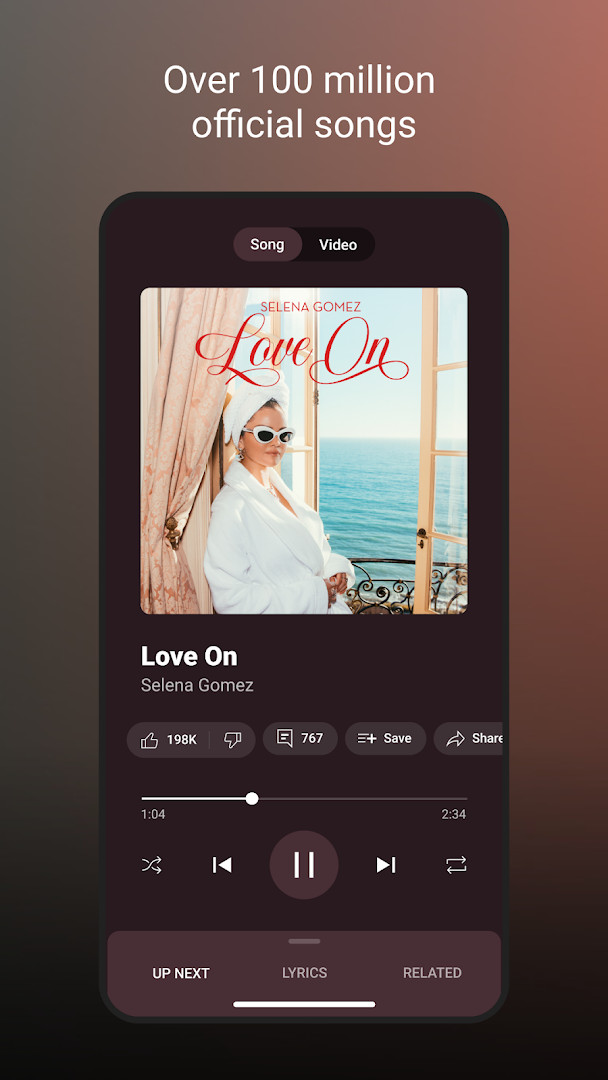
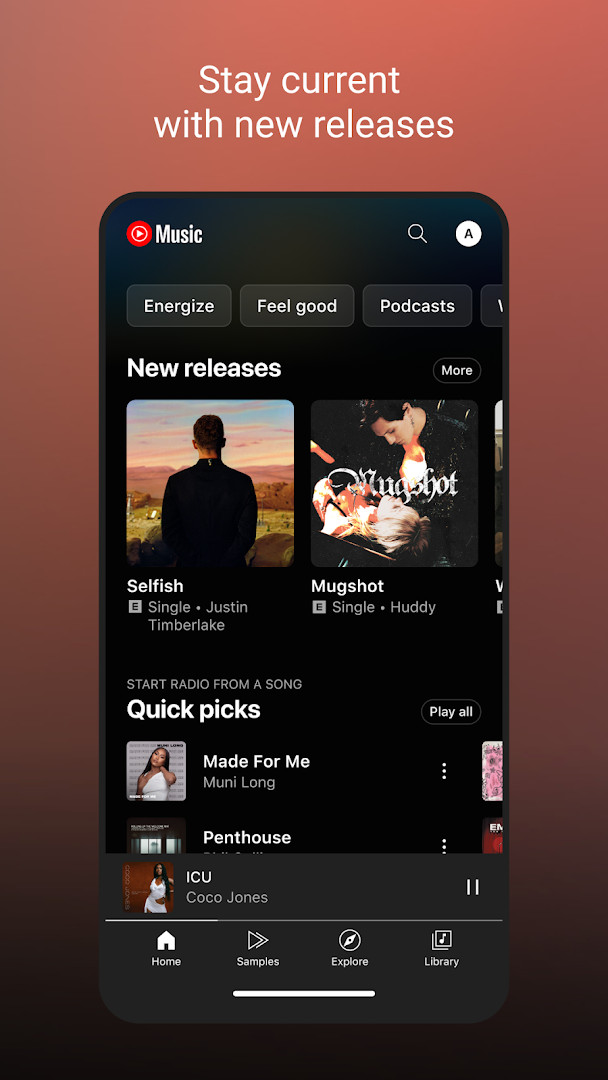
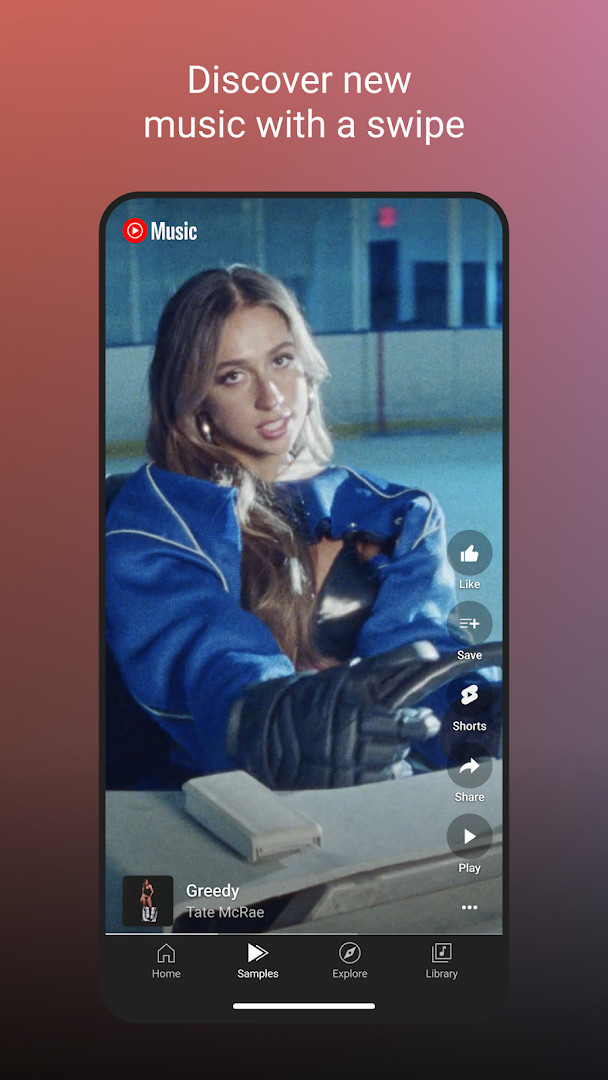
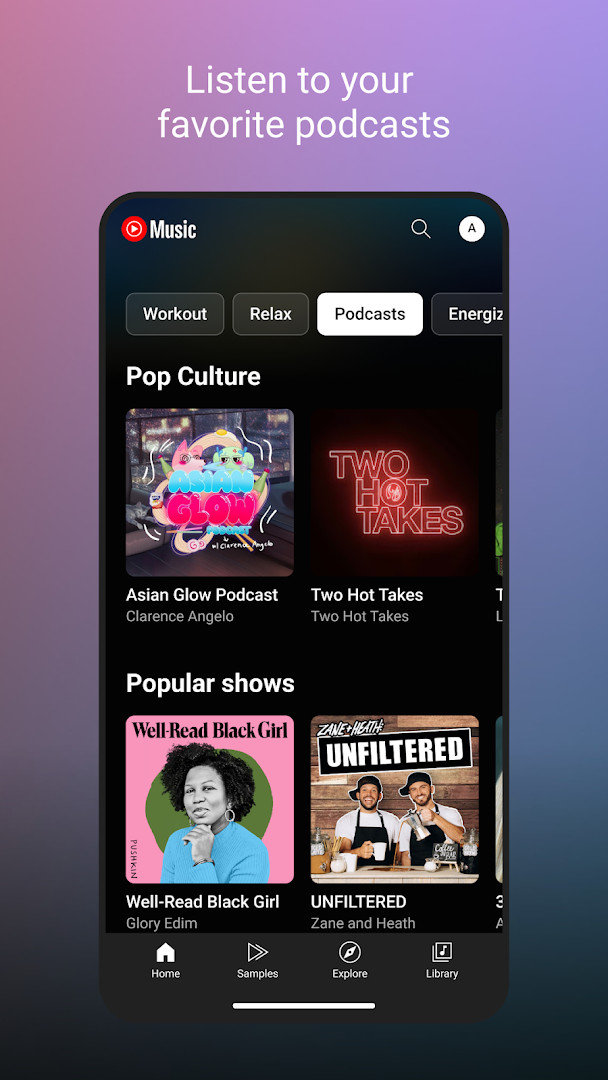
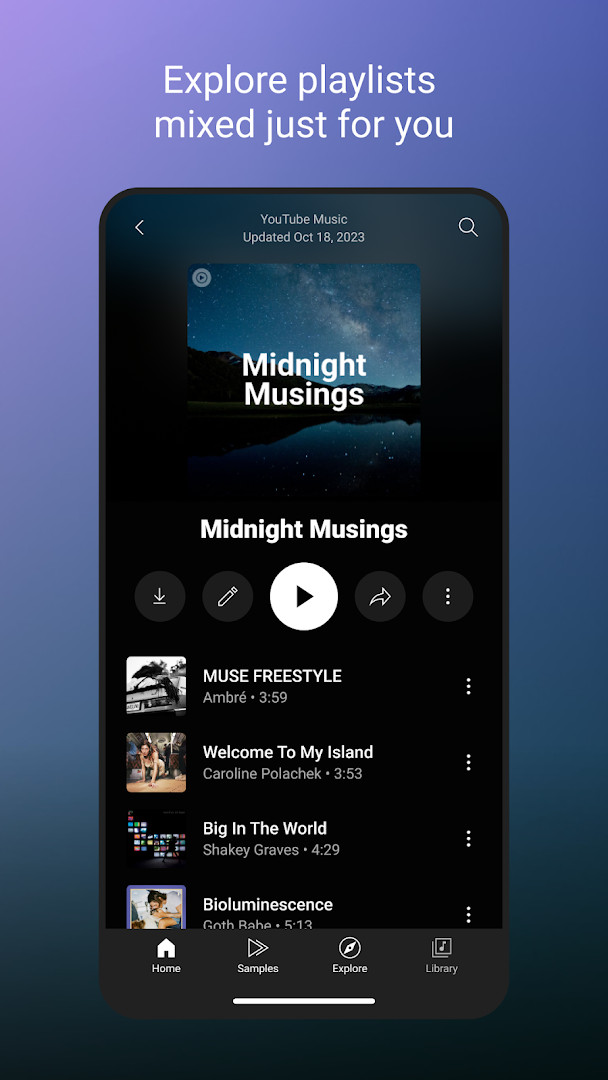
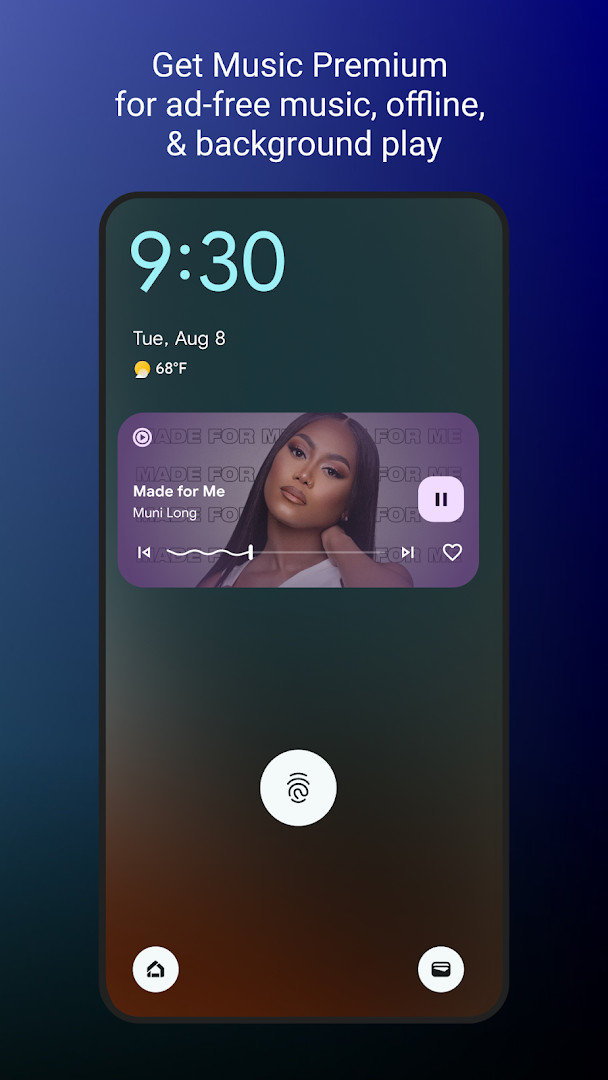
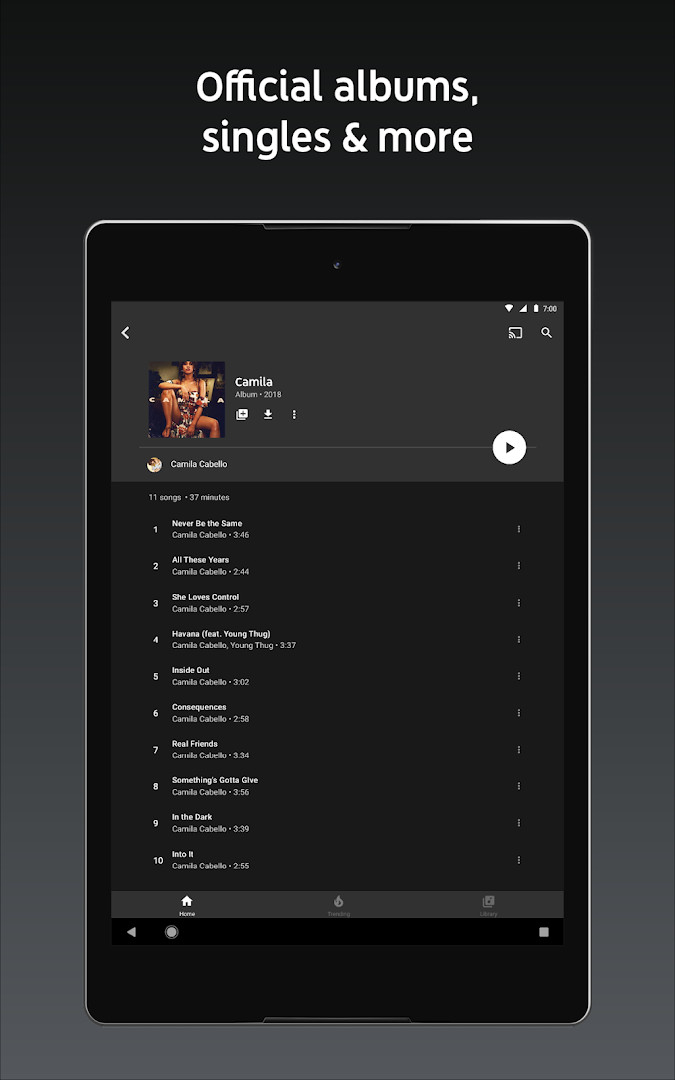
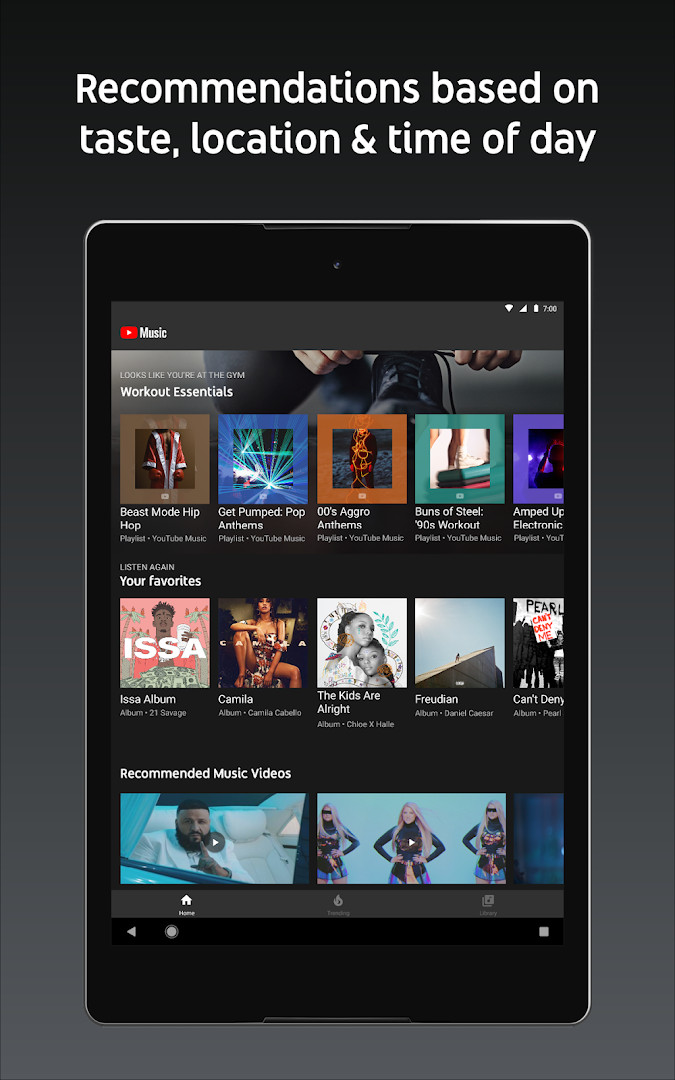
YouTube Music is a music streaming application by Google LLC that provides access to a vast catalog of songs, albums, live performances, covers, and remixes, along with personalized playlists and discovery features. It serves as Google's dedicated music platform, integrating with the broader YouTube ecosystem to offer both audio and video content in one place. The app is designed to adapt to your listening habits, creating custom mixes and recommendations based on your preferences and activities, such as workouts, relaxation, or focus sessions. With a user-friendly interface, it also includes features like lyrics, background play for Premium members, and compatibility with various devices including phones, smart speakers, and Wear OS watches. A recent update introduced Discover Mix, a personalized playlist refreshed weekly, ensuring there's always something new to explore. The app is free to use with ads, and offers in-app purchases for a Premium subscription that removes ads, enables background playback, and provides offline downloads.
Key features
- Access to live performances, covers, remixes, and exclusive music content
- Personalized playlists and mixes based on your listening history
- Activity-specific mixes for Workout, Relax, and Focus
- Curated genre and mood playlists, including Discover Mix and New Release Mix
- Top charts from around the world
- Song lyrics for sing-alongs
- Seamless switching between audio and video
- Compatibility with Google Maps, Waze, Google Assistant, and more
- Wear OS tile for quick music access
- Music Premium upgrade for ad-free listening, background play, and downloads
How to install
- Tap the download button on this page to get the APK file.
- When prompted, allow your browser or file manager to install apps by enabling the 'Install unknown apps' setting.
- Open the downloaded APK file (68 MB) from your notifications or downloads folder.
- Tap 'Install' and wait for the installation to complete.
- Open the app and sign in with your Google account to start listening.
- Ensure your device runs Android 8.0 or higher to install the app.
Pros
- Extensive music library including rare live performances and covers
- Strong personalization with tailored mixes and playlists
- Seamless integration with YouTube content and Google services
- Free tier with ad-supported listening
- Regular updates with new features like Discover Mix
Cons
- Contains ads in the free version
- Premium subscription required for background play and downloads
- Some features may not be available in all countries
- Requires a Google account to use
Latest changes
This update introduces Discover Mix, a personalized playlist that picks songs based on your listening habits. The mix refreshes with new tracks every Wednesday, so there's always something fresh to explore.
Version history
| Version | Size | Requires Android | Updated |
|---|---|---|---|
| 8.29.52 | 71 MB | 8.0 | Oct 10, 2026 |
| 6.42.52 | 56 MB | 7.0 | Oct 7, 2026 |
| 8.24.52 | 70 MB | 8.0 | Oct 6, 2026 |
| 9.40.51 | 68 MB | 8.0 | Oct 5, 2026 |
| 9.37.54 | 69 MB | 8.0 | Sep 17, 2026 |
YouTube Music is ideal for music enthusiasts who want a vast catalog including live performances and covers, for users who appreciate personalized playlists and recommendations based on their listening habits, and for those who frequently use Google services and devices like Android phones, smart speakers, or Wear OS watches.
To create a collaborative playlist, tap the playlist menu and select 'Collaborate' to invite friends and family to add songs together.
Permissions
FAQ
Is YouTube Music free to download and use?
Yes, the app itself is free to download, and you can use it without paying anything. There is also an optional Music Premium subscription that removes ads and enables background playback, but it is not required to install or use the basic app.
Which Android version do I need to install YouTube Music?
The app requires Android 8.0 or higher. If your device runs Android 8.0 or a newer version, you should be able to install and run it without issues.
How large is the YouTube Music APK file?
The file size is about 68 MB. This is the size of the installation package you download from this page.
Do I need a Google account to use YouTube Music?
Yes, you need to sign in with a Google account to use YouTube Music. This is required to access personalized playlists, your library, and other features tied to your profile.
What permissions does YouTube Music request?
The app may request access to your identity, contacts, location, photos and media files, storage, camera, microphone, and Wi-Fi connection information. These permissions are used for features like casting, uploading or sharing content, and personalizing your experience.
How do I update YouTube Music after installing it?
To update, simply download the newest version from this page and install it over your current installation. Your account data and settings will be preserved during the update.
YouTube Music offers a robust and flexible music streaming experience, blending the vast YouTube library with smart personalization and multi-device support. While the free version is ad-supported and lacks background play, the Premium upgrade provides a comprehensive solution for dedicated listeners. With its recent Discover Mix update, the app continues to evolve, making it a strong contender in the music streaming space.
Similar apps





More from this developer




Updated: Oct 25, 2026