Google for Android
Google is a tools app from Google LLC for finding answers, exploring interests, and searching by text, voice, image, or video.
Download GoogleGoogle is for anyone who needs quick answers, help with homework, or a way to search the web using text, voice, or their camera. This free app requires Android 6.0 or higher and is about 156 MB in size. It includes features like Lens, Circle to Search, and AI Mode, and it can work without an account for basic searches, with optional privacy controls for deleting history.
- Size
- 156 MB
- Requires Android
- 6.0
- Updated
- 10.10.2026
- Installs
- 10B+
- Rating
- ★ 4.03 (29 516 182)
- Category
- Tools
- Developer
- Google LLC
- Content rating
- Everyone
- Package
- com.google.android.googlequicksearchbox
- Free
- ✓ · Contains ads
Screenshots
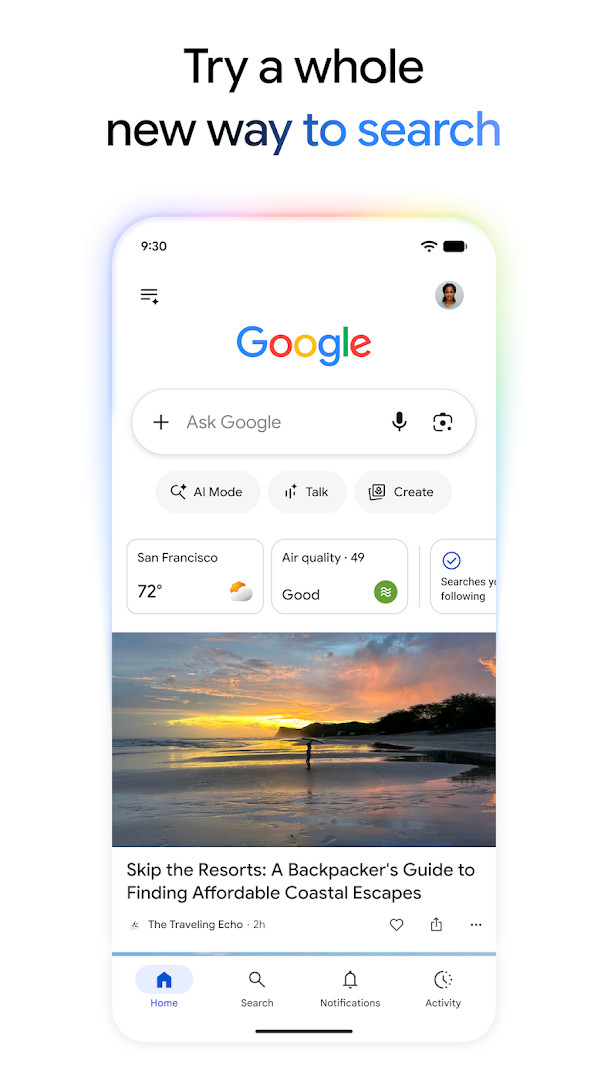
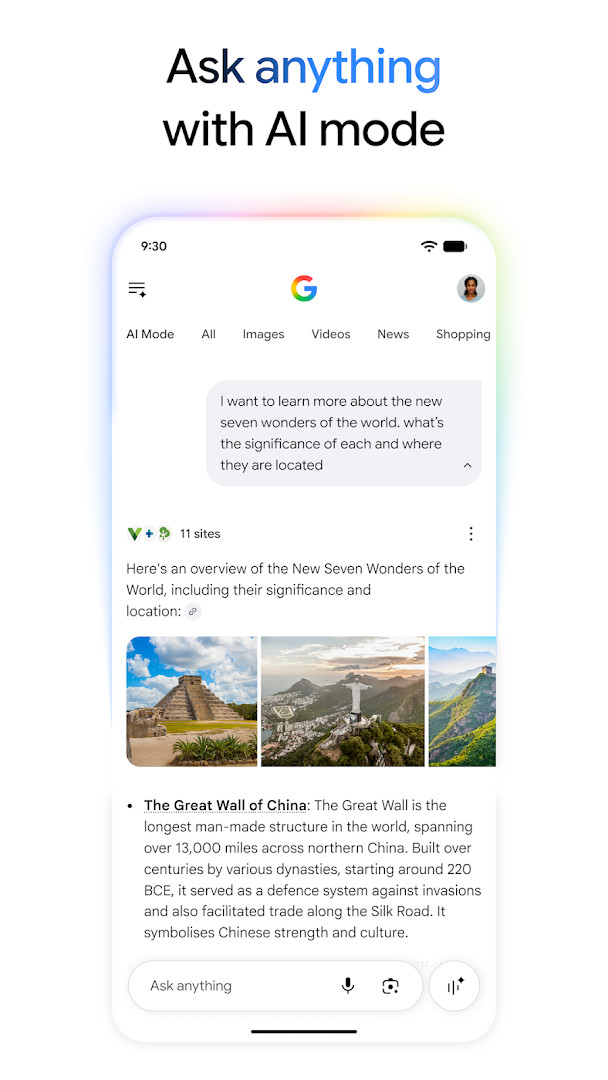
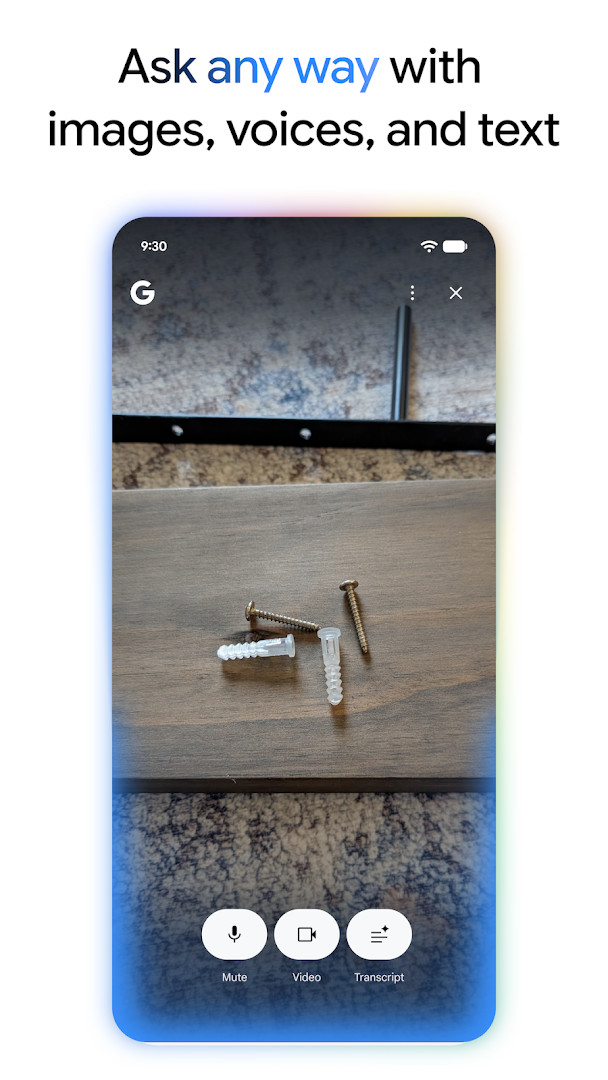
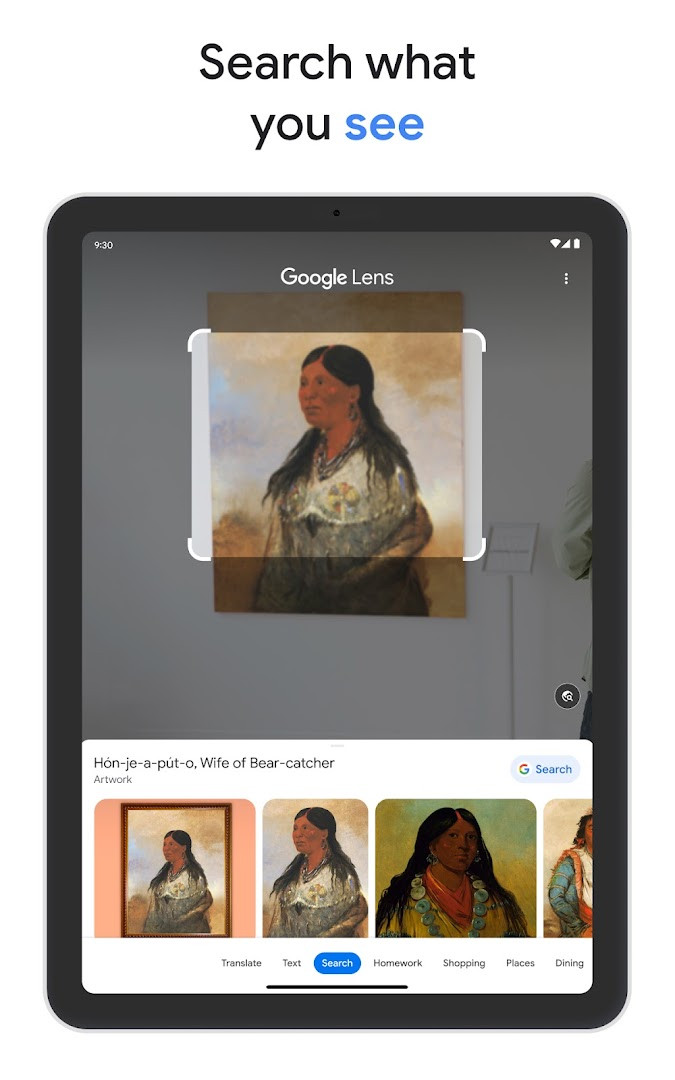
Google is a search and information app by Google LLC that helps users find answers, explore topics, and search in multiple ways. It addresses the problem of needing quick, reliable answers and up-to-date information without switching between many tools. The app combines text search, voice, camera input, and AI-driven responses to surface results, links, and personalized content, while providing encryption for searches made through it and easily accessible privacy controls for managing recent search history. It has been available since 2010 and is free to use, supported by ads, with no in-app purchases. The app is a large download at 156 MB and requires Android 6.0 or later.
Key features
- AI Mode provides AI-powered responses to questions, allowing follow-up questions and offering links to explore further on the web.
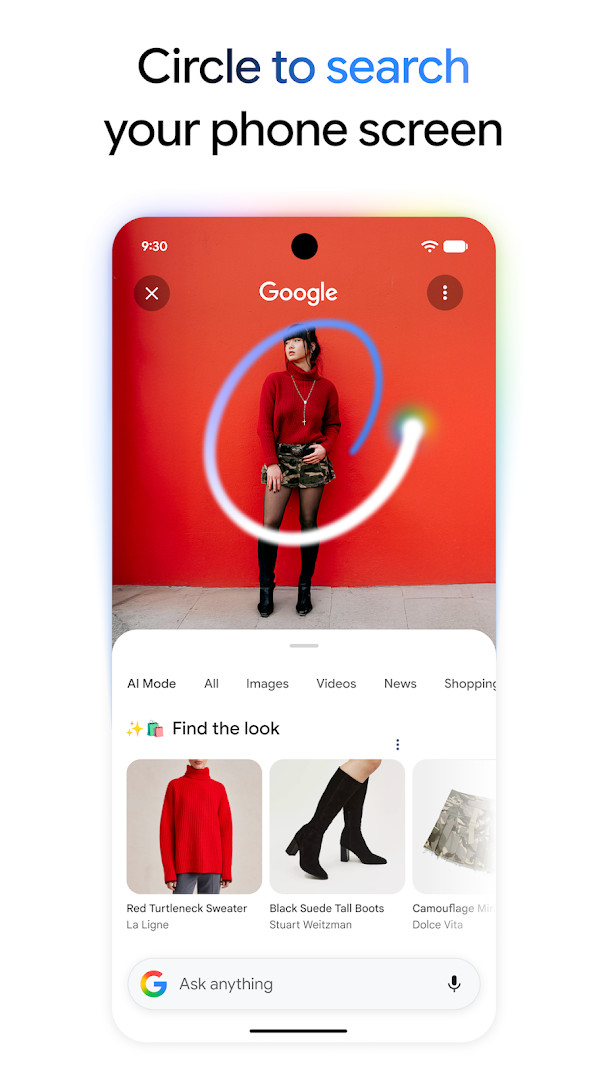
- Circle to Search lets users search what is on screen by circling, highlighting, scribbling, or tapping an image, video, or text without leaving the current app.
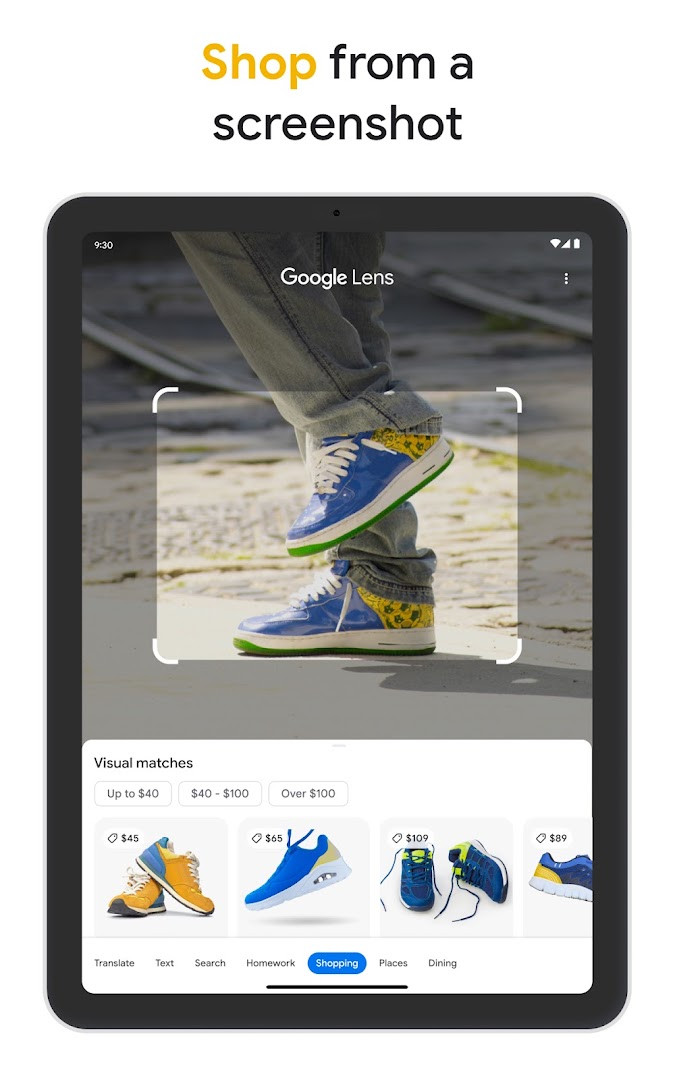
- Google Lens uses the camera to identify objects, translate text in real time in over 100 languages, find similar products, and solve math problems with step-by-step guides.
- Search Live enables a real-time voice and camera conversation in Search to get answers and on-screen links.
- AI Overviews give a snapshot of key information on a topic with links for deeper exploration.
- Hum to Search finds a song from a hummed tune or by listening to music playing nearby.
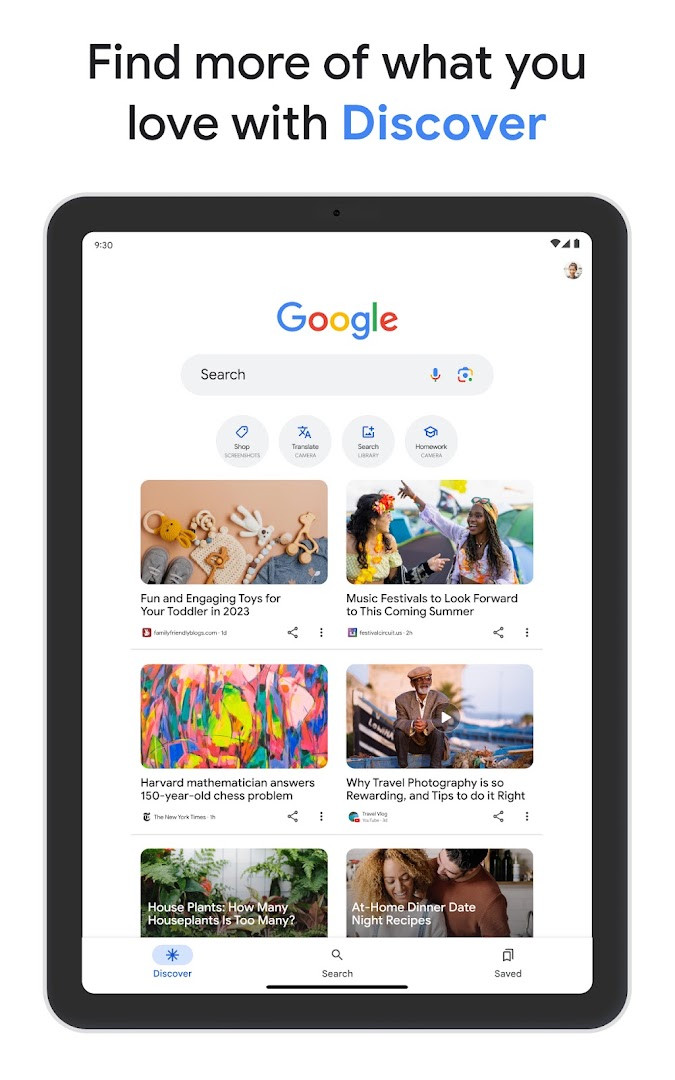
- Discover delivers personalized news, articles, and videos based on user interests.
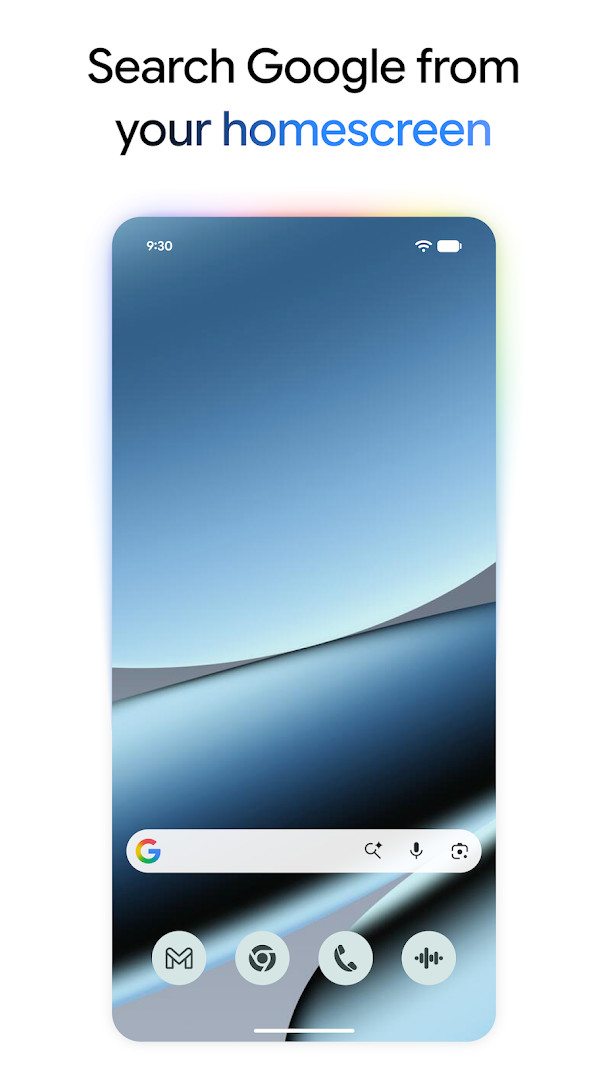
- A home screen or lock screen search widget offers shortcuts to AI Mode, Lens, and more.
How to install
- Tap the download button on this page to get the APK file.
- When Android asks, allow your browser or file manager to install apps; this is the 'Install unknown apps' setting.
- Open the downloaded APK file; it is 156 MB, so ensure you have enough free space.
- Tap Install and wait for the process to finish.
- Open the app; it requires Android 6.0 or later.
Pros
- Searches in the app are protected by encrypting the connection between the device and Google.
- Privacy controls are easy to find; recent search history can be deleted from the account with one click via the profile menu.
- Search proactively filters webspam to help show safe, high-quality results.
- The app is free and has no in-app purchases.
Cons
- The app requests a wide range of permissions, including Device & app history, Cellular data settings, Identity, Calendar, Contacts, Location, SMS, Phone, Photos/Media/Files, Storage, Camera, Microphone, Wi-Fi connection information, and Device ID & call information.
- Ads are present in the app.
- Some features may not be available in all countries, languages, or on all devices.
What's New
The latest update introduces AI Mode right from the app's home screen, giving you quick access to AI-powered answers for your toughest questions. You can also use the new Nano Banana feature to transform your photos in Lens or create images directly in AI Mode, though availability may vary by language and location. Additionally, Circle to Search lets you instantly search anything on your screen without switching apps, on select premium Android smartphones in certain regions.
Other Versions
| Version | Size | Requires Android | Updated |
|---|---|---|---|
| 13.20.11.23.arm | 156 MB | 6.0 | 28.03.2025 |
This app is for Android users who want a single tool for searching and exploring information. It suits people who value quick answers through text, voice, or camera, and who want AI-assisted results with links to the web. It is also useful for travelers needing translation, students seeking step-by-step help, and anyone who wants personalized news and a convenient search widget. Users should be comfortable granting the broad permissions the app requests and seeing ads.
Review the permission list before installing and grant only what you are comfortable with. Use the profile menu to delete recent search history if needed. Keep in mind that some features, such as Circle to Search, AI Mode image creation, and certain language support, may be limited by device, language, or location.
Permissions
Frequently Asked Questions
How do I install the Google app APK on my Android device?
To install the Google app APK, download the APK file from this page and open it on your Android device. You may need to allow installation from unknown sources in your device settings if prompted. The app requires Android 6.0 or higher.
What is the current version of the Google app?
The current version listed is 13.20.11.23.arm, released on March 28, 2025. The app was last updated on October 10, 2026.
Does the Google app contain ads or in-app purchases?
The Google app is free to download and does not offer in-app purchases. However, it does contain ads.
Can I use the Google app offline?
The Google app is primarily designed for online use, as it requires an internet connection to perform searches and access features like AI Mode, Lens, and Search Live. Offline functionality is not mentioned in the app's description.
Are there alternatives to the Google app in the Tools category?
Yes, there are other search and utility apps available in the Tools category on Android. While specific alternatives are not named here, you can explore other options that offer similar search and discovery features.
What are the main features of the Google app?
Key features include AI Mode for AI-powered responses, Circle to Search on select devices, Google Lens for visual searches, Search Live for real-time conversations, AI Overviews, Hum to Search, and a personalized Discover feed.
Is the Google app safe to use?
The Google app encrypts the connection between your device and Google for all searches. It also filters webspam to show safe, high-quality results, and provides easy-to-access privacy controls for managing your search history.
The Google app brings search, camera tools, and AI-assisted answers together in one place. It is free and offers clear privacy controls, though it asks for many permissions and displays ads.
Similar Apps

More From This Developer



Updated: 24.10.2026